Step 1
Open Krea AI Video
Go to the Video Tool, pick a model, and set your aspect ratio and duration.
Generate
Edit
Customize
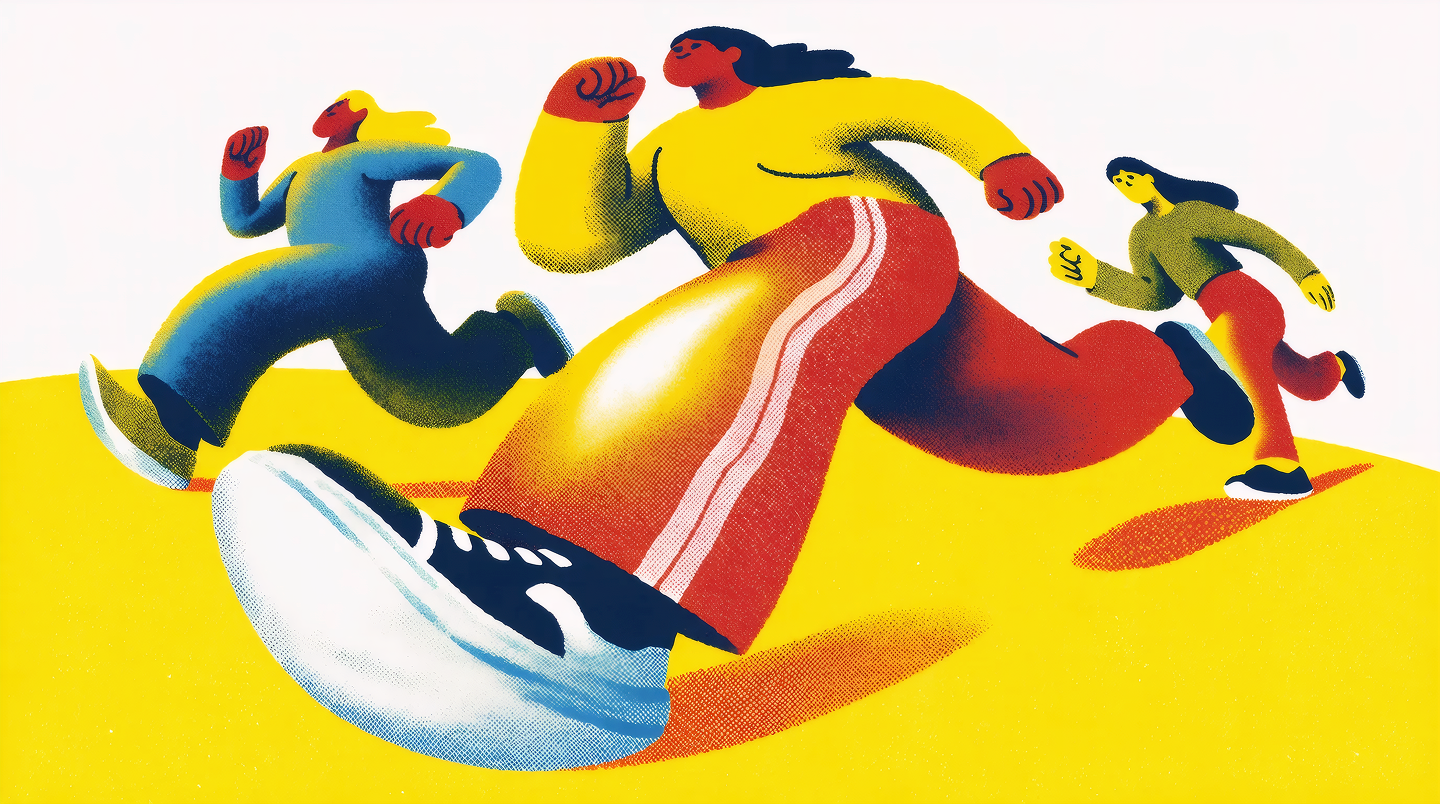
"People running, risograph poster"
Generate
Edit
Customize
Create AI videos from text or images with Veo 3, Sora 2, Kling, Wan, Runway, and more. Generate, compare, and refine clips for free in Krea.
Just like the Image Tool, Krea Video allows you to generate videos with a simple text description.
By adding a start frame, you can also turn any image—generated or uploaded—into a video.
By clicking Extend, you can make existing clips longer and add new details to your scene.
With a Pro plan, you have access to over 20 video models, including Google’s Veo, Kling, and Runway.
Krea offers powerful AI models in a simple interface. Give it a try. It’s free.
Seedance 2.5 on Krea
Create cinematic AI video with Seedance 2.5 using text, images, and the controls available in Krea. Generate, compare, and refine shots in the same workspace.
Transform any text prompt into high-quality video content in seconds. Simply describe what you want to see and watch your ideas come to life with cinematic realism.
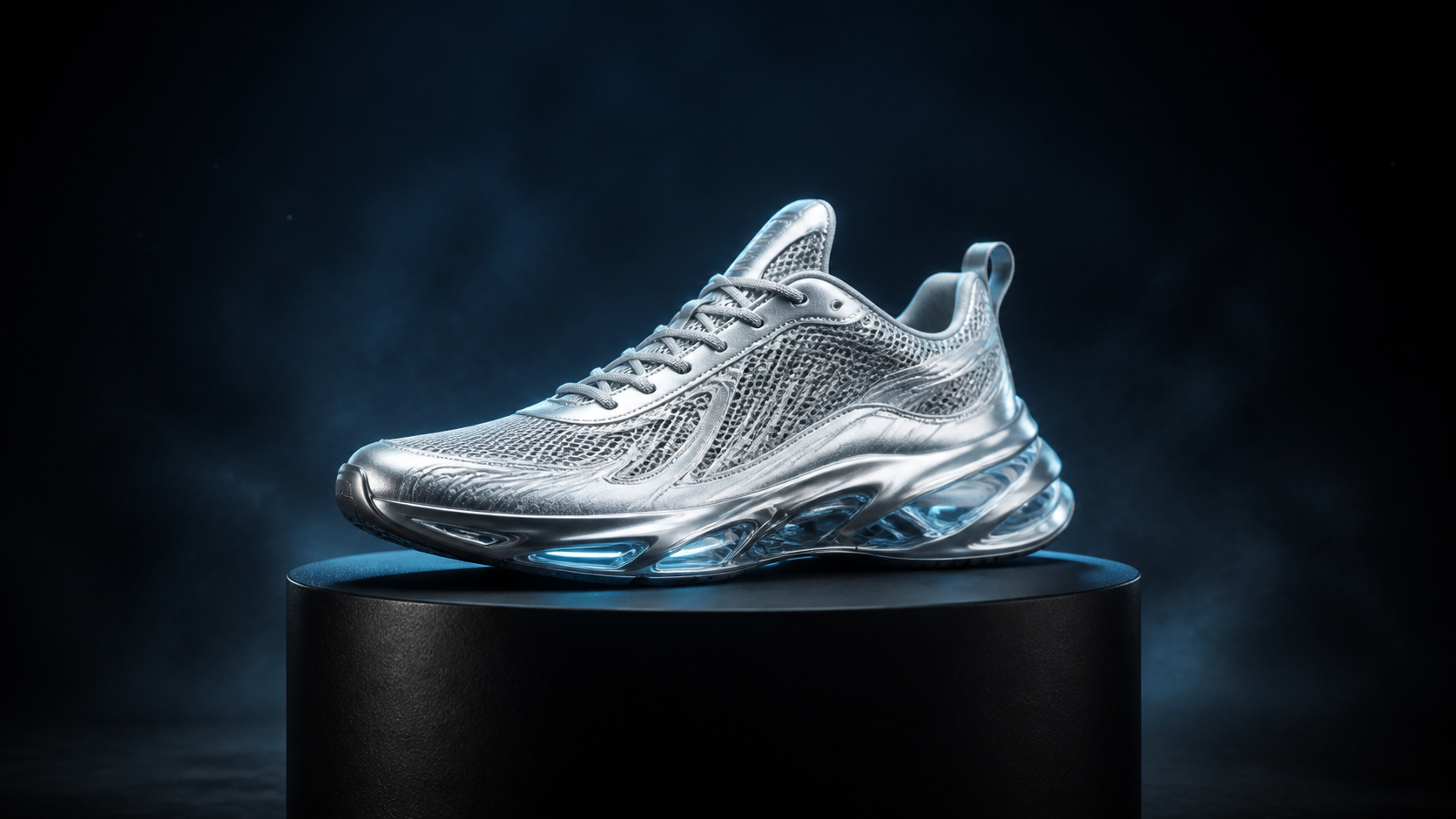

Animate a still image, or set the first and last frames to guide how the shot begins, moves, and resolves.
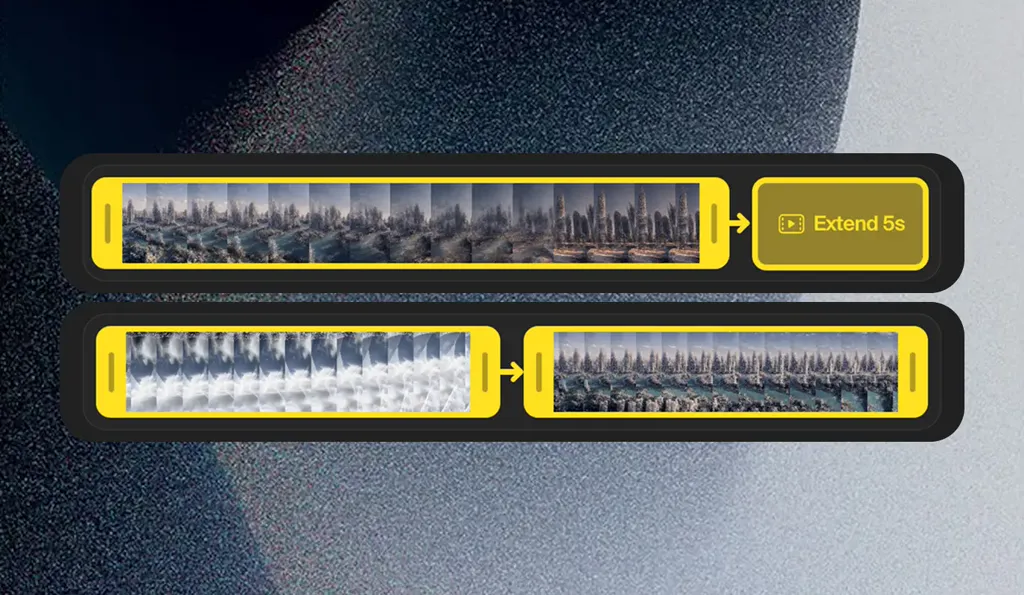
Build longer scenes by extending and merging clips. Trim your video, then let AI continue from the final frame. Merge clips by generating a video that transitions between them.
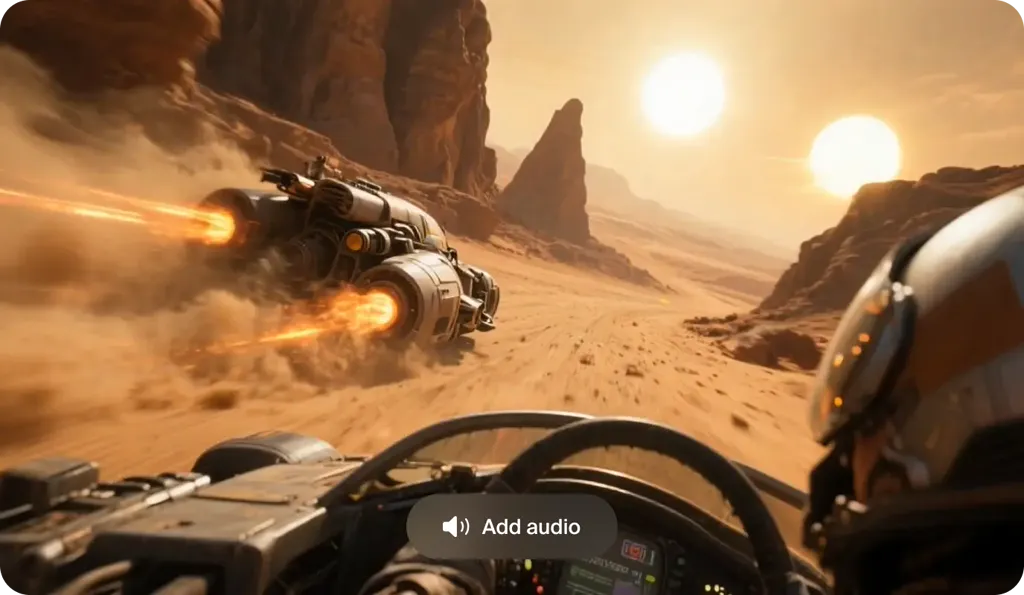
Bring your videos to life with synchronized audio. Veo 3.1 and other supported models generate contextual sound effects, ambient noise, and dialogue to match your scenes.
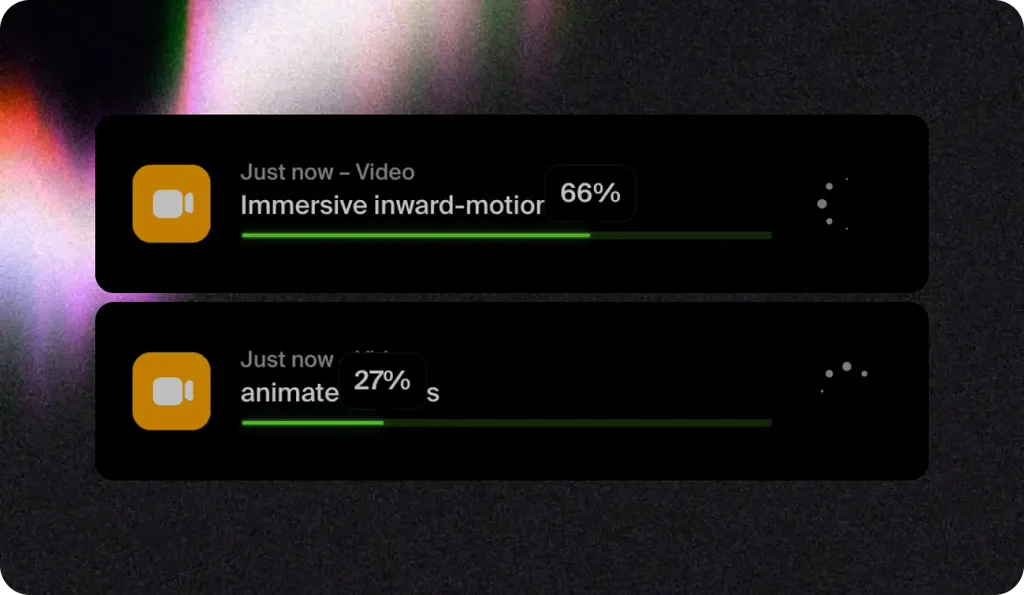
Start multiple video generations at once. Try different prompts, settings, and AI models all at once to explore more creative possibilities in less time.
How It Works
Generate AI video in minutes, compare top models, and iterate fast with a professional workflow.

Step 1
Go to the Video Tool, pick a model, and set your aspect ratio and duration.
Abstract visuals of bright flares, woman walking in crowded street, hazy, cyberpunk
Step 2
Describe the subject, action, setting, camera movement, and lighting. You can also upload an image reference to guide the style and composition.
2 Step 4
Use clip extension and merging workflows to build longer edits, keep visual continuity, and ship a polished final video faster.
Every model below is available inside Krea. Run the same prompt across them, compare the results side by side, and pick the best output for your project.
Same prompt, five models
A woman in a vivid red raincoat walks through a narrow neon-lit street market at night. The camera tracks backward at eye level as she walks toward it, then she briefly turns to look at a glowing storefront. Light rain falls through rising steam, colorful signs reflect across the wet pavement, background pedestrians move naturally. Single continuous shot, cinematic realism, natural human motion, 35mm lens, shallow depth of field, subtle handheld movement, no cuts, no text, no logos.
Native synchronized audio, long clips, and multimodal image, video, and audio references.
Go from an idea, image, or existing clip to finished AI video content using leading models and creative controls in one workspace.
I don't understand why anyone would pay for a dozen different video generation services when you can just use every model in one place with a super clean UI in Krea
Creative Director
I don't understand why anyone would pay for a dozen different video generation services when you can just use every model in one place with a super clean UI in Krea
As someone who has been deeply immersed in creative technology for years, I can confidently say that Krea stands out as the most versatile and forward-thinking tool available today. Whether you’re just starting to explore creative AI or an experienced professional pushing boundaries, Krea feels intuitive and responsive to your level.
Creative Director
Trusted by over 30 million creators worldwide.
Real reviews on TrustpilotSo many AI tools out there but I always come back to Krea. It's really the one AI platform that 'just works'.

FYN
Verified review
Krea's interfaces are still the best in the industry. Everything looks and feels so clean and easy to use! Imo the easiest to use gen AI website.

Lynn
Verified review
Ultra fast generations. Extremely simple to use. All the latest AI models.

Daniel
Verified review
KREA is the only AI subscription I have right now besides ChatGPT.

Sophia M.
Verified review
I'm a Krea Max user. It's crazy how fast they add models. I see a new AI model on twitter and the same day krea already offers it.

Wirot Ch.
Verified review
Still the most powerful AI creative suite out there.

Gravion
Verified review
Get free daily credits to try basic features.
Advanced features and discounts on compute units
Full access with higher discounts on compute units
Workplace management, collaboration, and enterprise customizations
Secure and collaborative workspace for growing teams
Enterprise-grade security with dedicated support and admin features
AI video generation uses machine learning models to create video clips from text prompts, images, or existing footage. Instead of filming every shot, you describe the scene and the model generates motion, style, and camera behavior.
Open the Video Tool, choose a model, write a prompt, and click generate. You can refine results by changing the prompt, model, duration, or by adding start and end frame references.
The best AI video generator depends on the result you want. Krea lets you run the same prompt or reference across multiple leading video models, compare the outputs, and choose the model that fits the motion, visual style, audio, or control your project needs.
Yes. Upload a still image in the Video Tool and describe the motion you want, or set first and last frames for more control over how the shot begins, moves, and resolves.
Krea’s current video workspace includes Seedance 2.5, Veo 3.1, Sora 2, Kling, Wan 2.6, and Runway, plus additional models inside the Video Tool.
Most generations start as short clips. You can extend clips in sequence to create longer scenes and merge shots into a continuous edit.
Yes. Krea includes a free tier so you can try AI video generation before upgrading. Paid plans unlock more compute and higher usage limits.
Use a clear subject, action, and setting, then add camera language such as angle, movement, lens style, lighting, and mood. Start simple, generate, and iterate with small prompt changes for more control.
Yes. Open the Video Tool, type your prompt, pick a model, and generate. Krea's free tier includes compute so you can create prompt to video clips at no cost, and paid plans unlock more generations and faster queues.
Text to video creates a clip from a written description alone. Image to video starts from a still image, such as a photo, render, or AI-generated frame, and animates it with the motion you describe. Krea supports both, including first and last frame control for image to video.
Yes. Krea lets you create AI videos from text prompts or images, compare models, extend or merge clips, and generate sound on supported models in one workspace.
Yes. Seedance 2.5 is available in Krea for AI video generation. Explore the model page to see current capabilities, or open the Video Tool with Seedance 2.5 selected.
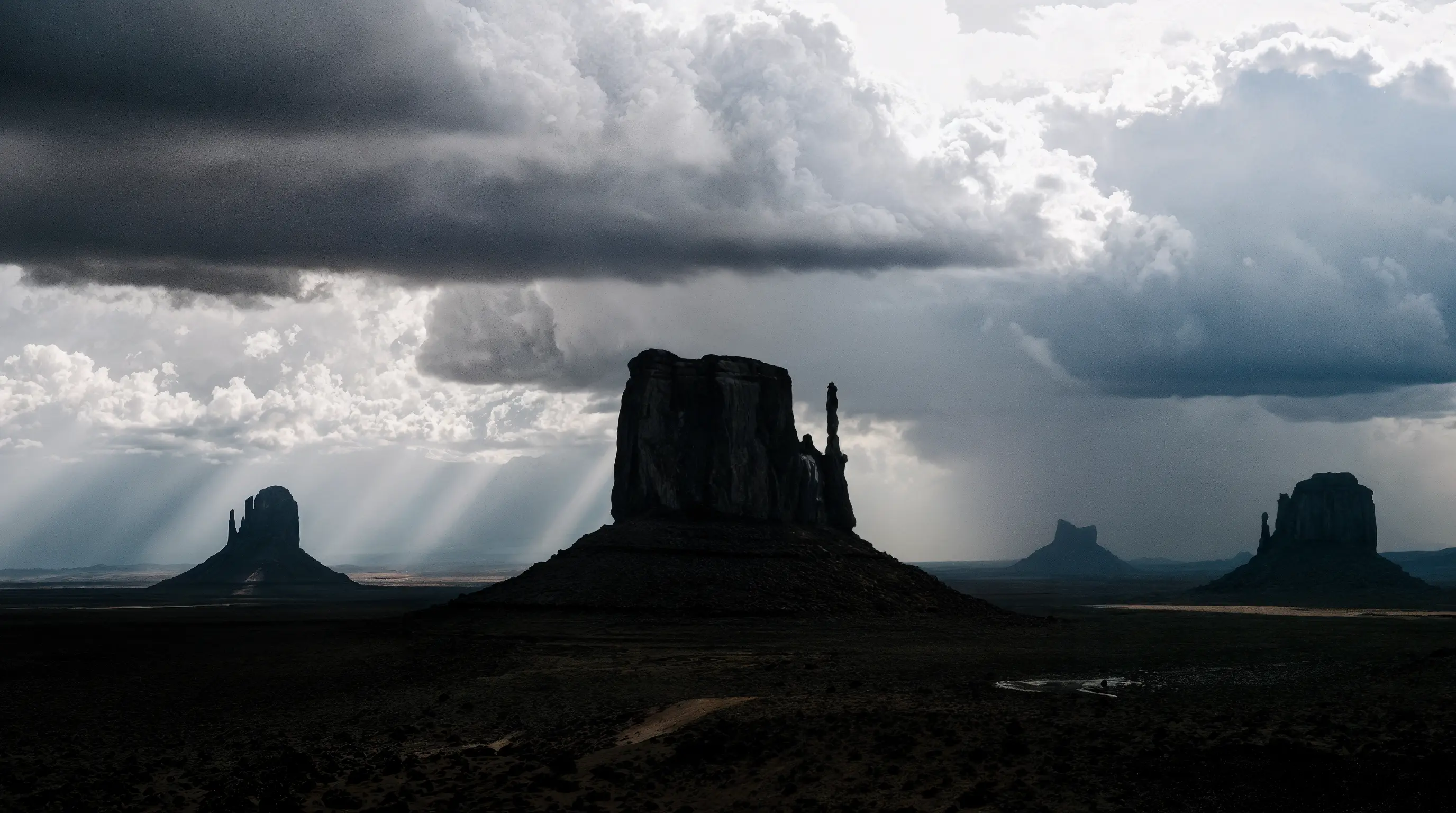
Try Krea's AI video generator for free. Create AI video from text and images with Seedance 2.5, Veo 3.1, Sora 2, Kling 3.0, Wan 2.6, Runway Gen-4.5, and more in one workspace.
Start generating