
Krea, right inside  Photoshop
Download 
 Enhancing
Install Krea for Photoshop
Download for macOS
Download the signed Krea installer for your Mac.
Install the plugin
Double-click the file and Creative Cloud installs Krea.
Open Krea in Photoshop
In Photoshop, choose Window → Plugins → Krea.
- ↓
Krea-Photoshop.ccx
Download complete
Download for Windows
Download the signed Krea installer for your PC.
-
Krea Setup
Install
Install the plugin
Double-click the file and Creative Cloud installs Krea.
- Plugins›
Plugins
Krea
Open Krea in Photoshop
In Photoshop, choose Plugins → Krea from the menu.
What Krea for Photoshop can do
Generate, edit, and explore creative directions without leaving your document.

Image and video generation
Generate images and video from a prompt, without leaving your document.

Remove and replace backgrounds
Lift a subject out and drop in a new background, matched to your scene’s lighting and perspective.
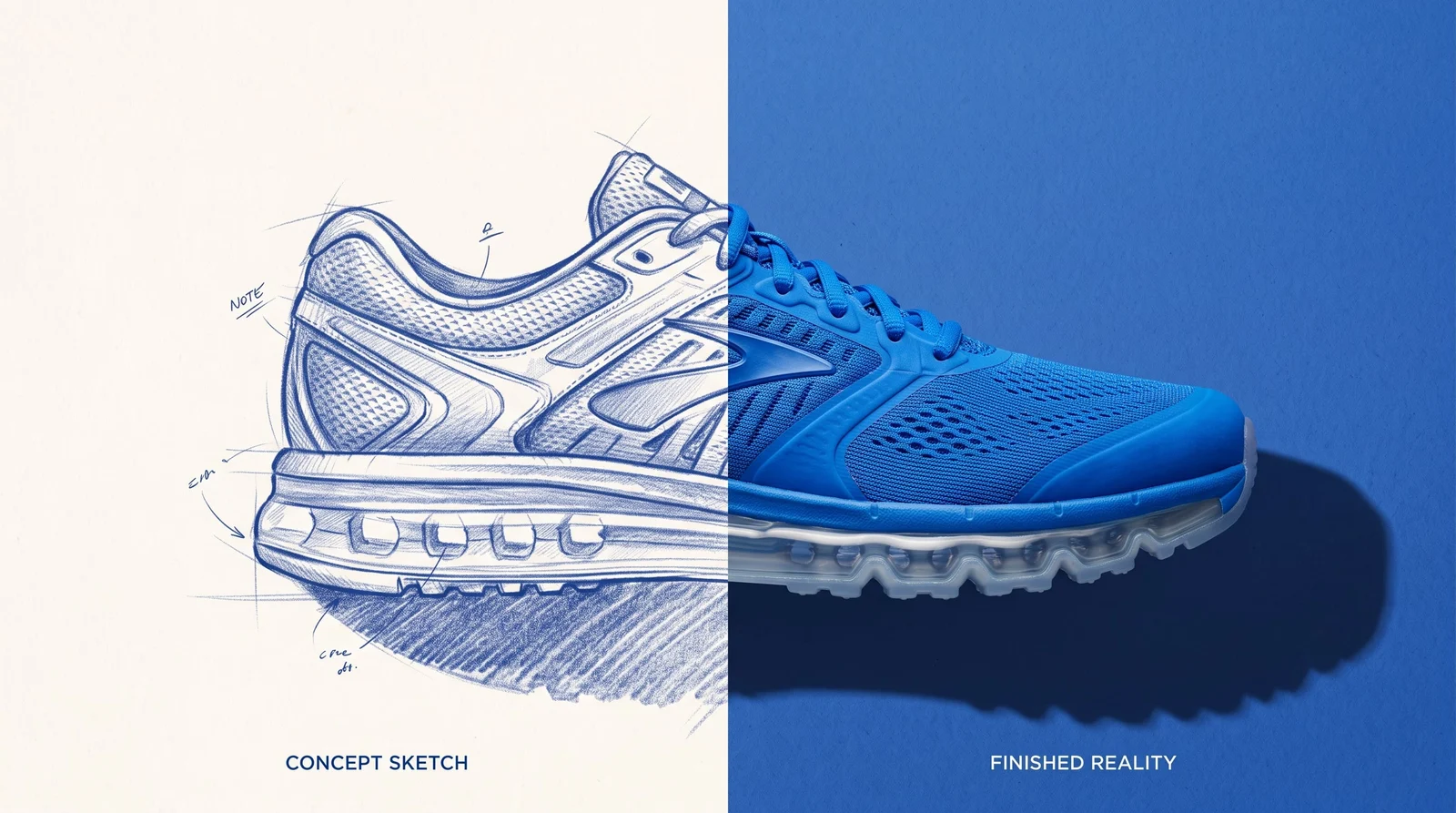
Realtime canvas
Sketch or type and watch the image update live, so you can steer the look before you generate a final version.

Multi-shot layouts
Turn one image into a set of consistent angles and crops, ready for a layout.

Relight a scene
Change the lighting and mood of a shot without reshooting it.

Product mockups
Place a product into a realistic scene for a mockup or an ad.
Krea, right insidePhotoshop
Trusted by over 30,000,000 users From 191 countries. We've got a plan for everybody...
Free
Get free daily credits to try basic features.
Basic
Access our most popular features
Pro
Advanced features and discounts on compute units
Max
Full access with higher discounts on compute units
For Teams and Enterprises
Workplace management, collaboration, and enterprise customizations
Business
Secure and collaborative workspace for growing teams
Enterprise
Enterprise-grade security with dedicated support and admin features
Frequently asked questions
Everything you need to know about Krea for Photoshop.
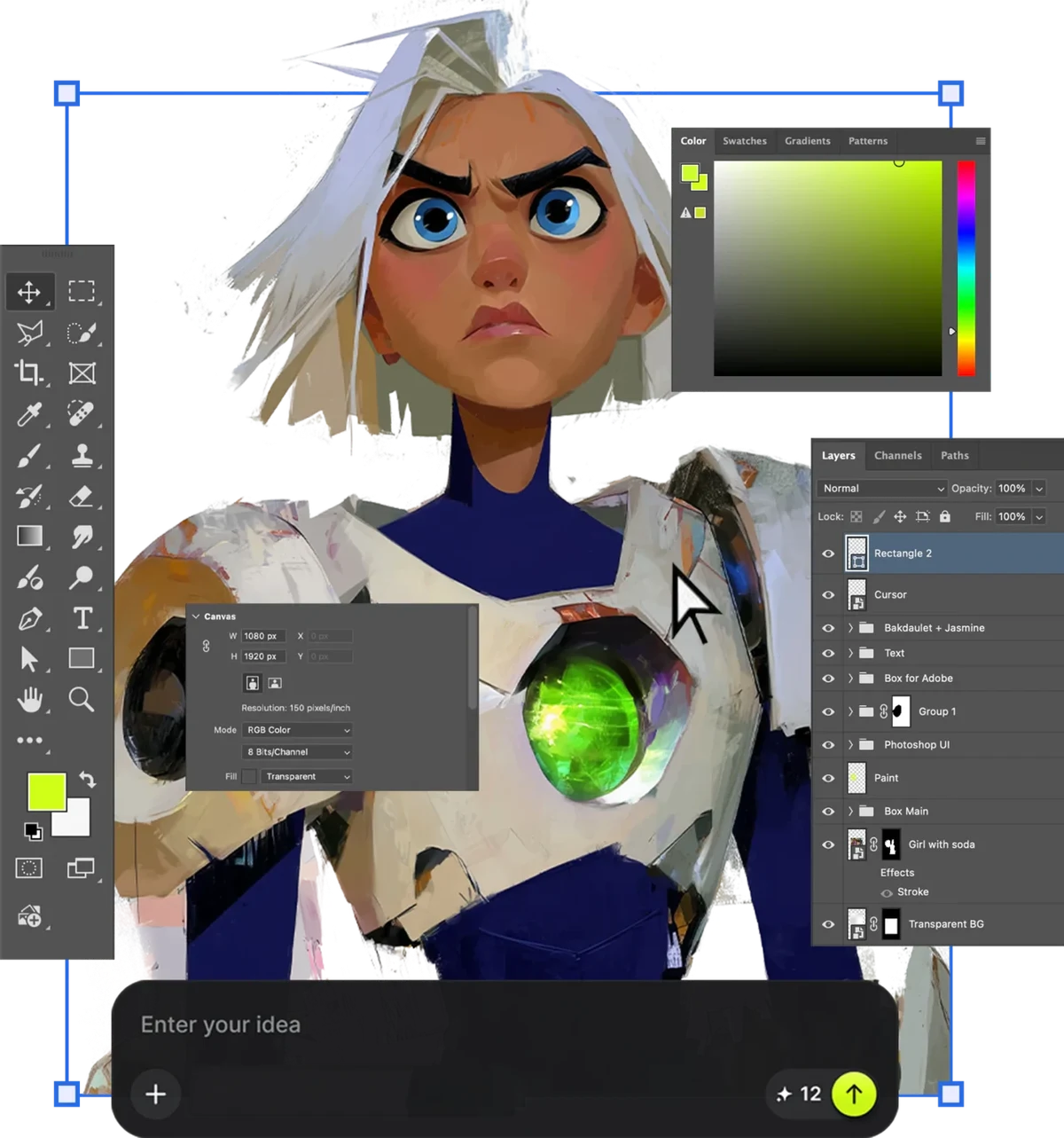
The Krea plugin brings Krea’s image and video generation directly into Photoshop, so you can create without switching apps.
Download the installer for macOS or Windows and run it. Then open Photoshop — the plugin appears under Window → Plugins → Krea.
The plugin targets recent versions of Photoshop on macOS and Windows. Check the download page for the exact requirements.
Yes. Generation runs on Krea’s servers, so the plugin needs an internet connection.
Yes. Sign in with your Krea account the first time you open the plugin.
Yes. Results come into your document as regular layers, so you can keep editing them like anything else in your project.
No. Generative Fill is Adobe’s built-in tool. The Krea plugin adds Krea’s own models alongside it, for tasks like background replacement, relighting, and multi-shot layouts.