Step 1
Open Krea Image
Pick Seedream 5.0 Pro from the model selector in the Krea Image tool.
Generate
Edit
Customize
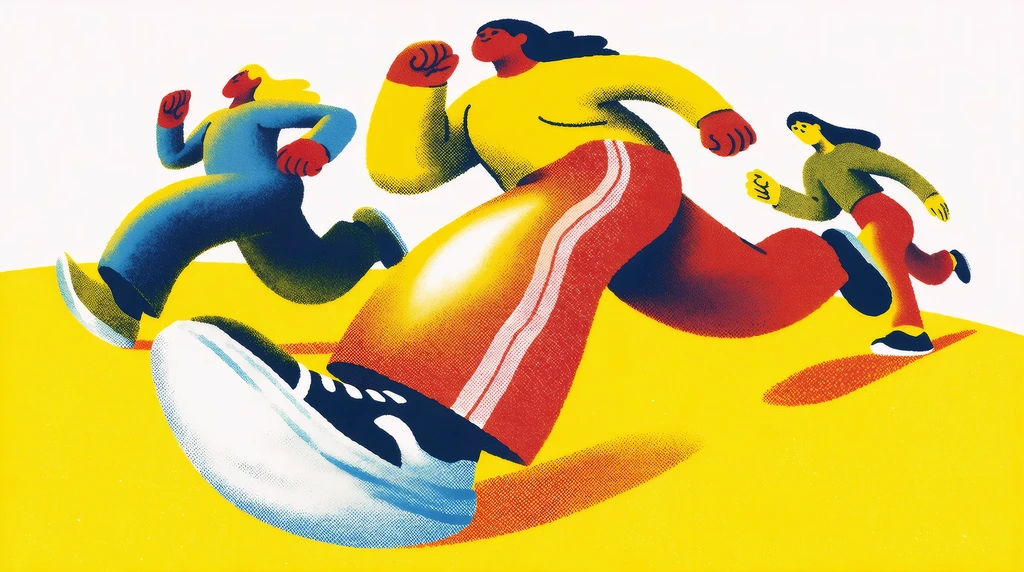
"People running, risograph poster"
Generate
Edit
Customize
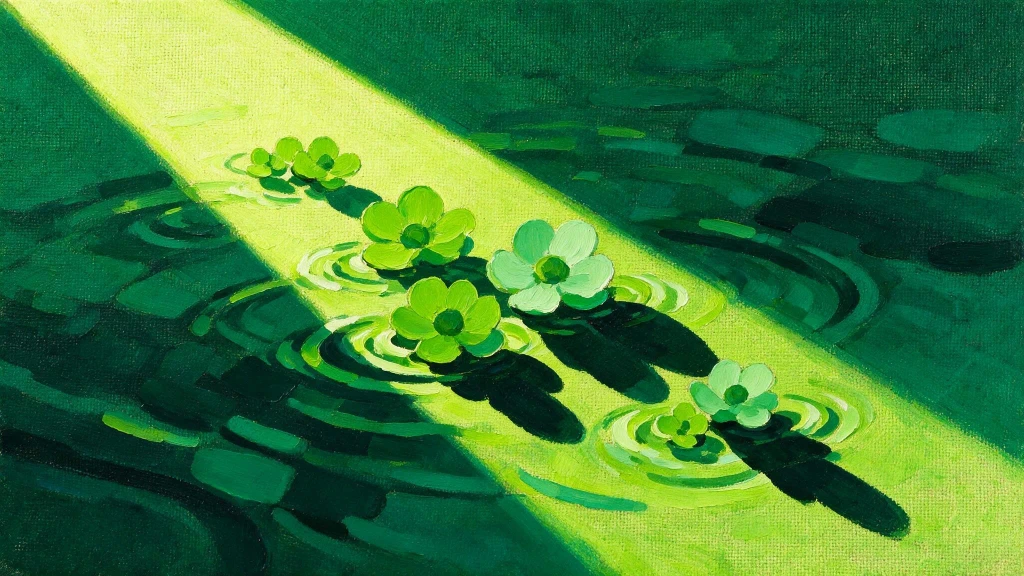
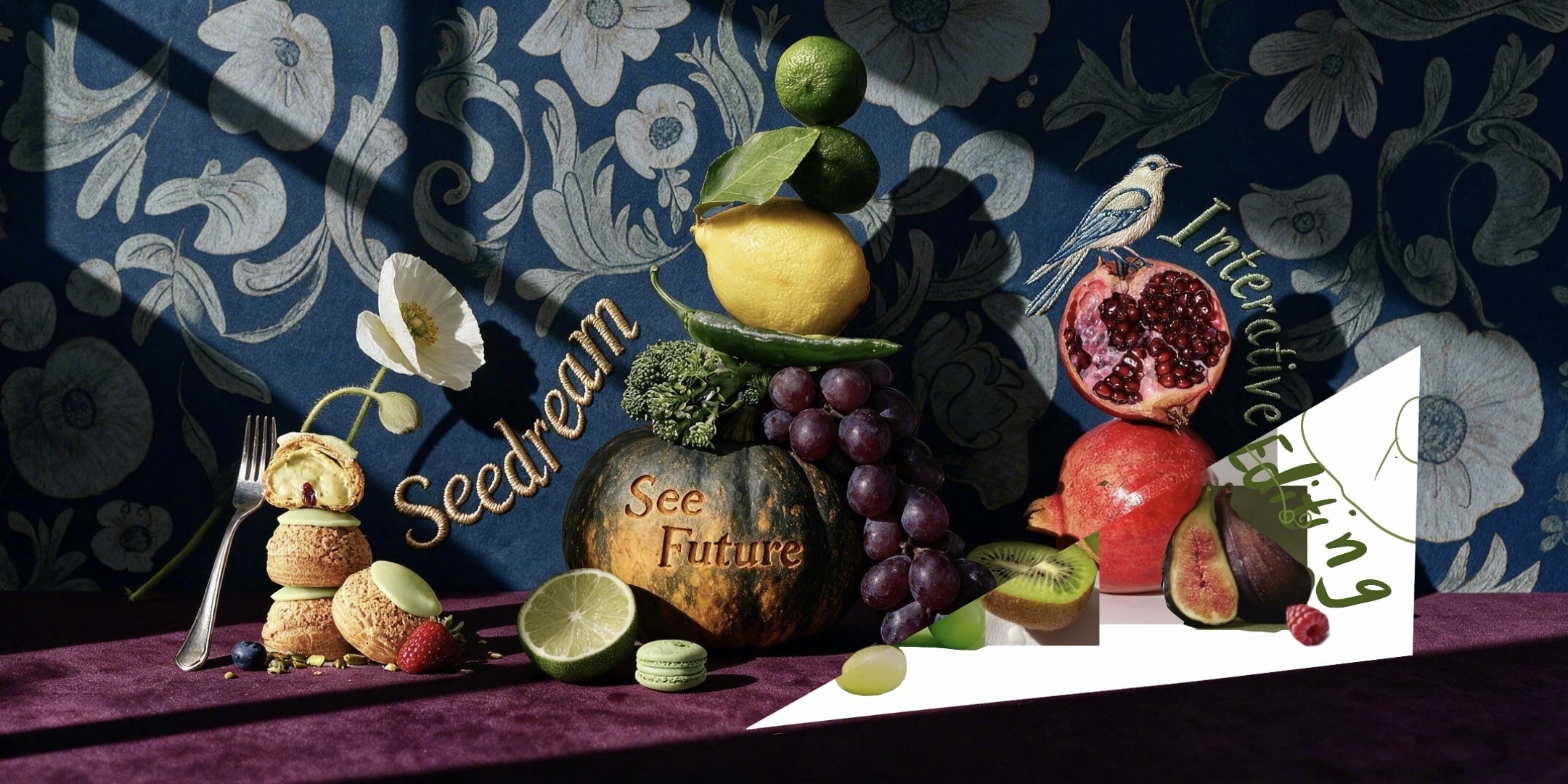
The most advanced image model from ByteDance featuring interactive editing, real-time web search, deep thinking, and more
How It Works
From first prompt to production-ready image in four steps.
Step 1
Pick Seedream 5.0 Pro from the model selector in the Krea Image tool.
2Step 2
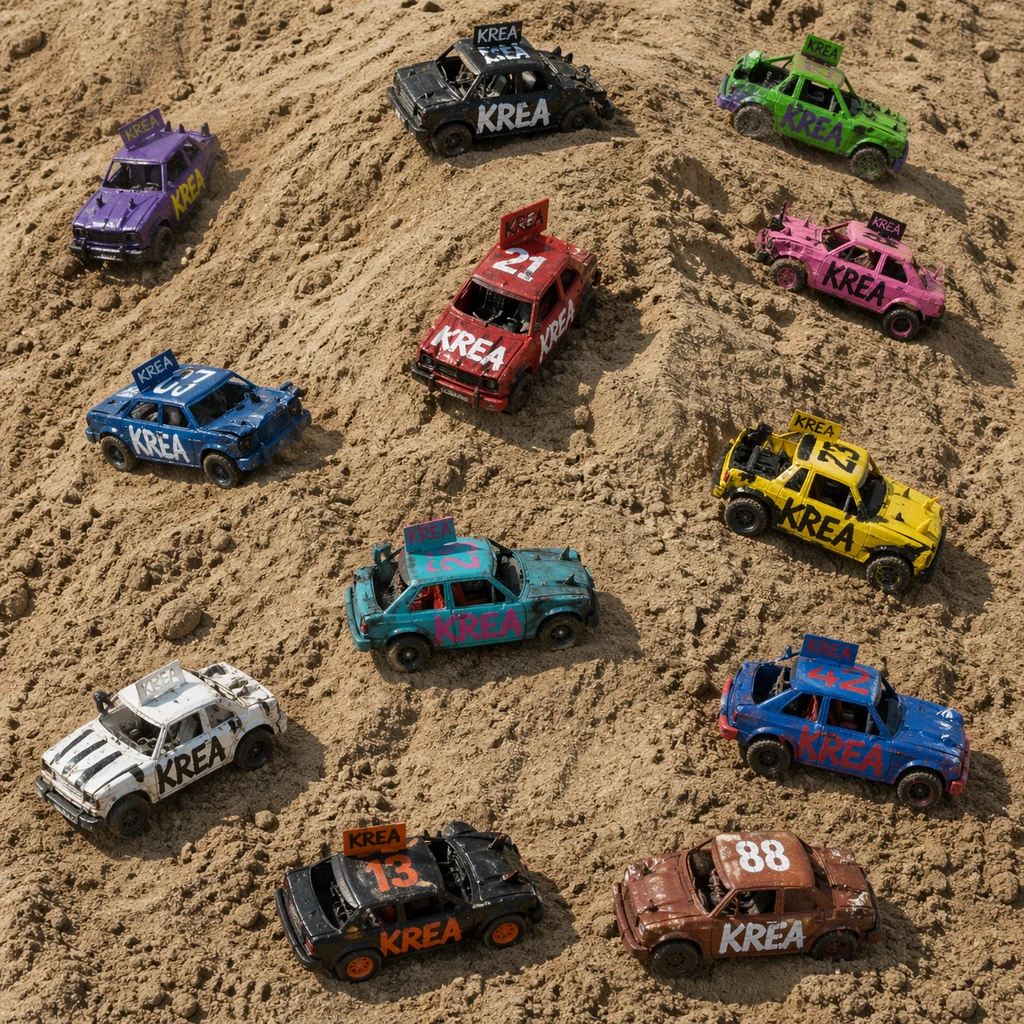
Upload up to 10 reference images to lock characters, products, and style.
Editorial product photograph of a translucent perfume bottle on wet slate, dramatic side light, hyperreal glass refraction, professional color grading
Step 3
Describe the subject, composition, lighting, and mood in detail.
Step 4
Sketch changes, reposition subjects, then enhance and upscale the best take.
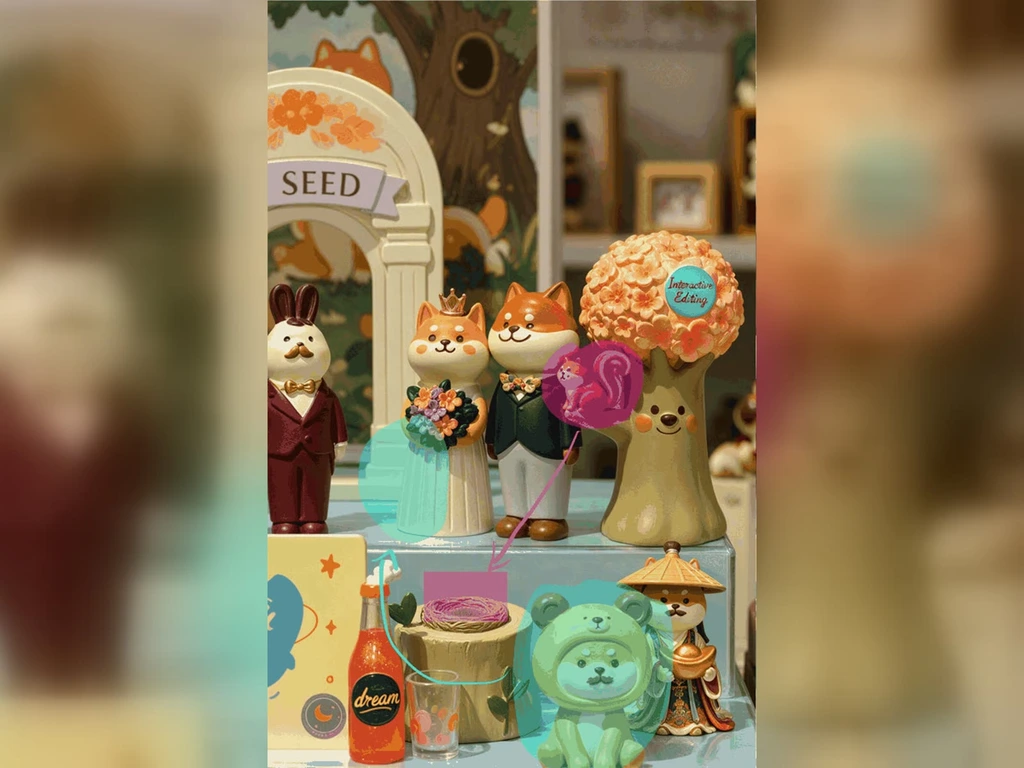
Select, box, or annotate a region — only that part of the image changes
Editable transparent-PNG layers
Reference images per generation
Doodles, lines, and color blocks become real image content
Long edge, up to 2752×1536 widescreen
Exact color codes and material references
Languages for native text
Anchor editing moves subjects without regenerating
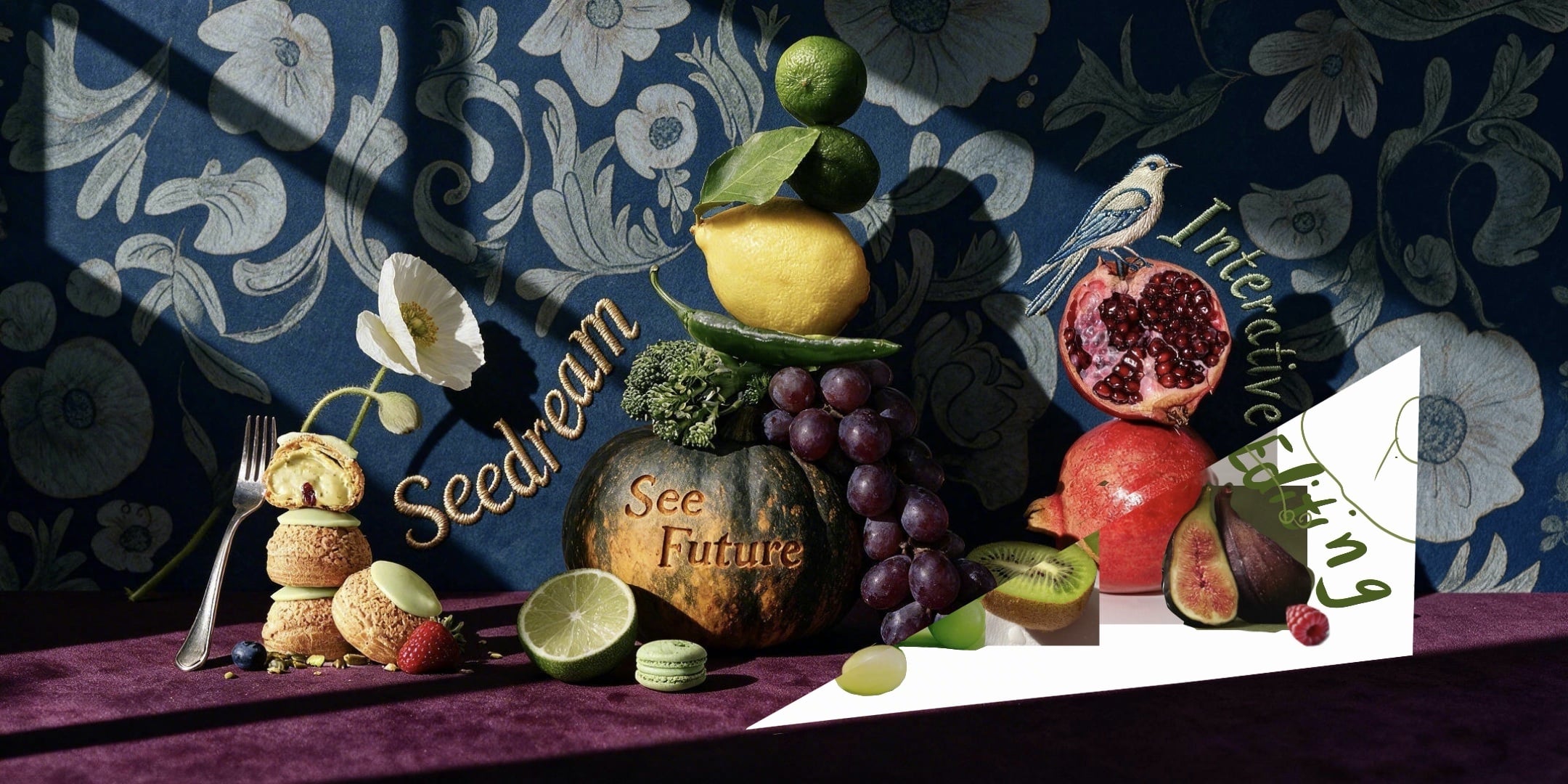
Seedream 5.0 Pro masters complex reasoning and information organization. It generates accurate, text-rich images — infographics, technical drawings, storyboards, and data-dense interfaces — for education, professional, and other specialized scenarios.
Open Krea Image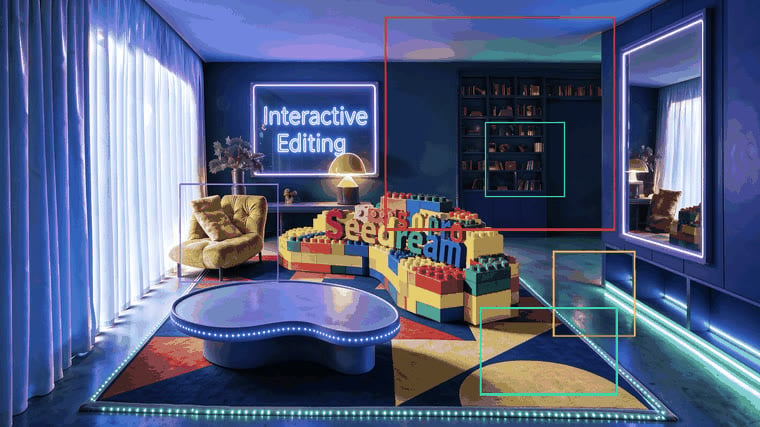
Accurately responds to spatial annotations and sketch-based guidance: point, select, or box a region and Seedream 5.0 Pro modifies exactly that part of the image. Layer separation splits results into independently editable layers, unlocking more creative possibilities.
Open Krea Image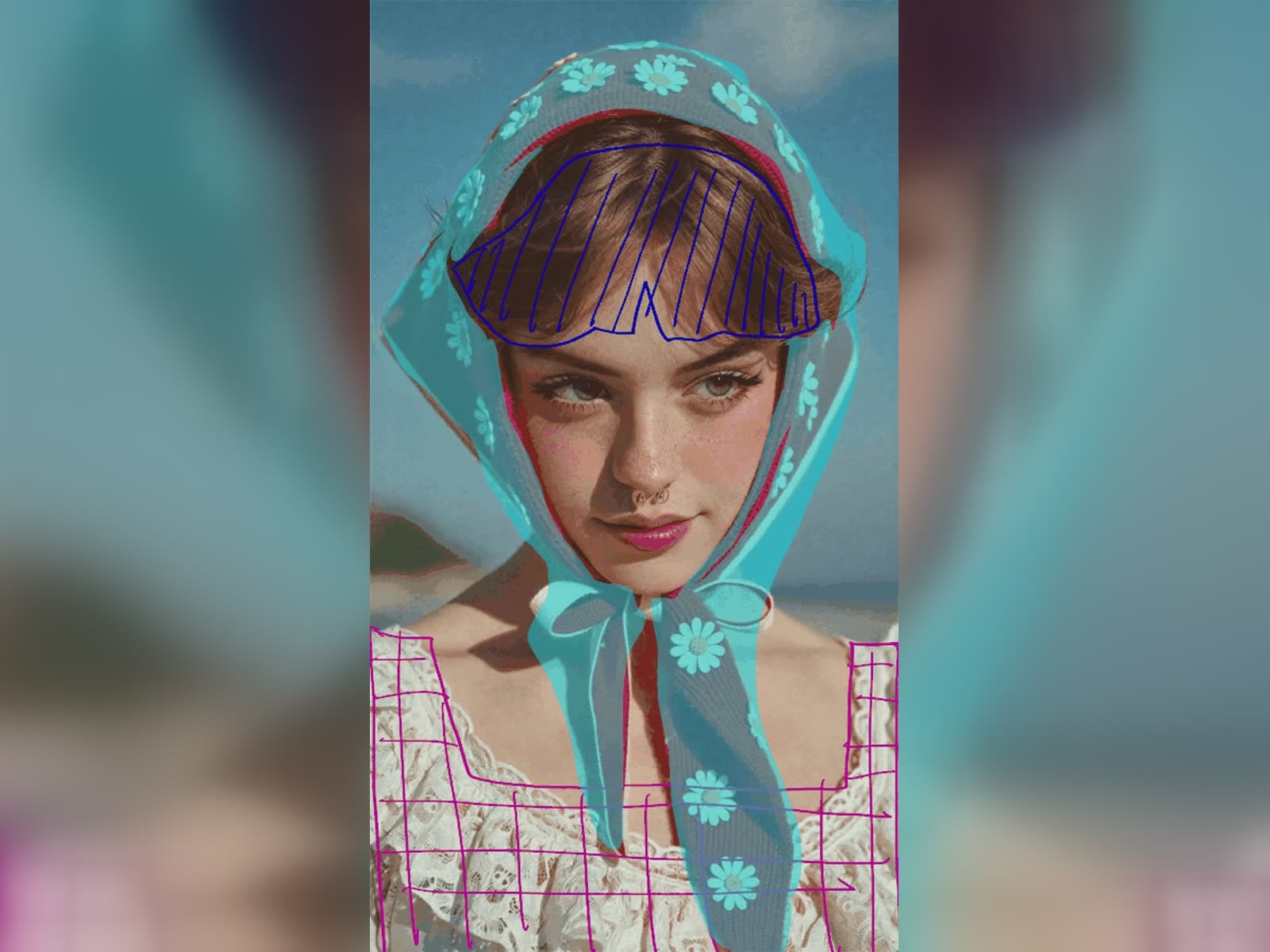
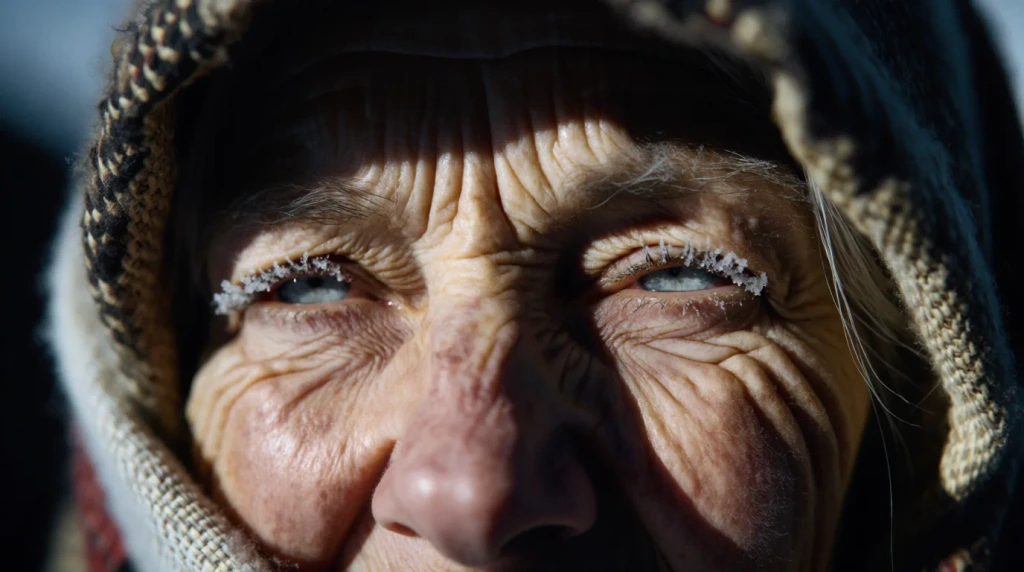
Recreates authentic physical lighting, shadows, and human skin textures, significantly enhancing photographic realism — portraits, family photography, and product shots that hold up as real photographs.
Open Krea Image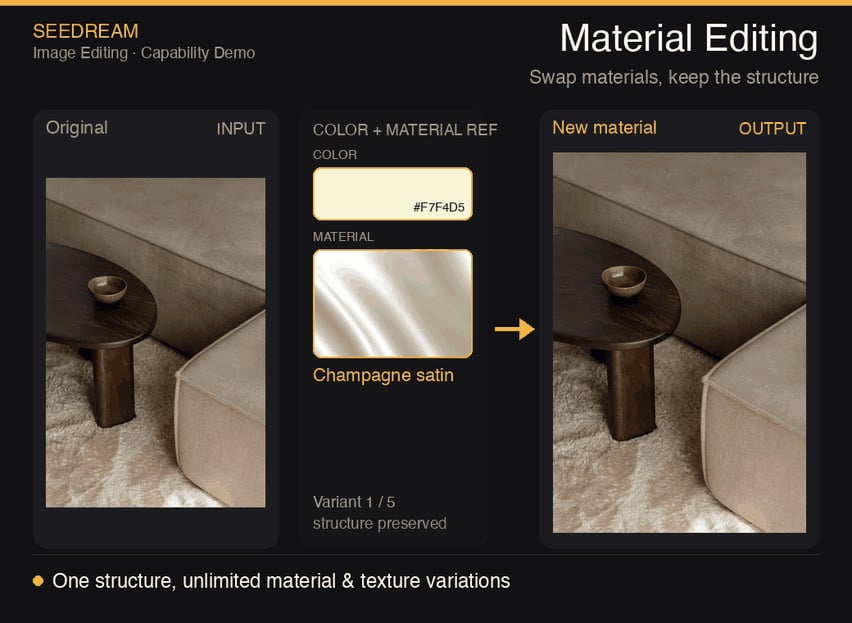
Natively supports a dozen widely used languages for prompting and in-image text — from Arabic and Korean to Thai and Japanese — making it ideal for international creative workflows like localized posters, menus, and campaigns.
Open Krea ImageTrusted by over 30 million creators worldwide.
Real reviews on TrustpilotSo many AI tools out there but I always come back to Krea. It's really the one AI platform that 'just works'.

FYN
Verified review
Krea's interfaces are still the best in the industry. Everything looks and feels so clean and easy to use! Imo the easiest to use gen AI website.

Lynn
Verified review
Ultra fast generations. Extremely simple to use. All the latest AI models.

Daniel
Verified review
KREA is the only AI subscription I have right now besides ChatGPT.

Sophia M.
Verified review
I'm a Krea Max user. It's crazy how fast they add models. I see a new AI model on twitter and the same day krea already offers it.

Wirot Ch.
Verified review
Still the most powerful AI creative suite out there.

Gravion
Verified review
Free
Get free daily credits to try basic features.
Pro
Advanced features and discounts on compute units
Max
Full access with higher discounts on compute units
For Teams and Enterprises
Workplace management, collaboration, and enterprise customizations
Business
Secure and collaborative workspace for growing teams
Enterprise
Enterprise-grade security with dedicated support and admin features
Seedream 5.0 Pro is ByteDance's flagship image generation model in the Seedream 5 family — a multimodal model built for advanced reasoning and professional production. It pairs high-fidelity generation with interactive editing: sketch editing, anchor editing, layer separation, and precise color and material control.
Yes. Seedream 5.0 Pro is available in the Krea Image tool — pick it from the model selector, add your prompt and references, and generate. Seedream 5 Lite is there too when you want quicker, lower-cost drafts.
Interactive editing gives you direct control over a generated image instead of prompt-only iteration. The model responds to spatial annotations and sketch-based guidance: point, select, or box the region to change, sketch edits directly, reposition subjects with anchor editing, separate layers, set exact colors and materials, and fuse elements from multiple reference images.
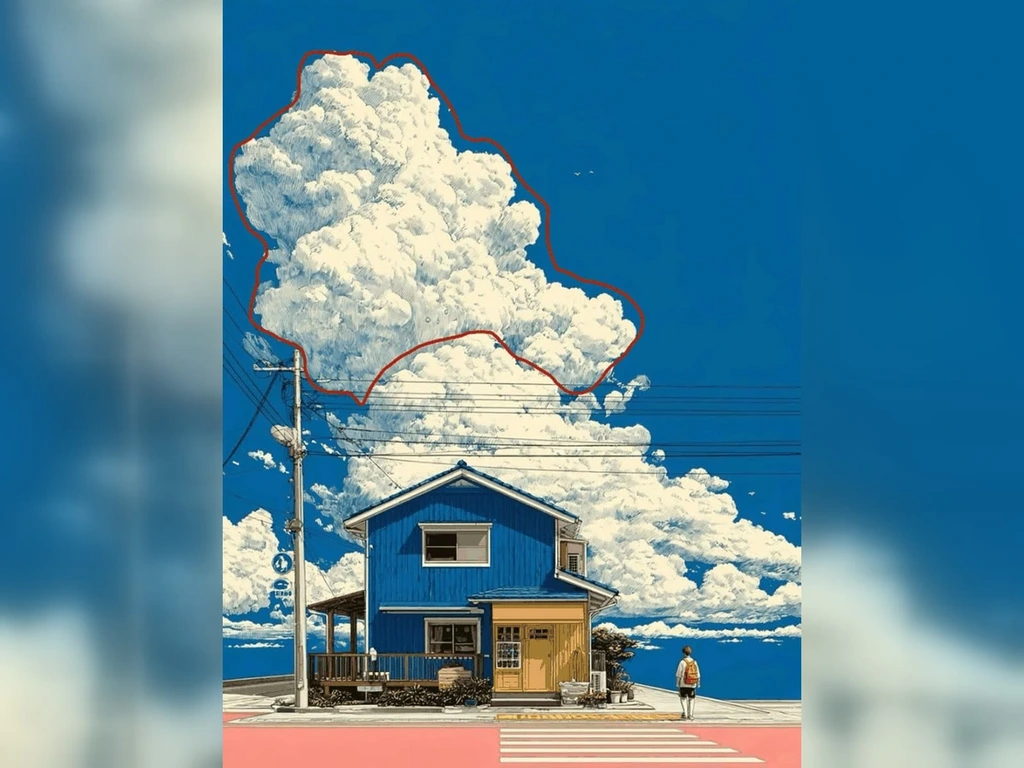
Anchor editing, also called position editing, uses anchor points to locate a target region and edit it locally. You can move a subject or object to an exact position without disturbing the rest of the scene — it works especially well when elements are arranged in clear rows and columns.
Layer separation splits an image into one background layer plus up to 20 element layers, output as PNG files with a transparency channel. Each layer can then be dragged, scaled, recolored, and recomposed independently, which makes generated assets editable and reusable downstream.
Seedream 5.0 Pro generates 2K-class images — up to 2048×2048 at 1:1 and up to 2752×1536 (roughly 2.7K on the long edge) in widescreen. If you need 4K output, Seedream 5 Lite on Krea supports 2K, 3K, and 4K.
Up to 10 input images per generation. Reference images can steer character identity, product details, style, and composition, and multi-image fusion can combine objects and materials from all of them into a single coherent scene.
In ByteDance's internal cross-industry testing, Seedream 5.0 Pro performs slightly ahead of Nano Banana 2 overall — with its biggest wins in e-commerce and marketing imagery — while being priced lower at comparable resolution. Depending on resolution and reference-image usage, ByteDance reports Nano Banana 2, Nano Banana Pro, and GPT Image 2 Medium and High can cost roughly 1.1x to 4.7x more per image. On Krea you can run these models side by side and compare on your own prompts.
Seedream 5.0 Pro is the top-tier model in the Seedream 5 family, adding the interactive editing suite and substantially higher image quality — ByteDance's internal benchmarks show Pro winning comparisons against Lite by more than 50% overall. Seedream 5 Lite remains the faster, more cost-efficient option and supports up to 4K output.
Yes. Seedream 5.0 Pro images are recognized as trusted inputs by the Seedance video model family, making text-to-image-to-video workflows smoother. Generate a keyframe or character with Seedream, then animate it with Seedance — all inside Krea.
Yes. On Krea paid plans, generated images include commercial licensing for campaigns, products, client work, and other production projects.
Latest news, tutorials, and updates from the Krea team
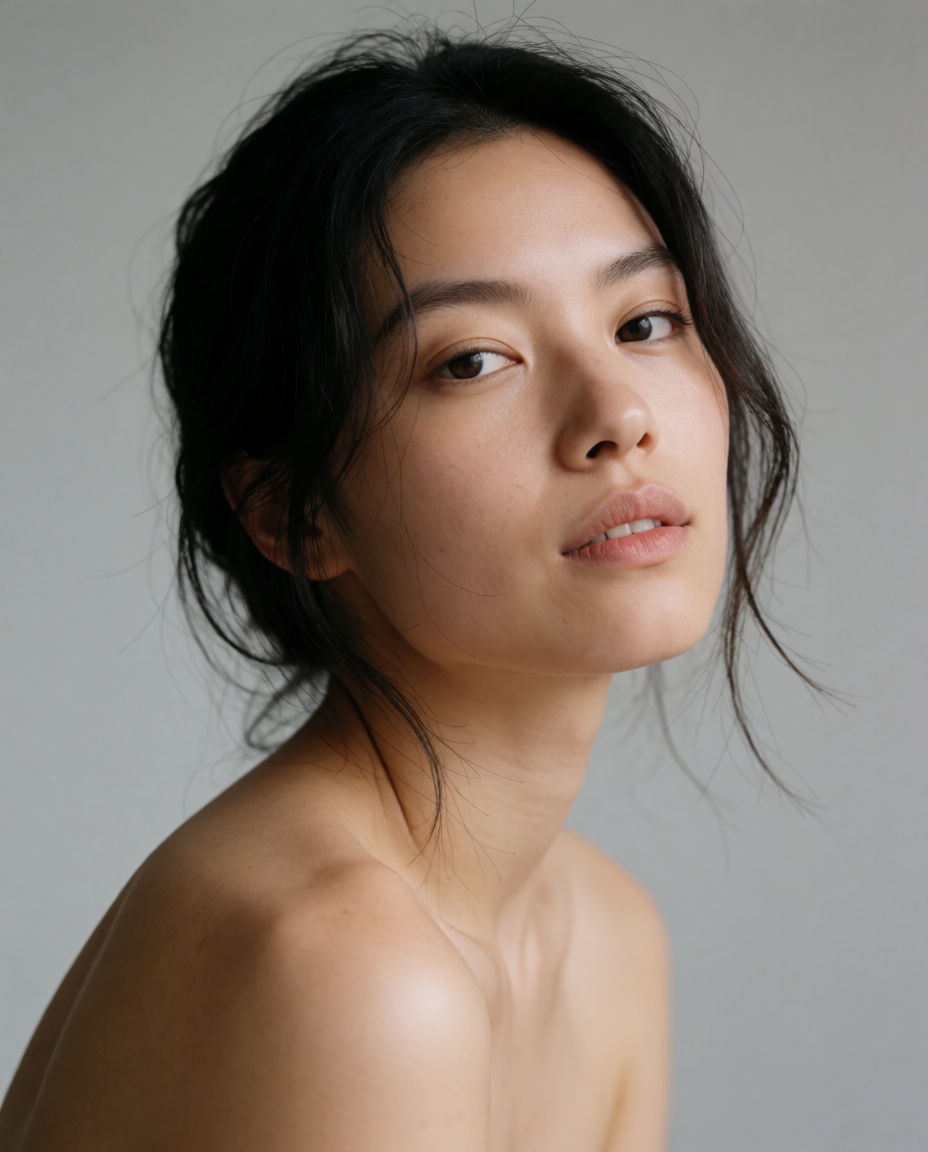
FaceApp, Facetune, Remini, and Krea compared for portrait restyling in 2026 — free tiers, prices, and the real difference between a one-tap filter and a written prompt.

Envato Elements and Canva compared on price, licenses, and included assets in 2026 — plus when to generate an original asset with AI instead of buying a template.
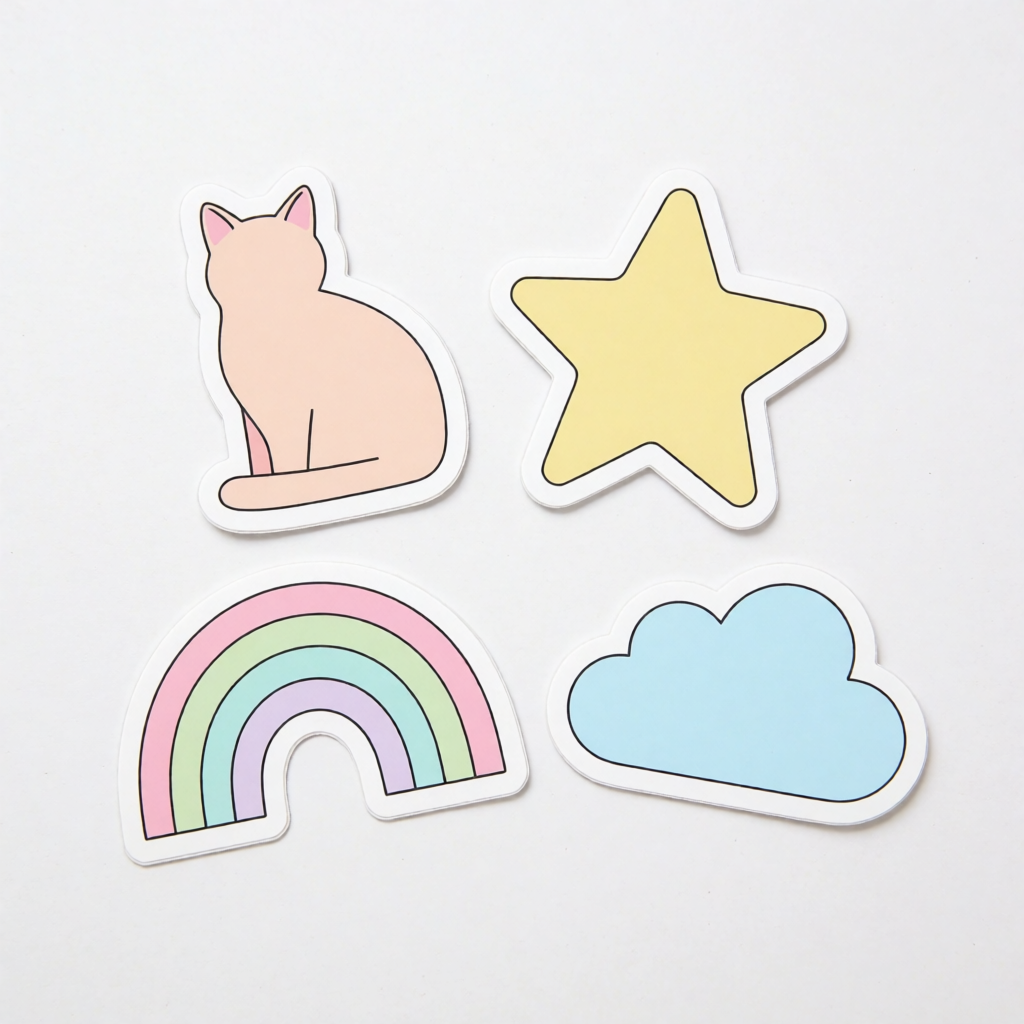
How to make a sticker in 2026 — compare Kittl, Canva, Krea, and a print-and-ship service like Sticker Mule for templates, custom AI art, and die-cut printing.
Seedream 5.0 Pro is a multimodal image model built for professional production. Point at a region to edit just that part of the image, guide changes with sketches and spatial annotations, reposition subjects with anchor editing, separate an image into up to 20 editable layers, and specify exact color codes and materials. It accepts up to 10 reference images and generates text natively in a dozen widely used languages.
Try Seedream on KreaExplore other ByteDance models available on Krea
Seedream 5 Lite
ImageMedium quality model with reasoning and web search.
Seedream 4.5
ImageMedium quality model for photorealism.
Seedance 2.0
VideoFlagship video model with native audio, references, and frame animation.
Seedance 2.0 Fast
VideoFaster Seedance 2 with native audio, references, and frame animation.
Seedance 2.0 Mini
VideoCost-efficient Seedance 2 model for scalable video production.
Seedance 2.5
VideoMost advanced Seedance with 30s clips, native audio, and up to 50 references.
Seedream 4
ImageNew high quality model for photorealism and text rendering
Discover more AI models for images and videos on Krea
Or try every model side by side in Krea's free AI video generator and AI image generator.
Seedream 5.0 Pro was developed by the ByteDance Seed team. If you want to know more about the original model, its research, and technical reports, check the provider’s official page.
Visit the official Seedream 5.0 Pro pagePage last updated