
Introducing Moodboard Gallery. We added thousands of new moodboards in our gallery for you to explore and generate with Krea 2. We're also previewing Random and Auto, two new modes that select moodboards automatically for your generations.
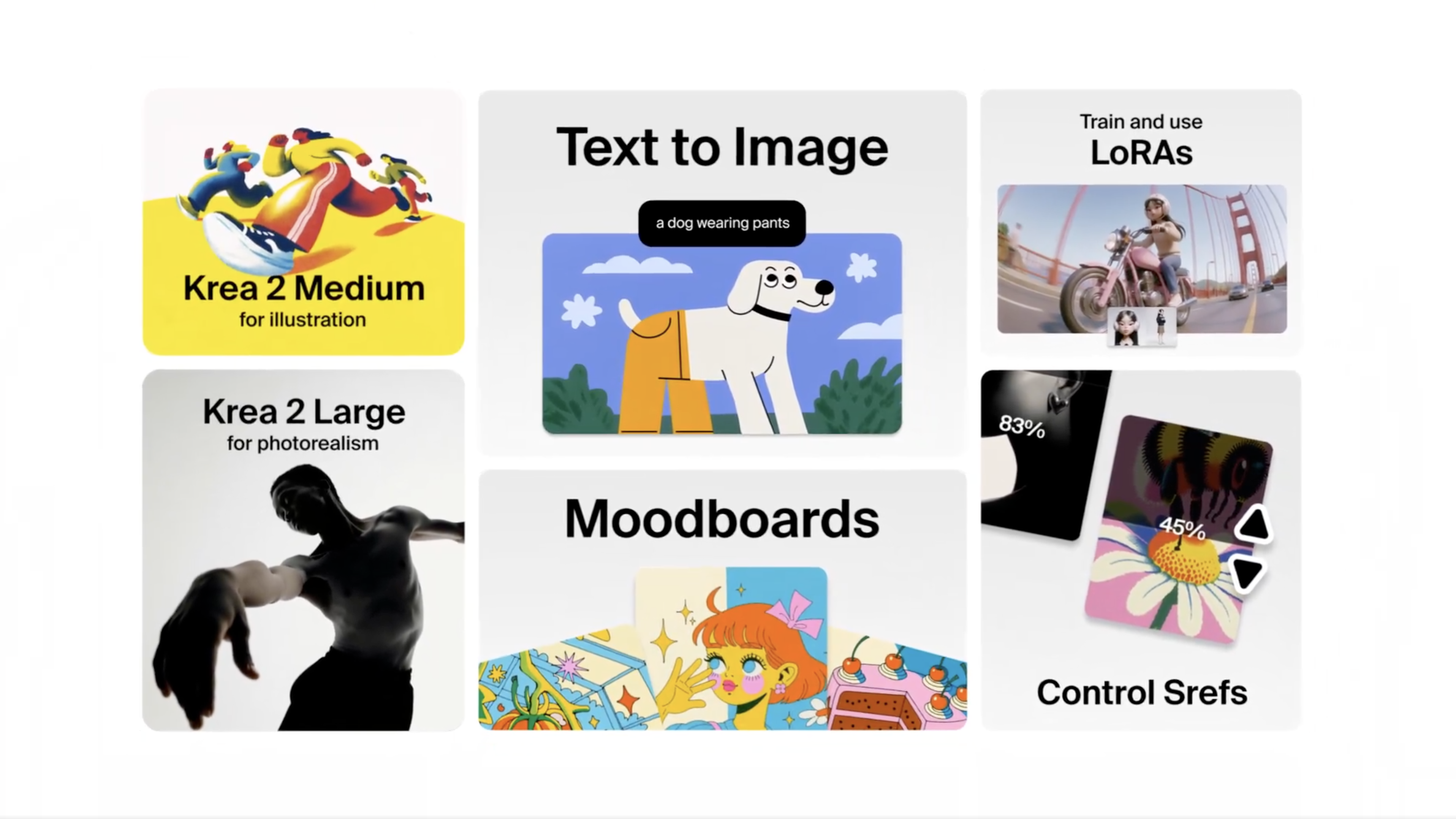
Today, we're releasing the API for Krea 2.
now available in platforms like Fal and ComfyUI, through agents like Hermes from NousResearch, and with full support for Claude, Codex, or OpenClaw.
Train your own Krea 2 LoRA from a small set of images and use it directly in the Image tool. Capture a style, character, or object once and reuse it across every generation, with strength control and multi-LoRA stacking.
In beta for Max and Business subscribers.
A new walkthrough of Krea 2 — how to use style references, build moodboards, and prompt for the results you want.
Krea 2 is now available to everyone.
To celebrate, we're offering unlimited Krea 2 generations to all subscribers for the entire week.
May 15, 2026
Krea at Cannes Film Festival
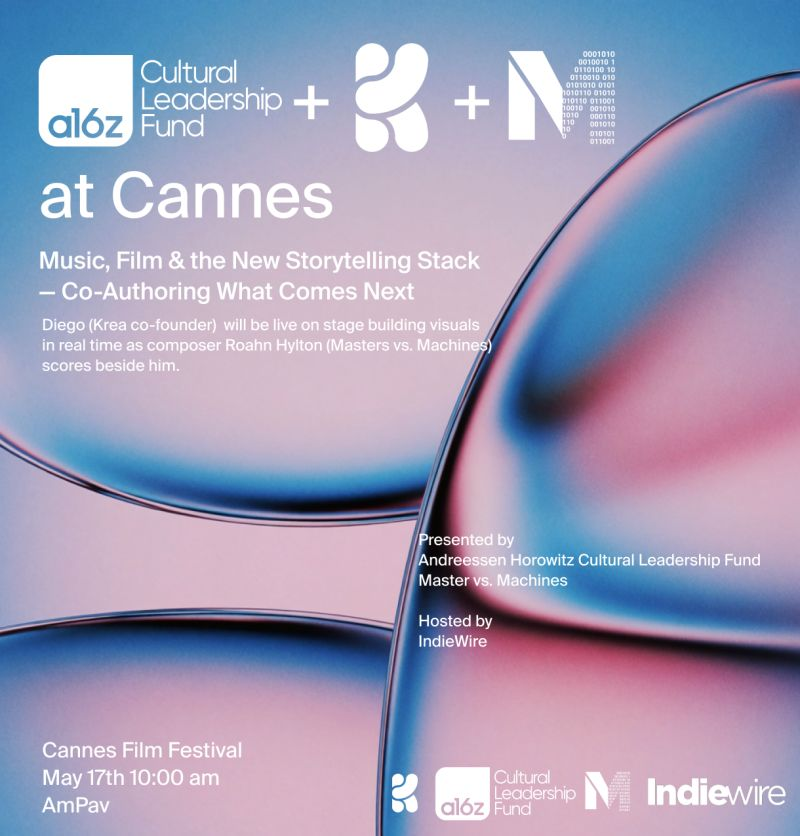
We're heading to Cannes. Our co-founder and CTO Diego Rodriguez will be live on stage at the American Pavilion, building visuals in real time as composer Roahn Hylton scores beside him.
The session — "Music, Film & the New Storytelling Stack — Co-Authoring What Comes Next" — is presented by the a16z Cultural Leadership Fund and Masters vs. Machines, hosted by IndieWire. A fireside follows with Judene Small Jean-Louis (a16z CLF), Dave Clark (Promise Studios), Chris O'Falt (IndieWire), and SACEM, tracing how stories now get made — from one artist's ideation to studio-scale commercialization.
May 17, 10:00 AM at the American Pavilion. See you in Cannes.

Krea 2 (K2), our new in-house image model, is now available to all Pro users. K2 was built for creative range — strong on illustration, painterly looks, manga, anime, VHS, and word marks, on top of photorealism. Open the image tool, pick Krea 2 Large or Krea 2 Medium, and start generating.
Style references are now visible and one-click copyable directly from the gallery. Spot a look you like? Grab its sref instantly and reuse it in your next generation. We also added arrow-key navigation when viewing an image from the feed — flip through your stream without breaking flow.
The gallery has a fresh feed experience. Browse community creations in a smoother, faster layout designed to help you discover inspiration and remix what catches your eye.
May 13, 2026
Moodboard Sharing
Share your Krea 2 moodboards with anyone via a public link.
From the Moodboards page, right-click any moodboard and select Share to open the sharing dialog.
How it works
- Click Create public link to generate a shareable URL (krea.ai/moodboards?s=...)
- Recipients can generate using your moodboard, but not edit it
- A Link sharing toggle lets you enable/disable access at any time (shows the date shared)
- Copy the link to clipboard with one click
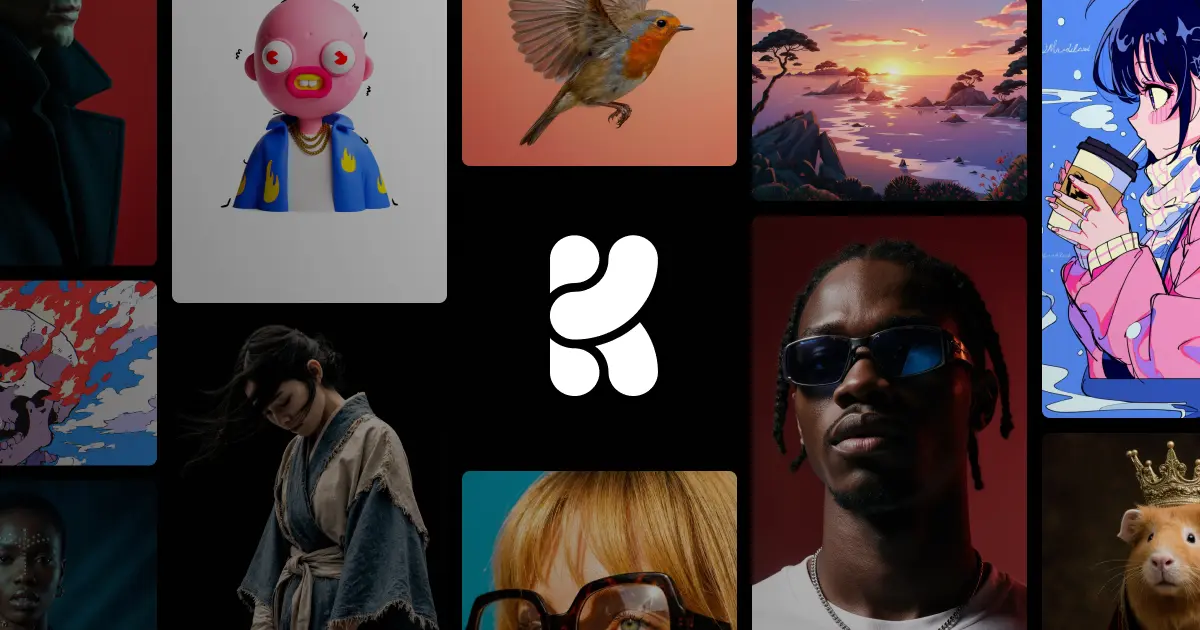
Krea 2 is our first foundation image model built completely from scratch, focused on aesthetics, style transfer, and creative control.
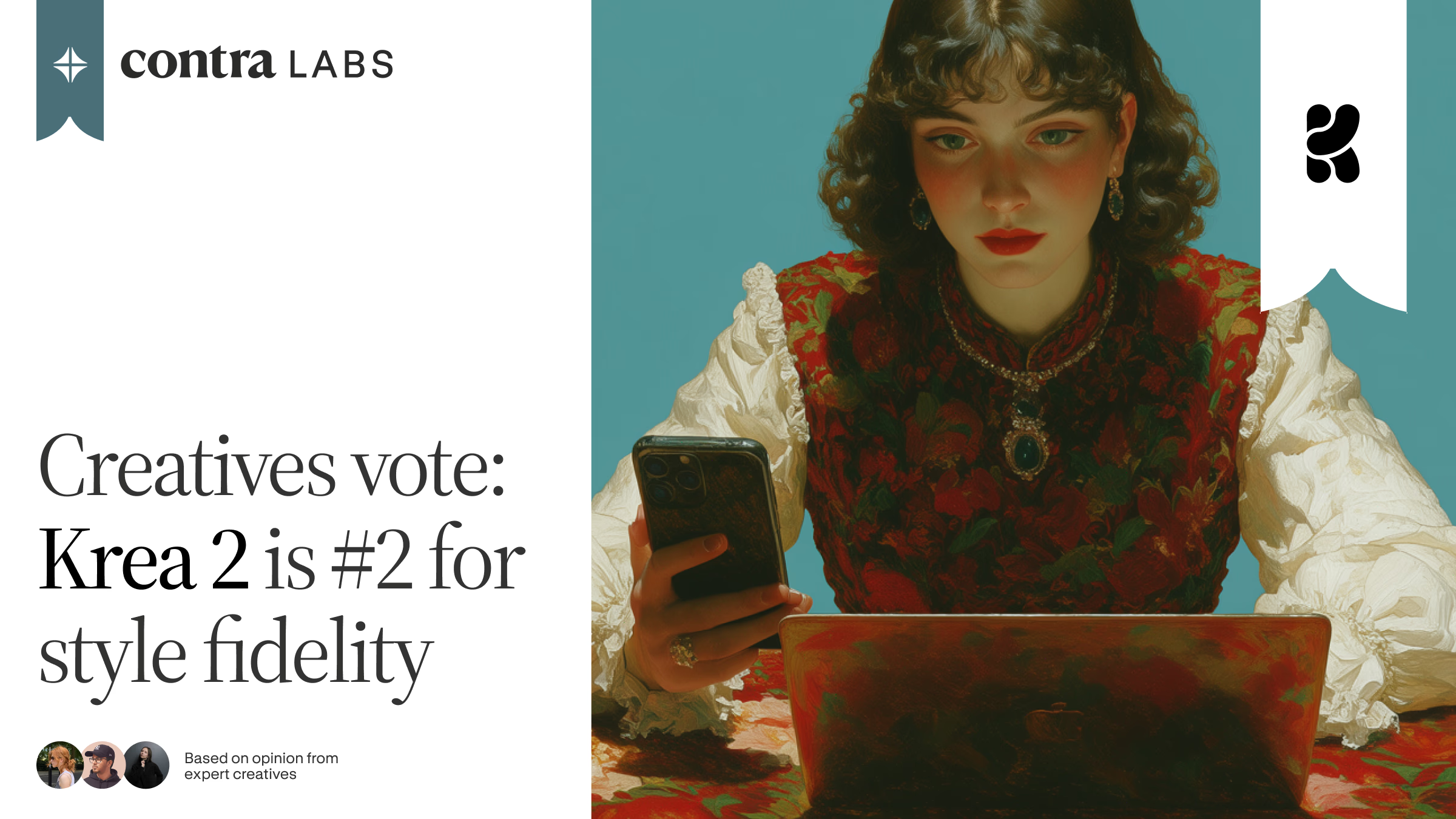
Contra Labs found Krea 2 Large within 0.14 points of GPT Image 2 on Style Fidelity in a four-model style-transfer benchmark.
Krea 2 is here. Our first foundation image model built completely from scratch, focused on aesthetics and creative control.
Most image models are good at understanding what you want in an image. Krea 2 is built around the second part: how you want it to look. It can render a wide range of styles, from grainy film photography to clean studio shots, cinematic stills, illustrations, digital paintings, and more experimental directions.
Apply motion and style effects to any video in one click. Open the video tools, hit "add effects" to browse the library, and use the suggested tags in your prompt to dial in the look you want.
Turn on Multiple Models in the image tool to generate with several models from the same prompt and settings, then compare results side by side. Pick the model that matches the look you want — Krea 2, Nano Banana, ChatGPT, Luma, and more — without re-running anything.
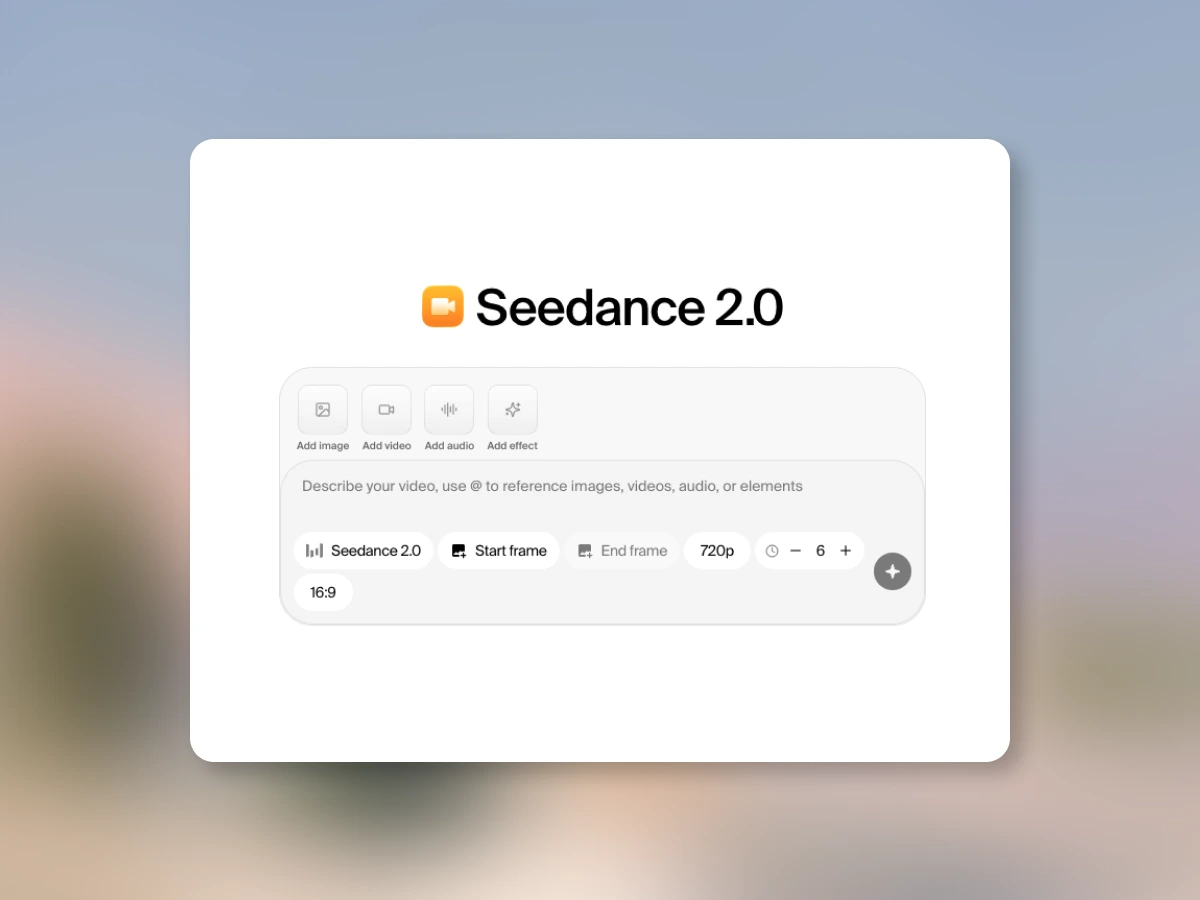
Seedance 2.0 is available on Krea on all paid plans. Best-in-class motion coherence and cinematic camera control.
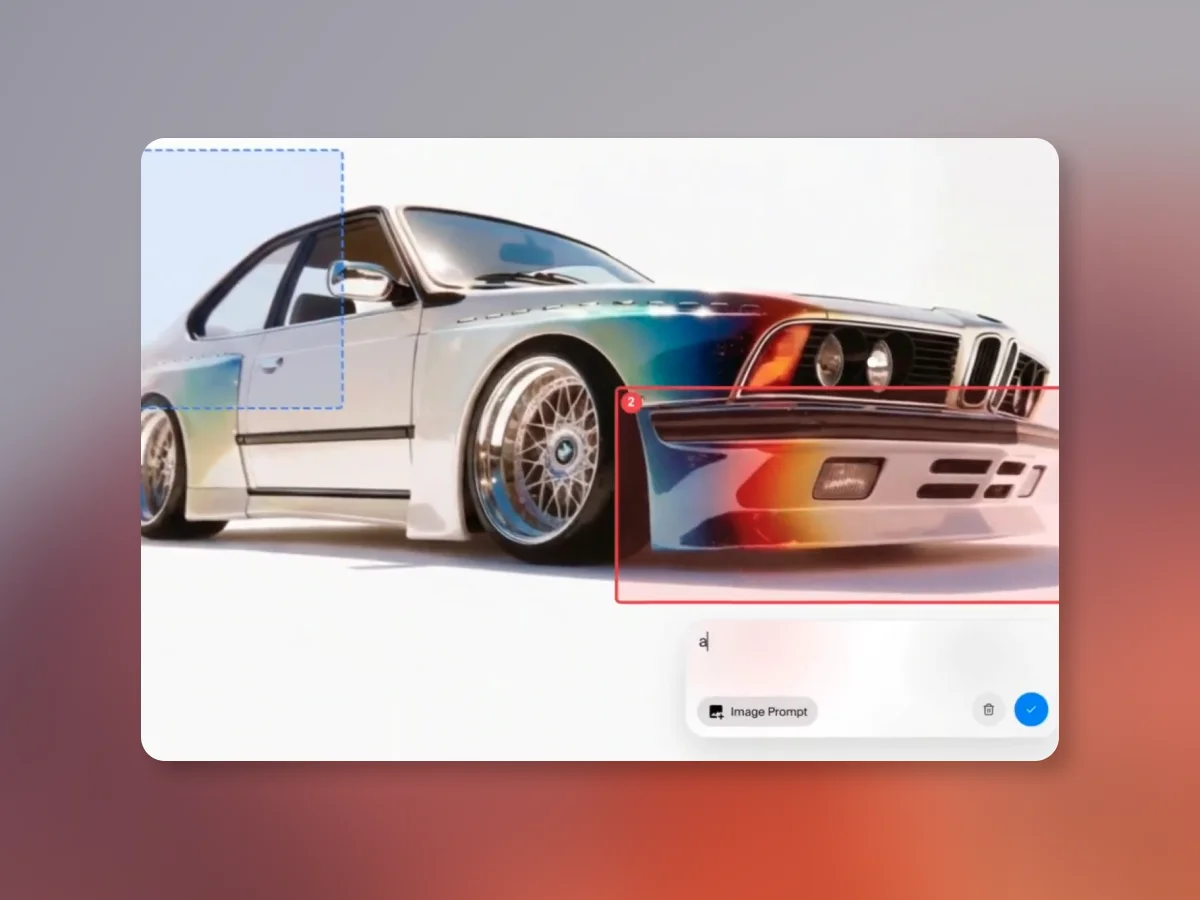
Mark up multiple regions, write a separate prompt for each one, and generate all the changes in a single pass.
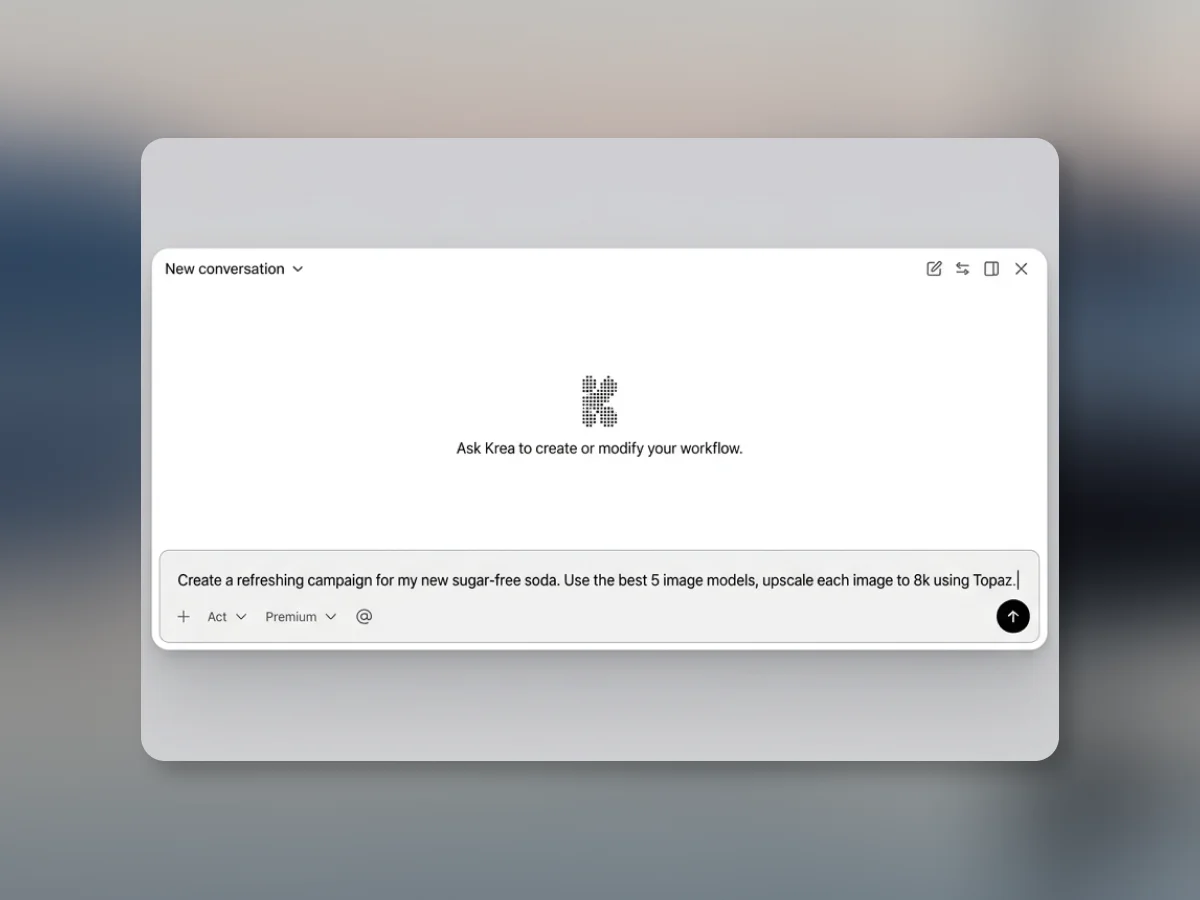
Describe what you want, and watch our agent make it happen. Creative workflows, without the complexity.

Change specific regions, render new perspectives, adjust lighting, apply color palettes, and more. A rebuilt editing tool with fine-grained AI control.
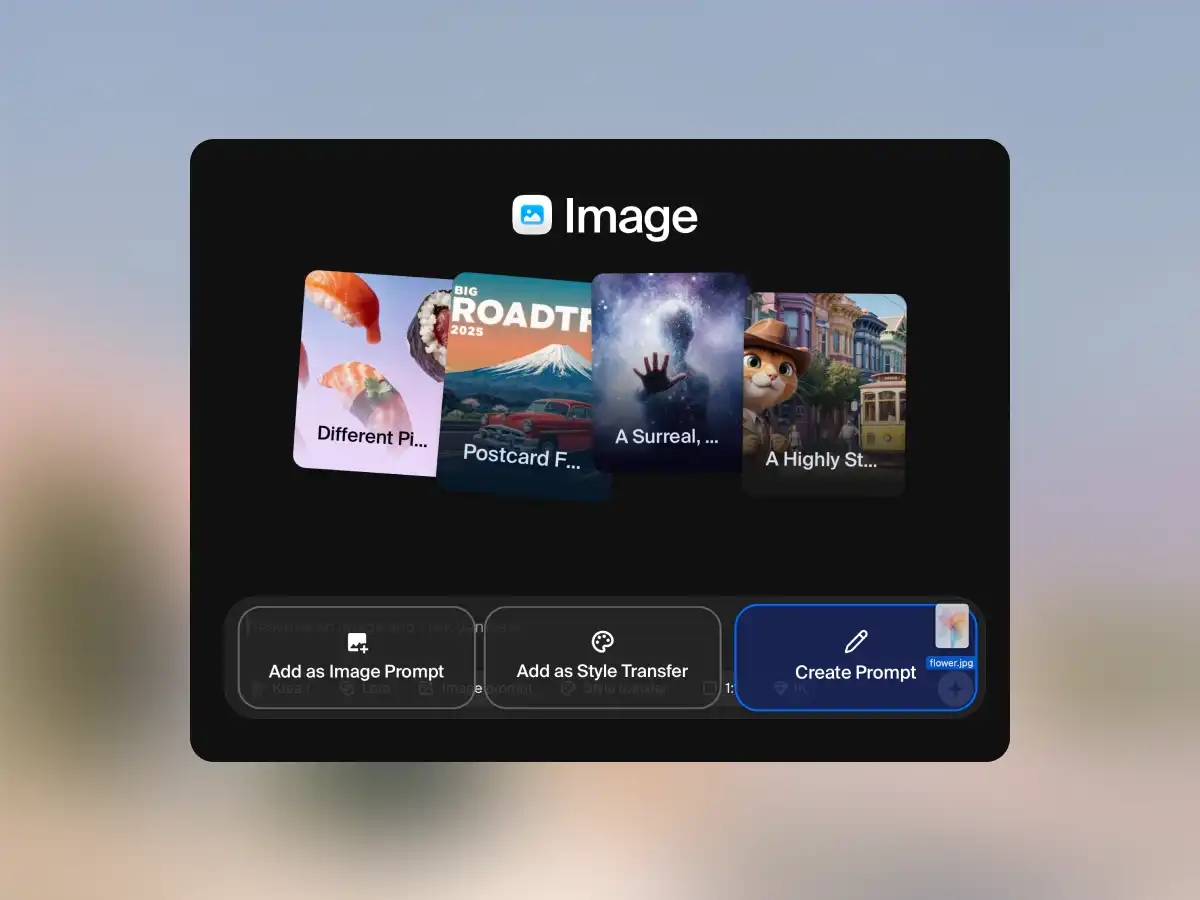
Drop any image into Krea and get a detailed, generation-ready prompt in seconds. AI vision analyzes style, lighting, composition, and more.
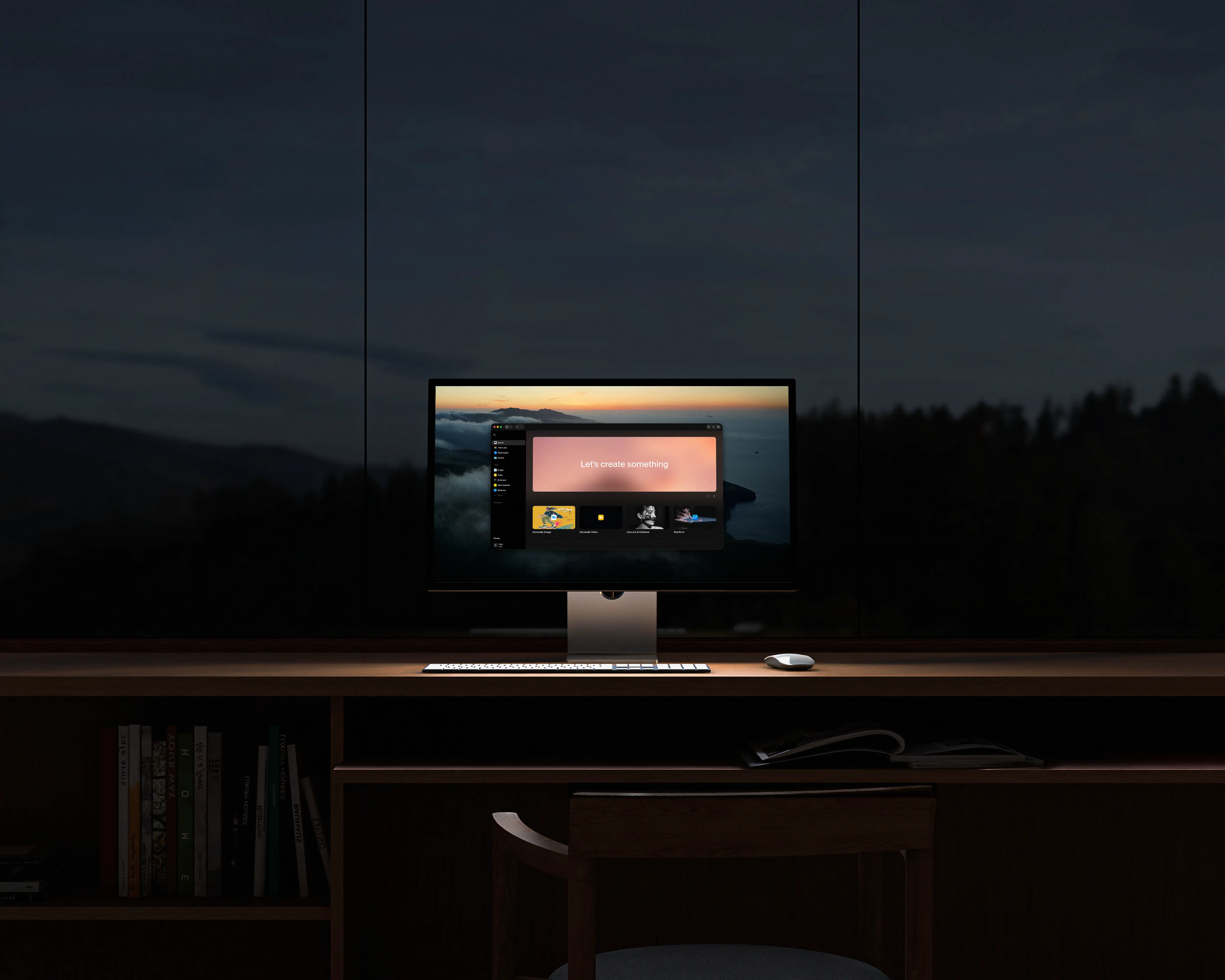
Krea's biggest interface redesign to date. Unified navigation, transparent model selection, drag-and-drop workflows, customizable workspace, and a rebuilt mobile experience.
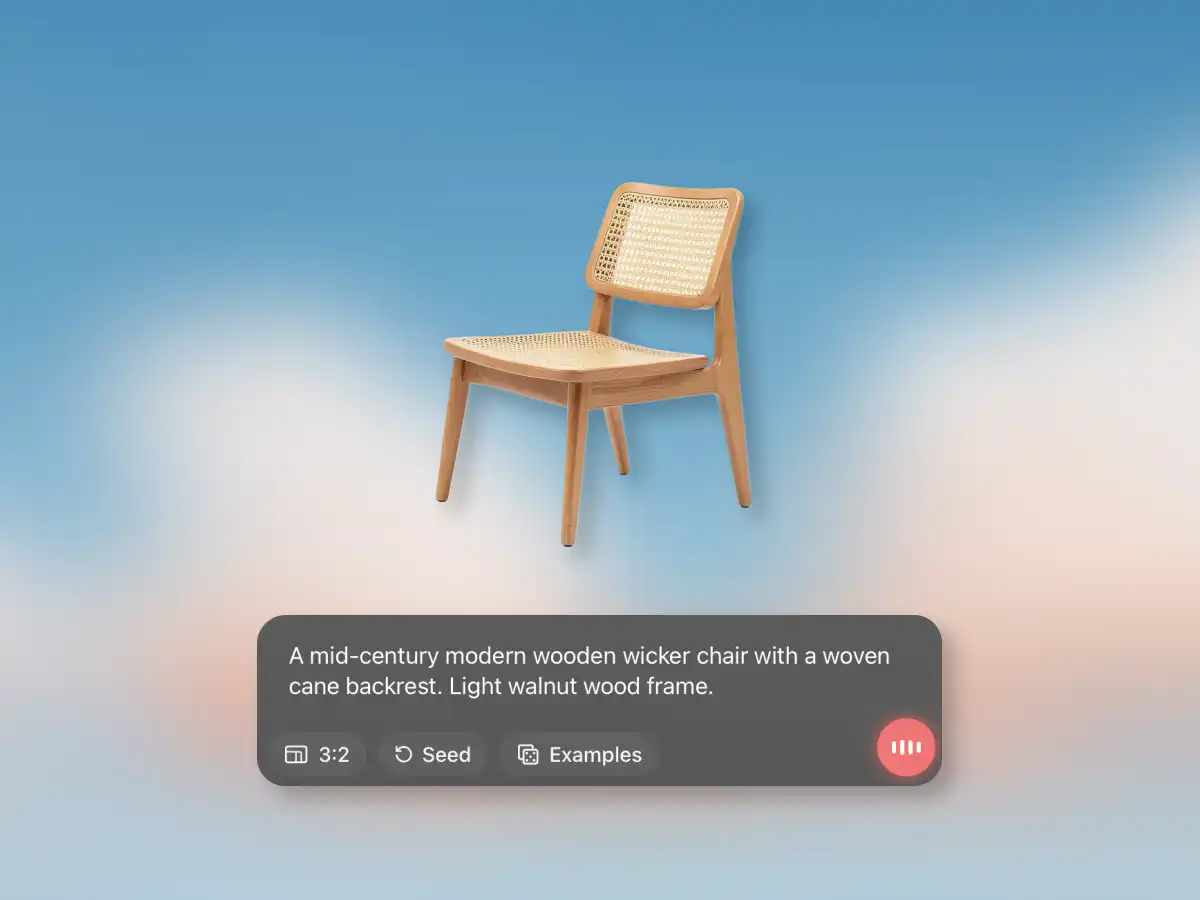
Introducing Voice Mode for Krea on iPad: speak while you draw and the canvas updates in real time for faster ideation and hands-free creative iteration.
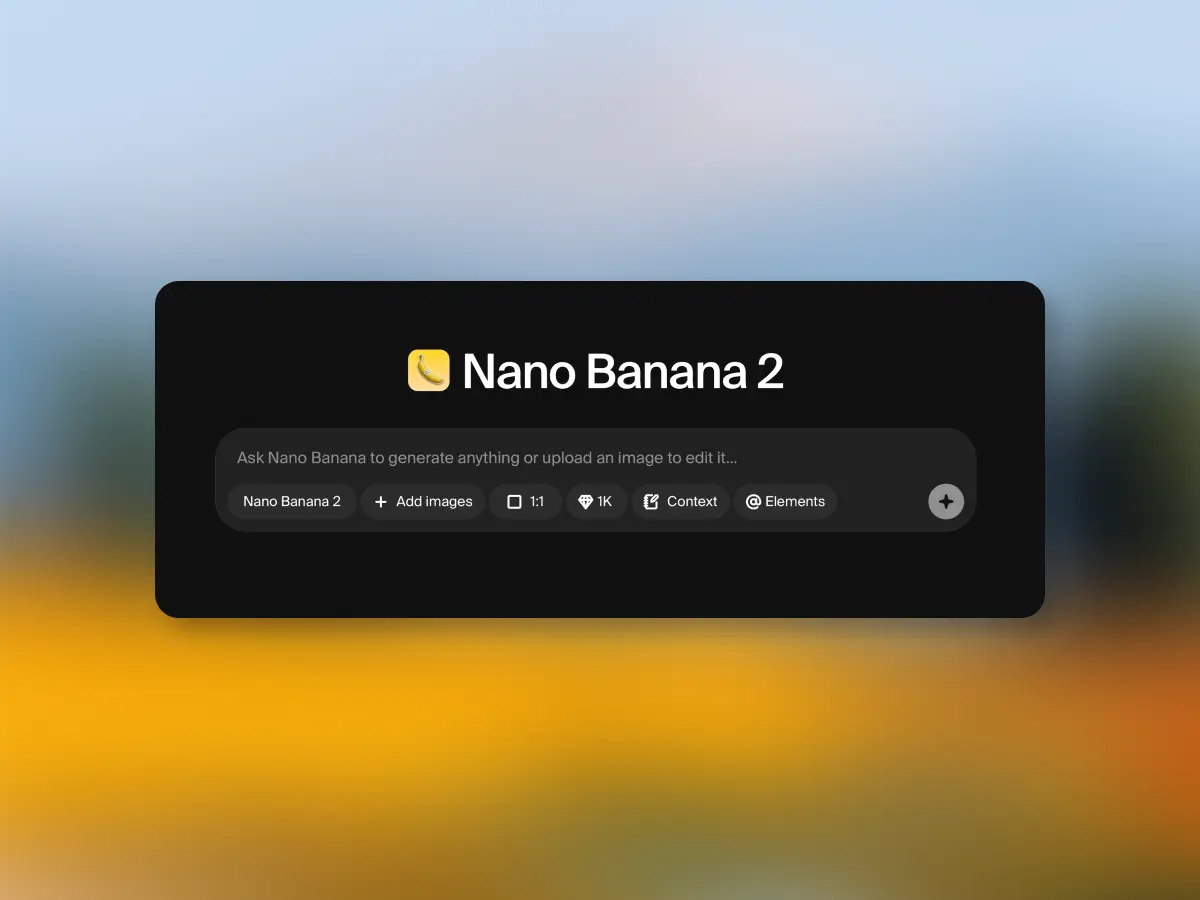
Nano Banana 2 is faster, cheaper, and produces higher quality results. The next generation of Google Deepmind image model is available now.
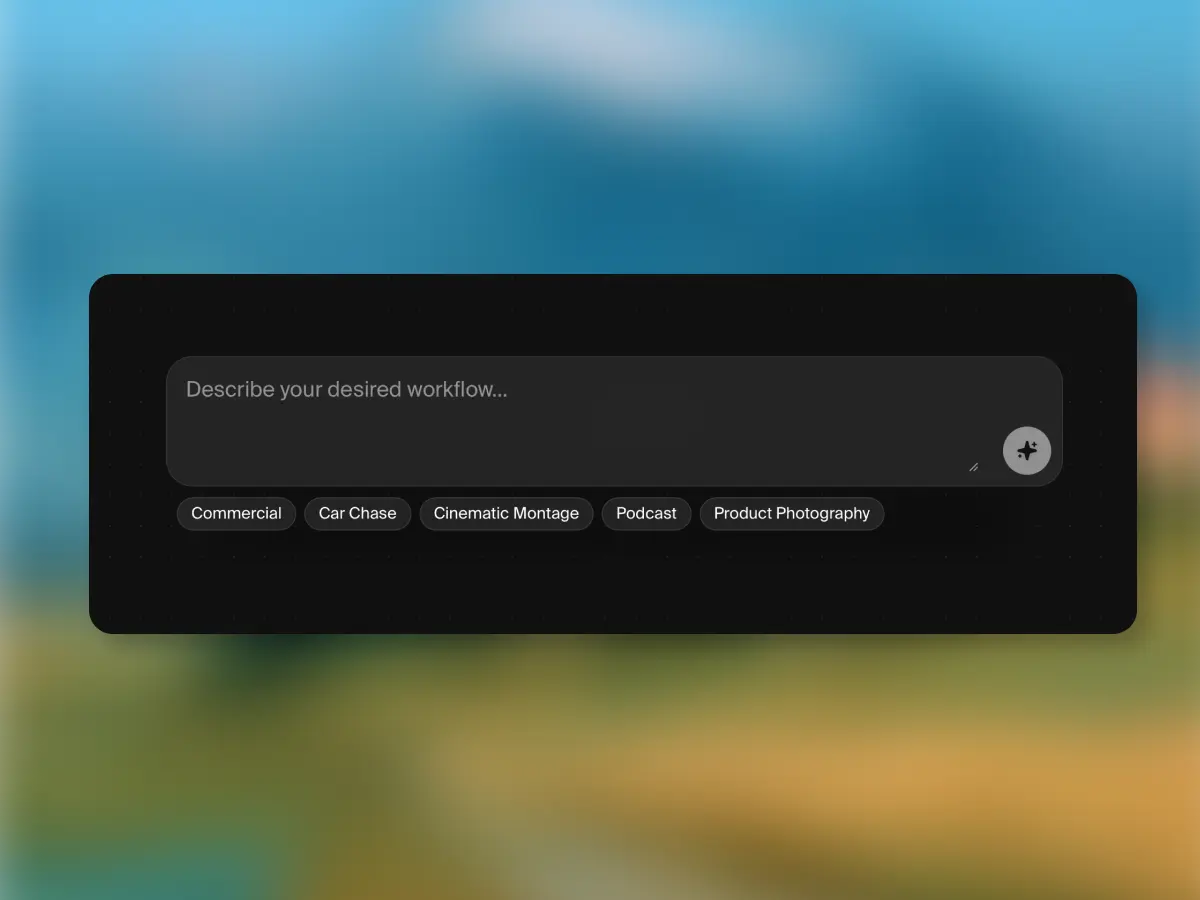
Create entire node workflows from text instructions. Describe what you want to build and Krea Nodes generates the workflow for you.
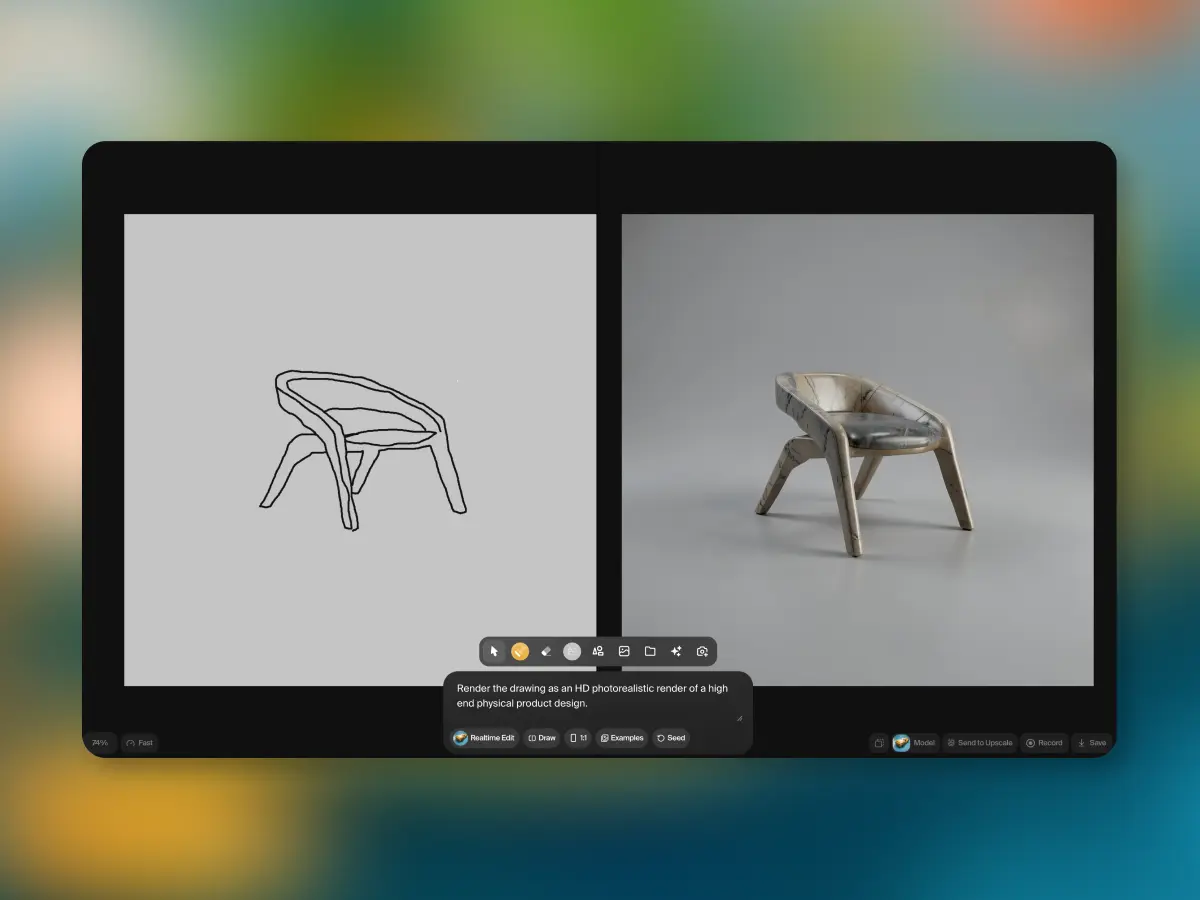
Paint on canvas, stream a webcam or your screen, and watch the AI edit in real time. Realtime Edit is available now in Krea.
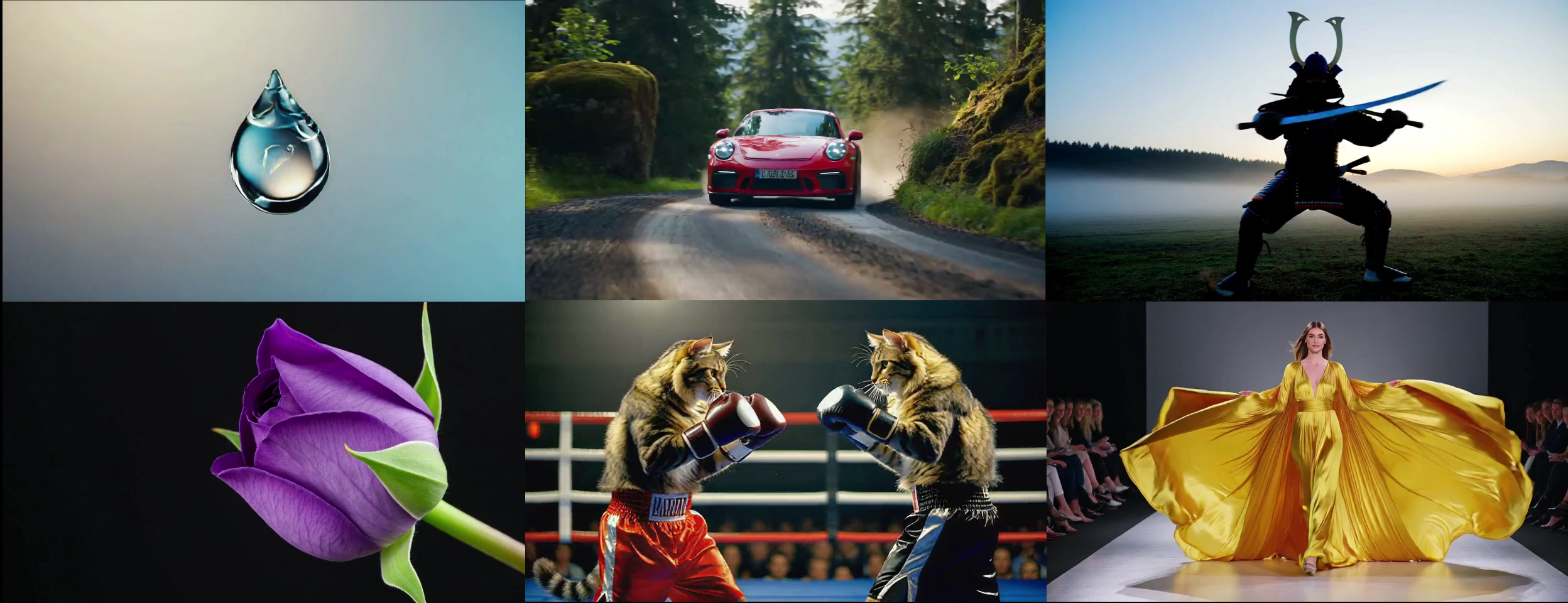
We release Krea Realtime 14B, a 14-billion parameter model capable of real-time, long-form video generation. Learn about our Self-Forcing training approach and novel inference techniques.
Open media
Krea announces the open release of FLUX.1 Krea, including model weights, training details, and resources to run and fine-tune the model.
Open media
Krea announces its Series B funding.
Open media
Collaborate with your colleagues using Krea Teams.

A big announcement from the Krea team.