














Step 1
Upload
Add a scene reference image, the device photo, and your screen artwork or screenshot. The tool reads the scene cues and prepares a composite-ready layout.
Generate polished product key visuals from a scene reference, device image, and screen content. Preserve device geometry and look fast. Try it now.
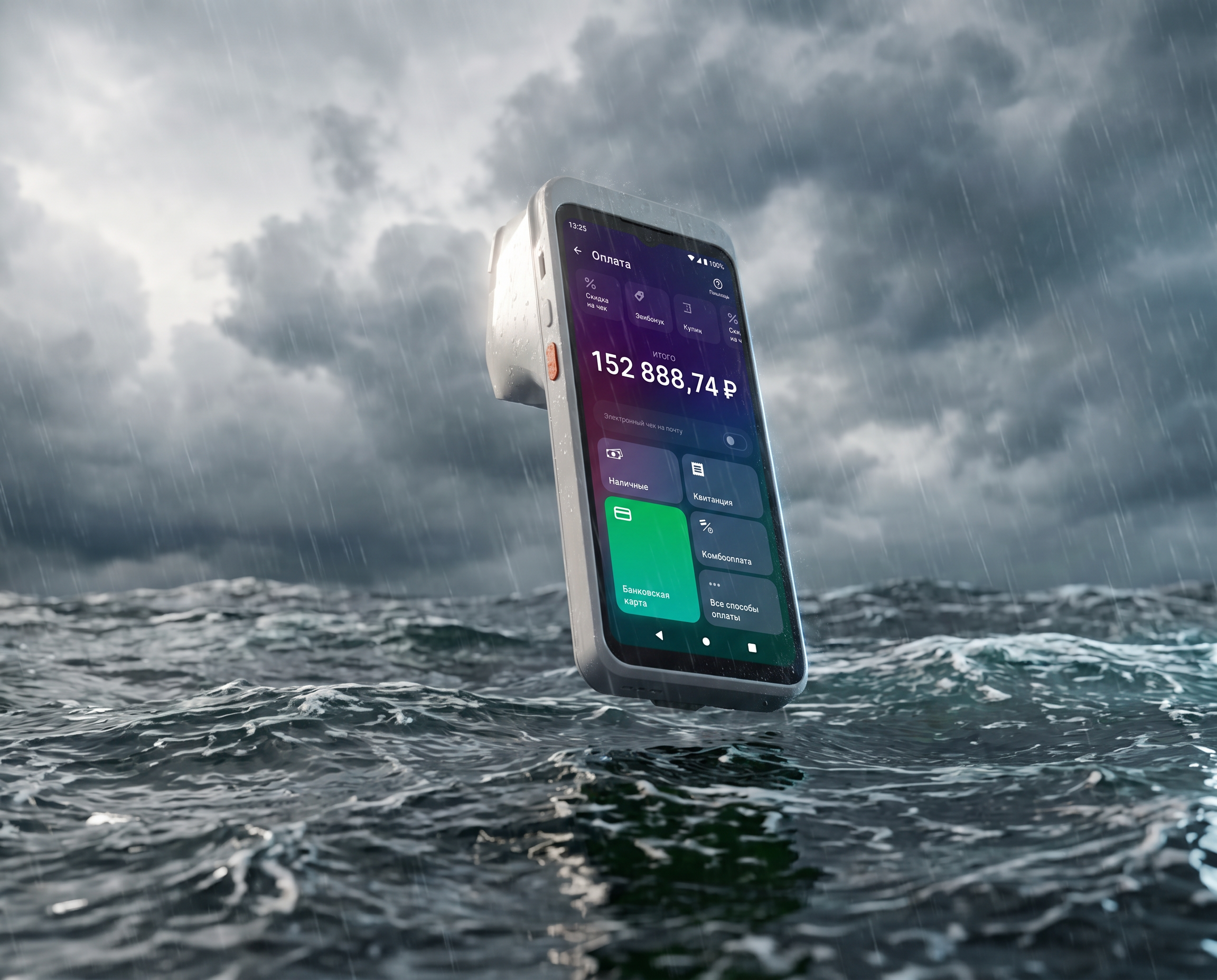
How to use Product Scene Builder
Upload a scene reference, your device image, and the screen content you want to display. Then adjust placement and styling to match the reference and generate a clean key visual quickly.
Step 1
Add a scene reference image, the device photo, and your screen artwork or screenshot. The tool reads the scene cues and prepares a composite-ready layout.

Step 2
Fine-tune framing, perspective, and screen placement to fit the reference. Keep the device’s geometry and surface details intact while matching lighting and mood.

Step 3
Generate the final key visual and iterate with quick tweaks. Export a high-quality image ready for product pages, ads, app store listings, and presentations.
Features
Product Scene Builder combines scene-reference matching with device-aware compositing. Drop in a reference, a device image, and screen content to generate a cohesive key visual that keeps the device’s shape and finish consistent. Iterate quickly, maintain brand consistency, and produce assets suitable for marketing and UI showcases.
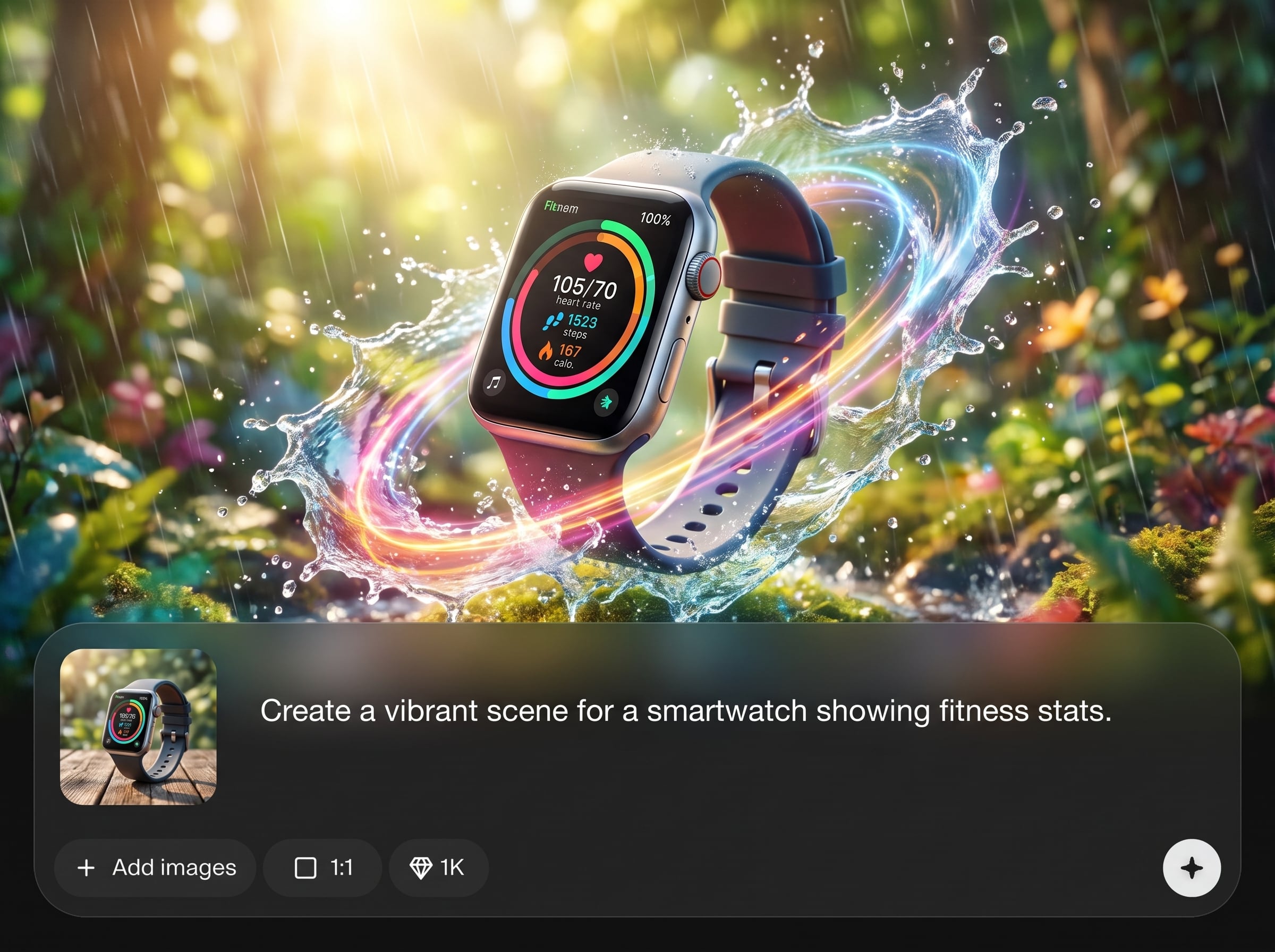
Use a reference scene to guide composition, lighting, and overall style. The AI helps recreate the key visual feel while keeping your product placement clear and readable.
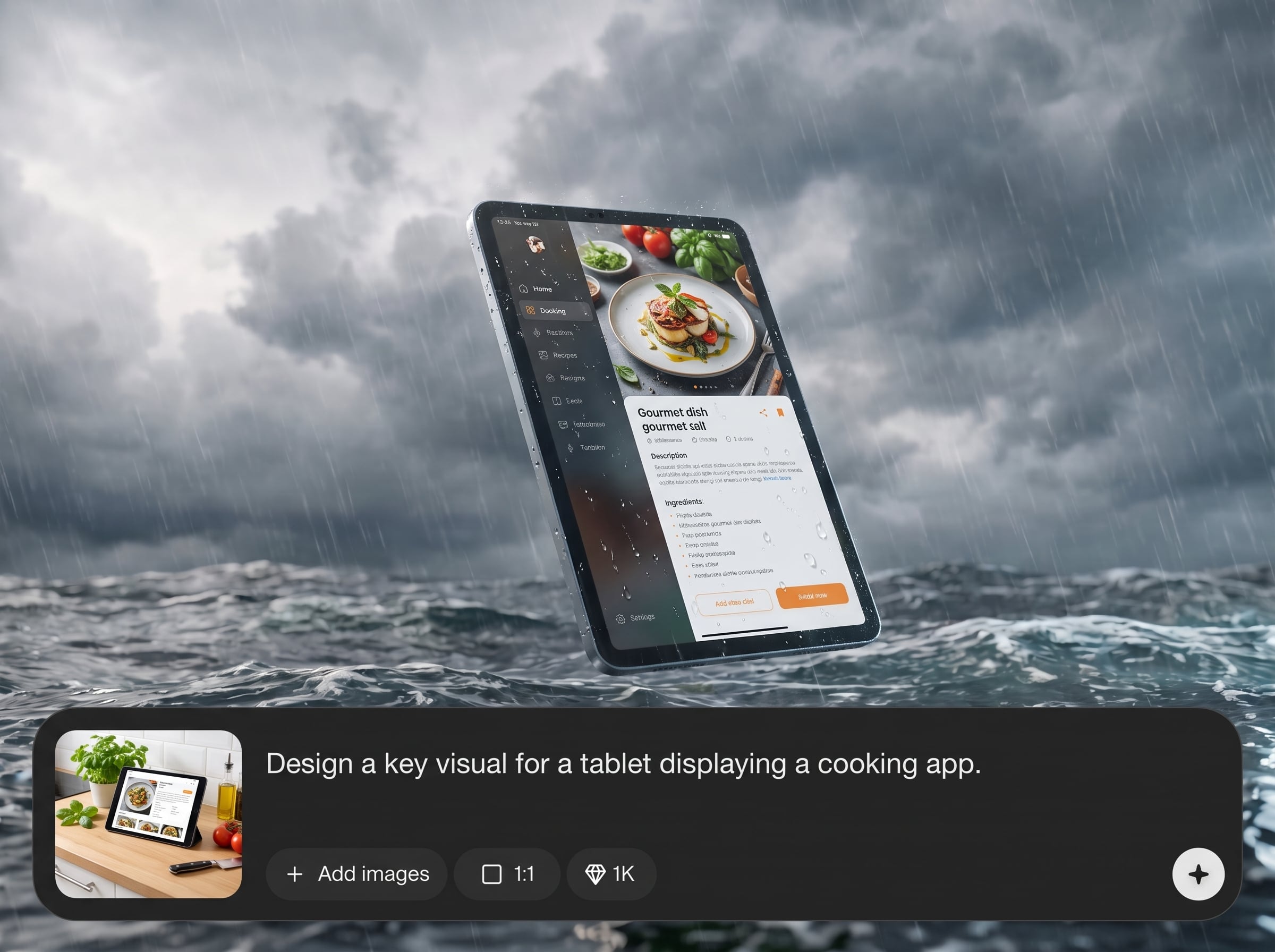
Keep the device’s proportions, perspective, and external appearance as close as possible. Ideal for maintaining recognizable hardware details while swapping in new screen content.
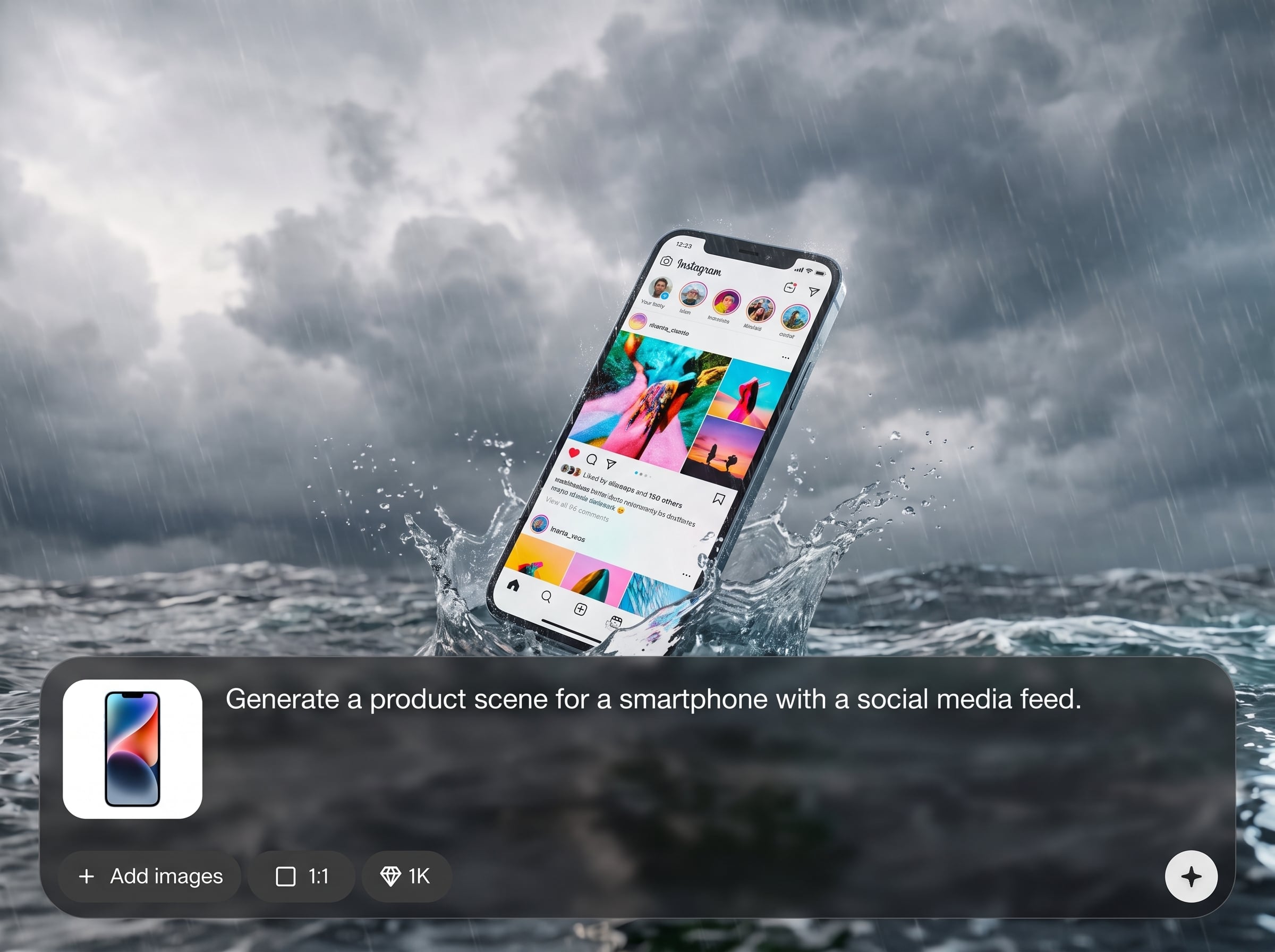
Generate multiple variations quickly, compare options, and refine without rebuilding from scratch. Export high-quality visuals for landing pages, ads, pitch decks, and store listings.
About
Product Scene Builder generates polished key visuals from a scene reference, a device photo, and your screen content. It matches the scene style while preserving the device’s geometry and appearance as closely as possible. Create consistent product marketing visuals, mockups, and launch assets in minutes—right in your browser.
Product Scene Builder streamlines key visual production with reference-based scene matching and device-aware compositing. Preserve device geometry, keep scenes consistent, and iterate quickly for marketing-ready outputs. It’s built for clean results, fast workflows, and repeatable visual consistency.
Choose a scene reference, upload your device image, and add the screen content you want to display. Align the placement, generate variations, and export a high-quality key visual for immediate use.
Use cases
Discover how different creators use this app in their workflow.
Create polished hero images for websites, campaigns, and launches using a consistent scene reference and accurate device presentation.
Place new UI screens into real device photos while keeping perspective and hardware details stable for clean, credible mockups.
Generate repeatable product scenes for catalogs and marketplace images, with quick variations for different screen content and contexts.
Krea is one of the world's leading generative AI platforms. See what others say.
Real reviews on TrustpilotSo many AI tools out there but I always come back to Krea. It's really the one AI platform that 'just works'.

FYN
Krea's interfaces are still the best in the industry. Everything looks and feels so clean and easy to use! Imo the easiest to use gen AI website.

Lynn
Ultra fast generations. Extremely simple to use. All the latest AI models.

Daniel
KREA is the only AI subscription I have right now besides ChatGPT.

Sophia M.
Answers to common questions about AI product scenes, device mockups, and reference-based key visual generation.
It generates a key visual from a scene reference, a device image, and screen content. The AI composites them into a cohesive scene while preserving the device’s geometry and overall look.
Upload the reference scene, then add your device photo and screen artwork. Adjust alignment and placement, then generate. Iterate with small tweaks to match the reference mood and framing.
It aims to preserve proportions, perspective, and visible device details as closely as possible. Results depend on input quality and angles, but it’s optimized for device-aware compositing.
You need three inputs: a scene reference image, a device photo (or render), and the content for the device screen. Clean, high-resolution images typically produce better results.
Yes. Keep the same reference and device image, swap the screen content, and regenerate. This makes it easy to produce consistent variations for different features, languages, or campaigns.
Yes, it runs online in the browser. You can upload assets, align the composition, generate variations, and export results without installing additional design software.
High-resolution PNG or JPG works well, especially with clear edges and readable UI. If you have transparency for overlays, PNG is recommended for cleaner compositing.
Templates lock you into fixed scenes and angles. This tool uses AI and scene references to adapt composition and style, while keeping device geometry stable for flexible, repeatable visuals.
Yes. Reusing the same reference scene and device setup helps keep lighting, framing, and tone consistent. Generate multiple outputs that feel cohesive across pages and campaigns.
It’s designed for rapid iterations: adjust alignment, swap screen content, regenerate, and compare. This speeds up creating hero images, ads, and store assets from one setup.
Upload a reference, device image, and screen content to generate scene-matched visuals in minutes.

