














Step 1
Paste
Copy your entire article and paste it into the input field. The tool reads headings, tone, and key ideas to understand what visuals to generate.
Turn any full article into relevant AI-generated images in seconds. Paste your text, generate variations, and download visuals instantly. Try it now!
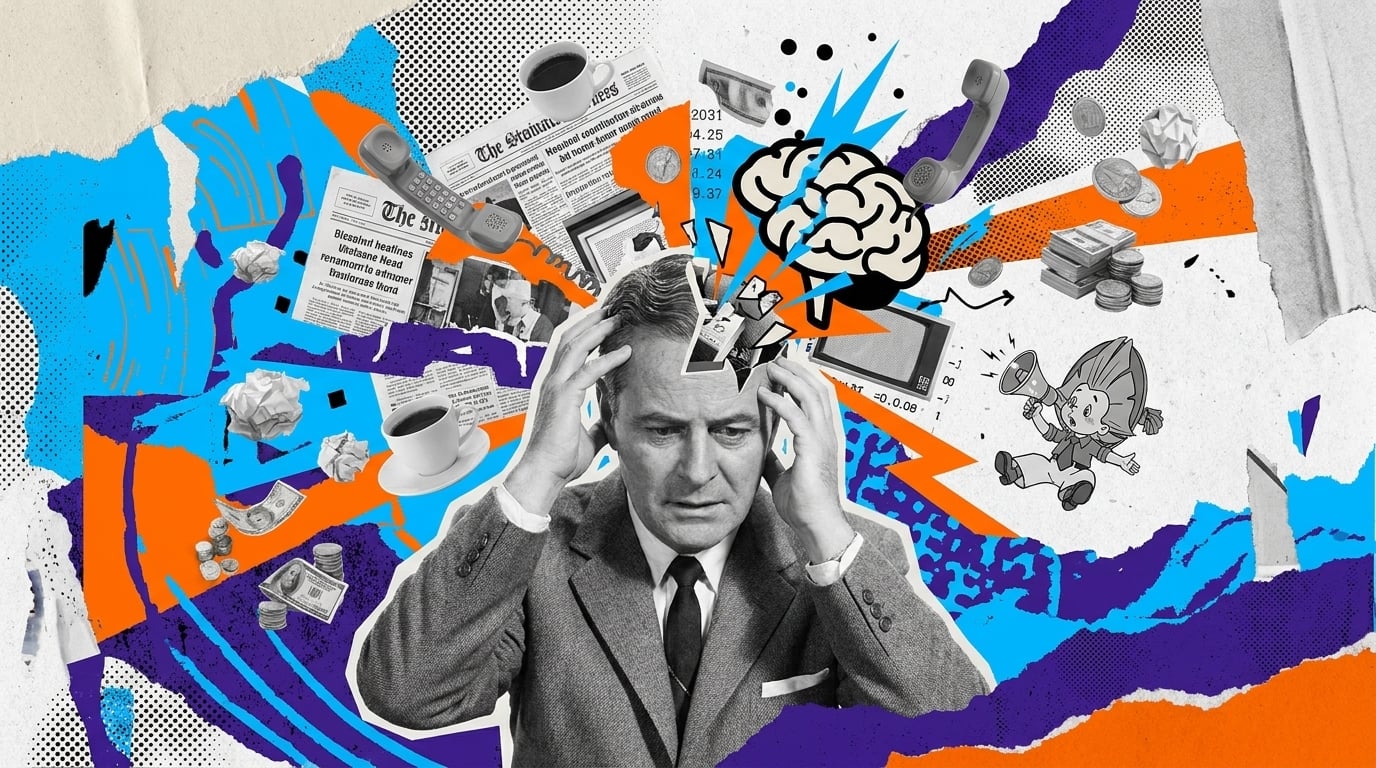
How to use Картинки для Жизы
Paste your full article and let the AI analyze context to produce matching images. Use simple controls to refine style, regenerate options, and download visuals ready for publishing across web and social.
Step 1
Copy your entire article and paste it into the input field. The tool reads headings, tone, and key ideas to understand what visuals to generate.

Step 2
Click generate to create multiple image options. Adjust style and prompts if needed, then regenerate until the images fit your topic and layout.

Step 3
Pick the best results and download instantly. Use the images in blog headers, section breaks, thumbnails, or social previews for consistent visual storytelling.
Features
Generate contextual images directly from long text—no separate prompt writing required. Картинки для Жизы analyzes your article and produces multiple options you can iterate on quickly. Use style tweaks and fast regenerations to find visuals that fit your topic, tone, and layout for web publishing.
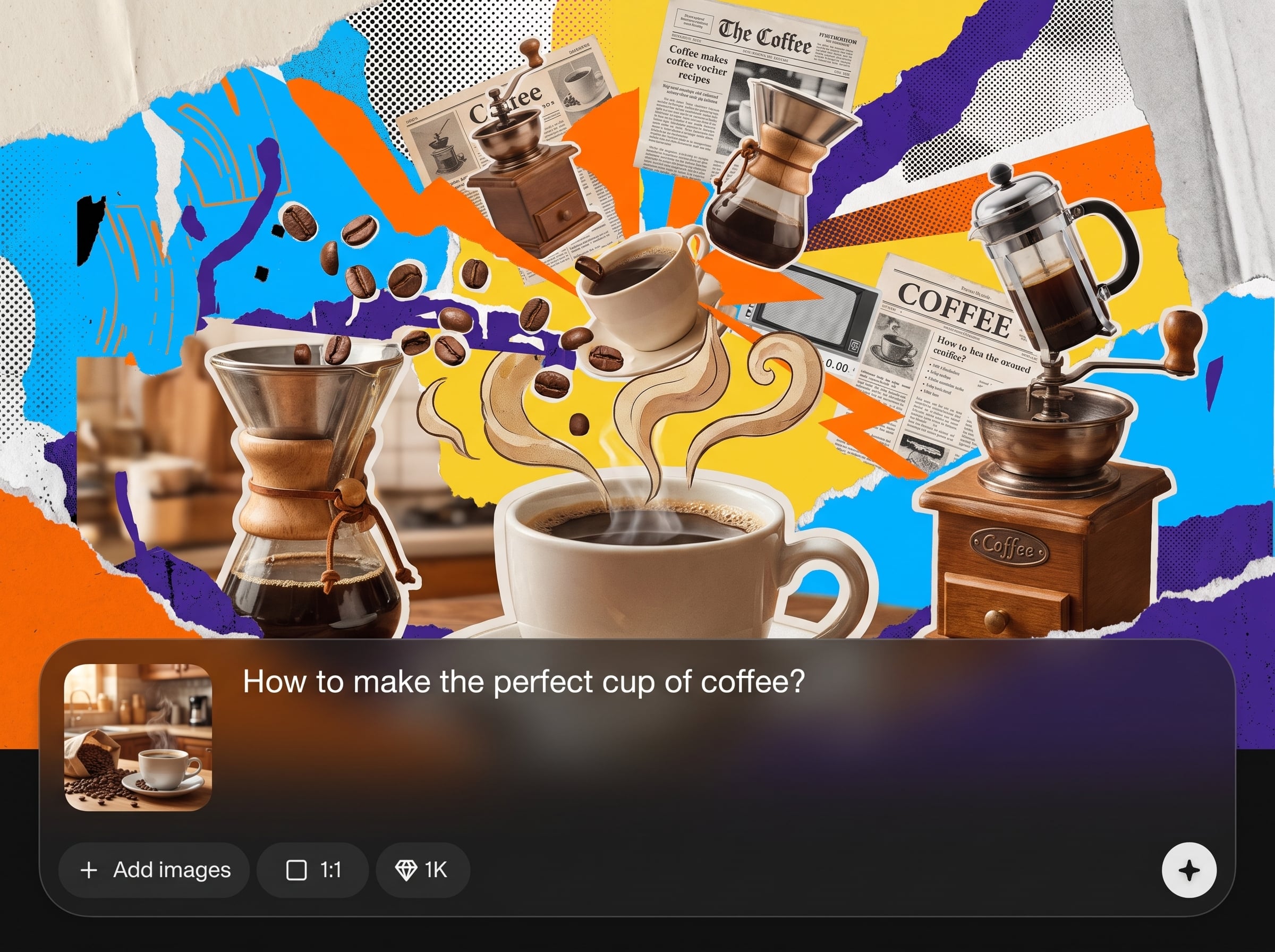
Paste the whole article, not just a caption. The AI uses context across sections to generate images that match the theme and reduce off-topic results.
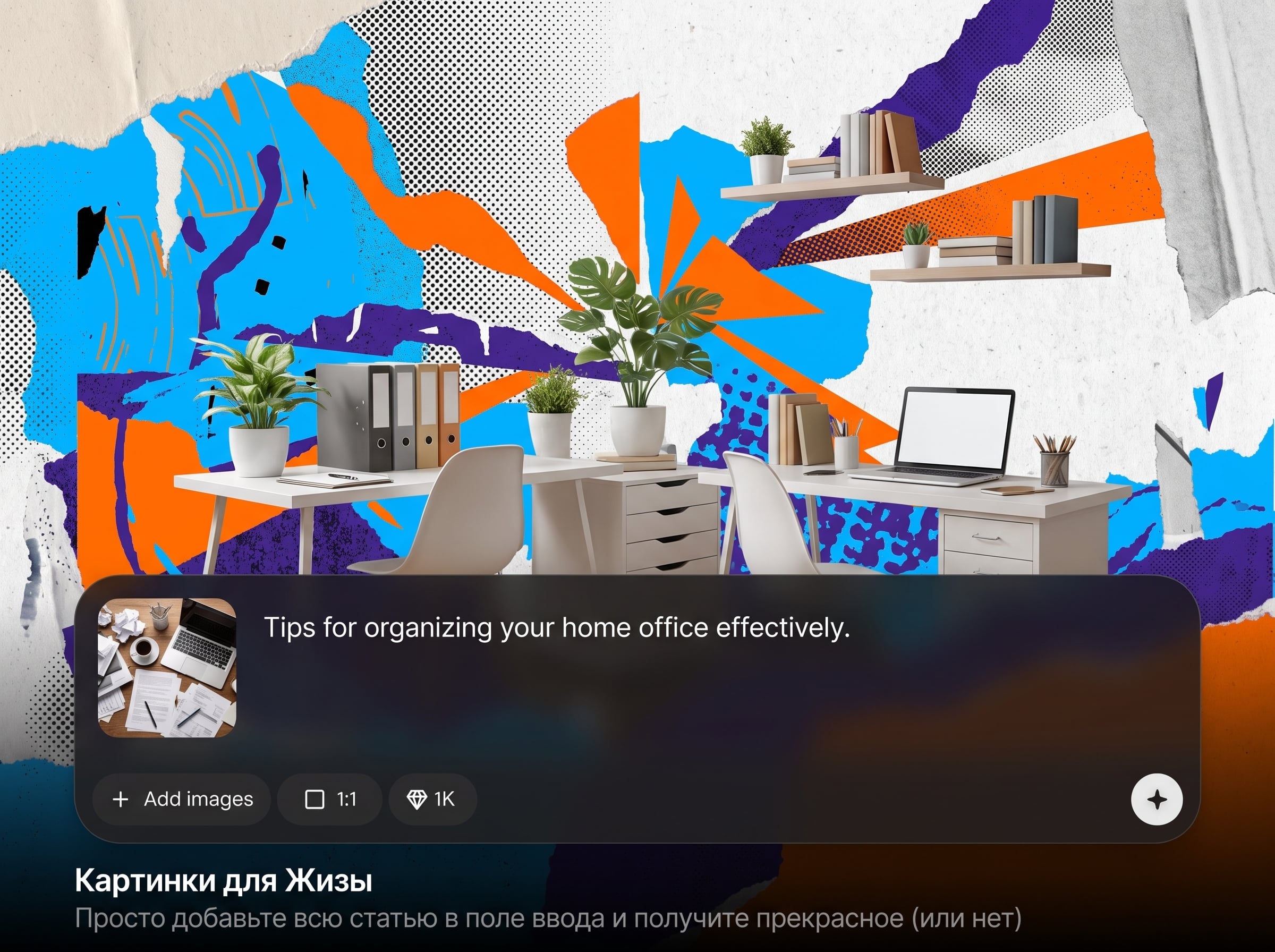
Create multiple images per article and regenerate in seconds. Quickly compare options for headers, sections, and thumbnails without restarting your process.
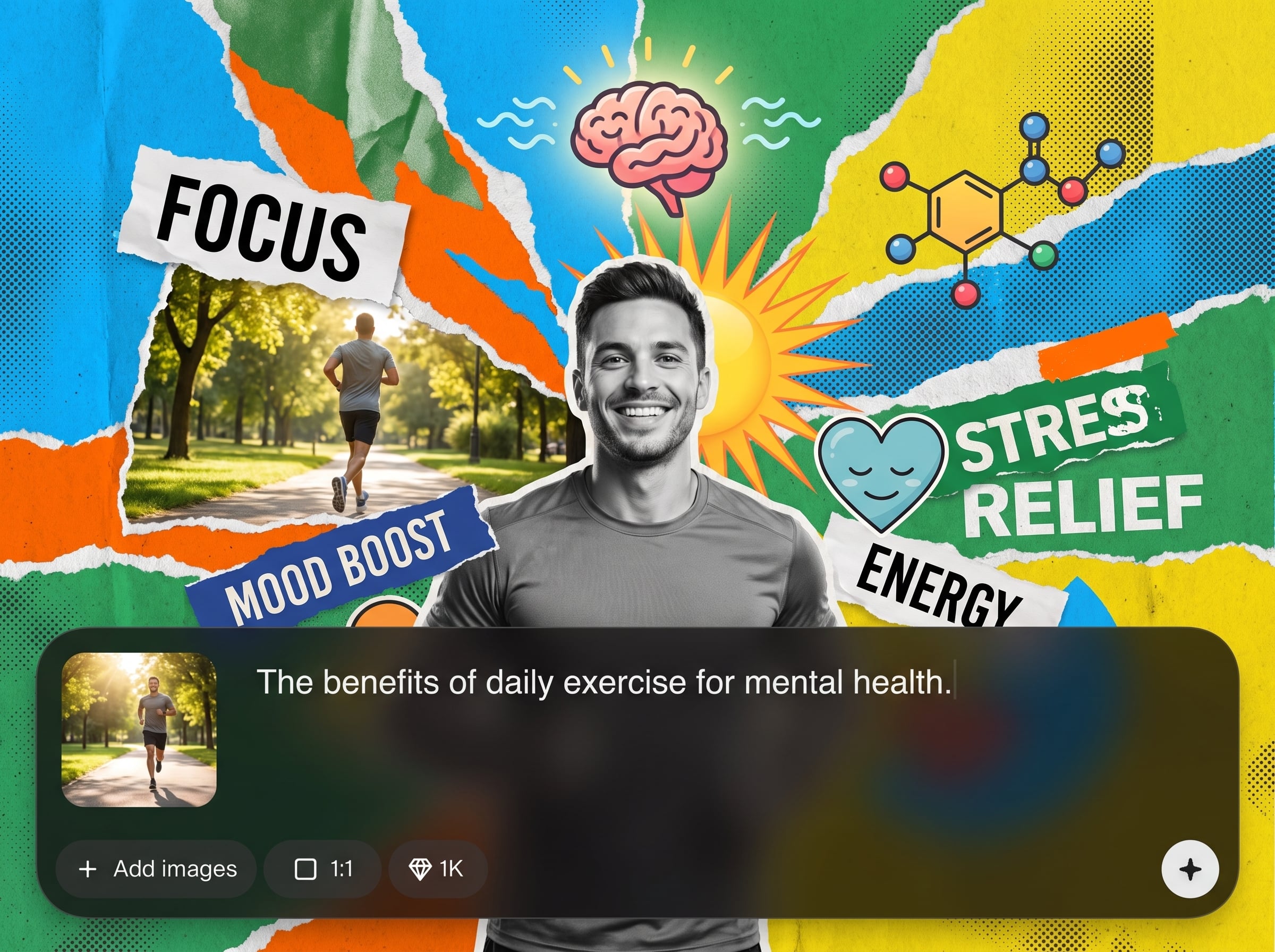
Refine outputs with lightweight edits to style and wording. Keep a consistent look across a series while still tailoring each image to specific paragraphs.
About
Картинки для Жизы turns a full article into AI-generated images that match your text. Paste the entire article, choose a style, and get multiple visuals you can use for blogs, posts, and pages. Fast generation helps you illustrate long-form content without manual design, while keeping results flexible—beautiful, weird, or perfectly on-brief.
Картинки для Жизы is built for long-text workflows: paste once, generate many, and iterate fast. Context-aware generation reduces prompt work, while variations help you find the right image for every section. Produce consistent visuals for publishing without slowing down your writing process.
Open the app, paste your full article, and click generate. Adjust style or add a short prompt if needed, then download selected images and place them into your layout immediately.
Use cases
Discover how different creators use this app in their workflow.
Create header images and section visuals from long-form articles, helping pages look polished and easier to scan without spending time on manual design.
Turn article content into shareable visuals for previews, banners, and post images—ideal for repurposing written content across channels quickly.
Illustrate tutorials and internal documentation with contextual images, making dense information clearer while keeping formatting consistent and easy to update.
Krea is one of the world's leading generative AI platforms. See what others say.
Real reviews on TrustpilotSo many AI tools out there but I always come back to Krea. It's really the one AI platform that 'just works'.

FYN
Krea's interfaces are still the best in the industry. Everything looks and feels so clean and easy to use! Imo the easiest to use gen AI website.

Lynn
Ultra fast generations. Extremely simple to use. All the latest AI models.

Daniel
KREA is the only AI subscription I have right now besides ChatGPT.

Sophia M.
Answers to common questions about generating images from article text with AI.
It converts a full article into AI-generated images based on the text’s context. Paste your content, generate multiple visual options, and download images for headers, sections, thumbnails, and social previews.
Not necessarily. You can paste the entire article and generate immediately. Optional prompt and style tweaks help steer results if you want a specific look or tighter alignment.
Yes. The tool is designed for full-article input so the AI can understand themes across sections. This often improves relevance compared to generating from a single sentence or title.
The model analyzes key topics, entities, and tone to infer visual concepts. It then proposes images that represent main themes and can be regenerated to explore different interpretations.
You can generate a range of styles—from clean editorial visuals to more artistic looks. Use style settings and small prompt edits to keep outputs consistent across your article or brand theme.
You can generate multiple variations and keep regenerating until you find the right fit. This makes it easy to produce a set of visuals for different sections and formats.
Yes. It helps you create unique images that match your content, improving page presentation and shareability. Pair visuals with strong alt text and layout choices for best SEO impact.
Regenerate with a different style or add a short clarifying prompt. Because the tool is optimized for iteration, you can quickly move from weird outputs to more accurate, on-brief visuals.
Usage depends on your plan and the platform’s terms. In general, the tool supports publishing visuals for websites, marketing, and content workflows—review terms before large-scale commercial use.
It aims to, but AI images can be interpretive. For factual topics, review outputs carefully and regenerate when needed. Use explicit prompts for sensitive details, data, or specific real-world references.
Paste your article, generate multiple AI visuals, and download the best options for web, email, and social.

