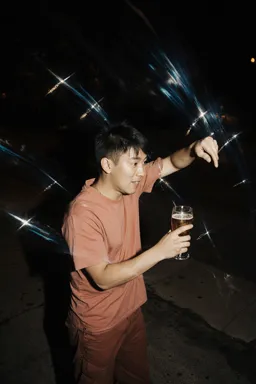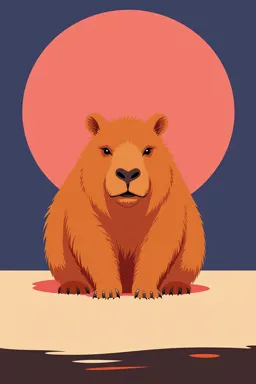










Step 1
Upload & describe
Upload your concept collage or hero shot and add a short prompt describing the look. Optionally include a model reference and a flat lay to lock styling details.
Turn one concept image into a cohesive 6-image AI photoshoot with consistent styling, angles, and poses. Choose a shoot type and generate now.
How to use Concept to Complete Photoshoot
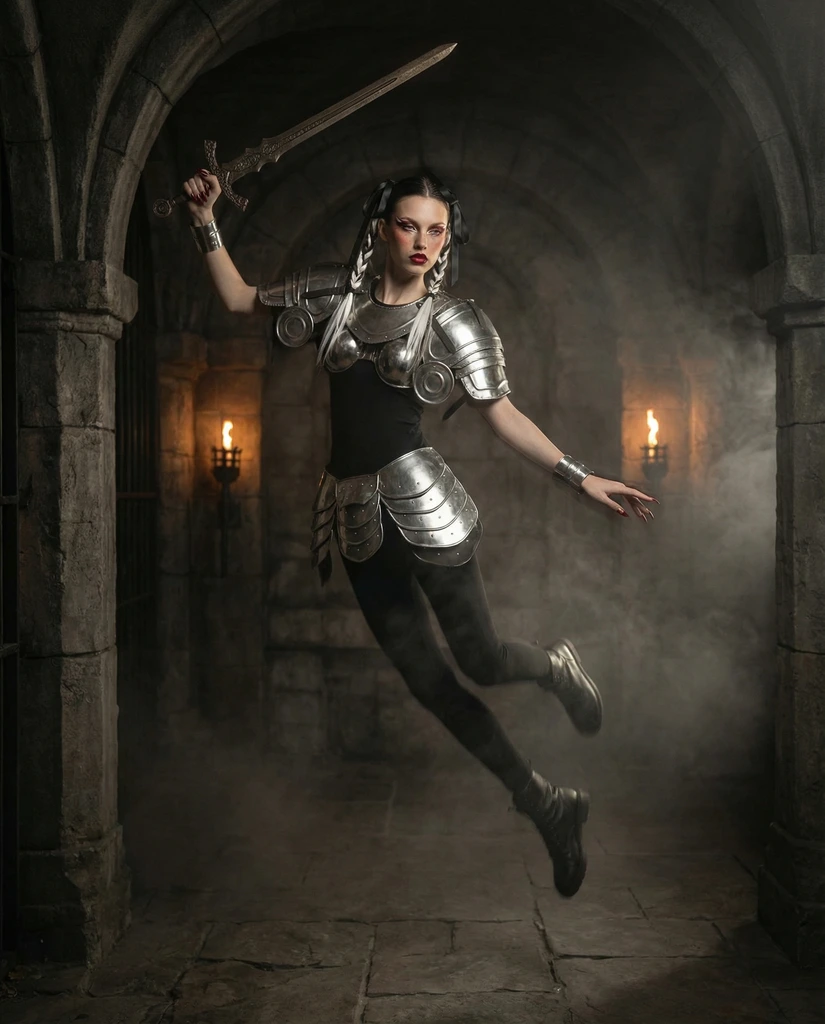
Start with one strong concept image and expand it into a full AI photoshoot series. Add optional references, choose a shoot type, and generate six cohesive shots that match your styling.
Step 1
Upload your concept collage or hero shot and add a short prompt describing the look. Optionally include a model reference and a flat lay to lock styling details.
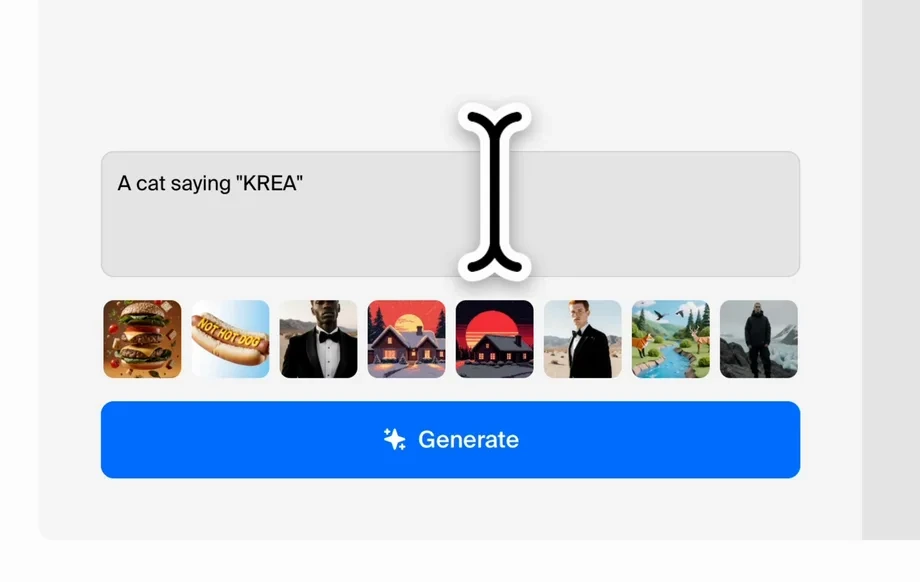
Step 2
Select Fantasy, Beauty, Editorial, or Lifestyle to set the visual direction. Fine-tune key styling cues so every image stays consistent across outfits, props, and lighting.
Step 3
Click generate to create six images with coordinated framing, angles, and poses. Review the series, pick favorites, and export cohesive photoshoot-ready visuals in seconds.
Features
Expand one image into a consistent 6-shot series that looks like a real photoshoot. The tool keeps your concept, styling, and visual identity intact while varying angles, poses, and composition. Use optional model and flat lay references to guide details and maintain continuity across every output.
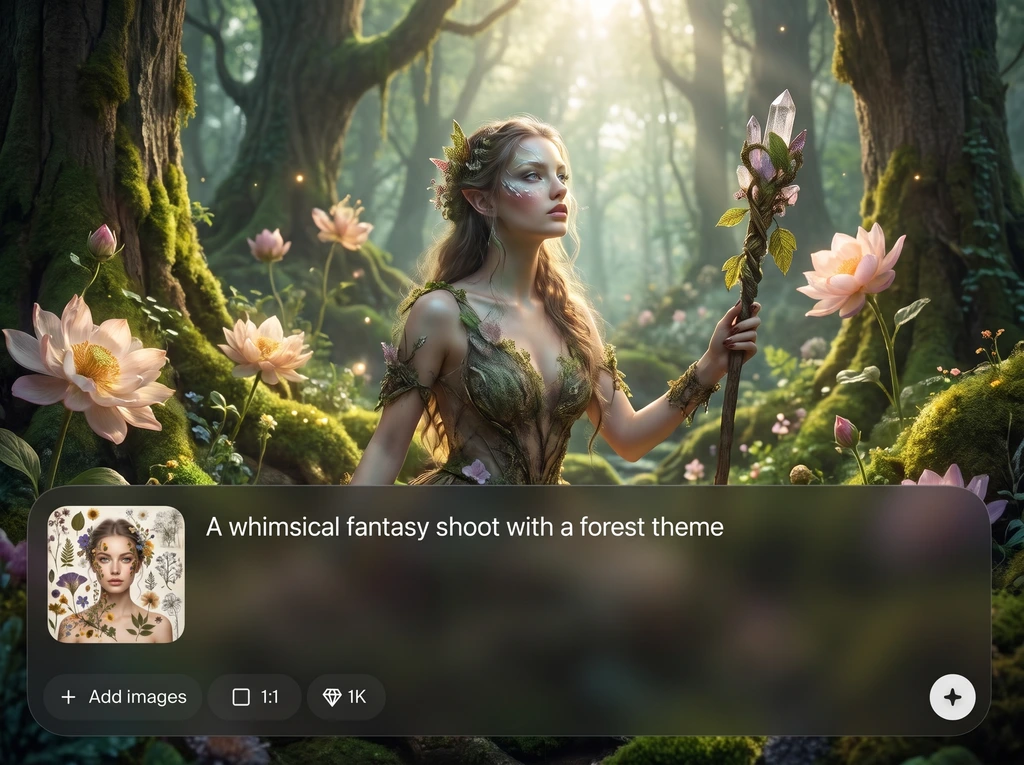
Generate a complete set of six images from a single starting point. Each output stays on-theme while introducing natural variety in framing, pose, and perspective for a true series feel.
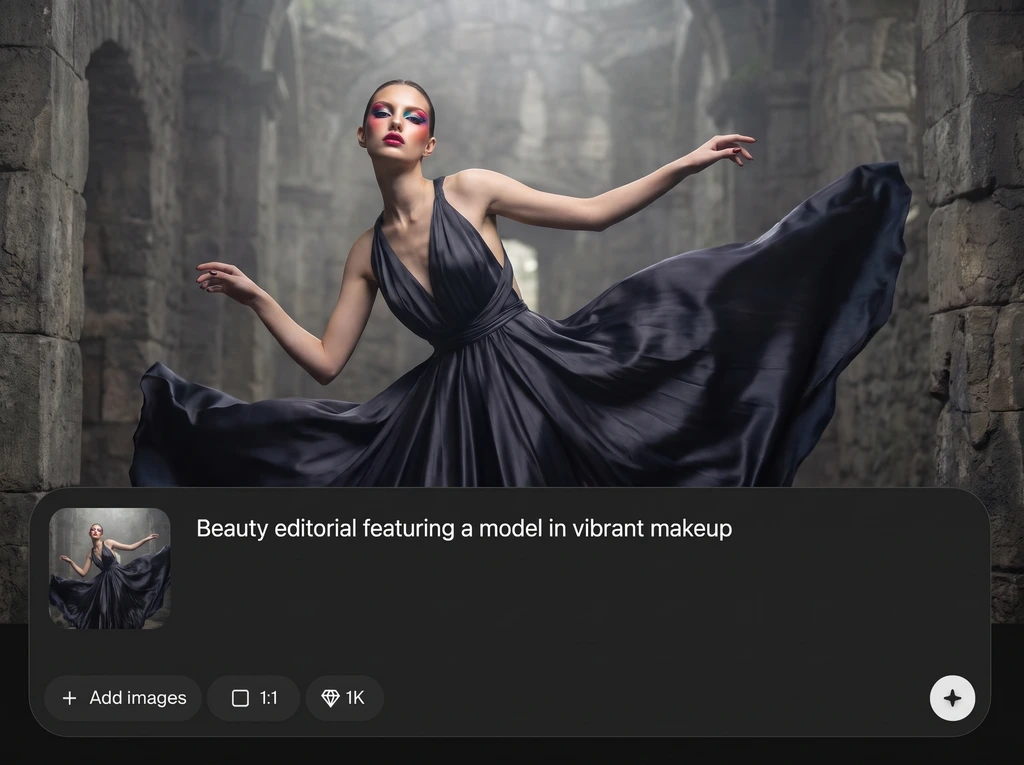
Add an optional model reference and flat lay to preserve wardrobe, accessories, and product styling. Keep colors, materials, and overall art direction consistent across all six shots.
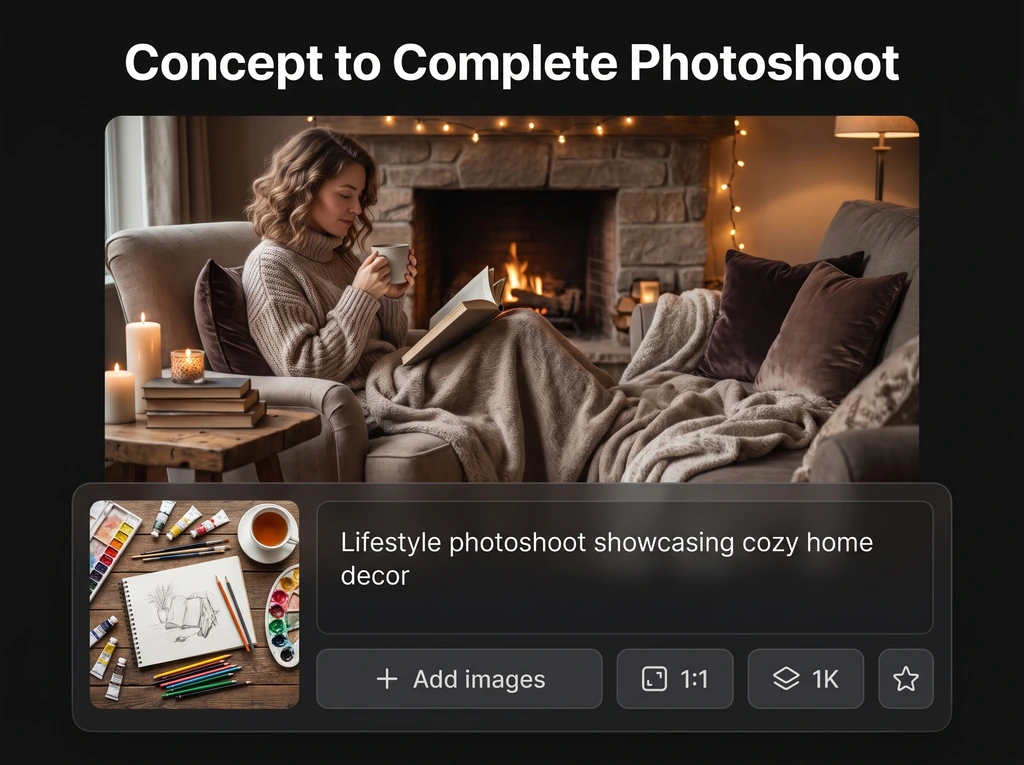
Choose Fantasy, Beauty, Editorial, or Lifestyle to steer lighting, mood, and composition. Get faster, more predictable results without sacrificing creative flexibility or concept accuracy.
About
Concept to Complete Photoshoot turns a single concept collage or hero shot into a complete 6-image photoshoot. Add a core idea, optional model reference, and optional flat lay, then choose Fantasy, Beauty, Editorial, or Lifestyle. Generate six cohesive images with varied angles and poses while preserving your exact styling and concept continuity.
Get a cohesive photoshoot set without restarting from scratch. Concept to Complete Photoshoot keeps styling, mood, and direction consistent while delivering natural variation in angles and poses. Optional references help lock identity and wardrobe details for more predictable, production-ready results.
Upload a concept collage or hero shot, add a short prompt, and select a shoot type. Optionally add a model reference and flat lay, then generate six coordinated images instantly.
Use cases
Discover how different creators use this app in their workflow.
Turn one hero visual into a full campaign-style sequence. Quickly test angles, poses, and styling options while keeping a consistent concept across the entire set.
Use optional flat lays and references to maintain exact styling cues. Generate cohesive photoshoot variations that highlight details, textures, and silhouettes from multiple viewpoints.
Pick an Editorial or Fantasy shoot type to explore narrative looks. Produce a unified six-image series with consistent direction, pacing, and visual continuity.
Krea is one of the world's leading generative AI platforms. See what others say.
Real reviews on TrustpilotSo many AI tools out there but I always come back to Krea. It's really the one AI platform that 'just works'.
FYN
Krea's interfaces are still the best in the industry. Everything looks and feels so clean and easy to use! Imo the easiest to use gen AI website.
Lynn
Ultra fast generations. Extremely simple to use. All the latest AI models.
Daniel
KREA is the only AI subscription I have right now besides ChatGPT.
Sophia M.
Answers to common questions about generating cohesive AI photoshoot image sets quickly and consistently.
It expands one concept image into a complete six-image AI photoshoot. You get cohesive outputs with varied angles and poses, while preserving the original concept, styling, and overall visual direction.
A short prompt helps clarify intent, but the concept image does most of the work. Add key details like mood, styling, materials, and lighting to improve consistency across all six images.
A model reference guides facial features and overall character consistency across the series. It helps keep identity stable while the tool varies pose, camera angle, and composition in each shot.
A flat lay acts as a styling anchor for outfits, accessories, props, and color palette. It helps the AI maintain exact styling cues and avoid drift across the six-image photoshoot.
You can choose Fantasy, Beauty, Editorial, or Lifestyle. Each preset nudges composition, lighting, and mood so the six outputs match a clear photoshoot direction and remain cohesive.
Yes—outputs are designed to share the same concept and styling while introducing controlled variation. Using clear prompts and optional references improves continuity in wardrobe, palette, and environment.
Yes, a concept collage works well for defining art direction. The tool interprets the collage as a visual brief, then generates six coordinated images that follow the same styling intent.
Be specific about colors, fabrics, accessories, and lighting, and add a flat lay when possible. Pair it with a model reference for stronger consistency in identity and overall look.
Instead of producing single, disconnected images, it generates a cohesive six-image series from one concept. The focus is on continuity—consistent styling, direction, and controlled variation across shots.
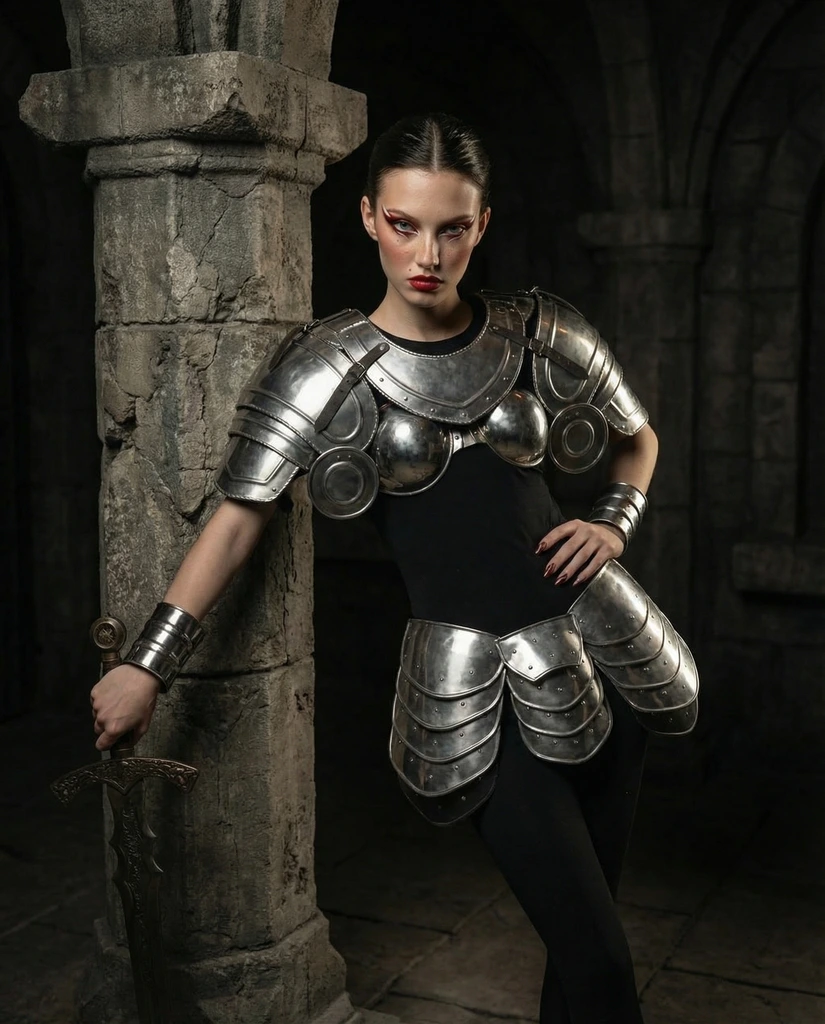
Upload a concept image, choose a shoot type, and generate a cohesive six-shot series in minutes.