










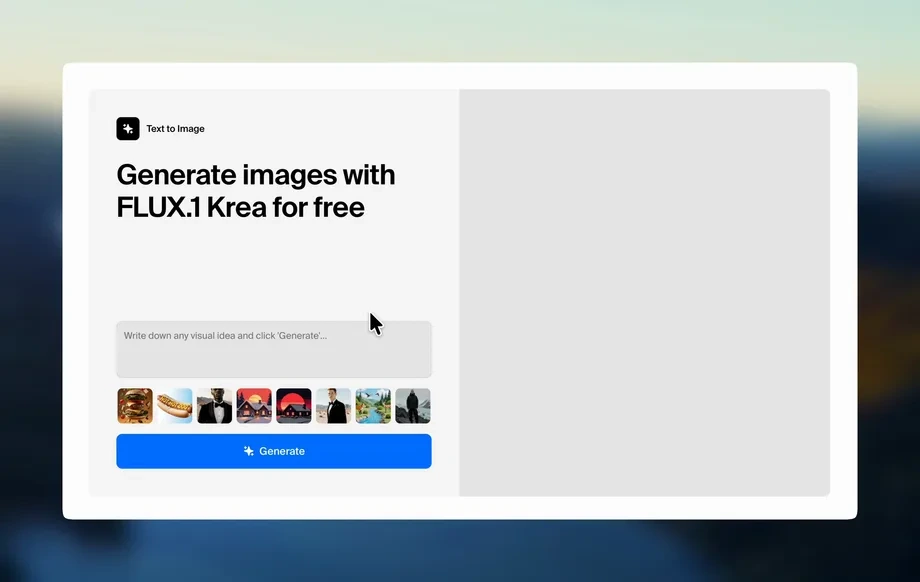
Step 1
Upload
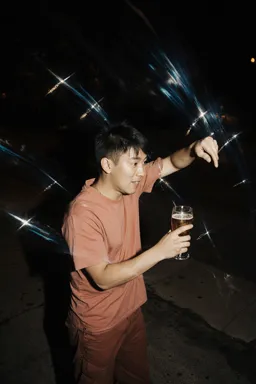
Drop in a source image to edit or restyle. Use clear, high-resolution inputs to keep details like edges, logos, and facial features more consistent.
Transform any image with Img2img Krea 2 turbo. Apply AI style transfer, edits, and variations fast with consistent results. Try it online now.
Run the app to see your first output
How to use Img2img Krea 2 turbo
This quick guide shows how to transform an image with prompts and settings. Upload your source, choose how strongly AI changes it, then generate and refine variations until it matches your vision.
Step 1
Drop in a source image to edit or restyle. Use clear, high-resolution inputs to keep details like edges, logos, and facial features more consistent.
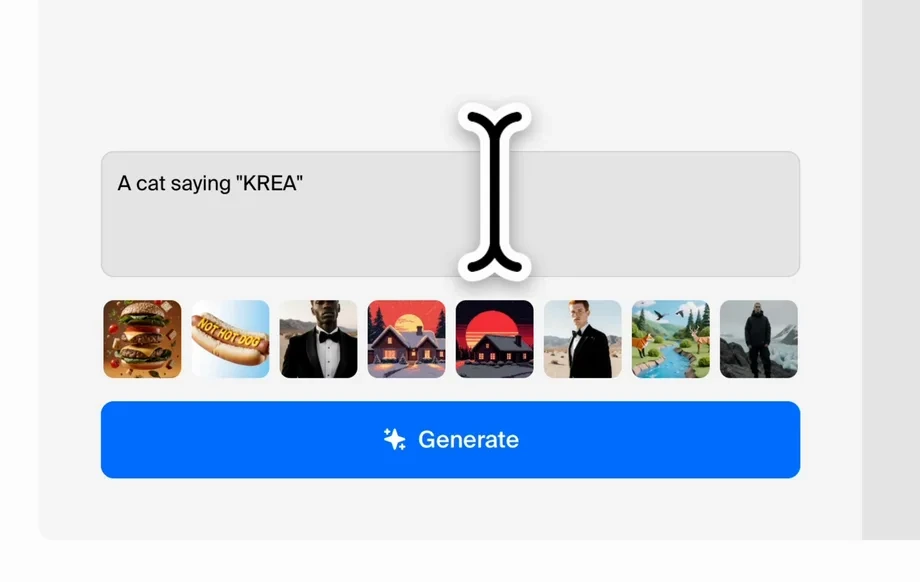
Step 2
Add a prompt describing the desired look, plus negative prompts to avoid artifacts. Adjust strength to control how much the output deviates from the original.
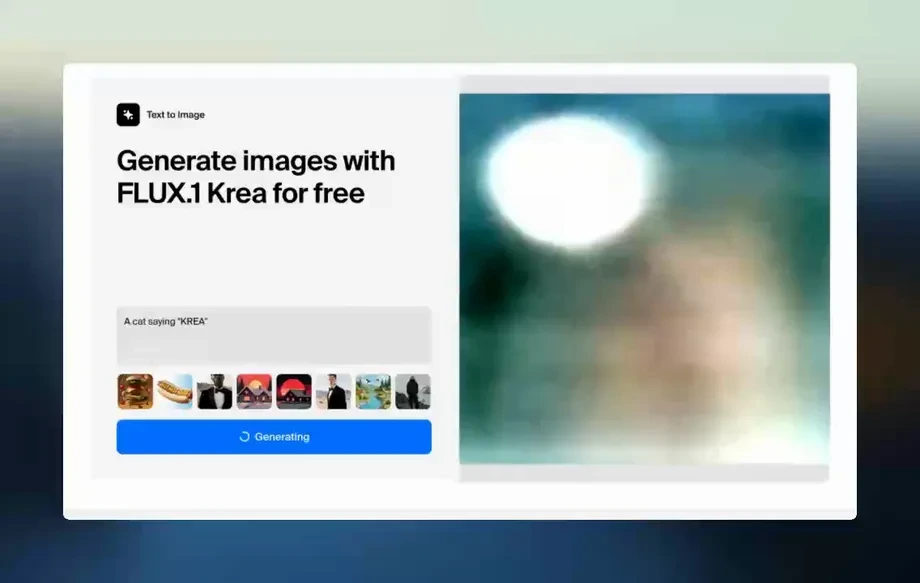
Step 3
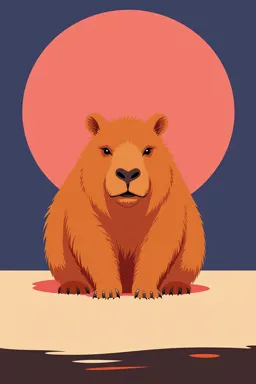
Generate multiple variations, compare results, and iterate. Reuse the best output as a new input to progressively refine color, style, and composition.
Features
Img2img Krea 2 turbo helps you transform photos and renders using image-to-image diffusion. Keep the structure you like while changing style, mood, materials, or lighting with a simple prompt. Generate consistent variations quickly, then iterate with strength and prompt tweaks to lock in the final look—ideal for rapid visual exploration.
Turn a source image into new styles, scenes, and finishes using natural language prompts. Preserve core shapes while enhancing detail, color grading, textures, and overall mood.
Dial in how much the AI changes your image—from subtle touch-ups to bold redesigns. Fine-tune consistency and creativity for predictable outputs across multiple generations.
Create multiple high-quality variations fast for quick comparisons and iteration. Reduce time spent on manual edits while exploring more options in less time.
About
Img2img Krea 2 turbo turns your existing images into new versions using AI-driven image-to-image generation. Upload a photo, add a prompt, and transform style, lighting, textures, or composition while preserving key details. Generate multiple high-quality variations quickly for concepting, product visuals, and creative edits—directly in your browser.
Img2img Krea 2 turbo combines speed with control for reliable image-to-image editing. Keep structure when you need consistency, push creativity when you want bold changes, and iterate quickly with prompt and strength tuning. Get high-quality variations without complex manual workflows.
Open Img2img Krea 2 turbo, upload a source image, and write a clear prompt. Adjust strength for subtle edits or major transformations, then generate variations and refine until you get the best result.
Use cases
Discover how different creators use this app in their workflow.
Restyle product images with new backgrounds, materials, and lighting while keeping the original shape. Generate clean options for listings, ads, and A/B tests.
Start from a sketch or render and explore different aesthetics in minutes. Produce style passes, mood options, and scene variations without rebuilding from scratch.
Make targeted edits like color shifts, atmosphere changes, and texture upgrades. Use prompts to guide results and iterate quickly until it looks right.
Krea is one of the world's leading generative AI platforms. See what others say.
Real reviews on TrustpilotSo many AI tools out there but I always come back to Krea. It's really the one AI platform that 'just works'.
FYN
Krea's interfaces are still the best in the industry. Everything looks and feels so clean and easy to use! Imo the easiest to use gen AI website.

Lynn
Ultra fast generations. Extremely simple to use. All the latest AI models.
Daniel
KREA is the only AI subscription I have right now besides ChatGPT.
Sophia M.
Find answers about img2img prompts, settings, and best practices for consistent AI image results.
Img2img Krea 2 turbo is an AI image-to-image generator that transforms an existing image using a text prompt. It helps you create variations, restyles, and edits while maintaining the original structure.
Img2img starts from your uploaded image, so composition and key shapes are guided by the input. Text-to-image starts from noise, making it harder to match an existing layout or subject.
Strength controls how strongly the AI departs from the source image. Lower strength keeps more of the original details; higher strength allows bigger changes in style, texture, and composition.
Use a clear source image, keep prompts specific, and reduce strength for consistency. Reuse the best output as the next input to refine progressively instead of changing everything at once.
Yes. Negative prompts help avoid unwanted artifacts like extra limbs, distorted text, or noisy backgrounds. Combine them with a focused positive prompt to steer the model toward cleaner results.
High-resolution images with good lighting and sharp edges work best. Clean backgrounds and strong subject separation improve structure retention and reduce artifacts during AI-driven transformations.
AI can alter text and logos, especially at higher strength. For better retention, lower strength and describe constraints in your prompt, then iterate carefully using small, controlled changes.
Generate several outputs per prompt and compare them side by side. Make small prompt edits or adjust strength, then regenerate to explore options faster without restarting your workflow.
Yes. It’s ideal for AI style transfer from a single image, letting you apply cinematic looks, illustration styles, or material changes while keeping the original scene and subject layout.
Upload an image, prompt a new look, and generate clean variations in seconds—right in your browser.