














Step 1
Set your scene
Choose a template or prompt, then set camera style, duration, and aspect ratio. Upload a logo or 3D asset to guide the animation direction.
Create smooth 3D motion graphics with AI. Generate camera moves, loops, and transitions fast—export ready-to-use animations online. Try it now.
How to use 3D motion design
This quick tutorial shows how to generate 3D motion design with AI, from choosing a style to exporting a ready-to-use animation. Follow three simple steps to get smooth motion fast.
Step 1
Choose a template or prompt, then set camera style, duration, and aspect ratio. Upload a logo or 3D asset to guide the animation direction.

Step 2
Click generate to create AI-driven motion paths, easing, and transitions. Tweak speed, loop points, and key moments to match your brand and pacing.

Step 3
Export MP4 or image sequences with clean timing and consistent motion. Download for editing, ads, product demos, or social posts in your workflow.
Features
Generate 3D motion design with AI for smooth camera moves, dynamic transitions, and loopable animations. Control timing, easing, and style to match your project, then export render-ready clips. Built to speed up motion graphics workflows while keeping results consistent, editable, and production-friendly.
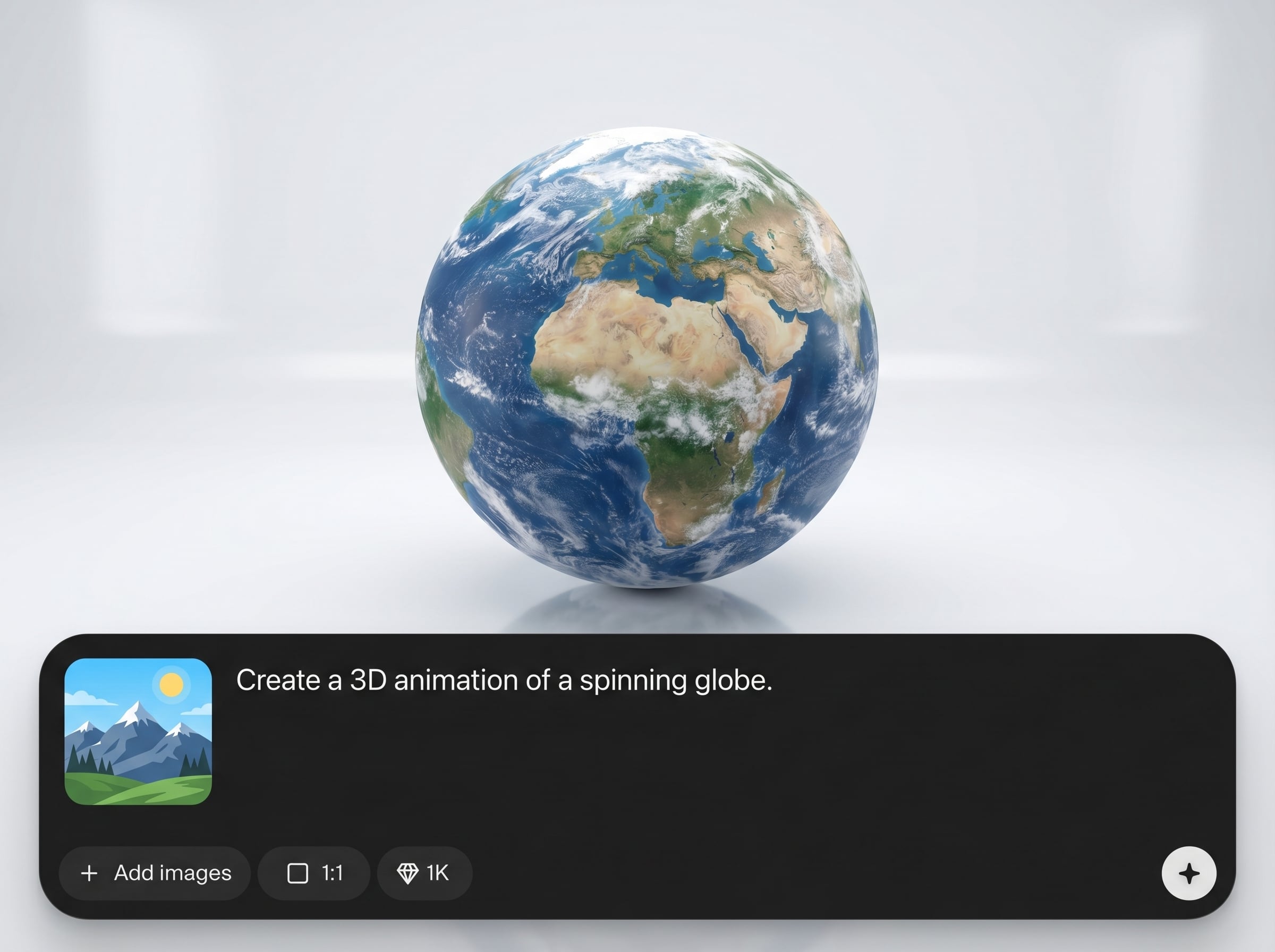
Automatically creates natural camera and object motion from prompts or presets. Get cinematic movement, clean easing, and stable trajectories that look intentional, not random.
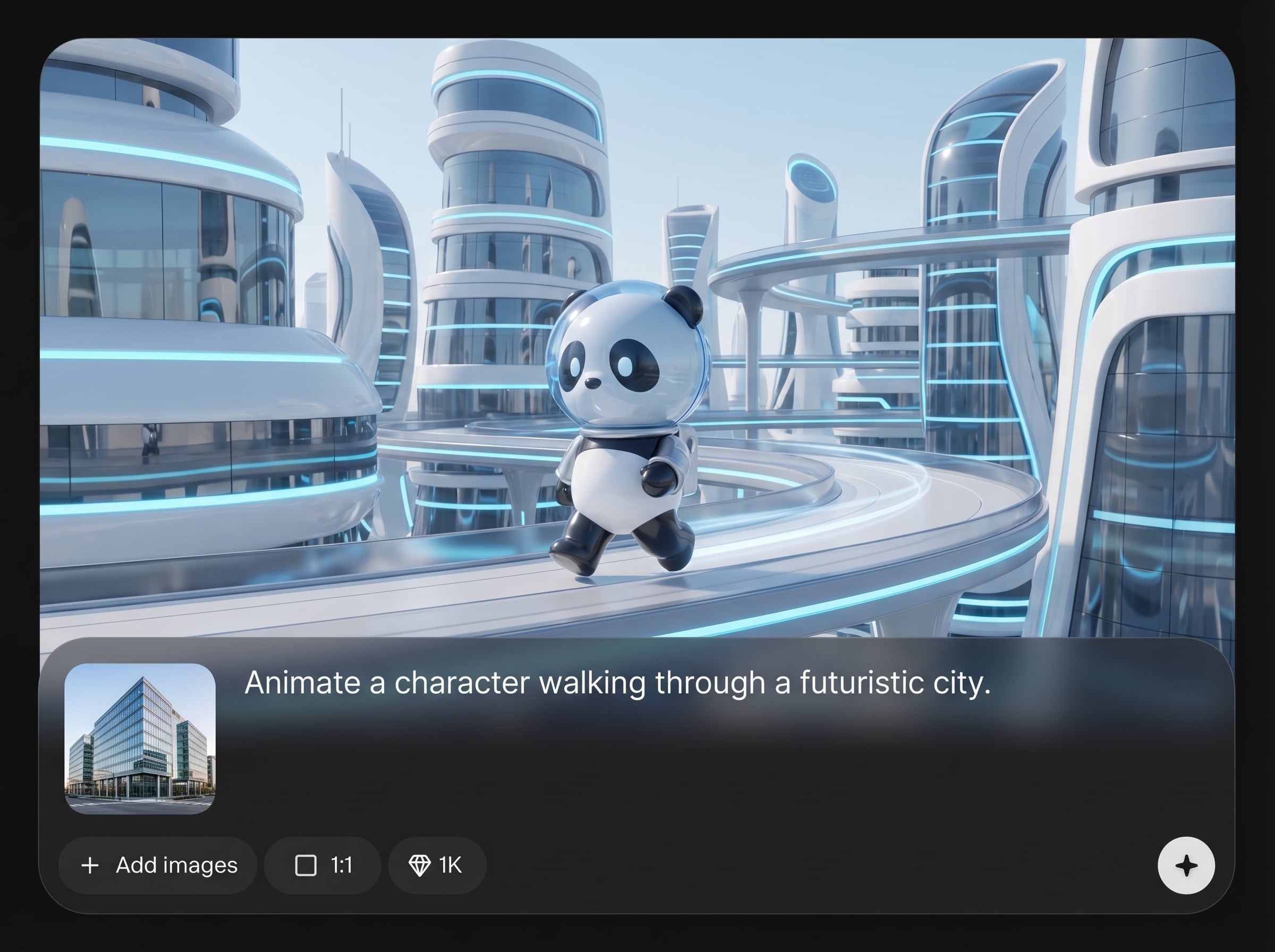
Generate multiple animation variations quickly and keep style consistency across a series. Adjust duration, intensity, and looping to hit exact beats without rebuilding from scratch.
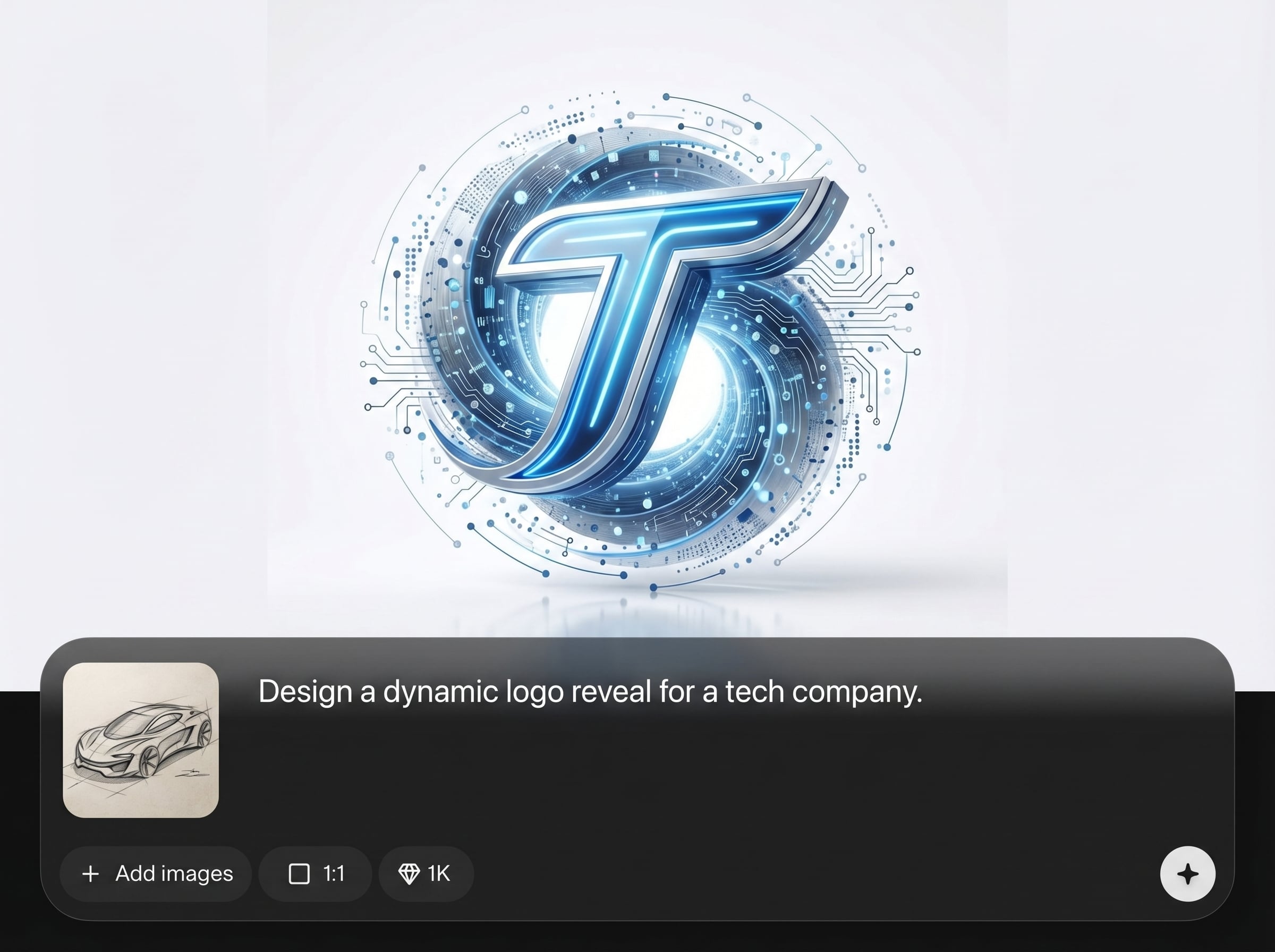
Export high-quality video or image sequences ready for editing and compositing. Designed for clean transitions, smooth loops, and predictable timing that fits professional pipelines.
About
3D motion design uses AI to generate polished 3D animations in minutes. Create camera moves, seamless loops, and dynamic transitions from simple prompts or presets, then refine timing, easing, and style. Export high-quality clips for ads, product demos, UI promos, and social video—without complex keyframing.
Get AI-driven 3D motion design that prioritizes control, speed, and consistency. Generate polished camera moves and transitions, iterate quickly, and export production-ready files. The workflow is designed to reduce tedious keyframing while keeping results editable and on-brand.
Enter a prompt or choose a preset, set duration and aspect ratio, then generate motion. Refine easing and loop points, and export MP4 or image sequences for your next project.
Use cases
Discover how different creators use this app in their workflow.
Create punchy 3D motion graphics for launches, feature highlights, and paid ads. Generate camera sweeps, logo reveals, and transitions optimized for short-form video.
Turn a logo into a polished 3D intro with AI motion design. Build loopable stingers and consistent animated openers for videos, streams, and presentations.
Generate sleek 3D transitions and camera moves for UI promos. Keep motion smooth and readable while matching aspect ratios for web, mobile, and social placements.
Krea is one of the world's leading generative AI platforms. See what others say.
Real reviews on TrustpilotSo many AI tools out there but I always come back to Krea. It's really the one AI platform that 'just works'.

FYN
Krea's interfaces are still the best in the industry. Everything looks and feels so clean and easy to use! Imo the easiest to use gen AI website.

Lynn
Ultra fast generations. Extremely simple to use. All the latest AI models.

Daniel
KREA is the only AI subscription I have right now besides ChatGPT.

Sophia M.
Answers to common questions about AI 3D motion design, exports, and workflow compatibility.
AI 3D motion design generates animation timing, motion paths, and transitions automatically. You choose the style and controls, then refine speed, easing, and loops to fit your exact visual goal.
Yes. Adjust duration, intensity, easing, and key moments to shape the motion. You can generate variations, pick the best result, and fine-tune the rhythm for your edit.
Export MP4 or image sequences for easy editing, compositing, and delivery. Outputs are designed to keep smooth motion, clean transitions, and consistent timing across platforms.
No. The interface is built for quick setup with prompts, presets, and simple controls. AI handles the heavy lifting while you focus on selecting a look and refining the motion.
Use loop controls to set start/end points and generate loop-safe motion. Refine easing and timing to eliminate jumps, then export a clean loop for backgrounds, intros, or social posts.
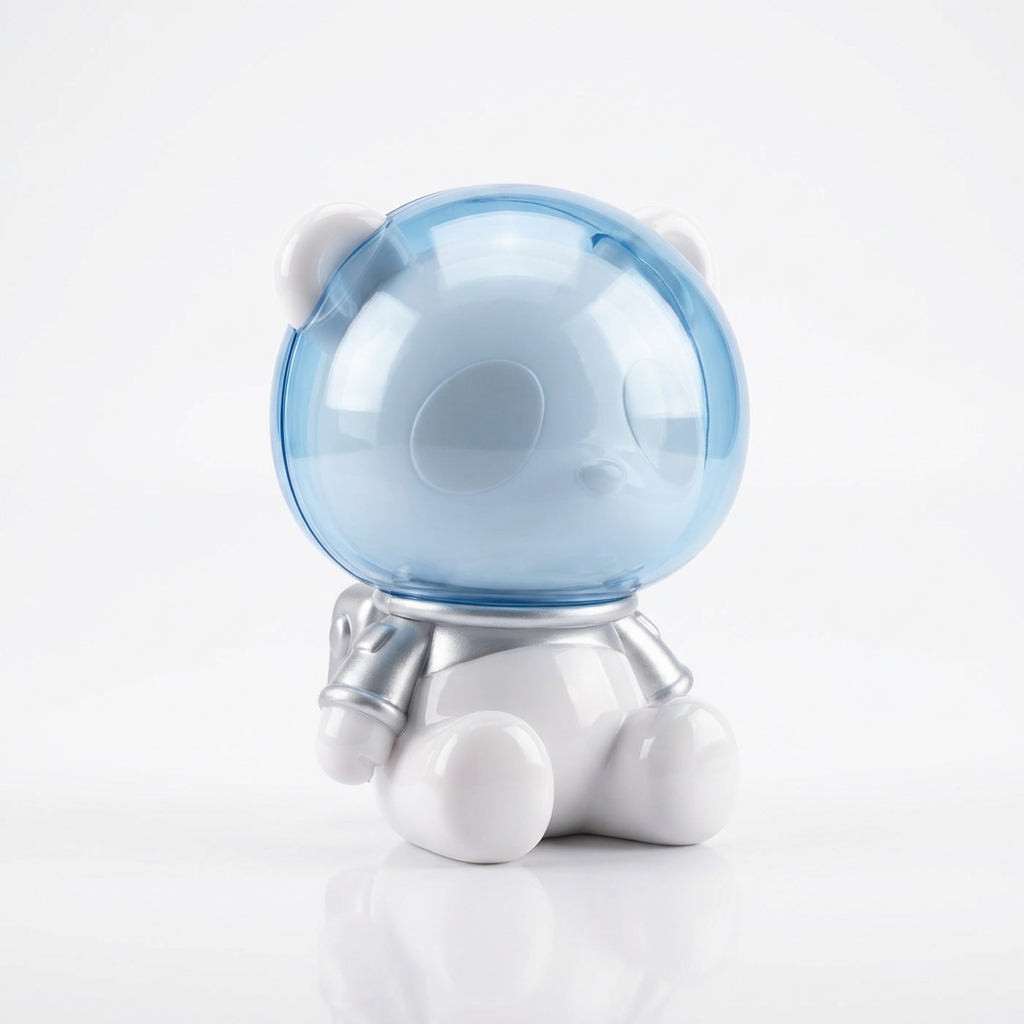
Create AI-powered 3D motion design, refine the look, and export ready-to-use animations in minutes.

