














Step 1
Set your prompt
Enter what you want to generate and add any constraints like tone, format, length, or style. Include keywords or requirements to guide the AI toward accurate outputs.
Use Test, an AI generator to create high-quality outputs fast. Customize settings, generate variations, and export instantly. Try it online now.

How to use Test
This quick tutorial shows how to use Test to generate results with AI. Add a prompt, adjust key settings, then generate and export variations. You can iterate fast and keep outputs consistent for different needs.
Step 1
Enter what you want to generate and add any constraints like tone, format, length, or style. Include keywords or requirements to guide the AI toward accurate outputs.

Step 2
Choose options like variation count, strength, and quality level to control the output. Fine-tune details to match your use case before running generation.

Step 3
Click generate to produce multiple results, then select the best version. Download or copy the final output instantly, and rerun with edits to iterate quickly.
Features
Test combines prompt-based generation with flexible controls so you can produce consistent outputs quickly. Create multiple variations, refine results with lightweight adjustments, and export immediately. The tool is designed for speed, clarity, and repeatable quality—ideal for everyday generation workflows online.

Turn plain-language prompts into clean, structured outputs. Test uses AI to interpret intent, follow constraints, and deliver results you can reuse across drafts, variations, and production work.
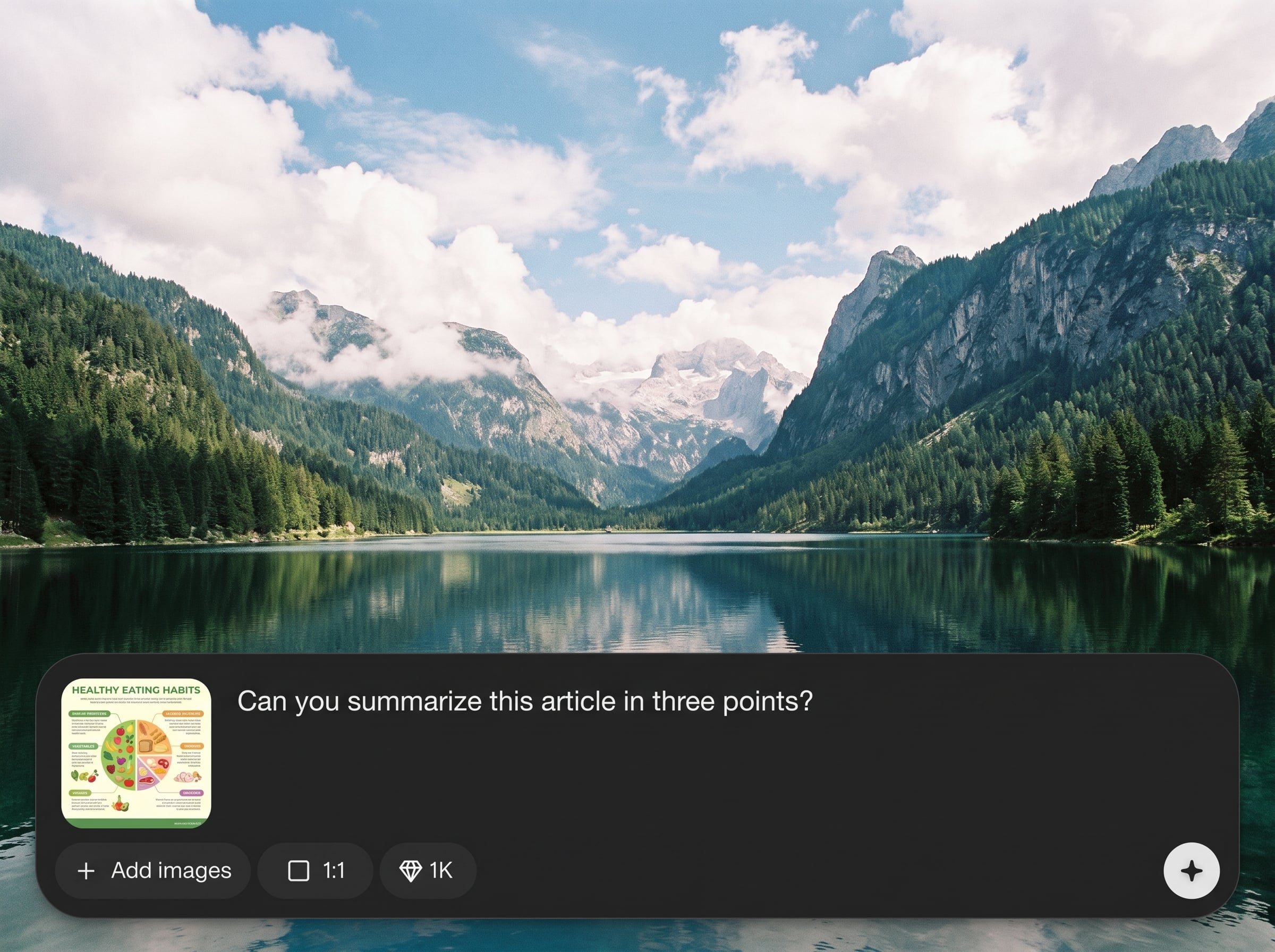
Generate multiple options in one run and iterate without restarting from scratch. Adjust prompt details and settings to quickly explore alternatives, compare results, and converge on the best output.
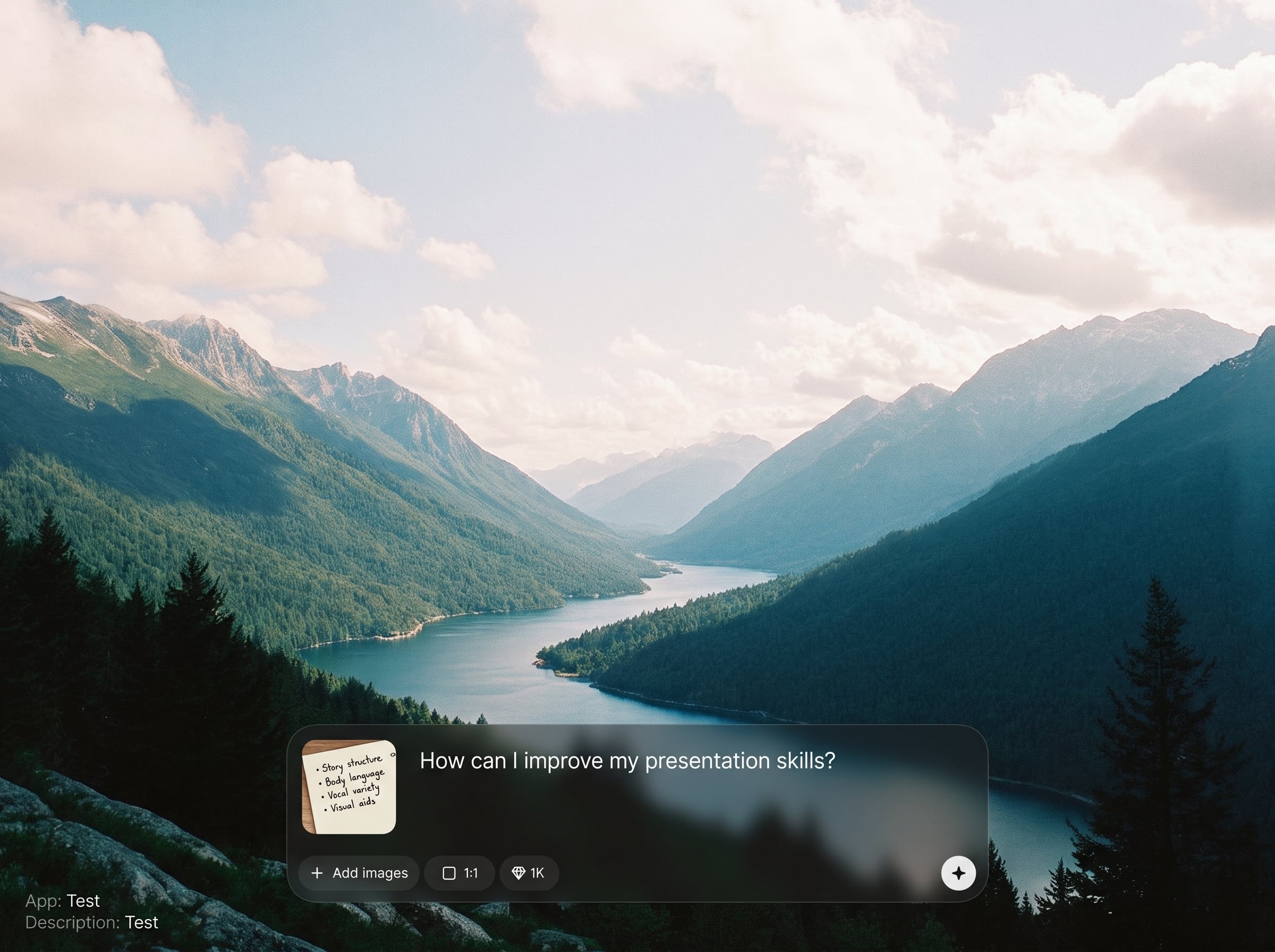
Keep outputs easy to use with export-friendly formatting. Copy or download results instantly, then plug them into your workflow for publishing, prototyping, documentation, or internal testing.
About
Test is an AI generator that helps you create polished outputs in seconds using simple prompts and adjustable settings. Generate multiple variations, refine results with quick controls, and keep quality consistent across projects. Use it online to speed up ideation, drafting, and production without complex setup.
Test focuses on speed, control, and repeatable output quality. Generate variations quickly, steer results with clear constraints, and export in formats that fit real workflows. It’s a practical AI tool for everyday generation tasks, from drafts to structured documents.
Open Test, enter a clear prompt, and choose your settings. Generate a few variations, pick the best result, then refine with small prompt edits until the output matches your exact requirements.
Use cases
Discover how different creators use this app in their workflow.
Generate quick drafts and variations to validate ideas faster. Use Test to explore options, compare formats, and refine direction before committing time to full production.
Create consistent outputs for posts, pages, summaries, and briefs. Adjust tone and structure to match brand needs, then export results ready for editing and publishing.
Standardize repeatable outputs like notes, outlines, and templates. Test helps reduce busywork by generating structured content that stays consistent across projects and stakeholders.
Krea is one of the world's leading generative AI platforms. See what others say.
Real reviews on TrustpilotSo many AI tools out there but I always come back to Krea. It's really the one AI platform that 'just works'.

FYN
Krea's interfaces are still the best in the industry. Everything looks and feels so clean and easy to use! Imo the easiest to use gen AI website.

Lynn
Ultra fast generations. Extremely simple to use. All the latest AI models.

Daniel
KREA is the only AI subscription I have right now besides ChatGPT.

Sophia M.
Answers to common questions about using Test as an online AI generator.
Test is an online AI generator that creates outputs from your prompts. It helps you produce multiple variations quickly, refine with simple settings, and export results for drafting, prototyping, or documentation.
Test uses artificial intelligence and machine learning methods to interpret your prompt, follow constraints, and generate coherent results. You can guide the model with details like tone, structure, and required elements.
Yes. Test can generate several variations in a single run so you can compare options quickly. Adjust your prompt or settings to explore alternatives and rerun generation to iterate toward the best output.
Use clear prompts with context and constraints. Specify format, length, tone, and must-include points. Adding examples or a brief outline often improves consistency and reduces the need for repeated revisions.
Test is designed to be used online with no complex setup. Open the tool, enter a prompt, adjust settings, and generate. This makes it easy to start quickly across devices and workflows.
Yes. After generation, you can copy or download outputs for use in your workflow. Export-ready formatting helps you move results into documents, drafts, prototypes, or publishing tools with minimal cleanup.
Test can produce structured results when you request them. Ask for headings, bullet points, tables, or specific sections. Reusing a consistent prompt template helps maintain uniform formatting across generations.
Edit your prompt with targeted changes, then regenerate variations. You can also adjust settings that control output behavior. Iterating in small steps makes it easier to preserve what works while improving details.
Create high-quality outputs with AI prompts, iterate in seconds, and export results ready for your workflow.

