







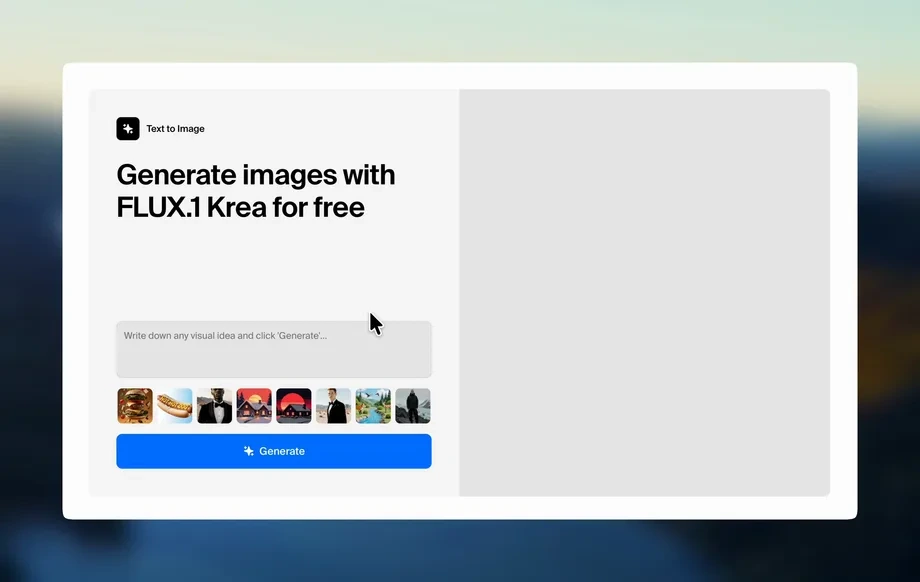
Step 1
Prompt
Enter a clear text prompt and pick a style, aspect ratio, and quality level. Add keywords for lighting, camera, or illustration details to guide the model.
Generate high-quality AI images in seconds with pad-11-10. Create, refine, and download visuals for ads, social posts, and concepts—try now.
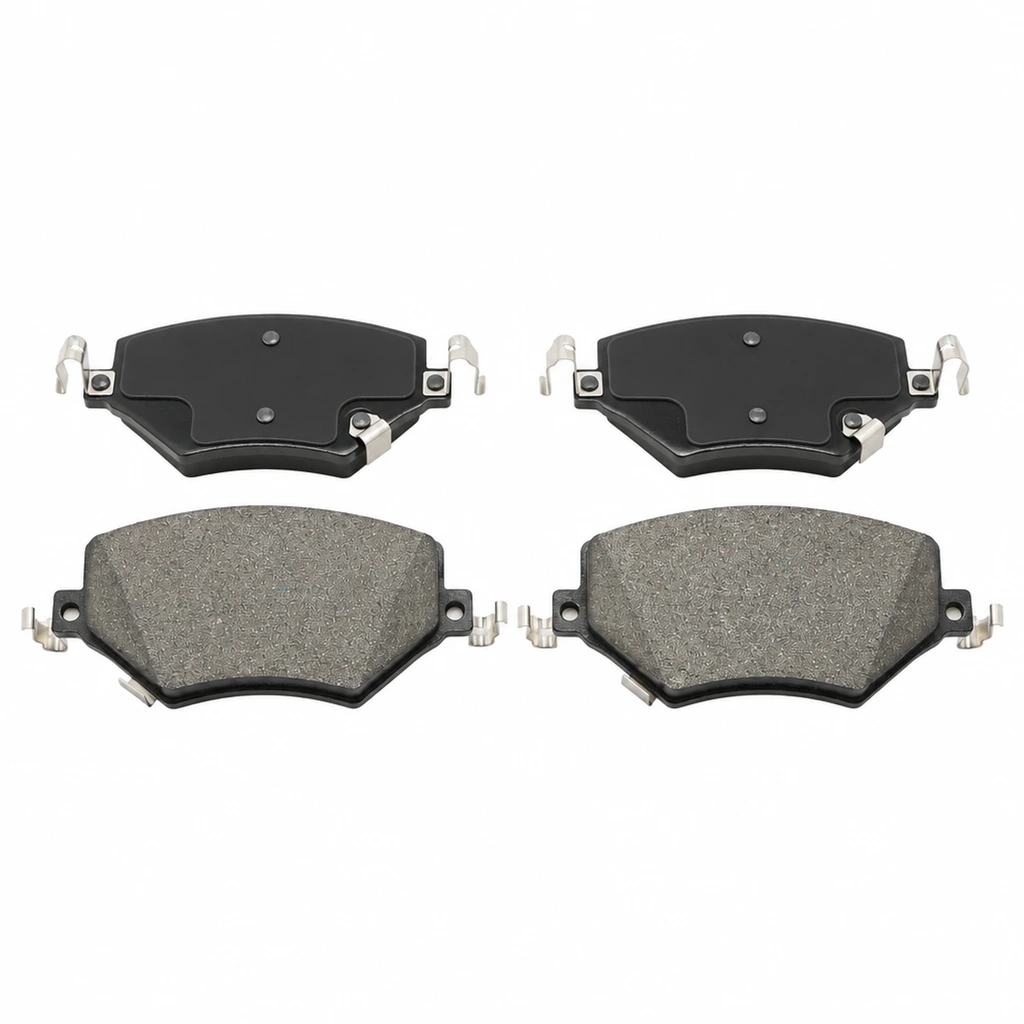
How to use pad-11-10
Learn how to create AI images with pad-11-10 using a simple prompt-first workflow. Choose a style, generate variations, and export high-resolution results for your next project in minutes.
Step 1
Enter a clear text prompt and pick a style, aspect ratio, and quality level. Add keywords for lighting, camera, or illustration details to guide the model.
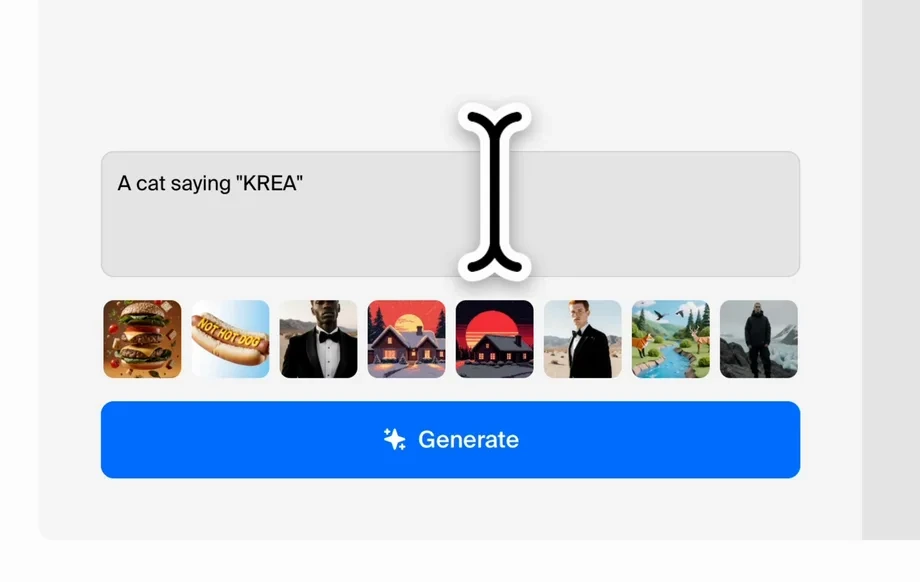
Step 2
Click generate to produce multiple AI image options instantly. Review results, adjust the prompt, and run variations to improve composition, color, and subject detail.
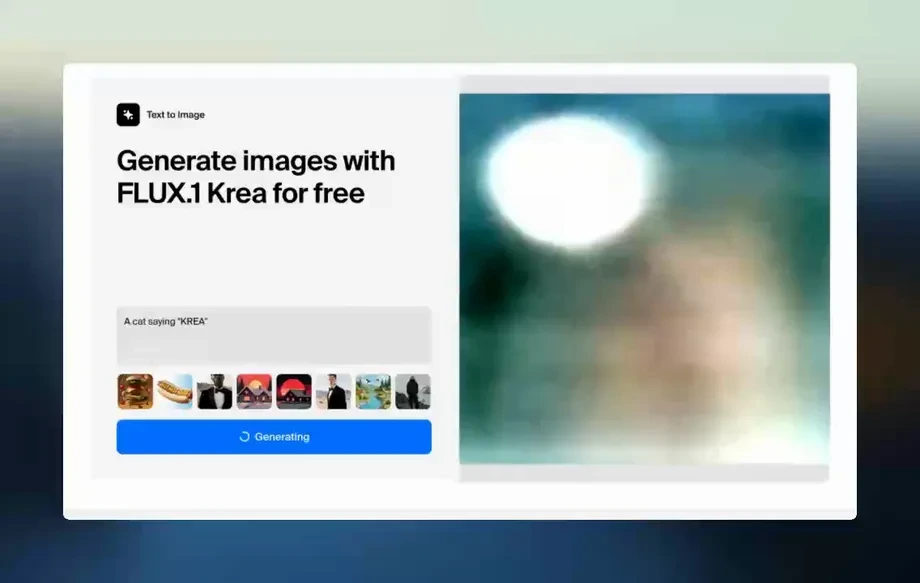
Step 3
Make quick refinements like upscaling, background cleanup, and cropping. Download your final images in high resolution, ready for web, print, or social platforms.
Features
pad-11-10 delivers fast, high-quality text-to-image generation with controls for style, framing, and output consistency. Create multiple variations, refine details, and export clean assets without switching tools. Whether you need realistic imagery or stylized art, the workflow stays simple and efficient.
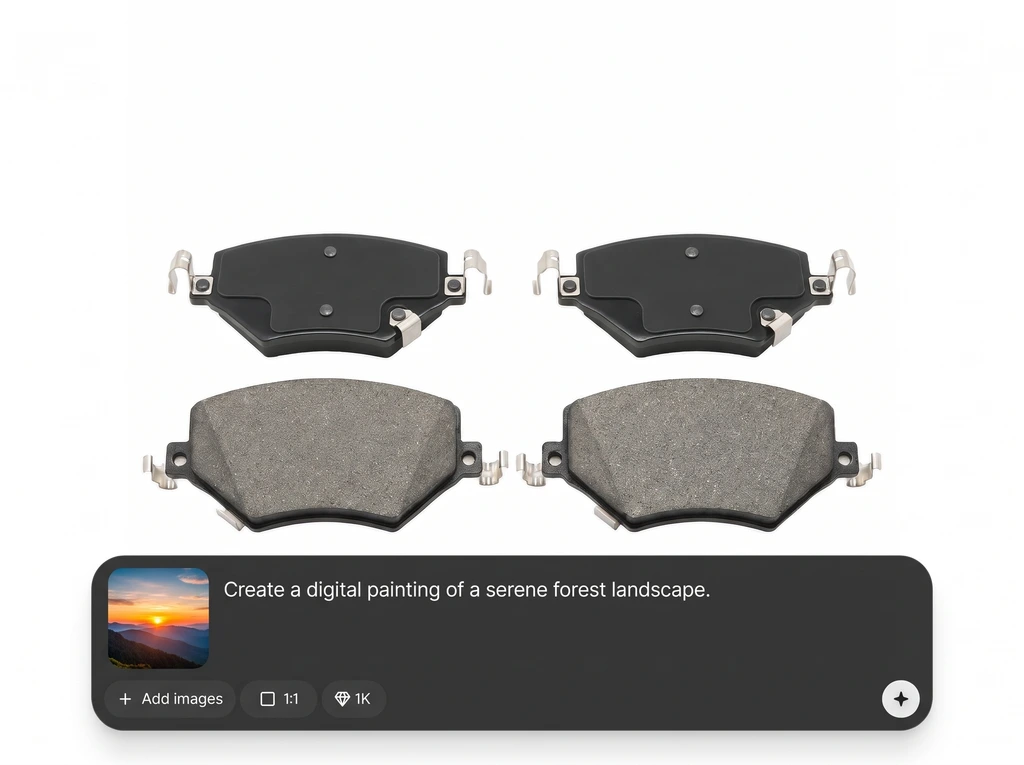
Generate images from prompts with adjustable style, aspect ratio, and quality settings. Get predictable results faster by steering composition, mood, and visual detail from the start.
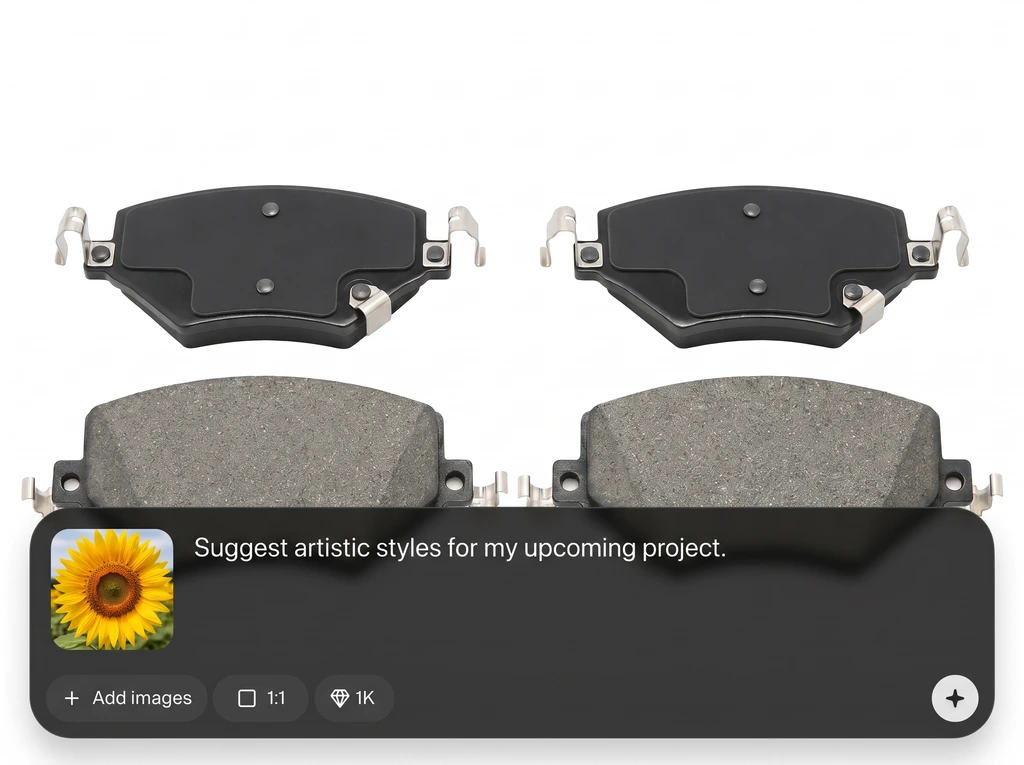
Create multiple options per prompt and iterate quickly with small changes. Compare outputs side-by-side to converge on the best look for your campaign, concept, or layout.
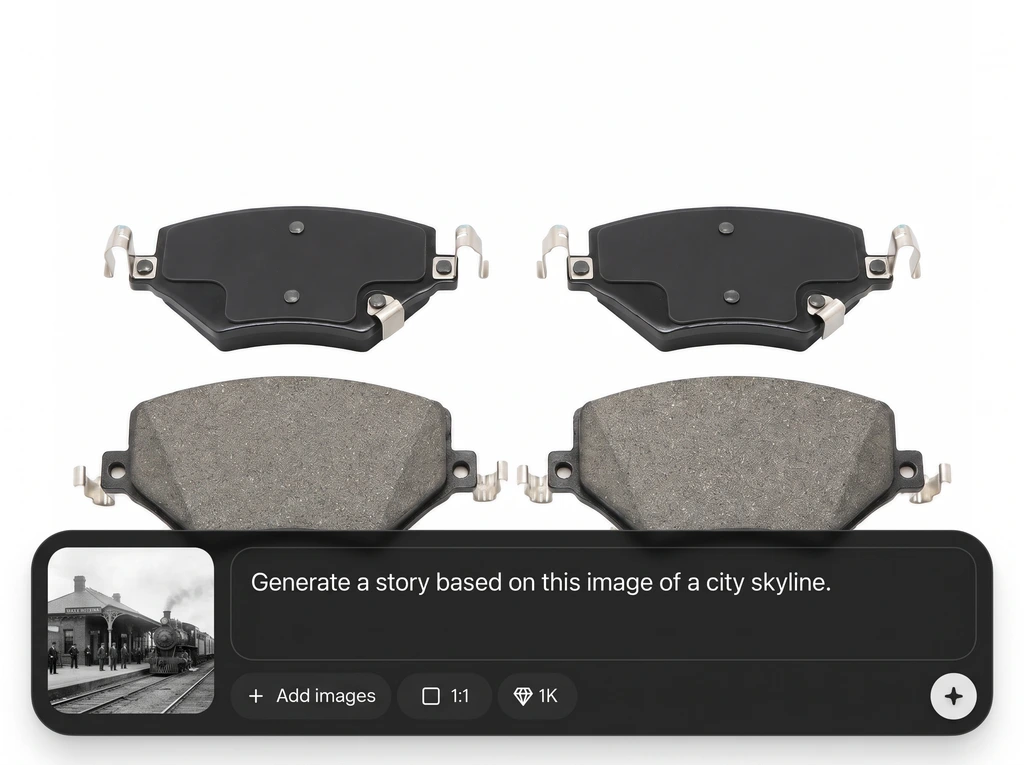
Refine and export high-resolution images suited for web and print. Produce consistent assets for ads, product mockups, and social content with minimal post-processing time.
About
pad-11-10 is an AI image generator that turns text prompts into polished visuals in seconds. Create realistic photos, illustrations, and product-style shots, then refine results with variations and quick edits. Ideal for fast concepting, marketing assets, and consistent image production without complex workflows.
pad-11-10 focuses on fast, controllable AI image generation so you can move from idea to asset without friction. Built-in variation workflows reduce trial-and-error, while export-ready outputs help you ship visuals quickly for campaigns, mockups, and concept work.
Open pad-11-10, enter a prompt, and choose your style and aspect ratio. Generate a set of options, refine with quick iterations, then download high-resolution images ready for your workflow.
Use cases
Discover how different creators use this app in their workflow.
Generate campaign visuals, hero banners, and social post graphics quickly. Produce multiple styles and concepts to test messaging and layouts without long design cycles.
Create product-style images, backgrounds, and lifestyle scenes from text. Explore angles and lighting variations to keep listings fresh and consistent across channels.
Turn rough ideas into visual directions in minutes. Iterate on characters, environments, and color palettes to support storyboards, pitches, and early design exploration.
Krea is one of the world's leading generative AI platforms. See what others say.
Real reviews on TrustpilotSo many AI tools out there but I always come back to Krea. It's really the one AI platform that 'just works'.
FYN
Krea's interfaces are still the best in the industry. Everything looks and feels so clean and easy to use! Imo the easiest to use gen AI website.
Lynn
Ultra fast generations. Extremely simple to use. All the latest AI models.
Daniel
KREA is the only AI subscription I have right now besides ChatGPT.
Sophia M.
Answers to common questions about pad-11-10 AI image generation and output quality.
pad-11-10 is an AI image generator that creates visuals from text prompts using artificial intelligence. It helps you generate, iterate, and export images quickly for marketing, ideation, and design workflows.
Use specific nouns, style cues, and scene details like lighting, lens, and mood. Add constraints such as “minimal background” or “centered subject” to improve composition and reduce unwanted elements.
Yes. Choose a visual style and guide results with prompt keywords. You can generate photorealistic scenes, stylized illustrations, and product-like renders, then iterate using variations for consistency.
pad-11-10 can generate multiple variations from the same prompt so you can compare options fast. Tweak a few words or settings to explore composition changes while keeping the core idea intact.
You can select common aspect ratios for social posts, banners, or product imagery. Generate at your preferred framing first, then upscale or crop as needed to match platform and layout requirements.
It supports quick refinement steps for cleaner exports, including basic background cleanup and framing adjustments. For best results, generate with “plain background” or “studio backdrop” prompts to reduce noise.
It’s optimized for rapid iteration so you can generate and evaluate options quickly. Create batches of variations, keep the best outputs, and repeat with minor prompt edits to scale production efficiently.
No. The workflow is prompt-based with simple controls for style and framing. Start with a short prompt, generate variations, and refine until you reach a polished result ready to download.
Download standard image formats suitable for web and content workflows. Export high-resolution outputs for print or digital use, and keep multiple versions so you can test different crops and placements.
Reuse a structured prompt template with consistent descriptors, style terms, and framing notes. Generate multiple variations, select the closest match, and iterate with small edits rather than rewriting prompts entirely.
Turn prompts into high-quality visuals with fast iterations, clean exports, and flexible styles for any project.