











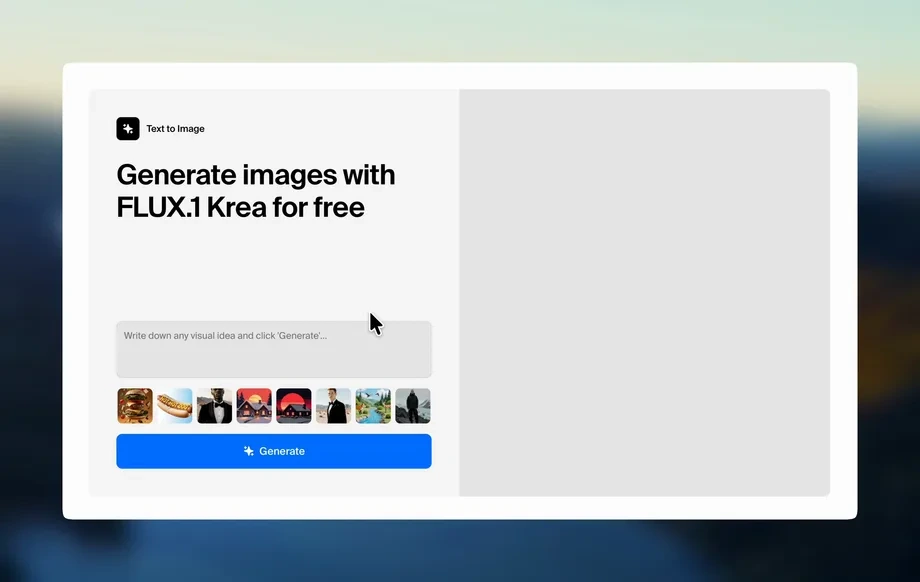
Step 1
Set your prompt
Describe the wheel style, spoke count, finish, and vibe. Add details like offset, stance, lighting, and background for more controlled, realistic automotive renders.
Generate custom wheel and rim designs in seconds with wheel-cylinder-11102026. Use AI prompts, style controls, and export-ready images—try it now.
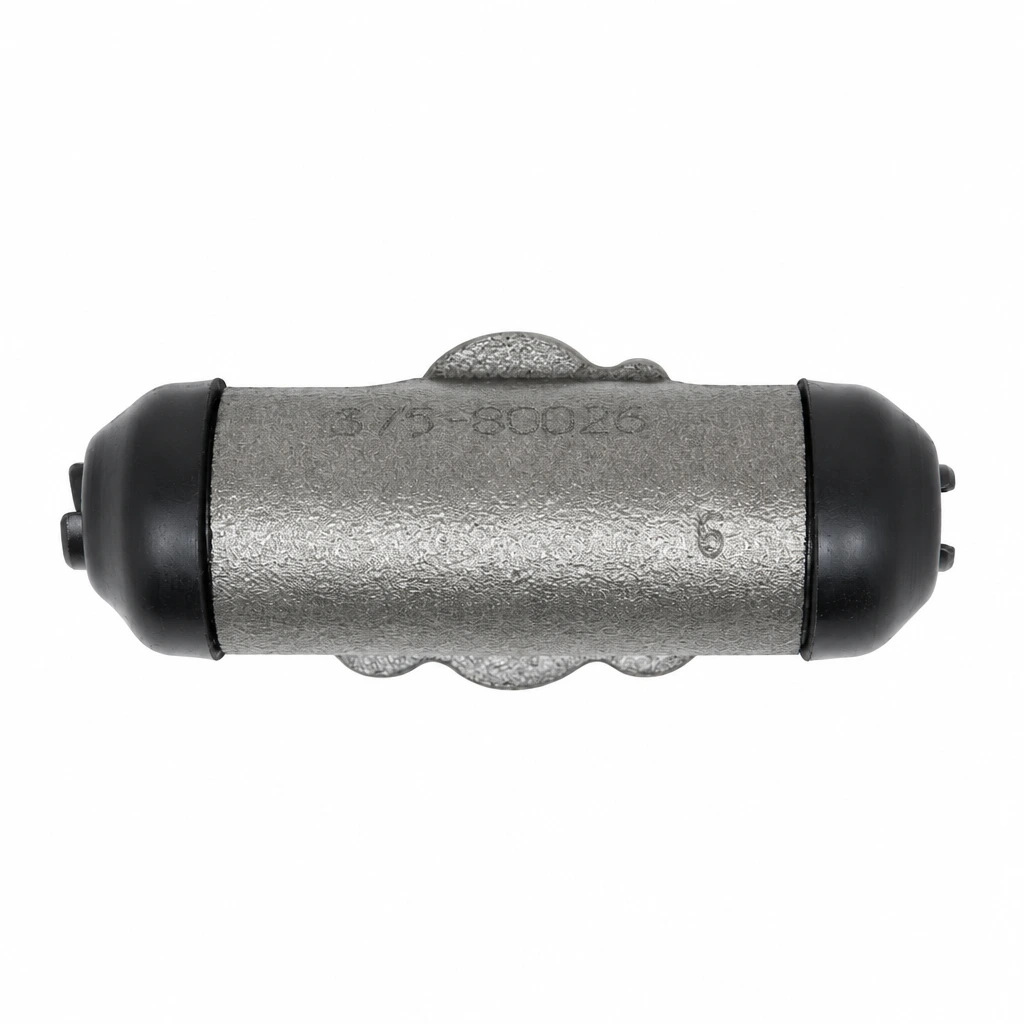
How to use wheel-cylinder-11102026
Create wheel and rim concepts quickly using text prompts and optional reference images. Adjust style, materials, and angle, then generate multiple variations to compare before exporting your favorites.
Step 1
Describe the wheel style, spoke count, finish, and vibe. Add details like offset, stance, lighting, and background for more controlled, realistic automotive renders.
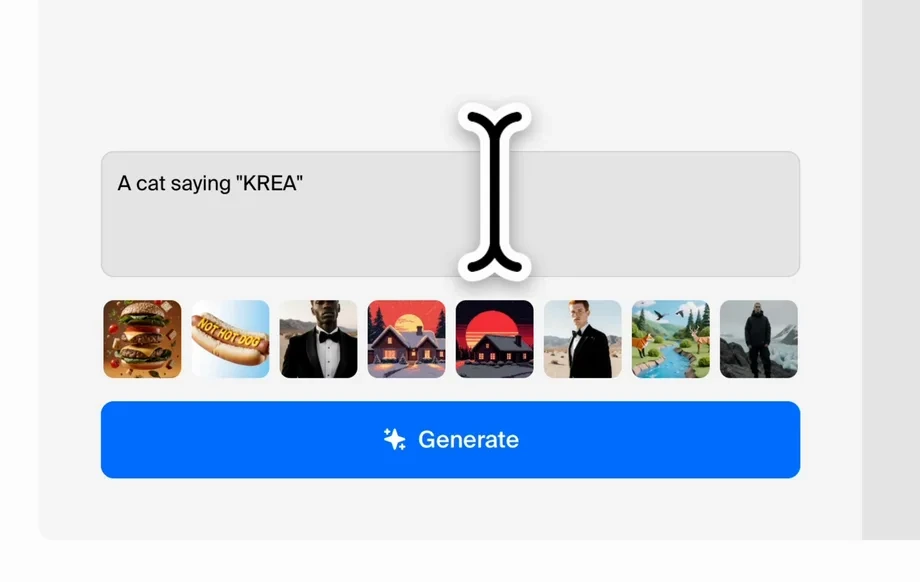
Step 2
Upload a reference image to guide shape, then tweak strength, style presets, and resolution. Generate batches to explore variations while keeping key design cues consistent.
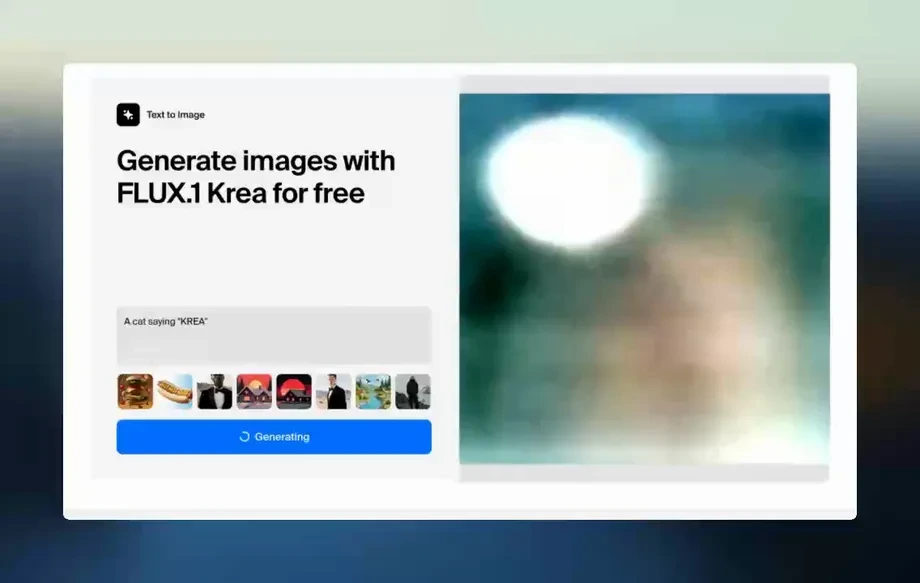
Step 3
Download your best results for presentations, mood boards, or mockups. Re-run prompts, swap finishes, and iterate quickly to build a complete wheel concept set.
Features
wheel-cylinder-11102026 helps you generate wheel and rim visuals with AI-driven styling and rapid variations. Use text-to-image or image-to-image to explore spoke geometry, materials, and finishes. Keep designs consistent across angles and themes, then export clean, high-resolution outputs for product direction, marketing mockups, or concept exploration.
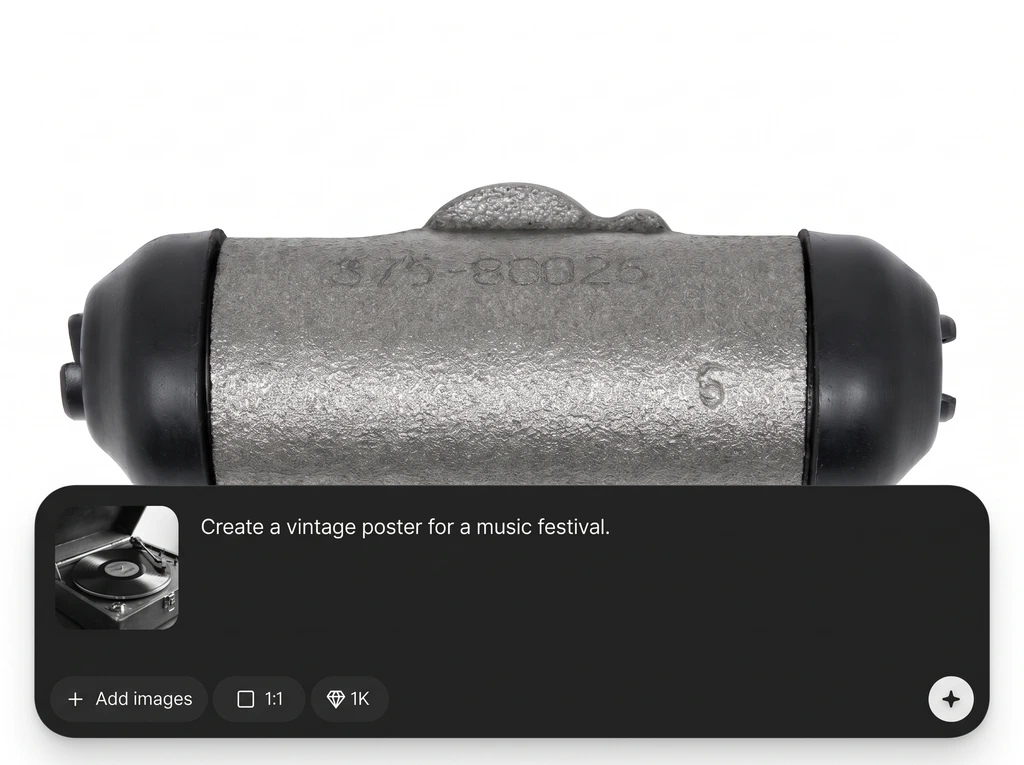
Turn prompts into detailed wheel renders with controllable style and materials. Quickly test spoke patterns, lip depth, finishes, and lighting without starting from scratch each time.
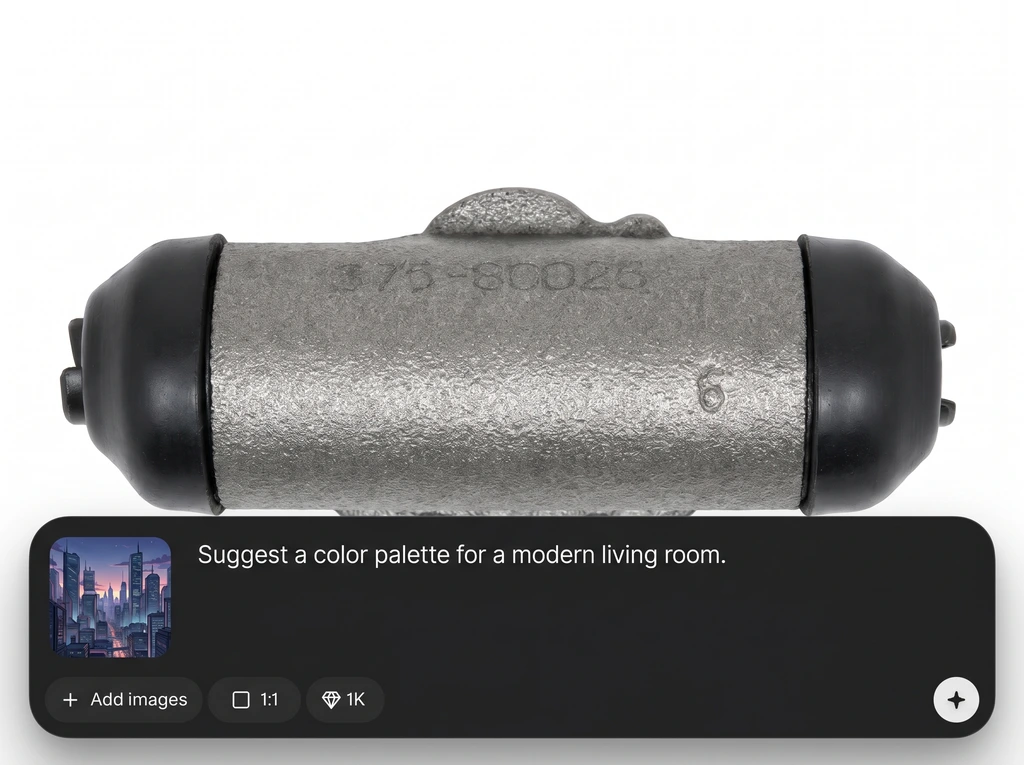
Use an input image to preserve proportions while exploring new designs. Adjust guidance strength to keep the silhouette stable while changing spokes, textures, colors, and mood.
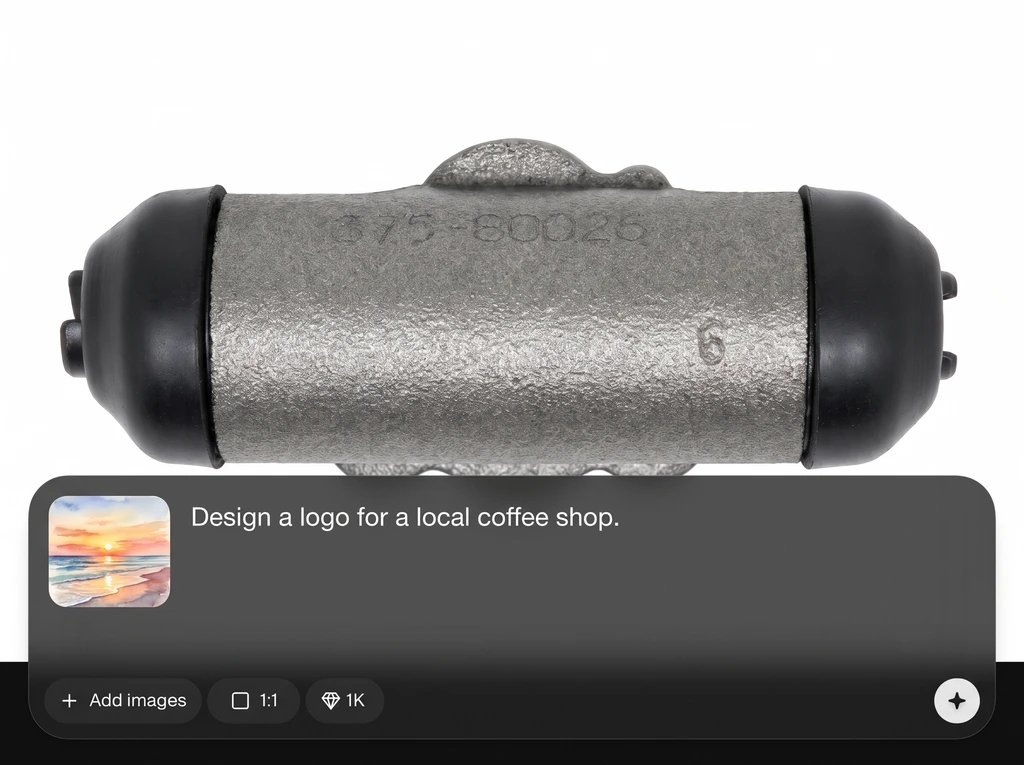
Generate multiple options per run to compare designs side by side. Iterate quickly on the best direction, improving consistency and saving time across automotive concept workflows.
About
wheel-cylinder-11102026 is an AI wheel design generator for creating rim concepts, tire styles, and automotive visual variations from prompts or reference images. Explore finishes, spoke patterns, and proportions with fast iterations and consistent results. Export high-quality images for pitches, mockups, and product exploration in minutes, without complex CAD workflows.
wheel-cylinder-11102026 combines AI speed with practical controls for wheel and rim ideation. Generate multiple directions quickly, refine with reference guidance, and produce consistent outputs across themes. It’s designed for clear, presentation-ready visuals that support decision-making and iteration.
Enter a prompt describing the wheel style, optionally upload a reference image, and generate a batch of variations. Refine materials and angles, then export your best results to share or iterate further.
Use cases
Discover how different creators use this app in their workflow.
Generate wheel options for vehicle concepts, trim packages, and styling studies. Compare finishes and spoke designs rapidly before committing to a direction.
Create rim visuals for decks, landing pages, and ads. Produce clean images that communicate design intent without heavy 3D setup or rendering pipelines.
Build cohesive wheel style boards across themes like motorsport, luxury, or off-road. Keep consistency while exploring variations for quick internal reviews.
Krea is one of the world's leading generative AI platforms. See what others say.
Real reviews on TrustpilotSo many AI tools out there but I always come back to Krea. It's really the one AI platform that 'just works'.

FYN
Krea's interfaces are still the best in the industry. Everything looks and feels so clean and easy to use! Imo the easiest to use gen AI website.

Lynn
Ultra fast generations. Extremely simple to use. All the latest AI models.

Daniel
KREA is the only AI subscription I have right now besides ChatGPT.

Sophia M.
Answers to common questions about AI wheel and rim generation.
wheel-cylinder-11102026 is an AI wheel design generator that creates rim and wheel concept images from prompts or references. It’s built for fast exploration of styles, materials, and visual directions.
Yes. You can generate wheel designs from text prompts or upload a reference image for image-to-image variations. This helps maintain proportions while exploring new spoke patterns and finishes.
Add prompt details like lighting, camera angle, material finish, and environment. Using a reference image and moderate guidance strength helps keep geometry believable while refining surface detail and reflections.
You can guide results with explicit prompt constraints such as spoke count, split-spoke, mesh, deep-dish, or aero-disc styles. Generate batches and iterate wording to lock in consistent design cues.
Export high-quality images suitable for presentations and mockups. Use higher resolution settings when available, and regenerate at the target size to preserve sharp edges and clean surface detail.
No. It generates visual concepts, not manufacturable CAD geometry. Use it for ideation and direction-setting, then translate selected designs into CAD with proper engineering constraints and measurements.
Reuse the same prompt structure, keep key descriptors identical, and use reference images when possible. Small controlled changes—like finish or background—help maintain a cohesive wheel series.
Yes. Specify the intended style—track, stance, SUV, off-road, luxury, or retro—and include details like tire profile, brake visibility, and environment to match the vehicle context.
Include rim diameter, spoke style, finish, lighting, camera angle, and realism level. Add constraints like “center-lock,” “concave,” or “two-tone machined” to steer results precisely.
Ask for “front three-quarter” or “side profile” angles and “accurate circular rim geometry.” Using a clean reference photo and reducing stylization often improves symmetry and perspective consistency.
Create rim designs faster with prompts, reference images, and export-ready results for mockups and presentations.