














Step 1
Upload
Add your interior or architectural render in common formats. The tool analyzes geometry, light sources, and materials to prepare accurate AI relighting.
Transform interior and architectural renders into daylight, golden hour, sunset, and night lighting moods in one click. Try the AI lighting tool now.
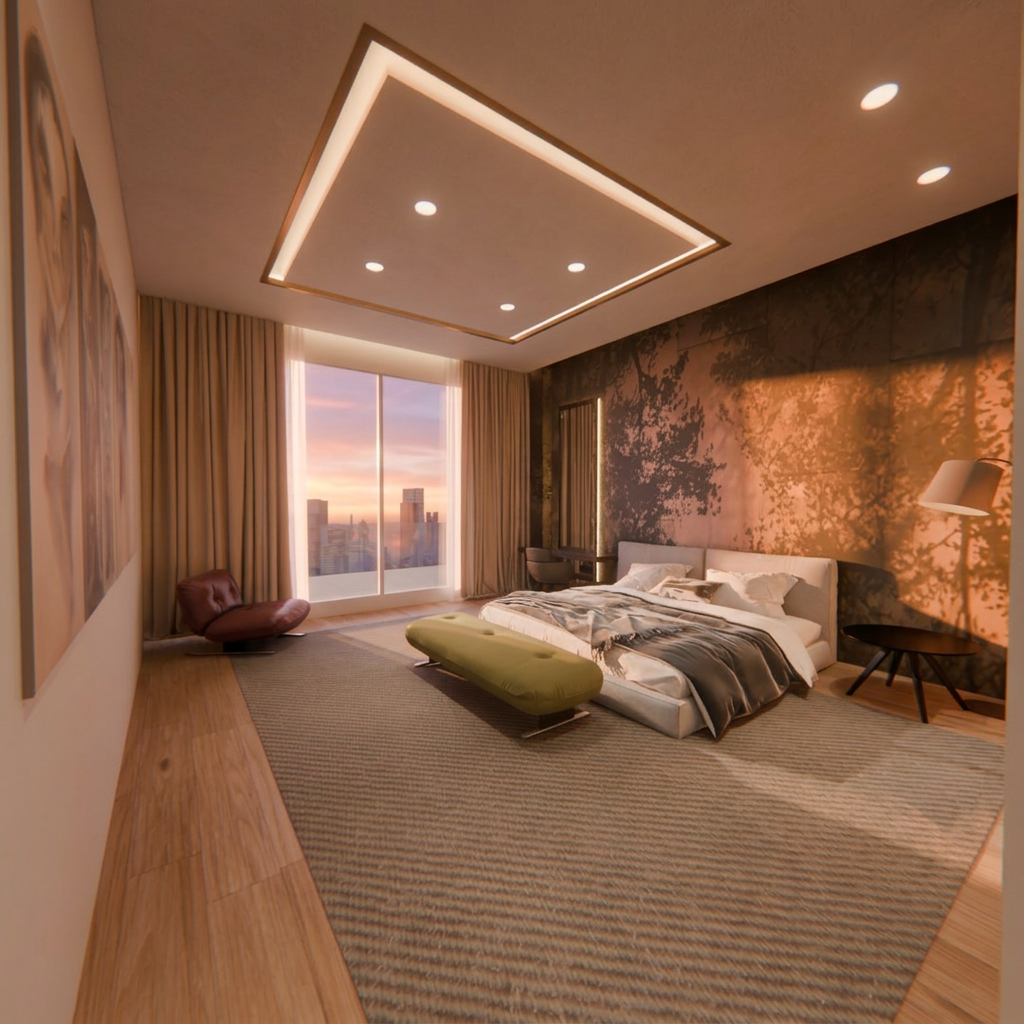
How to use Multi‑Lighting Render Transformer
Follow these steps to convert one interior or architectural render into multiple lighting moods. Upload your image, pick the target illumination style, and export clean variations for presentations, listings, or design iterations.
Step 1
Add your interior or architectural render in common formats. The tool analyzes geometry, light sources, and materials to prepare accurate AI relighting.

Step 2
Select lighting presets like daylight, golden hour, sunset, or night mode. Preview options and fine-tune intensity to match the scene’s desired atmosphere.

Step 3
Click generate to create a set of consistent lighting variations. Download high-quality outputs for client decks, marketing images, or rapid A/B comparisons.
Features
Convert one render into a full set of lighting scenarios without re-rendering. The model adjusts illumination, color temperature, and shadow behavior while keeping textures and composition stable. Produce consistent day-to-night options for faster approvals, better storytelling, and clearer design decisions across interior and architectural visualization.
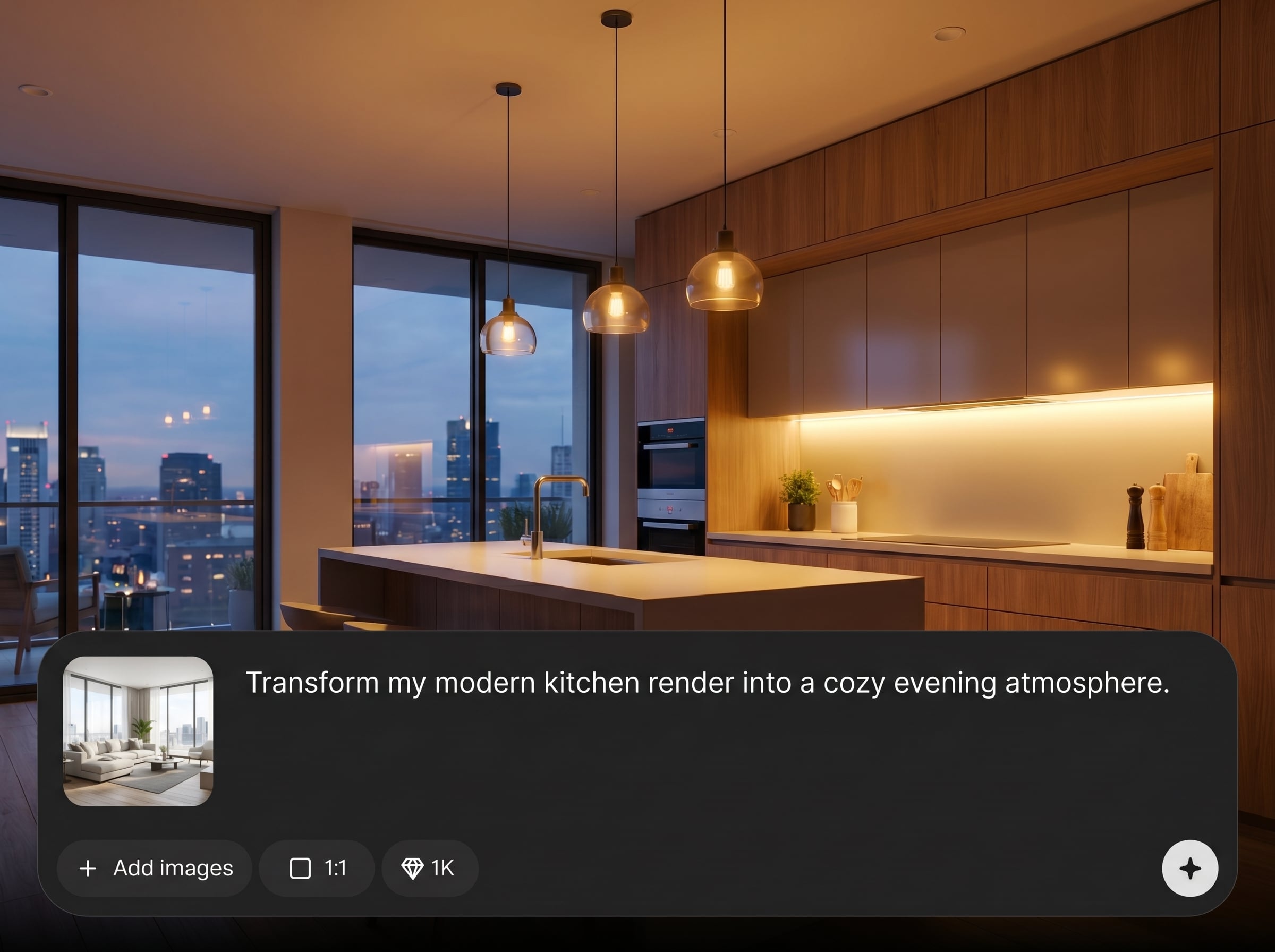
Generate daylight, golden hour, sunset, and night variations from a single render. Save time versus manual edits and avoid re-exporting from your 3D pipeline.

Maintain believable surfaces, reflections, and scene structure while changing illumination. Outputs stay cohesive across mood sets, making side-by-side comparisons and iterations easier.
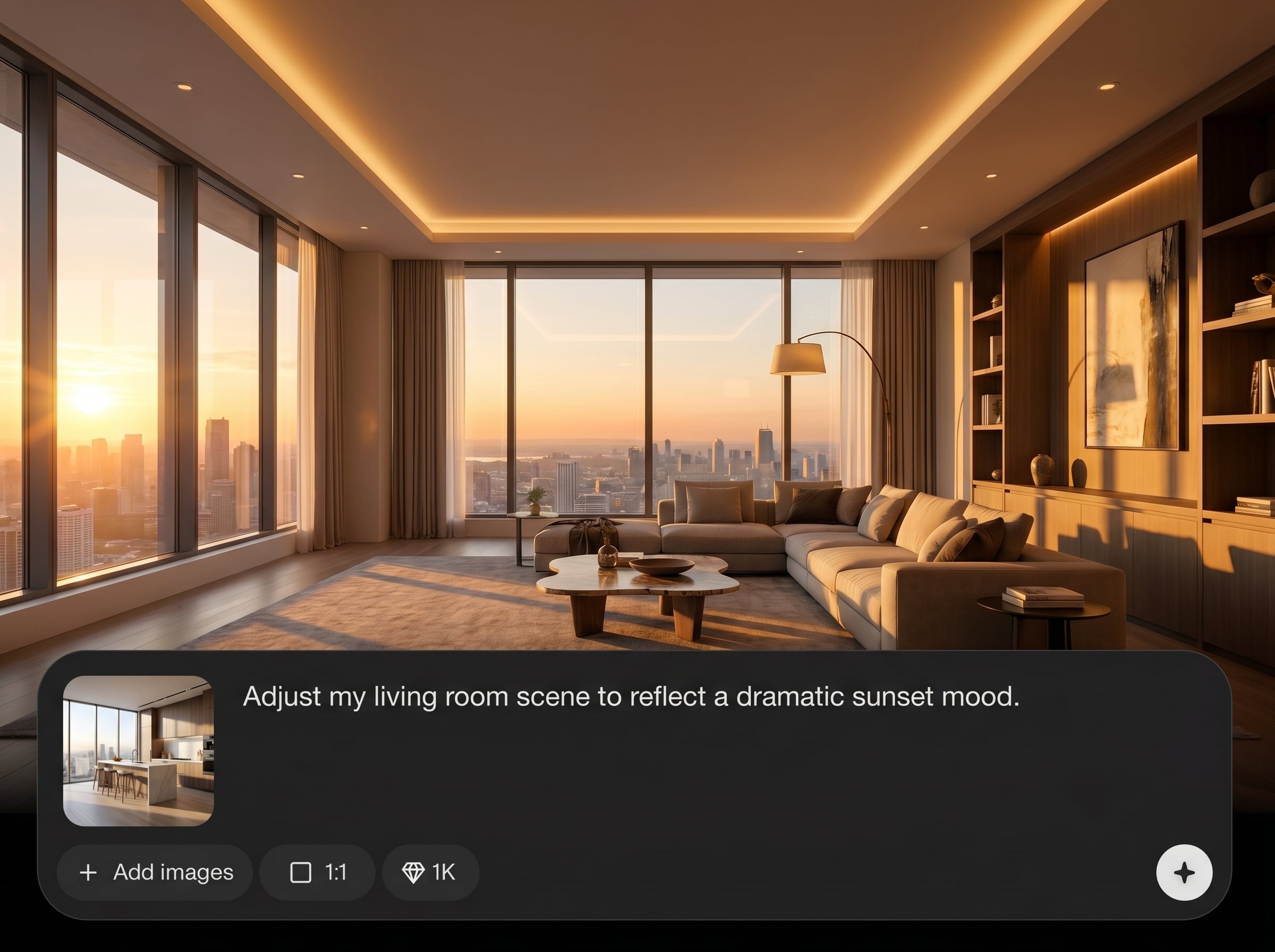
Create multiple options quickly for reviews and deliverables. Produce a complete lighting pack for listings, pitches, and concept exploration without slowing down production timelines.
About
Multi‑Lighting Render Transformer turns any interior or architectural render into multiple lighting moods with a single click. Instantly relight scenes to daylight, golden hour, sunset, or full night mode while preserving materials, shadows, and overall design intent. Get consistent mood variations faster for reviews, marketing, and client approvals without manual post-production.
Get consistent, professional lighting variations without rebuilding your scene or running multiple render passes. The AI relighting workflow is fast, repeatable, and designed for interior and architectural visualization, helping you compare moods and communicate intent with less effort.
Upload your render, pick a lighting mood preset, and generate a complete set of variations. Download results immediately and use them in client presentations, listings, or design review boards.
Use cases
Discover how different creators use this app in their workflow.
Show the same space across day, golden hour, and night to communicate mood and context clearly in proposals, approvals, and design reviews.
Create compelling day-to-night listing visuals from one render. Test different atmospheres to improve engagement across web, ads, and brochures.
Compare lighting scenarios to validate materials and ambiance. Quickly present options and align decisions without time-consuming post-processing.
Krea is one of the world's leading generative AI platforms. See what others say.
Real reviews on TrustpilotSo many AI tools out there but I always come back to Krea. It's really the one AI platform that 'just works'.

FYN
Krea's interfaces are still the best in the industry. Everything looks and feels so clean and easy to use! Imo the easiest to use gen AI website.

Lynn
Ultra fast generations. Extremely simple to use. All the latest AI models.

Daniel
KREA is the only AI subscription I have right now besides ChatGPT.

Sophia M.
Answers to common questions about AI relighting for interior and architectural renders.
It transforms a single interior or architectural render into multiple lighting moods, such as daylight, golden hour, sunset, and night. The AI adjusts illumination and color temperature while keeping the scene consistent.
The tool aims to preserve materials, textures, and composition while relighting the scene. You’ll get mood variations that remain visually coherent, with lighting and shadows updated to match the selected preset.
You can generate common architectural lighting scenarios including daylight, golden hour, sunset, and full night mode. These options help you present the same design in different atmospheres for clearer comparison.
Yes. Instead of adjusting lights and re-rendering multiple passes, you can generate several lighting options from one output. It’s ideal for rapid iteration when deadlines or client feedback cycles are tight.
Upload standard image files used for renders and export high-quality lighting variations for presentations and marketing. Use the downloaded outputs directly in decks, listings, and review workflows.
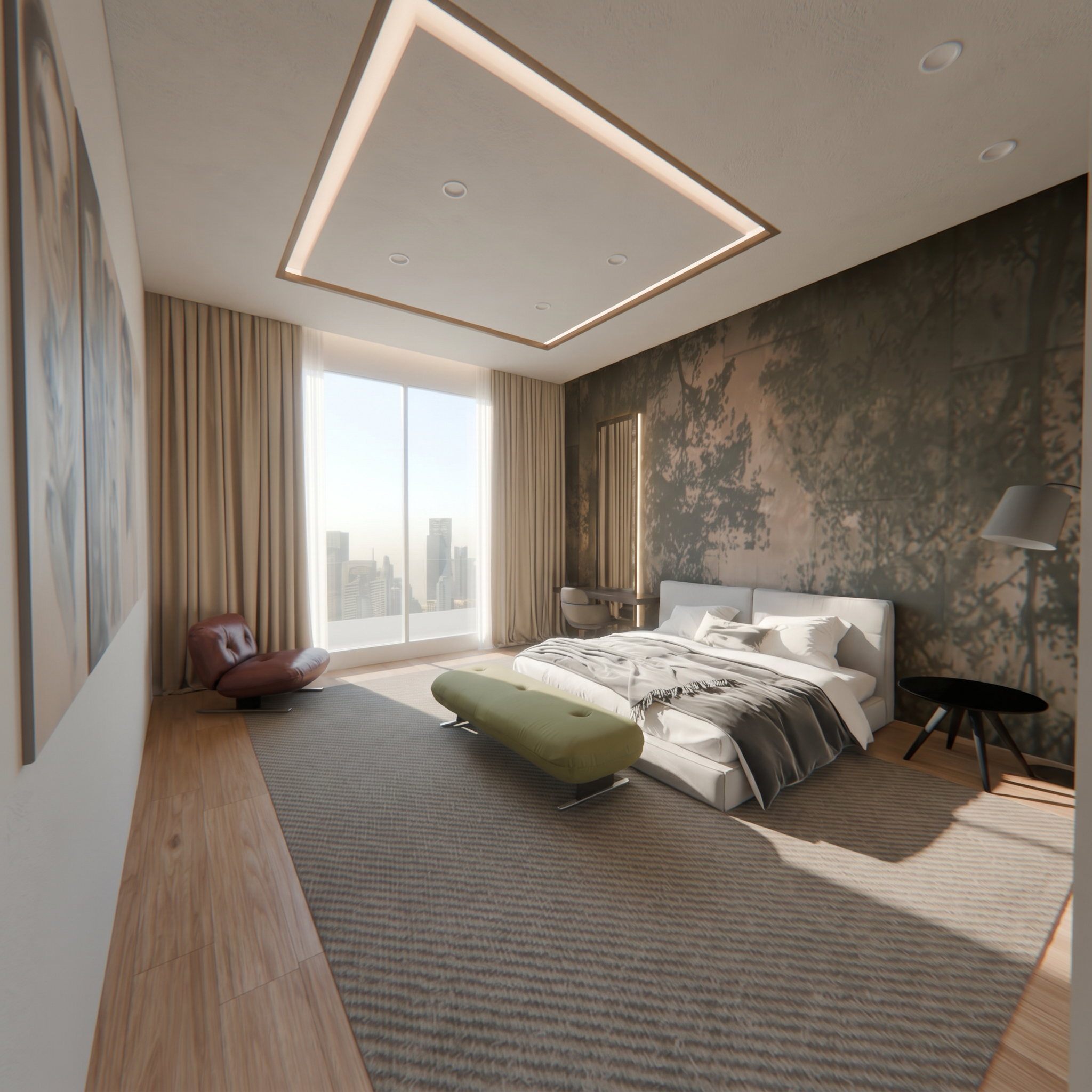
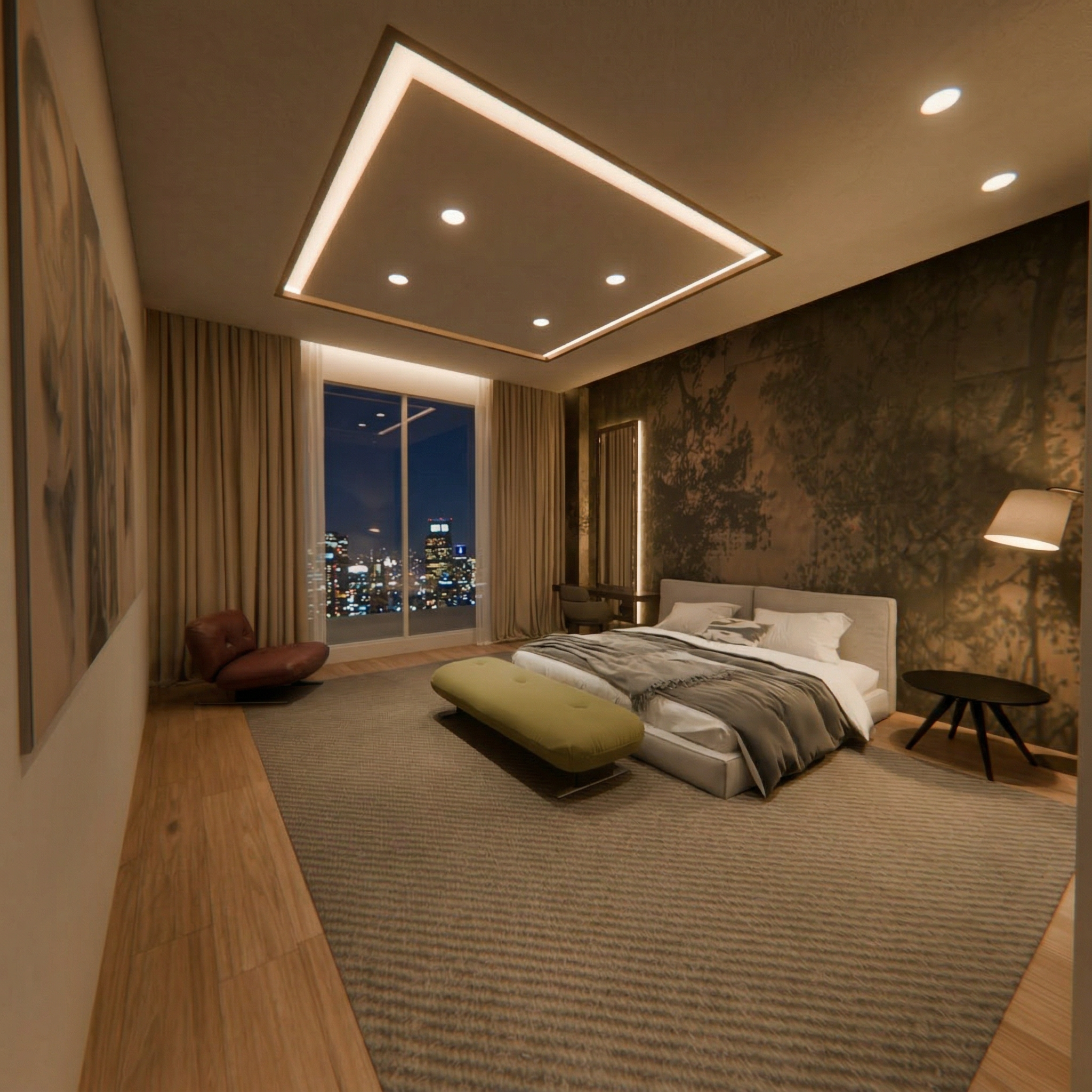
Upload one render and export daylight, golden hour, sunset, and night variations in minutes.

