














Step 1
Describe
Enter a short prompt describing your app, key screens, and user goal. Add constraints like platform, style, and components to guide the AI prototype generator.
Generate interactive UI prototypes fast with eo-eo-proto. Use AI prompts to create screens, flows, and variations. Try the prototype generator online.
How to use eo-eo-proto
Follow this quick tutorial to generate UI screens and clickable flows with eo-eo-proto. Start from a prompt, refine the structure, then export or share a prototype for feedback and testing.
Step 1
Enter a short prompt describing your app, key screens, and user goal. Add constraints like platform, style, and components to guide the AI prototype generator.

Step 2
Create screens and connect them into a UI flow automatically. Regenerate sections, adjust layouts, and request variations to explore options quickly without rebuilding.

Step 3
Preview the interactive prototype, then share a link for reviews or export assets for handoff. Capture feedback early and iterate with new AI-driven versions.
Features
eo-eo-proto streamlines UX prototyping with AI-generated screens, flows, and rapid variations. Go from idea to interactive prototype faster, reduce repetitive layout work, and keep structure consistent across multi-screen journeys. Use prompts to refine navigation, components, and content so teams can validate direction earlier.
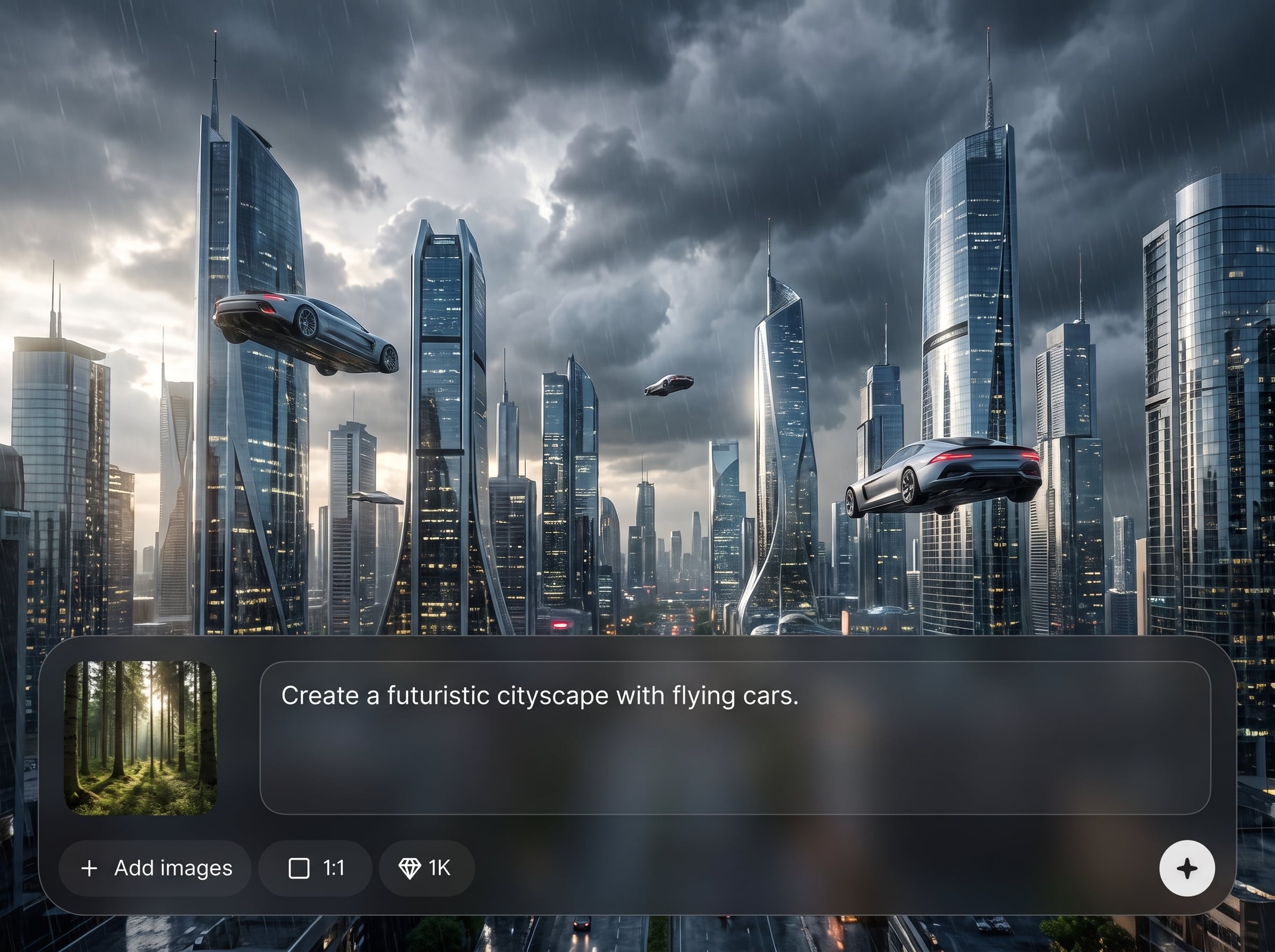
Turn plain-language prompts into structured wireframes and UI screens. The AI suggests layouts, components, and content placeholders you can refine for clearer user journeys and faster iteration.
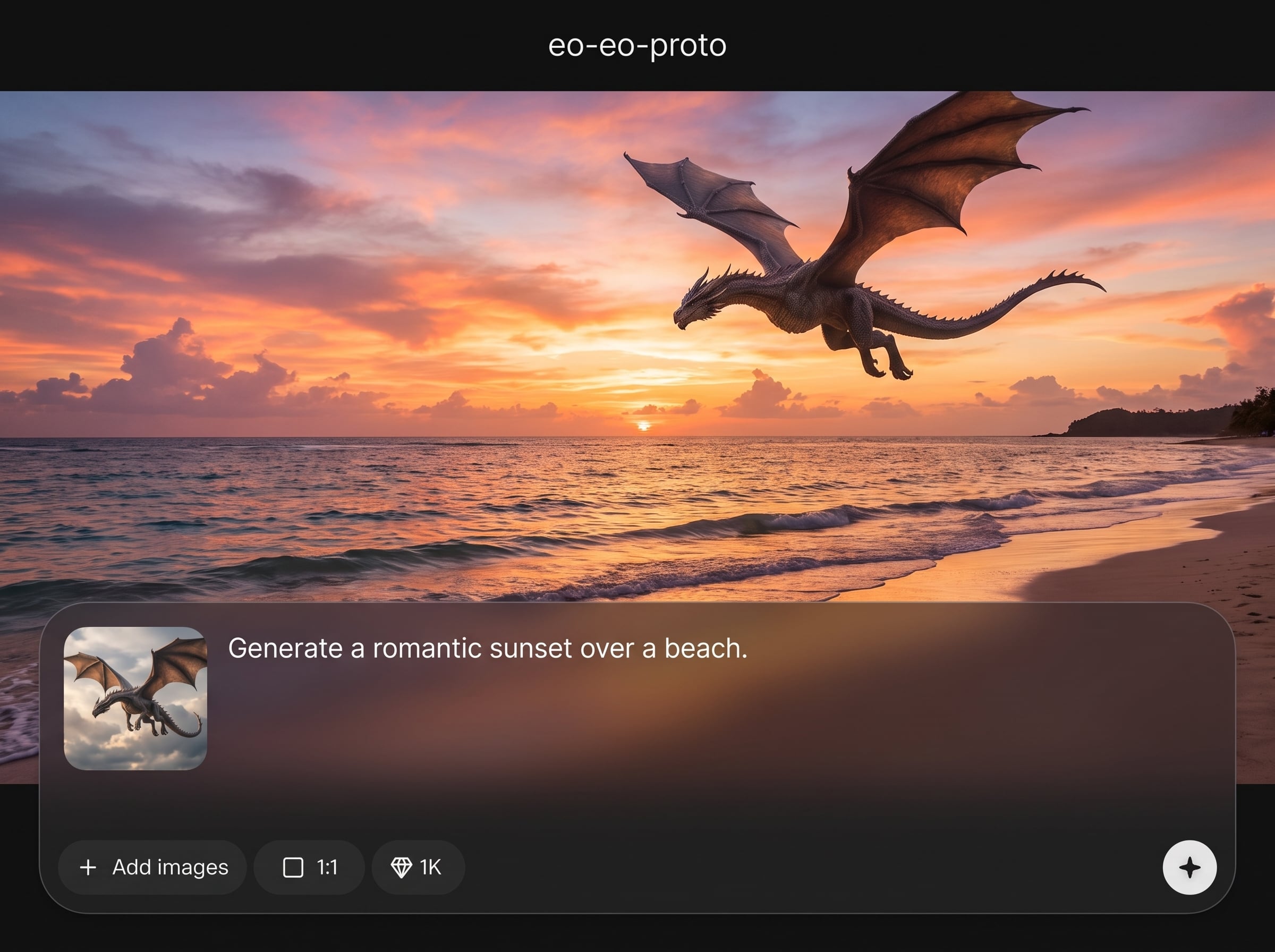
Automatically connect screens into interactive prototypes with sensible navigation. Quickly test onboarding, checkout, and settings flows, then adjust links and states without starting over.
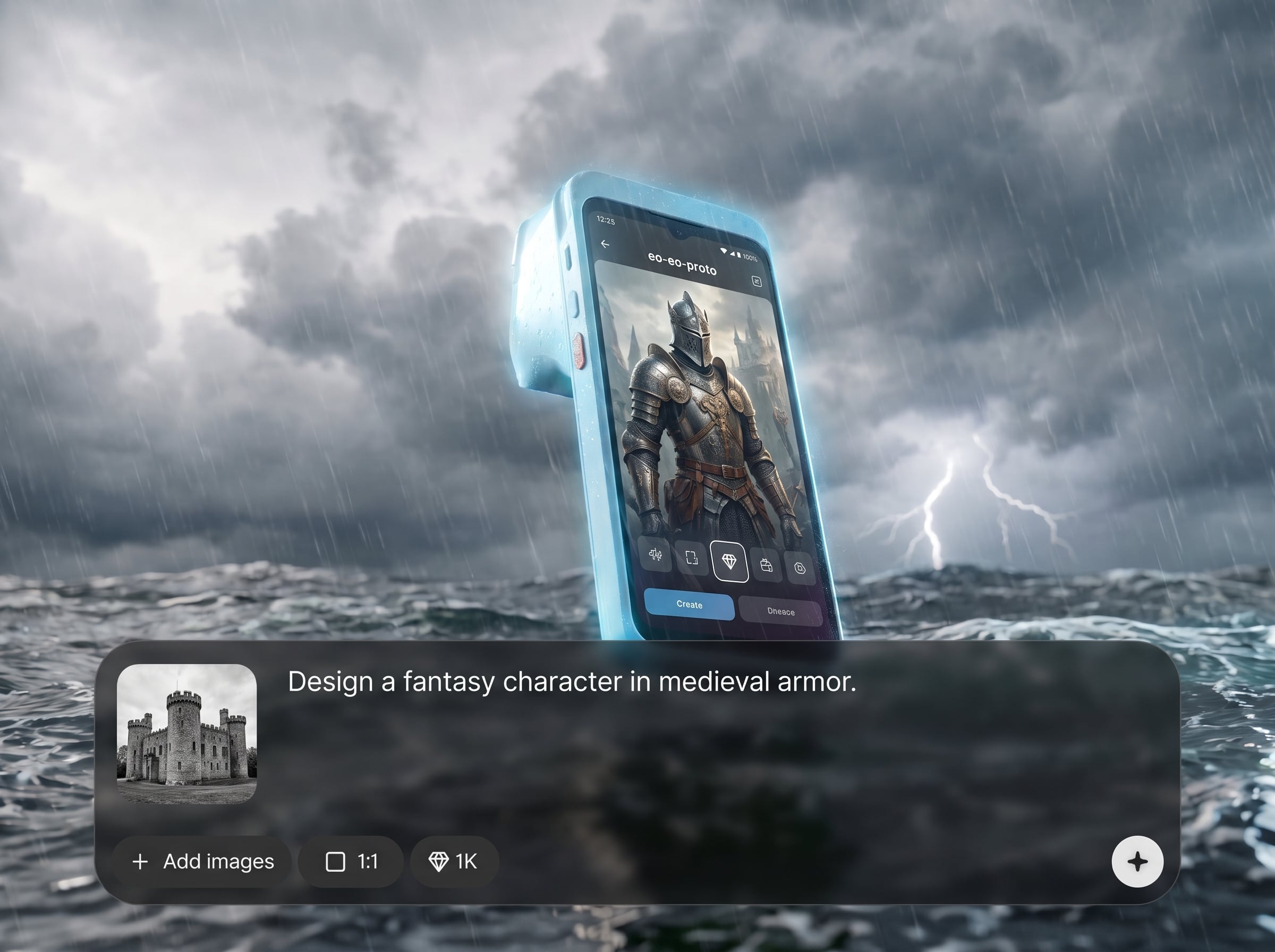
Generate multiple design directions from the same brief to compare layouts and hierarchy. Iterate on specific screens, regenerate sections, and keep momentum during feedback cycles.
About
eo-eo-proto is an AI prototype generator that turns prompts into usable UI screens and clickable flows in minutes. Create wireframes, iterate layouts, and explore multiple design variations without manual setup. Use artificial intelligence to speed up early product design, align stakeholders, and move from idea to testable prototype faster.
eo-eo-proto focuses on speed and clarity: prompt-to-screen generation, automatic UI flow connections, and quick variation loops. It reduces manual setup, keeps prototypes consistent across screens, and helps you validate direction earlier with interactive outputs.
Enter a short prompt describing your app and required screens, generate the initial flow, then refine by regenerating specific parts. Share the prototype for feedback and keep iterating until the UX is ready.
Use cases
Discover how different creators use this app in their workflow.
Create prototypes for new ideas quickly, validate assumptions with stakeholders, and iterate in real time using AI-generated screens and flows.
Build consistent user flows and screen sets, then share prototypes for review. Reduce ambiguity before detailed design and development planning.
Generate clickable prototypes for common tasks, run lightweight tests, and update layouts fast based on findings without rebuilding entire flows.
Krea is one of the world's leading generative AI platforms. See what others say.
Real reviews on TrustpilotSo many AI tools out there but I always come back to Krea. It's really the one AI platform that 'just works'.

FYN
Krea's interfaces are still the best in the industry. Everything looks and feels so clean and easy to use! Imo the easiest to use gen AI website.

Lynn
Ultra fast generations. Extremely simple to use. All the latest AI models.

Daniel
KREA is the only AI subscription I have right now besides ChatGPT.

Sophia M.
Answers to common questions about eo-eo-proto, AI prototyping, and interactive UI flow generation.
eo-eo-proto is an AI prototype generator that creates UI screens and clickable flows from prompts. It helps you produce wireframes and interactive prototypes quickly for review, iteration, and early validation.
You describe your product and required screens, then the artificial intelligence model generates layouts, components, and navigation. You can refine prompts, regenerate sections, and create variations to explore better UI structures.
Yes. eo-eo-proto can produce multiple screens and connect them into a clickable prototype. This makes it easier to validate onboarding, checkout, and account flows before investing in detailed design work.
It’s optimized for fast wireframes and structured prototypes, with room to iterate toward higher fidelity. Start broad to define flows, then refine layouts and content until the prototype matches your needs.
Include the product type, target platform, key screens, and primary user actions. Adding constraints like component preferences, tone, and navigation rules helps the AI generate more accurate UI screens and flows.
Yes. Update your prompt or request changes for a single screen, section, or flow step. This lets you iterate quickly without losing the rest of the prototype structure.
Yes. You can preview and share interactive prototypes so others can review the flow. Faster feedback cycles help you converge on a usable UX direction sooner.
It works well for both. Individuals can prototype ideas quickly, while teams can align on flows and structure earlier. AI-assisted iteration reduces repetitive work and speeds decisions.
Generate UI screens and clickable flows in minutes, then iterate fast with prompts and variations.

