














Step 1
Upload
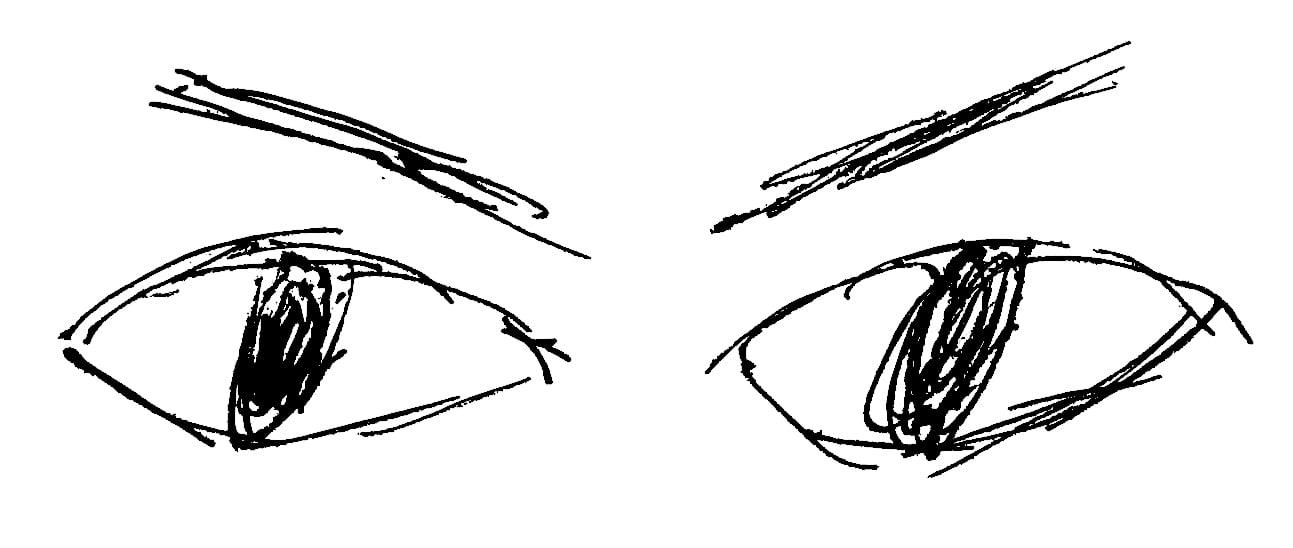
Add one 16:9 reference image that captures the action. The app uses it as the visual anchor to keep characters, pose, and lighting consistent.
 App by paiaz
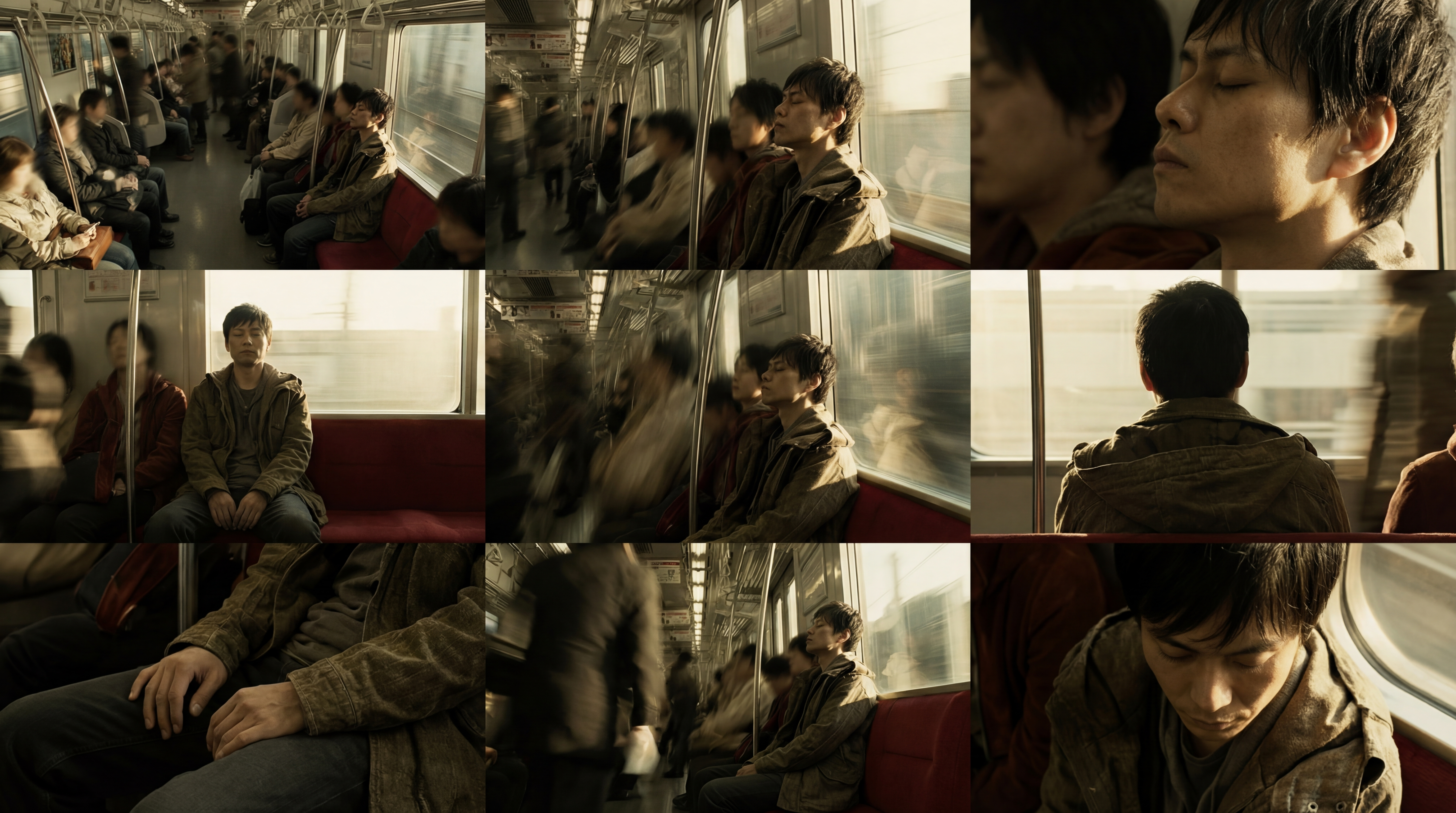
Turn one 16:9 reference frame into a 3x3 grid of nine cinematic camera angles with consistent characters, pose, and lighting. Generate now.
How to use Cinematic 9-Angle Grid
Upload a 16:9 reference frame, choose how the camera should vary, and generate a clean 3x3 collage. The tool preserves character identity, pose, and lighting for consistent shot exploration.
Step 1
Add one 16:9 reference image that captures the action. The app uses it as the visual anchor to keep characters, pose, and lighting consistent.

Step 2
Select camera angle variety and framing preferences. Keep subject and scene locked while changing only perspective, focal feel, and composition across the nine tiles.

Step 3
Create the 3x3 cinematic grid in one click. Review the nine angles, regenerate if needed, then export the collage for storyboards, pitch decks, or shot lists.
Features
Generate nine cinematic camera angles from a single reference frame without losing continuity. Cinematic 9-Angle Grid keeps characters, poses, and lighting stable while exploring perspective and composition. Powered by Nano Banana Pro, it produces high-realism results suitable for storyboards, previs, and production-ready shot planning—fast.

Lock character identity, pose, and lighting while changing only the camera angle. Explore wide, medium, and close perspectives without drifting designs or breaking scene continuity.

Automatically formats results into a clean 3x3 collage for quick comparison. Perfect for selecting coverage, testing compositions, and sharing shot options in one image.

Powered by Nano Banana Pro for maximum realism and quality. Get sharp, believable camera changes with consistent lighting and cinematic depth that hold up for presentation and planning.
About
Cinematic 9-Angle Grid transforms a single 16:9 reference frame into a 3x3 collage of nine cinematic camera angles of the same action. Keep characters, poses, and lighting consistent while changing only the camera perspective. Powered by Nano Banana Pro, it delivers realistic, high-quality angle variations for storyboards, shot planning, and visual development in minutes.
Cinematic 9-Angle Grid focuses on continuity: consistent characters, pose, and lighting while varying only the camera. The 3x3 layout makes comparisons instant, and Nano Banana Pro realism delivers sharp, cinematic results suitable for planning, pitching, and visual development.
Open the app, upload a 16:9 reference frame, and set your camera variation preferences. Click generate to receive a 3x3 collage of nine angles, then export or regenerate to refine.
Use cases
Discover how different creators use this app in their workflow.
Turn one key frame into nine coverage options to plan angles, pacing, and transitions. Quickly choose the best shots before committing to full sequences.
Explore camera language from a locked action moment while keeping continuity intact. Build stronger animatics faster with consistent subjects and lighting.
Present multiple cinematic viewpoints in a single grid. Communicate mood, framing, and visual intent clearly without generating new scenes from scratch.
Krea is one of the world's leading generative AI platforms. See what others say.
Real reviews on TrustpilotSo many AI tools out there but I always come back to Krea. It's really the one AI platform that 'just works'.

FYN
Krea's interfaces are still the best in the industry. Everything looks and feels so clean and easy to use! Imo the easiest to use gen AI website.

Lynn
Ultra fast generations. Extremely simple to use. All the latest AI models.

Daniel
KREA is the only AI subscription I have right now besides ChatGPT.

Sophia M.
Answers to common questions about generating cinematic 9-angle grids from a single reference frame.
It’s an AI tool that takes one 16:9 reference frame and produces a 3x3 collage of nine camera angles of the same action. It keeps characters, pose, and lighting consistent.
Yes. The app is designed to preserve character identity, pose, and lighting, changing only the camera perspective and framing. This helps maintain continuity while exploring cinematic coverage options.
Use a clean 16:9 frame with clear subjects, readable lighting, and minimal motion blur. A strong reference improves consistency across the nine tiles and produces more realistic camera variations.
Yes. You can regenerate to get alternative camera perspectives while keeping the same reference frame constraints. This makes it easy to iterate until the grid matches your storyboard or shot list needs.
Use it for storyboards, shot selection, previs planning, pitch presentations, and visual development. The grid format makes comparing composition and camera language fast and easy.
Upload one 16:9 frame and generate nine realistic camera angles in a single, shareable 3x3 collage.

