














Step 1
Describe
Enter a prompt with breed, mood, pose, and environment. Add details like fur length, lighting, camera angle, and art style for more accurate AI generations.
Generate realistic or stylized dog images in seconds with Dog Generator. Control breed, style, and scene using AI prompts. Try it free online now.
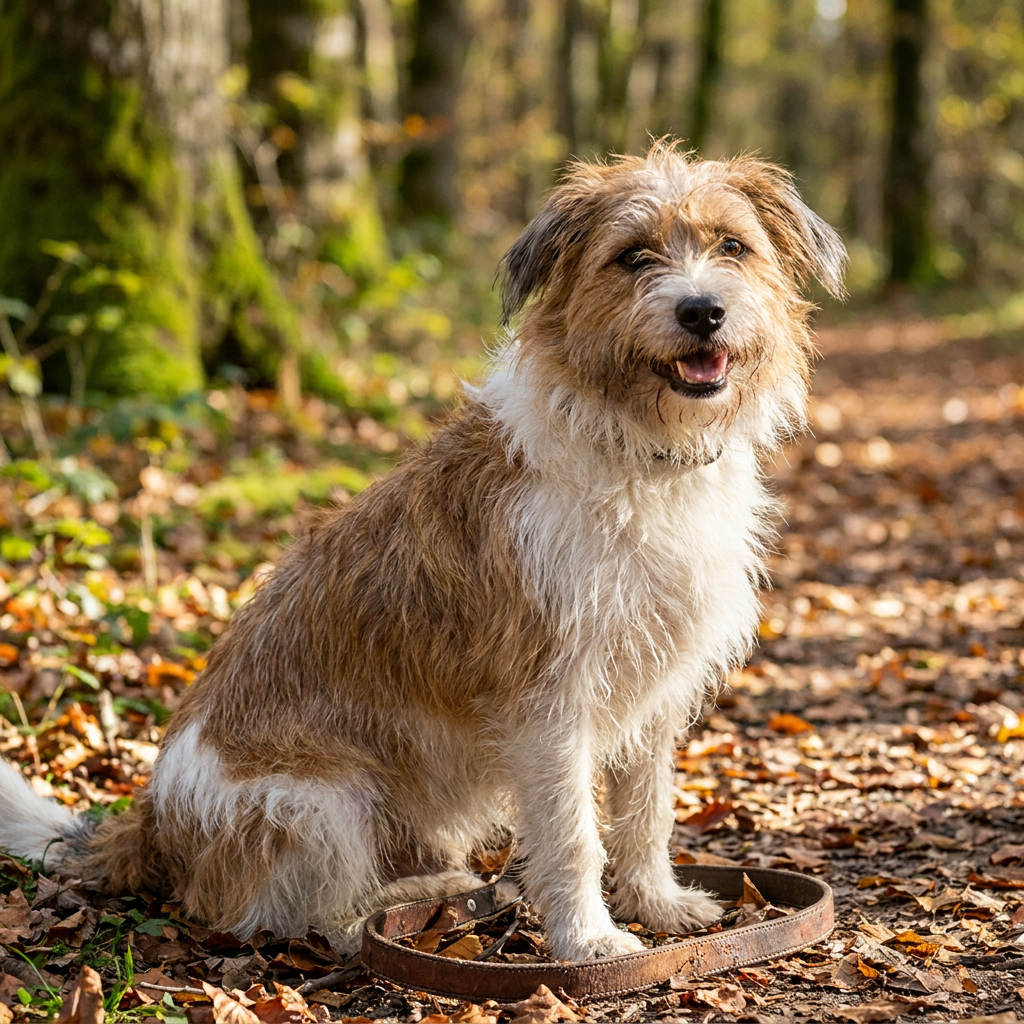
How to use Dog Generator
Create custom dog visuals with Dog Generator in minutes. Choose a style, describe the breed and scene, then generate variations. Refine your prompt and settings to get consistent results you can download and reuse.
Step 1
Enter a prompt with breed, mood, pose, and environment. Add details like fur length, lighting, camera angle, and art style for more accurate AI generations.

Step 2
Click generate to create multiple dog images at once. Adjust style, realism, aspect ratio, and seed to explore consistent variations and quickly find the best result.

Step 3
Tweak the prompt to fix details like eyes, coat pattern, or background. Upscale when needed, then download high-resolution images for web, print, or design workflows.
Features
Dog Generator turns text into polished dog images with flexible style control. Generate realistic dogs, illustrated pups, or cinematic scenes, then iterate with variations for consistent results. Fine-tune breed traits, colors, and backgrounds to match your idea, and export high-quality images ready for content, design, and concept work.
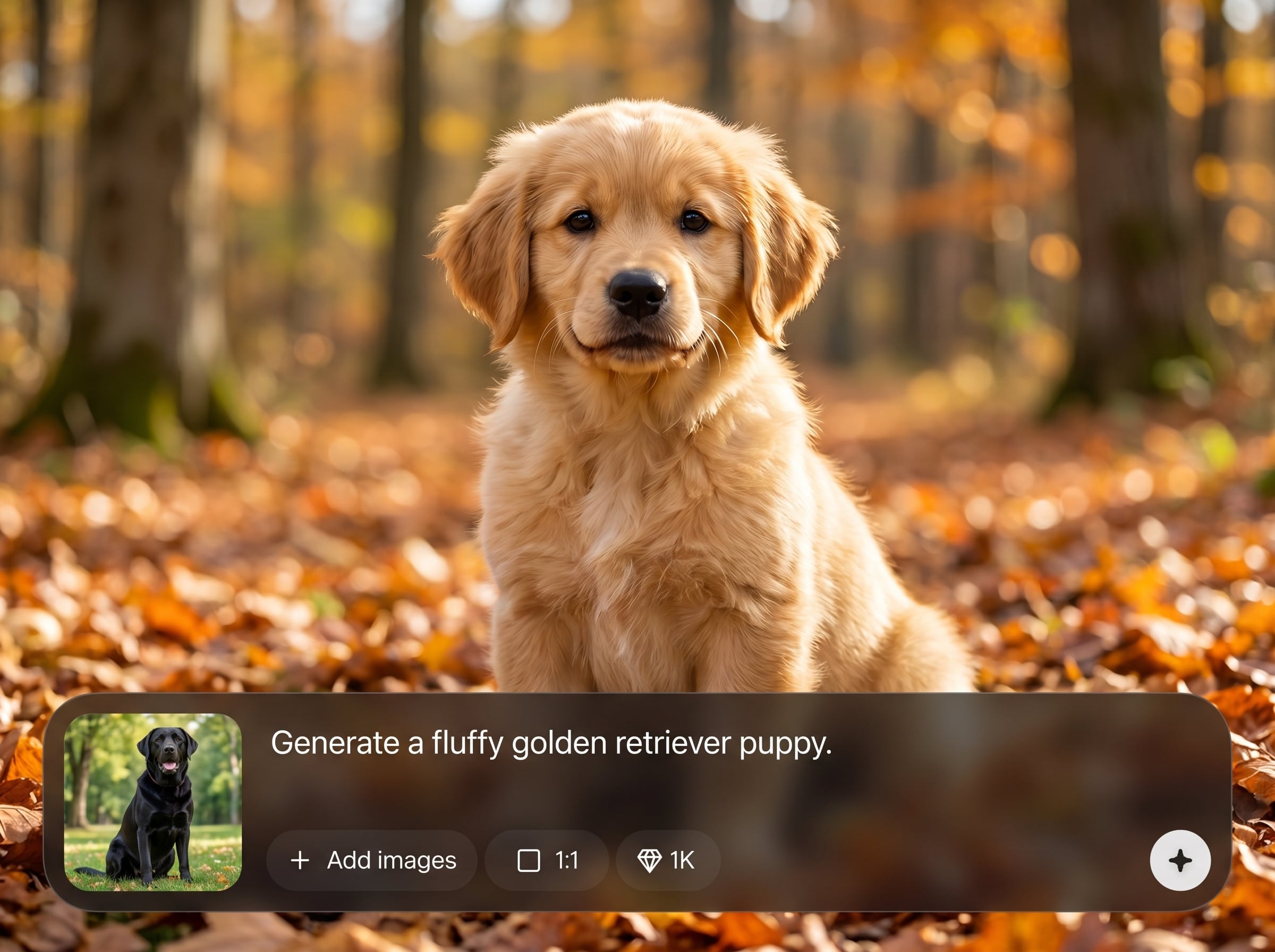
Specify breed, coat color, fur texture, and accessories while choosing realistic, cartoon, or painterly styles. Get dog images that match your prompt with clearer, repeatable visual direction.
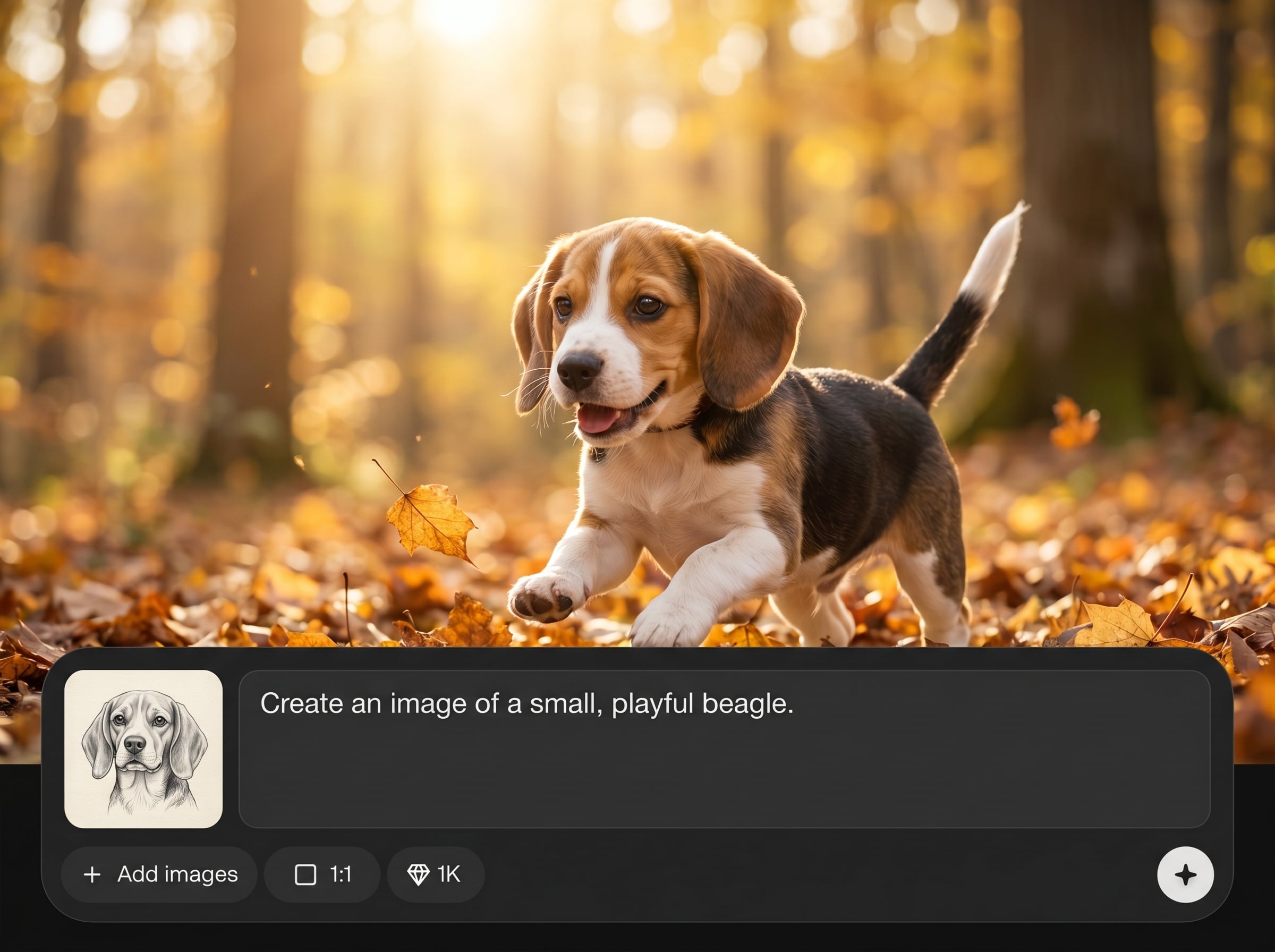
Generate multiple options per prompt and refine instantly. Use seeds and small prompt edits to keep composition consistent while exploring new poses, expressions, lighting, and backgrounds.
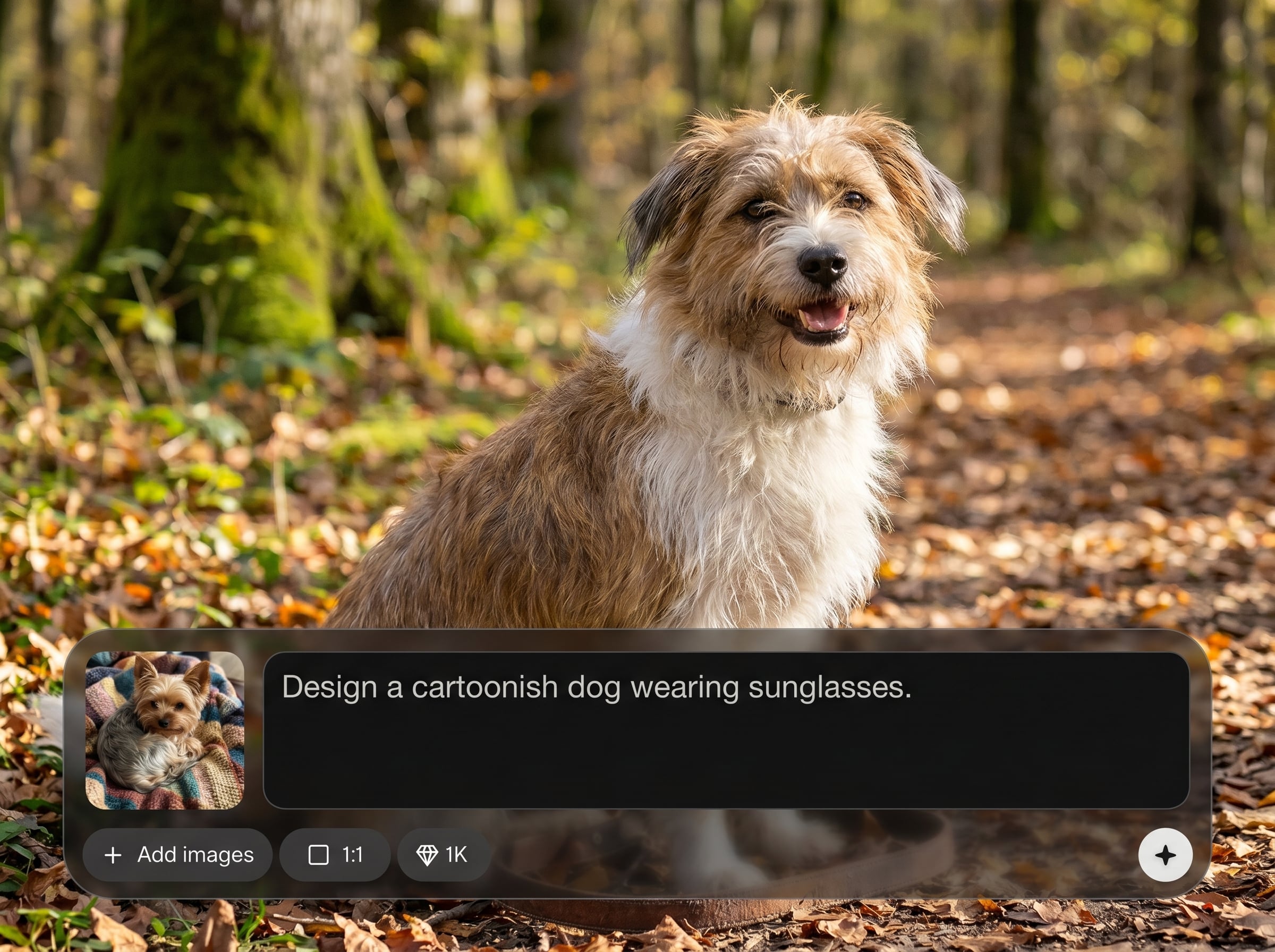
Download clean, high-resolution outputs suitable for posts, thumbnails, mockups, and print. Upscale selected results and maintain crisp detail for fur, eyes, and scene elements.
About
Dog Generator helps you create high-quality dog images from text prompts in seconds. Generate realistic photos, cartoon pups, or stylized pet portraits with control over breed, fur color, pose, and background. Use AI to iterate fast, explore variations, and export ready-to-share visuals for posts, mockups, or concept art.
Dog Generator is built for speed, control, and quality. Get reliable breed and style direction, generate multiple variations per idea, and refine details without restarting. Export high-resolution images that fit real content, design, and concept workflows.
Type a prompt describing the breed and scene, choose a style and aspect ratio, then generate. Save your best result, refine for accuracy, and download the final image when it matches your vision.
Use cases
Discover how different creators use this app in their workflow.
Generate eye-catching dog visuals for feeds, ads, and thumbnails. Match brand style with consistent color, lighting, and composition using prompt-based control and quick variations.
Create stylized pet portrait ideas before commissioning or producing final art. Explore breeds, poses, outfits, and backgrounds to lock in a direction fast with AI-generated options.
Produce dog imagery for stickers, packaging, and merch mockups. Generate themed sets with consistent style, then export high-quality images for layout and print-ready design.
Krea is one of the world's leading generative AI platforms. See what others say.
Real reviews on TrustpilotSo many AI tools out there but I always come back to Krea. It's really the one AI platform that 'just works'.

FYN
Krea's interfaces are still the best in the industry. Everything looks and feels so clean and easy to use! Imo the easiest to use gen AI website.

Lynn
Ultra fast generations. Extremely simple to use. All the latest AI models.

Daniel
KREA is the only AI subscription I have right now besides ChatGPT.

Sophia M.
Answers to common questions about Dog Generator and AI dog image generation.
Dog Generator is an AI dog image generator that turns text prompts into dog visuals. Create realistic dogs, cartoons, or stylized art by describing breed, pose, and scene, then download your favorites.
Include the breed name plus clear details like coat color, fur length, and ear shape. Add lighting and camera cues (e.g., “studio photo, 85mm”) to help the AI render consistent breed traits.
Yes. Choose a realistic style and use photo language such as “natural light,” “shallow depth of field,” or “high detail.” You can also refine prompts to improve fur texture and facial anatomy.
Use a fixed seed when available and keep core prompt elements unchanged. Generate variations, then adjust only one detail at a time (background, pose, accessories) to maintain continuity.
Prompts that specify breed, setting, lighting, and style work best. Example: “golden retriever puppy, sitting, park background, golden hour, realistic photo, sharp eyes, detailed fur.”
If background removal is available, generate on a simple backdrop and remove it after. Otherwise, prompt for a solid color background to make clean cutouts easier for design and mockups.
You can generate common aspect ratios for social, web, and print layouts. Choose square, portrait, or landscape, then upscale selected images for higher-resolution exports when you need extra detail.
You can start generating dog images online with minimal setup. Create a prompt, generate results, and iterate quickly; upgrade options may be available for more generations, higher resolution, or faster workflows.
Generate realistic or stylized dog visuals in seconds—iterate fast, pick the best result, and download in high quality.

