














Step 1
Configure
Pick text-to-video or image-to-video, then add your prompt and reference assets. Set aspect ratio, duration, style, and motion guidance to match the look you want.
Use Tata v_8 to generate cinematic AI videos from text or images. Customize styles, scenes, and motion in minutes—create, iterate, and export fast.
How to use Tata v_8
This quick guide shows how to create a video with Tata v_8 using text or image inputs. Set your style and motion, generate a draft, then refine and export a clean, shareable clip.
Step 1
Pick text-to-video or image-to-video, then add your prompt and reference assets. Set aspect ratio, duration, style, and motion guidance to match the look you want.

Step 2
Run a draft generation and review key moments. Adjust prompt wording, camera movement, and style strength, then regenerate variations until the pacing and visuals feel right.

Step 3
Choose your preferred clip and export in a high-quality format. Download for social, ads, or presentations, and keep settings saved to recreate consistent results later.
Features
Tata v_8 combines text-to-video and image-to-video generation with practical controls for style, motion, and consistency. Iterate quickly with variations, keep outputs aligned across scenes, and export clean clips ready for marketing, demos, or storytelling. Designed for speed without sacrificing creative control.
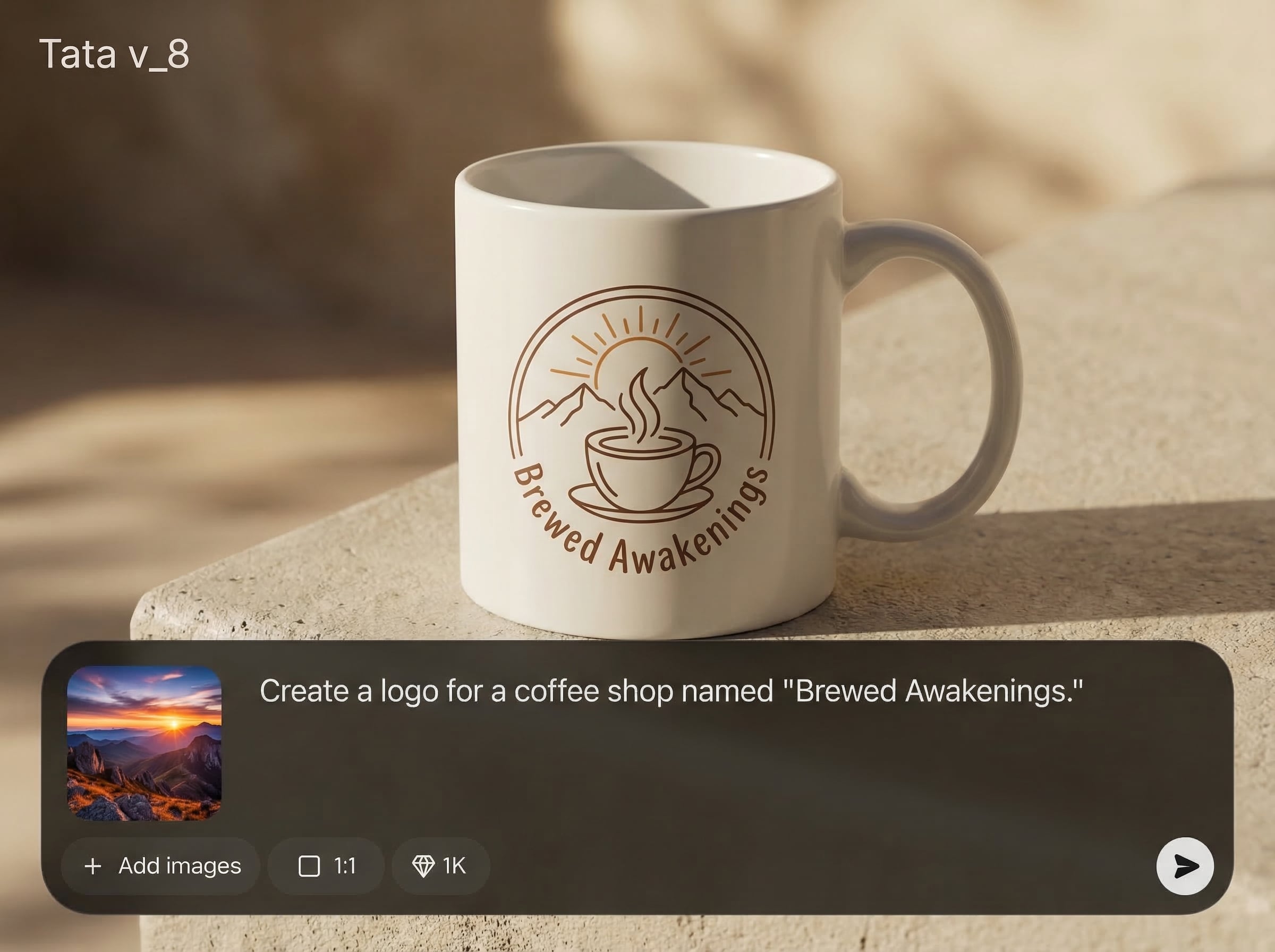
Turn a simple prompt into a coherent video clip with cinematic style options. Guide tone, setting, and subject details to get usable drafts quickly and refine from there.
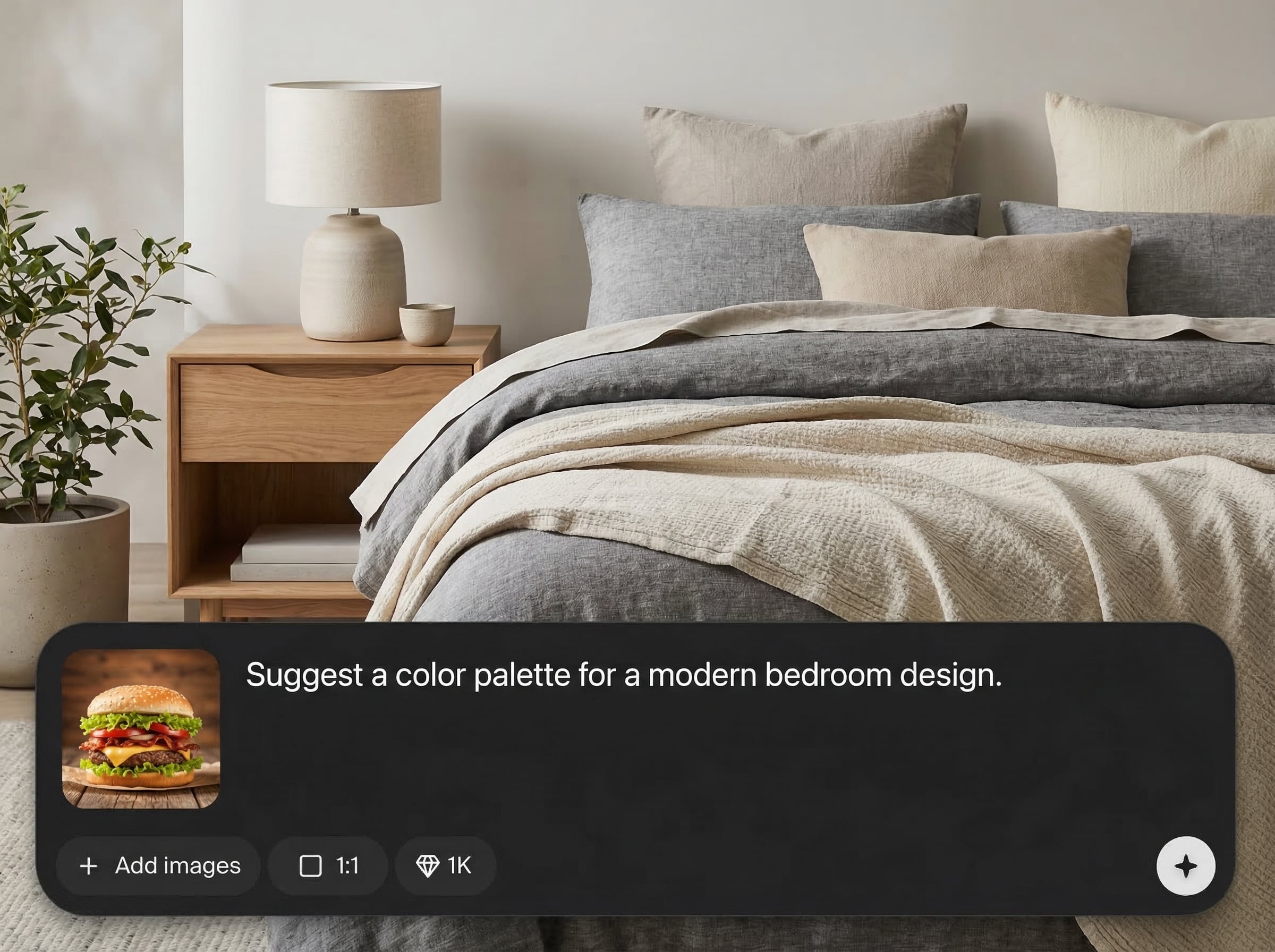
Animate a still image into a dynamic shot with controllable movement. Add subtle camera pans, depth-like motion, and style adjustments to create short, eye-catching sequences.
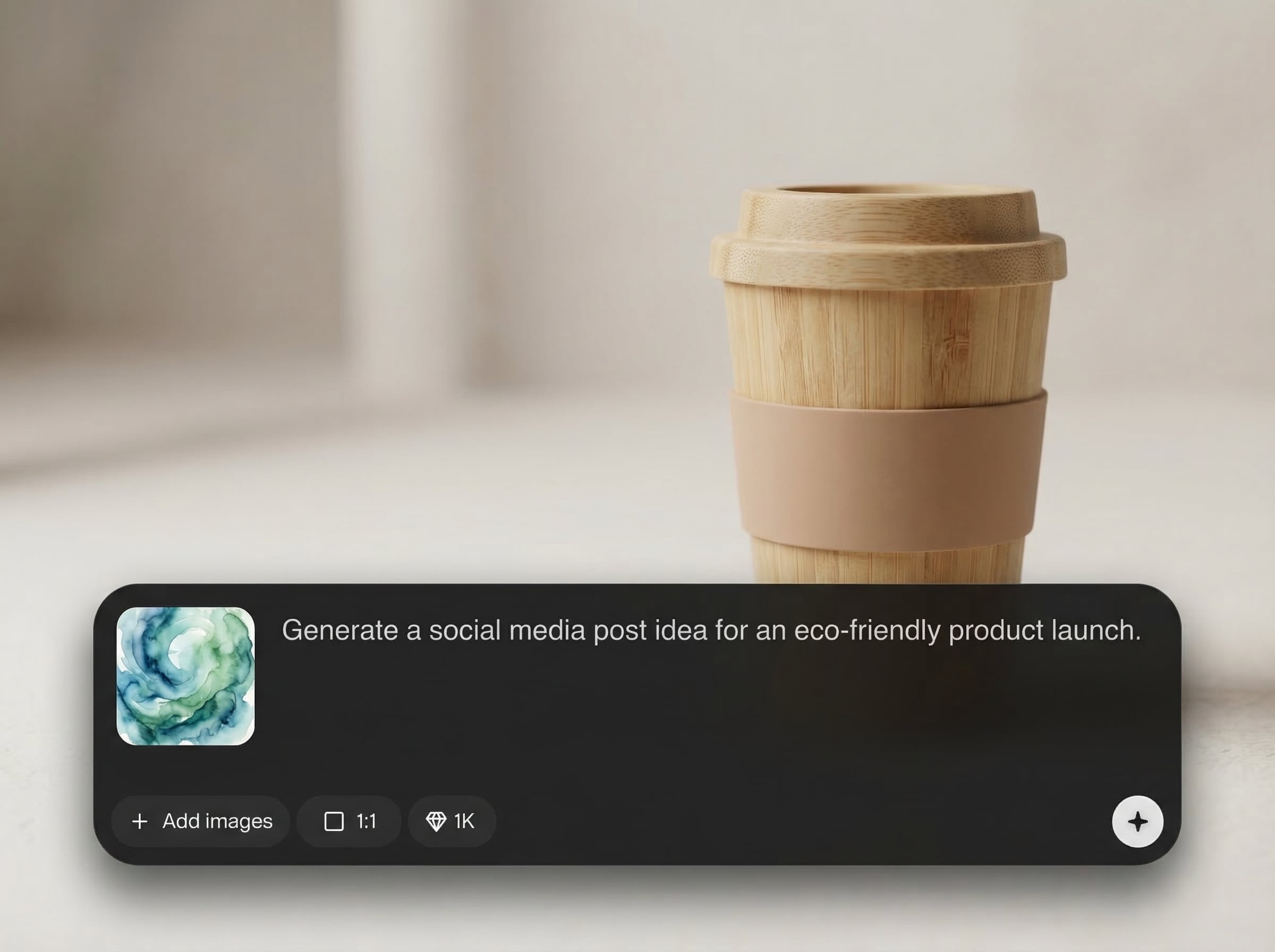
Generate multiple variations, compare results, and lock in the best take. Export polished clips quickly for social formats, product pages, and presentations with minimal setup.
About
Tata v_8 is an AI video generator that turns text prompts or images into polished, cinematic clips. Choose a style, guide camera motion, and refine scenes with fast iterations for consistent results. Export ready-to-share videos for ads, social posts, product demos, or concept visuals—without complex timelines.
Tata v_8 focuses on practical AI video creation: fast drafts, controllable motion, and consistent styling across iterations. It reduces time spent on complex editing while keeping outputs flexible for ads, demos, and concept work. Generate, compare, and export without slowing down your workflow.
Open Tata v_8, choose text-to-video or image-to-video, and add a prompt or reference. Set style, aspect ratio, and motion, then generate and refine with variations until you’re ready to export.
Use cases
Discover how different creators use this app in their workflow.
Create short AI videos for ads, landing pages, and promos. Iterate hooks and visuals fast to test messaging without heavy video editing overhead.
Generate explainer-style scenes for features and workflows. Use image references to keep visuals aligned, then export clean clips for decks or storefronts.
Explore looks, lighting, and camera ideas before production. Produce quick scene drafts from text prompts to validate direction and pacing early.
Krea is one of the world's leading generative AI platforms. See what others say.
Real reviews on TrustpilotSo many AI tools out there but I always come back to Krea. It's really the one AI platform that 'just works'.

FYN
Krea's interfaces are still the best in the industry. Everything looks and feels so clean and easy to use! Imo the easiest to use gen AI website.

Lynn
Ultra fast generations. Extremely simple to use. All the latest AI models.

Daniel
KREA is the only AI subscription I have right now besides ChatGPT.

Sophia M.
Common questions about Tata v_8 and AI video generation.
Tata v_8 is an AI video generator for creating short clips from text prompts or images. It helps you prototype ideas, produce marketing visuals, and export ready-to-share videos quickly.
Yes. You can generate videos from text prompts or animate an image into motion. Both modes include style and motion controls to help you reach a consistent, cinematic look.
Use clear prompts, reuse key descriptors, and keep style and motion settings consistent. Start with a strong reference image when possible, then iterate with small changes instead of rewriting everything.
Export options depend on your workspace settings, but Tata v_8 is designed to produce standard, shareable video files suitable for web, social platforms, and presentations with minimal extra processing.
Yes. The workflow is simple: choose input type, set style and motion, generate, then refine. You can get a usable first draft quickly and improve quality through guided iterations.
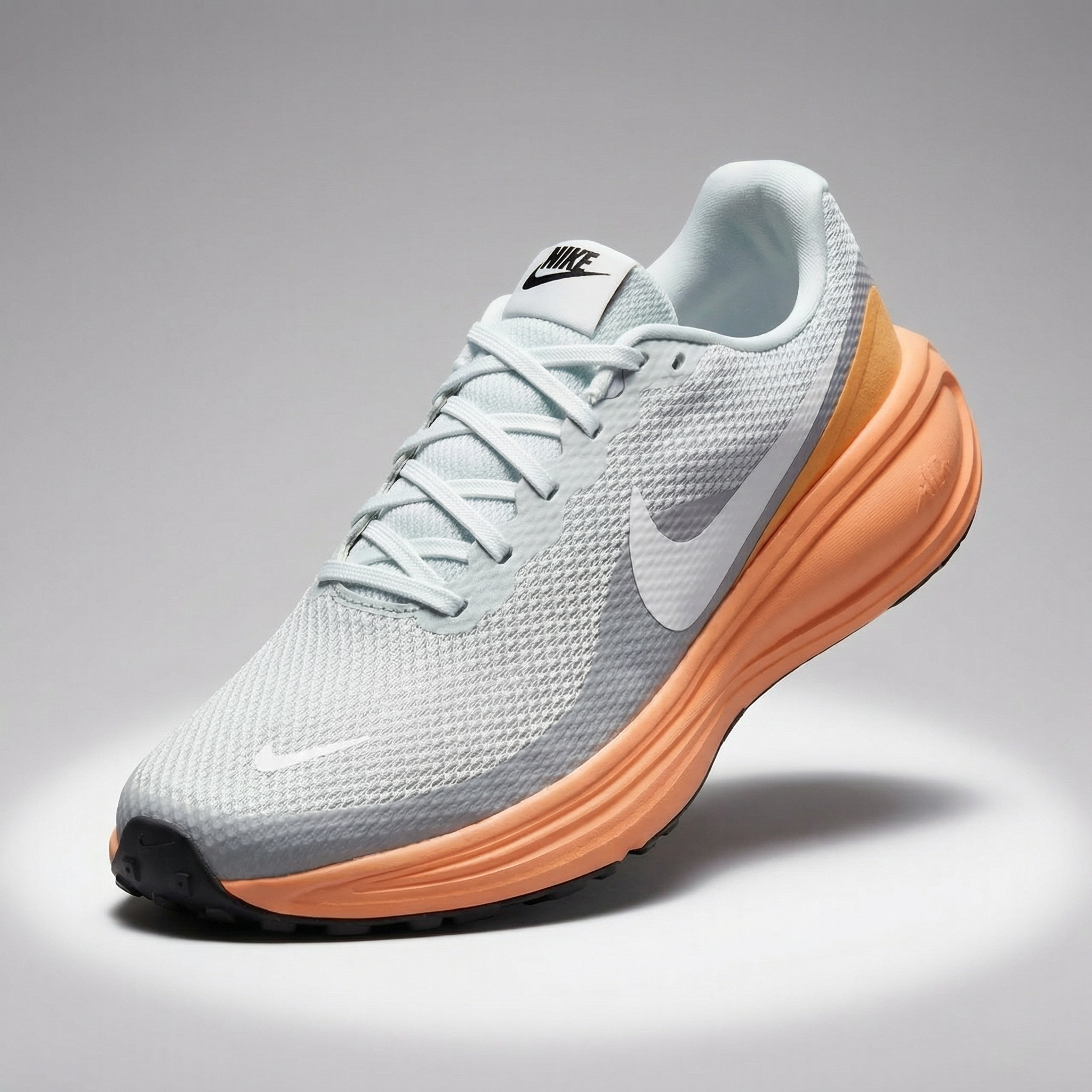
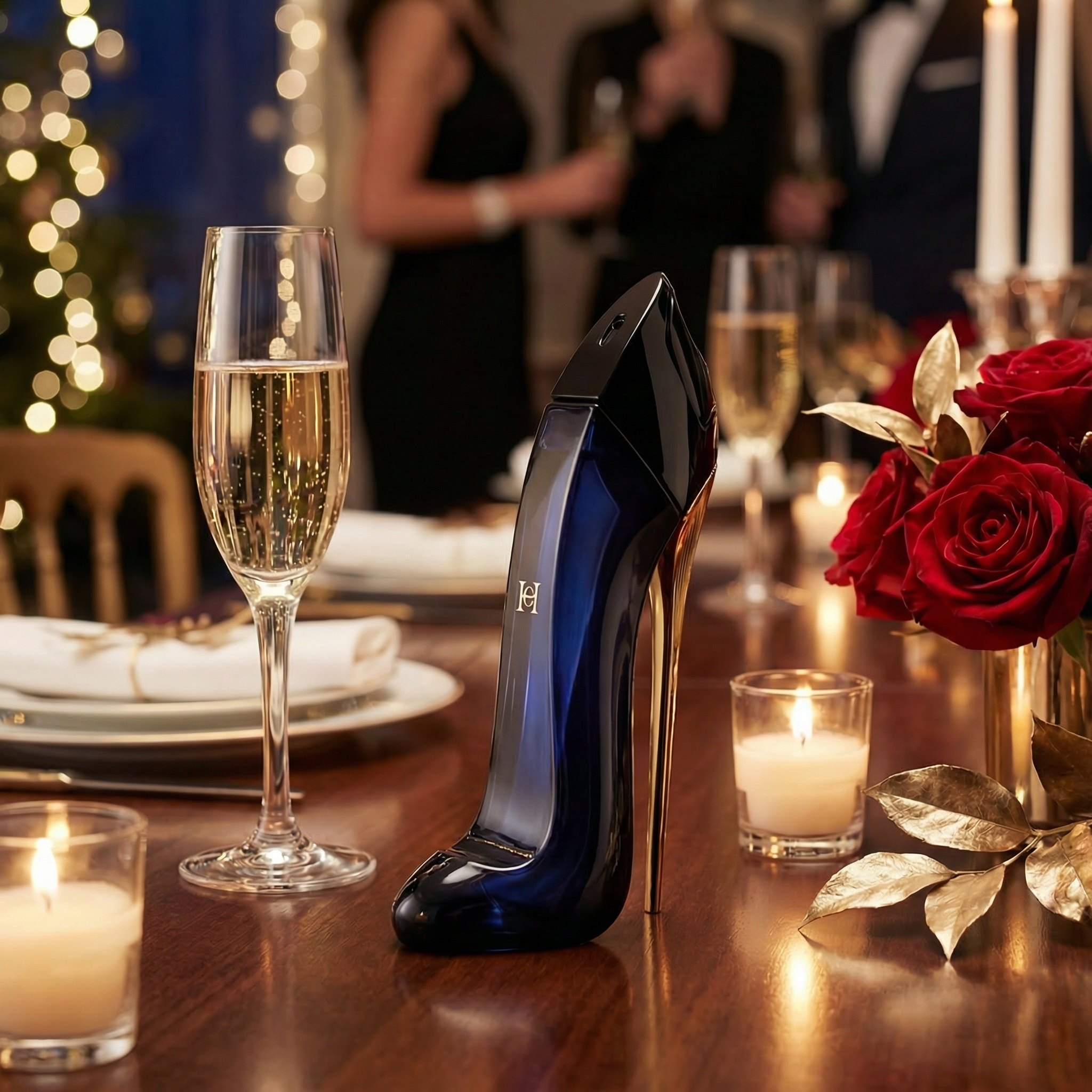
Start with a prompt or image, generate variations, and export a polished clip in minutes.

