














Step 1
Upload
Add your jewelry reference image and choose your product type. Set basic preferences like background, material emphasis, and framing to match your collection’s visual direction.
Generate 3 high-quality jewelry shots for your next collection with Umka Jewelry. Fast AI styling, consistent lighting, and ready-to-use images—try it now.
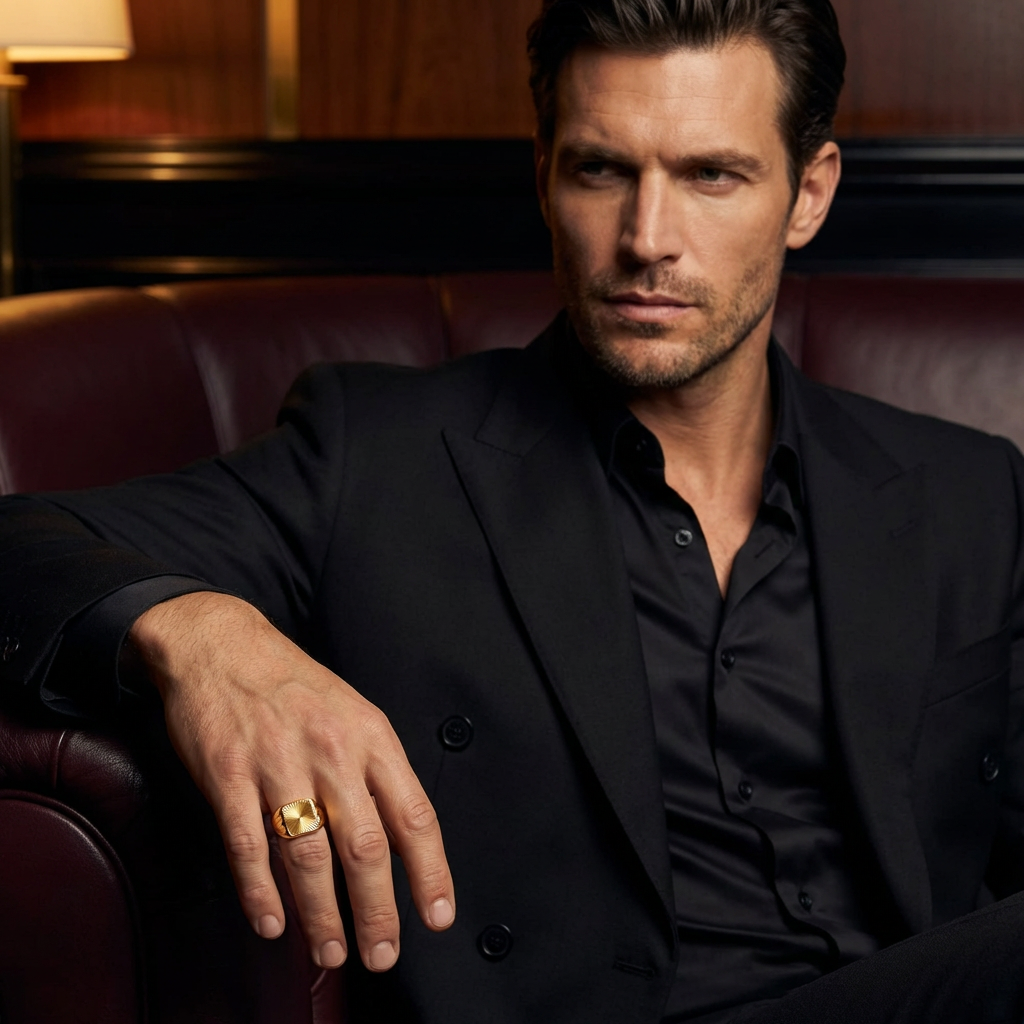
How to use Umka Jewelry
Follow these quick steps to generate three consistent, high-quality jewelry images for your next drop. Upload your product reference, choose a style, and export shots ready for ecommerce, lookbooks, or ads.
Step 1
Add your jewelry reference image and choose your product type. Set basic preferences like background, material emphasis, and framing to match your collection’s visual direction.

Step 2
Run the AI generator to create 3 distinct shots. Review options for lighting, angle, and composition, then refine settings to keep every image consistent.

Step 3
Download your selected shots in high resolution. Use them across ecommerce listings, social ads, and lookbooks with consistent styling and clean, professional presentation.
Features
Umka Jewelry focuses on one outcome: three strong product shots for your upcoming collection. Generate clean, consistent images with controlled lighting and styling, then export results that fit ecommerce standards. Save time on reshoots while keeping every item aligned with the same visual system.

Generate three complementary angles or compositions per item to support listings, lookbooks, and ads. Keep a consistent set without manually planning multiple setups or edits.

Maintain a cohesive look across your collection with stable lighting, backgrounds, and framing. Reduce visual drift between items so your product grid and campaign pages feel unified.

Create new shot sets quickly when designs change or new variants arrive. Iterate on angles and presentation in minutes, without waiting for studio time or extensive retouching cycles.
About
Umka Jewelry generates 3 polished shots for your upcoming jewelry collection in minutes. Use AI to create consistent lighting, clean backgrounds, and campaign-ready compositions without a studio setup. Export images optimized for ecommerce, lookbooks, and ads while keeping your collection’s style cohesive across every shot.
Umka Jewelry is built for jewelry presentation: consistent lighting, clean backgrounds, and three shot-ready results per item. Move faster from design to launch with fewer reshoots, clearer listings, and a cohesive look across your entire collection.
Upload a product reference, choose your preferred style and background, then generate three shots. Review results, tweak settings if needed, and export high-resolution images for your storefront or campaign.
Use cases
Discover how different creators use this app in their workflow.
Generate clean, consistent jewelry product shots for PDPs and marketplaces. Improve clarity, reduce distractions, and keep every SKU presented with matching lighting and framing.
Build a cohesive set of three shots per piece for collection pages and previews. Keep a unified aesthetic across materials, stones, and silhouettes.
Produce campaign-ready jewelry visuals quickly for launches and promos. Test multiple compositions while keeping brand-consistent styling across all creative variations.
Krea is one of the world's leading generative AI platforms. See what others say.
Real reviews on TrustpilotSo many AI tools out there but I always come back to Krea. It's really the one AI platform that 'just works'.

FYN
Krea's interfaces are still the best in the industry. Everything looks and feels so clean and easy to use! Imo the easiest to use gen AI website.

Lynn
Ultra fast generations. Extremely simple to use. All the latest AI models.

Daniel
KREA is the only AI subscription I have right now besides ChatGPT.

Sophia M.
Answers to common questions about generating AI jewelry product shots with Umka Jewelry.
Umka Jewelry generates 3 AI-assisted jewelry shots per product. The tool focuses on consistent lighting, clean composition, and ecommerce-ready presentation so you can build a cohesive collection set quickly.
No. You can create professional-looking jewelry product images without studio lighting or a full photoshoot. Upload a reference, choose a style direction, and generate three shots in minutes.
Yes. Use the same settings for background, lighting, and framing to maintain a unified look across multiple items. This helps your ecommerce grid and lookbook pages feel cohesive.
Export high-resolution images suitable for ecommerce, ads, and lookbooks. Download files that preserve detail and clarity for metal finishes and gemstones, then resize as needed for each channel.
Yes. Umka Jewelry uses AI and machine learning techniques to generate product-shot variations with controlled styling. It’s designed to speed up content production while keeping results visually consistent.
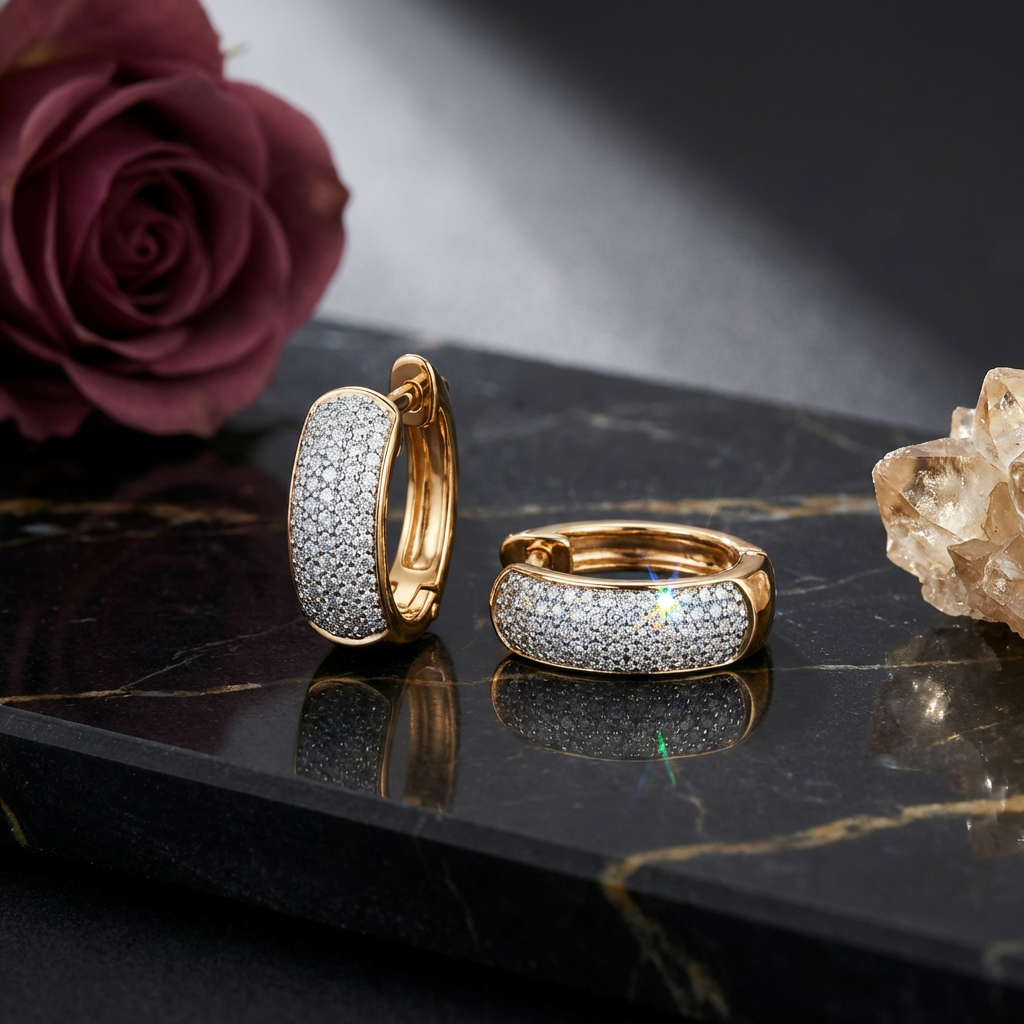
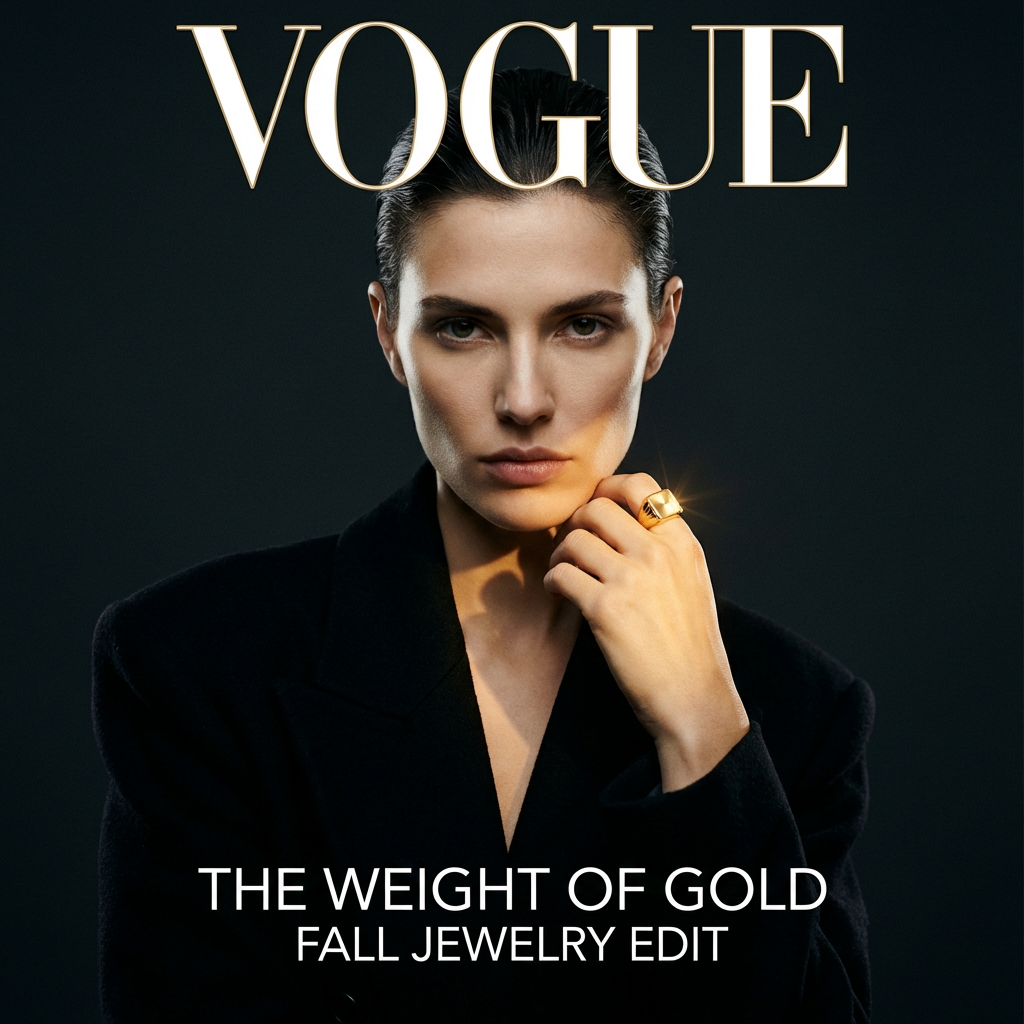
Generate consistent jewelry visuals fast—ready for ecommerce, lookbooks, and ads in just a few steps.

