







Edit Images with Nano Banana
Edit your photos instantly with Nano Banana, the free AI image editor powered by Gemini 2.5 Flash. Upload any picture, highlight areas to change, and let Nano Banana transform your images in seconds. No design skills required — just point, describe, and create professional edits.
How to edit images with Google Nano Banana
Nano Banana – Free AI Image Editor & Canvas Tool Online
1 Upload Your Image
Upload any photo—portrait, landscape, or product shot. The editor supports all major file formats.
2 Edit on the Canvas
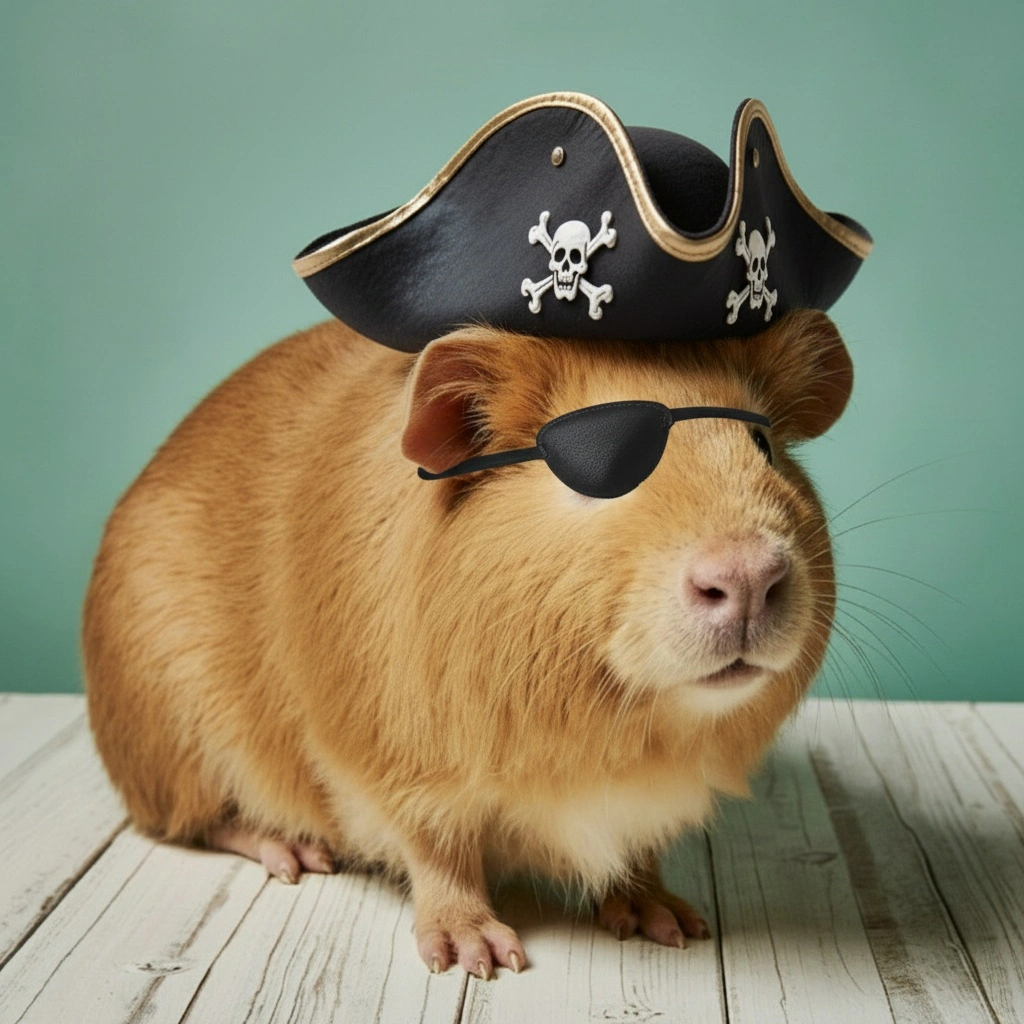
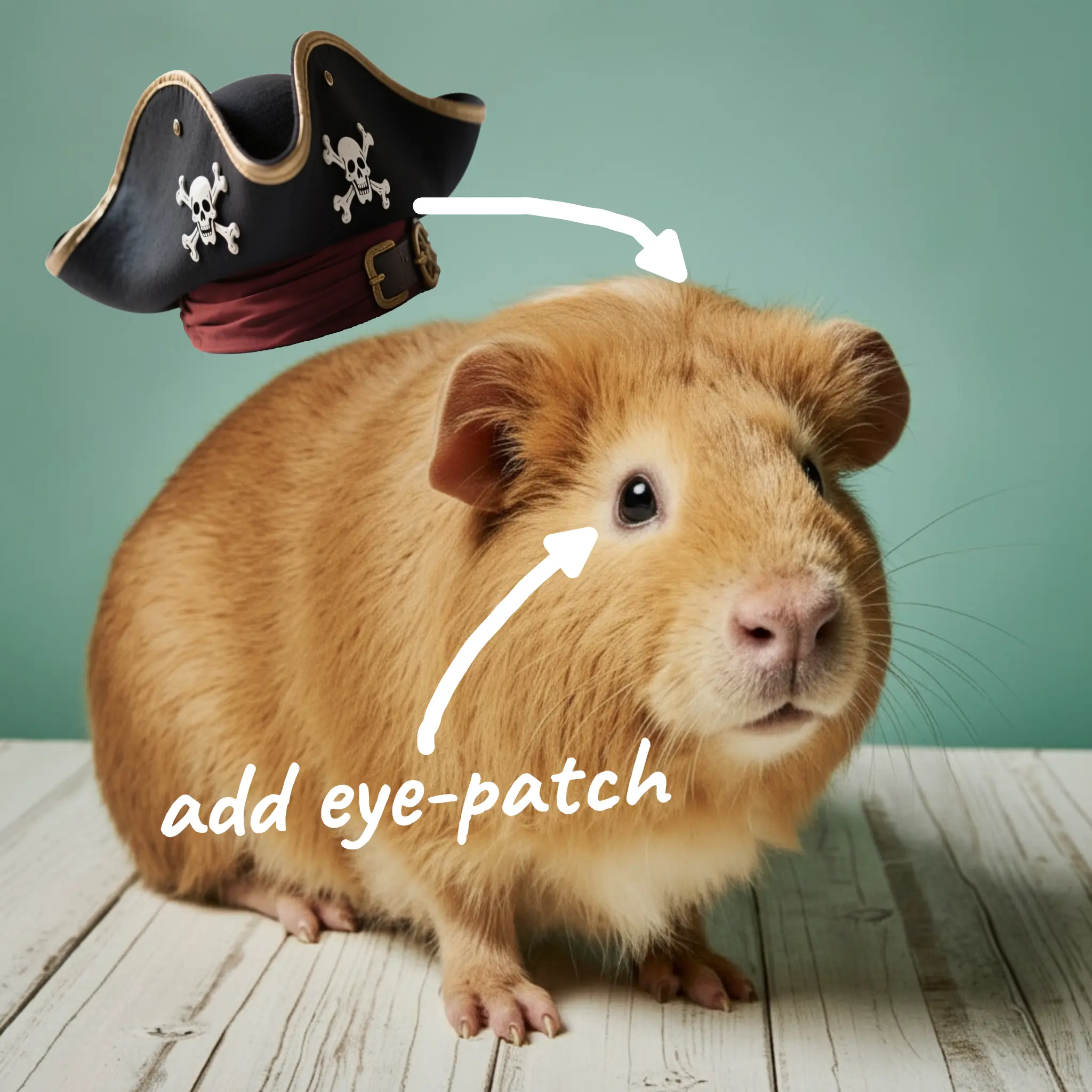
Use the canvas tool to highlight areas, draw arrows, add notes, or combine multiple images. Swap backgrounds, remove objects, or make someone hold a product—just point and describe the change.
3 Download & Share
Download your edited image instantly. Sign up to unlock advanced features and faster workflows.
Why use Krea's Nano Banana image editor?
AI-powered image editor models like Nano Banana make photo editing accessible to everyone by understanding natural language instructions. With Krea's free Nano Banana editor powered by Gemini 2.5 Flash, you can remove objects, swap backgrounds, combine images, and make complex edits just by pointing and describing what you want. It's intuitive, powerful, and requires no design skills—perfect for quick fixes and creative projects.
Try the Full EditorFree AI Image Editor. No sign up required.
Remove unwanted objects, retouch portraits, swap backgrounds, or combine images—all in one place. Just upload and start editing.
Explore other Krea toolsPowerful Canvas Tool
Highlight areas, draw arrows, and describe edits visually for precise control. Powered by Nano Banana (Gemini 2.5 Flash) for reliable results.
Explore other Krea toolsLightning fast results
Get edits in seconds—ideal for social posts, promotional graphics, product photos, and creative projects.
Explore other Krea toolsTrusted by over 30 million users and companies worldwide. Krea is one of the world's leading generative AI platforms.
Intuitive, powerful, and free. See what others say about Krea.
Read our testimonials
So many AI tools out there but I always come back to Krea. It's really the one AI platform that 'just works'.

FYN
Krea's interfaces are still the best in the industry. Everything looks and feels so clean and easy to use! Imo the easiest to use gen AI website.

Lynn
Ultra fast generations. Extremely simple to use. All the latest AI models.

Daniel
KREA is the only AI subscription I have right now besides ChatGPT.

Sophia M.


Frequently Asked Questions
Nano Banana (aka Gemini 2.5 Flash Image) is an AI image editing model that allows you to edit images by describing the changes you want to make. Our canvas tool lets you visually highlight and describe changes.
Our canvas tool lets you visually highlight and describe changes. Just point to what you want to change, add text descriptions, arrows, or multiple images to combine.
Yes. You can make edits for free. After a limited number of generations, you may be asked to sign up for continued use.
Swap backgrounds, make someone hold a product, remove objects, change outfits, retouch portraits, or combine multiple images—there’s a lot you can do.
Upload your image, highlight the area to modify, and describe your change. The AI generates a new version in seconds; iterate until you’re happy.
Free canvas-based photo editor—no signup, no credit card. Start creating now.
Edit your photos with Nano Banana
Get startedTry out related tools
Use Krea's wide range of powerful AI tools to generate, edit, and enhance your images and videos.
Generate high-quality images with state of the art models
- Image
 AI Image Generator – FLUX.1 Krea
Generate images with FLUX.1 Krea for free
- Image
 AI Image Generator – Wan 2.2
Generate images with Wan 2.2 for free
- Image
 AI Image Generator – GPT Images 2.0
Generate images with GPT Images 2.0
- Image
 AI Image Generator – Qwen
Generate images with Qwen for free
- Image
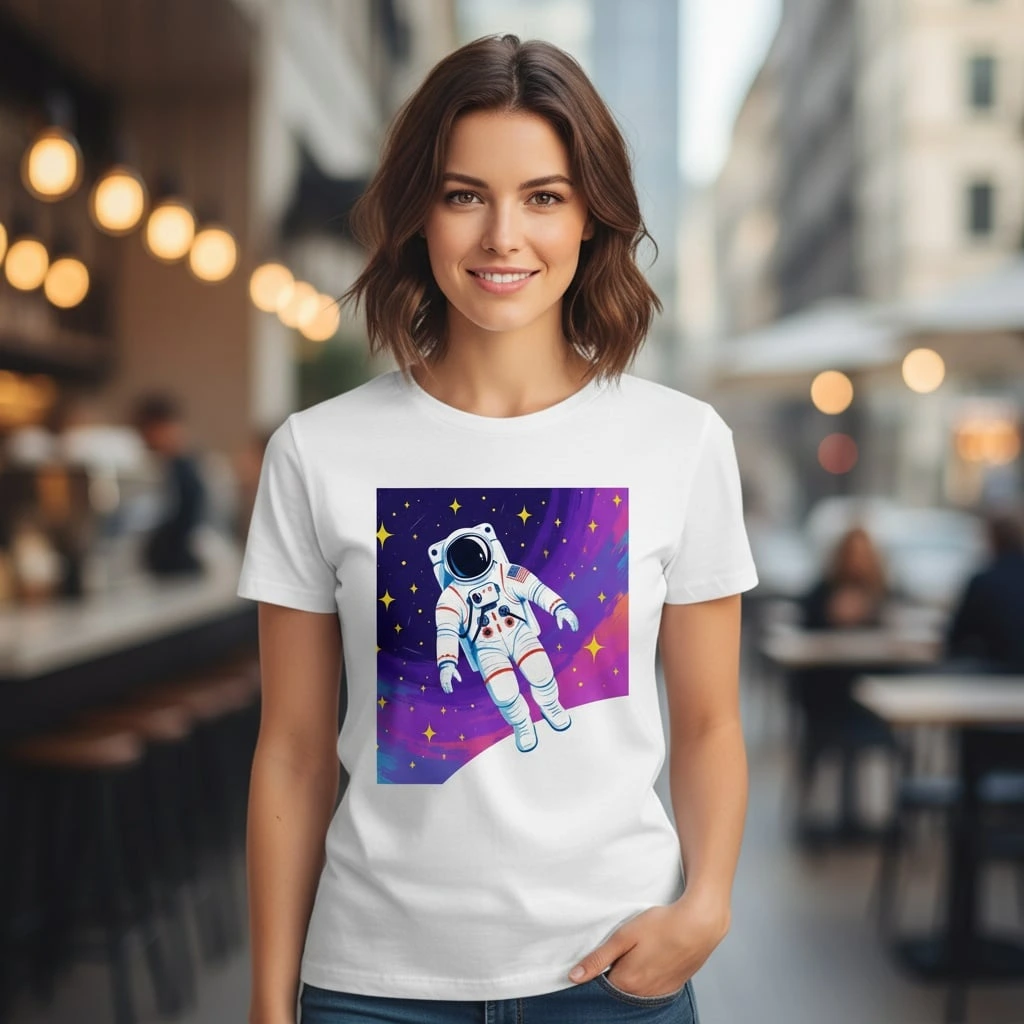 AI T-Shirt Design Generator
AI T-Shirt Design Generator - Create Custom Shirt Designs Free
- ImageUpscale Image
Upload a photo and let Krea boost its quality up to 8K resolution.
- ImageImage Vectorizer
Convert JPG, PNG, AVIF, or WebP images into scalable SVG artwork.
- ImageAI Polaroid Photo Generator
Create Polaroid photos with AI.
Generate videos with AI
- Video
 AI Video Generator – Sora 2
Generate videos with Sora 2
- Video
 AI Video Generator – Veo 3.1
Generate videos with Veo 3.1
- VideoUpscale Video
Upload an MP4 video and enhance it with Krea video upscaling.
Edit images with AI: turn photos into cartoons, remove text, change styles and more
- Edit
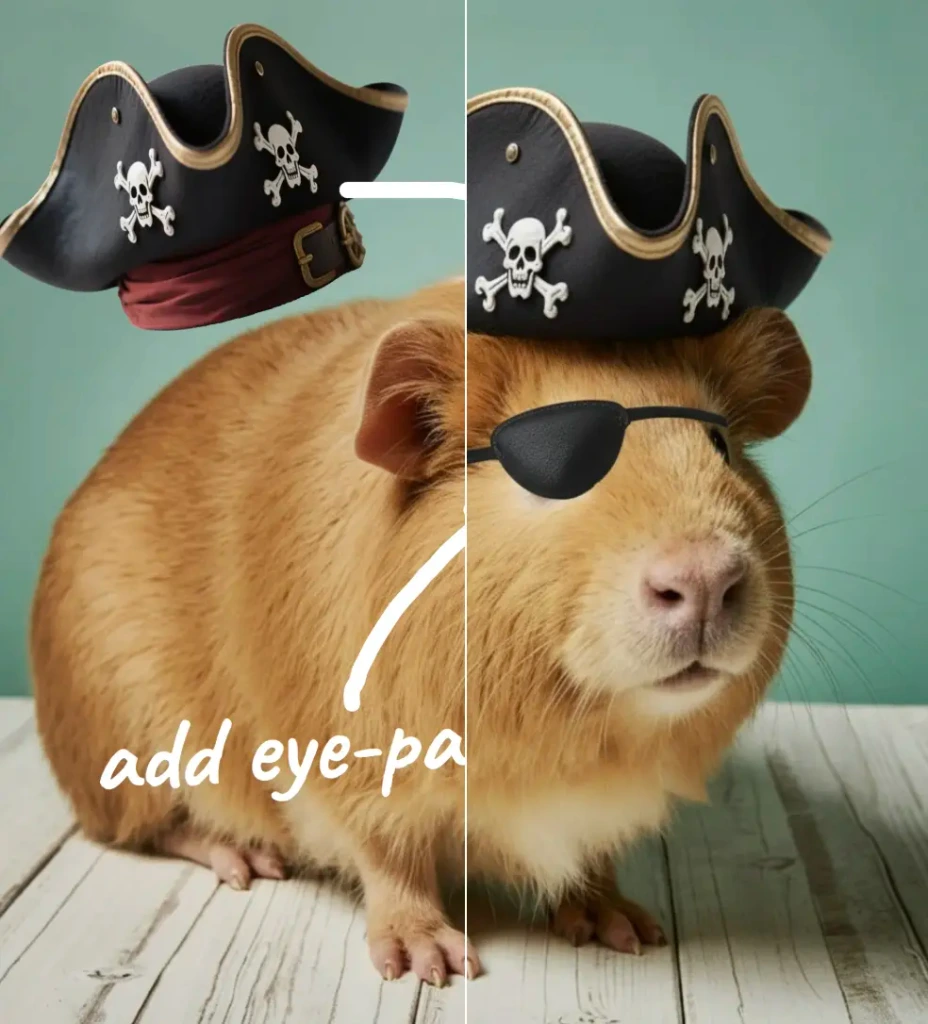 Nano Banana Pro Editor
Edit Images with Nano Banana Pro
- Edit
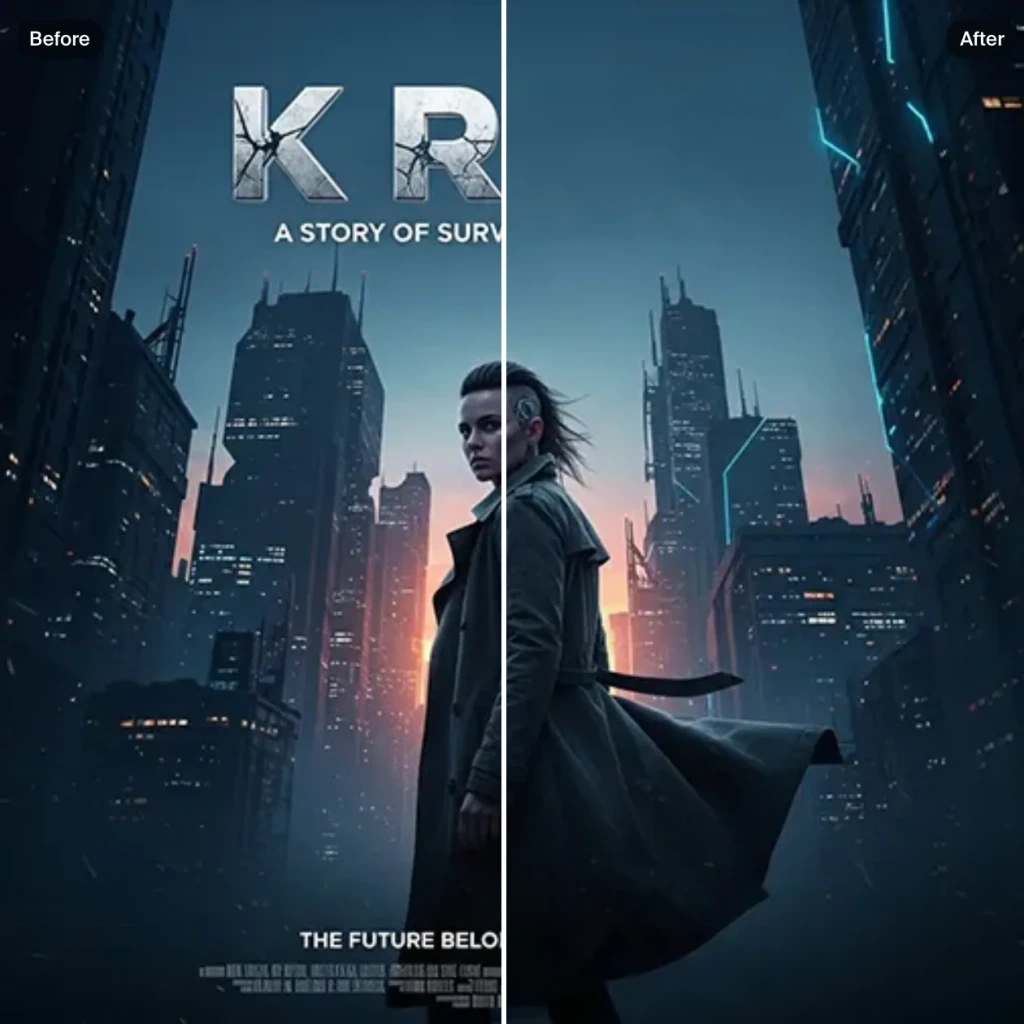 Text Remover
Remove Text From Images for Free - AI Text Removal Tool
- Edit
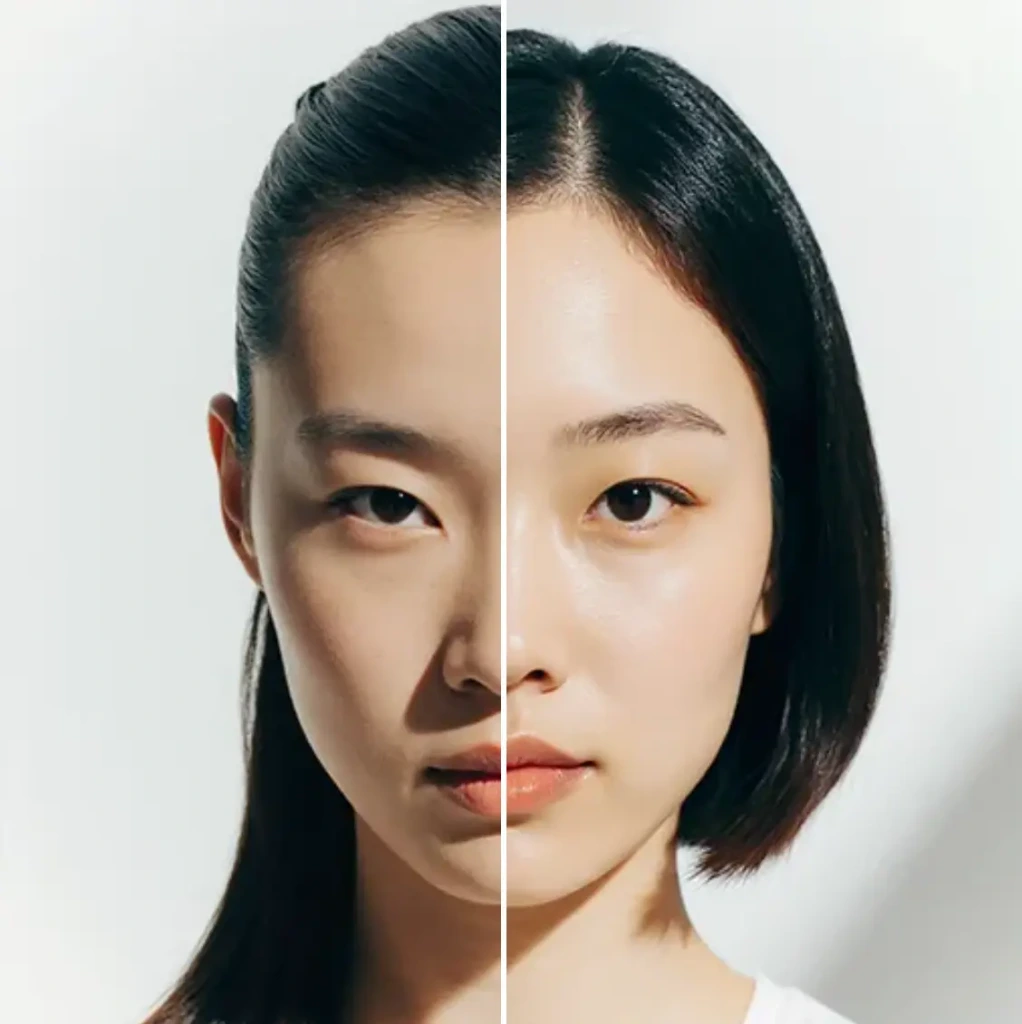 AI Hairstyle
AI Hairstyle Changer - Try Haircuts & Hair Styles Online Free
- Edit AI Face Swap
AI Face Swap - Swap Faces Online for Free
- Edit
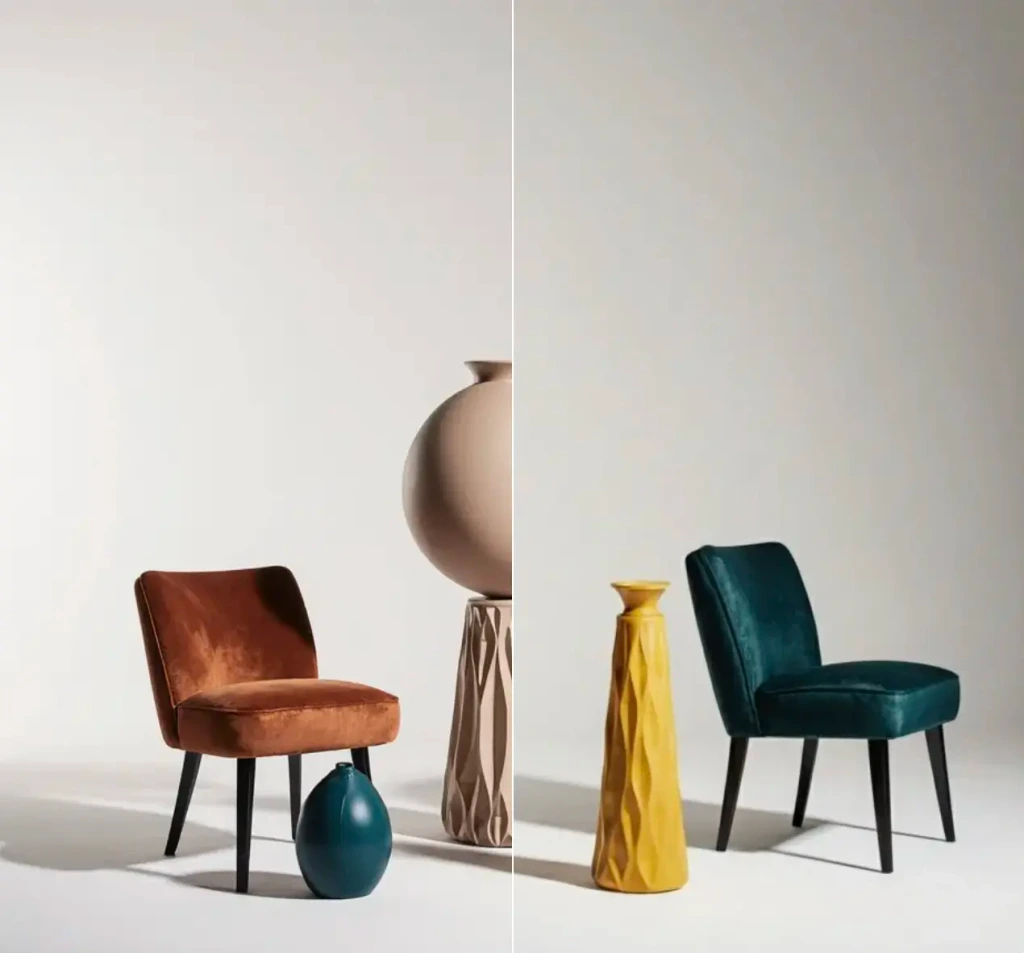 Object Remover
Remove objects from images for free.
- Edit
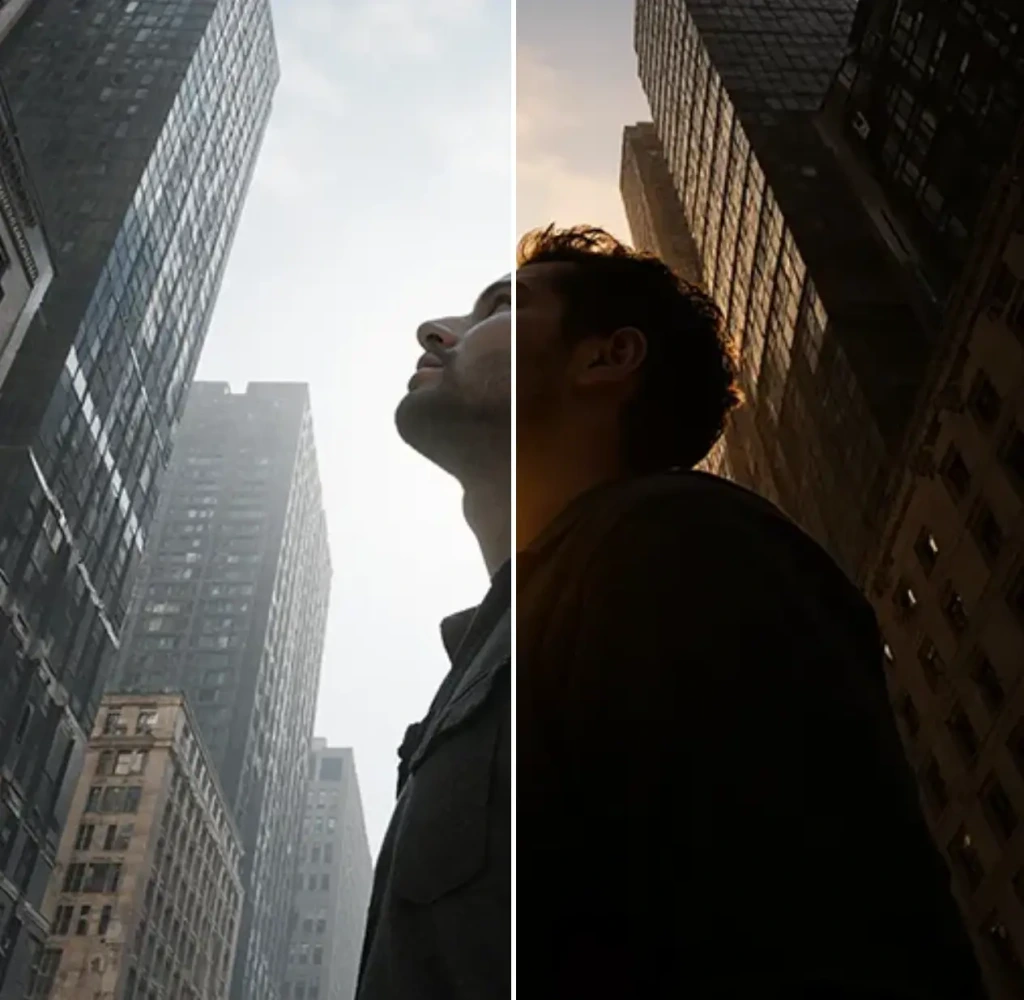 Change Lighting
Change lighting in your photos instantly for free.
- Edit
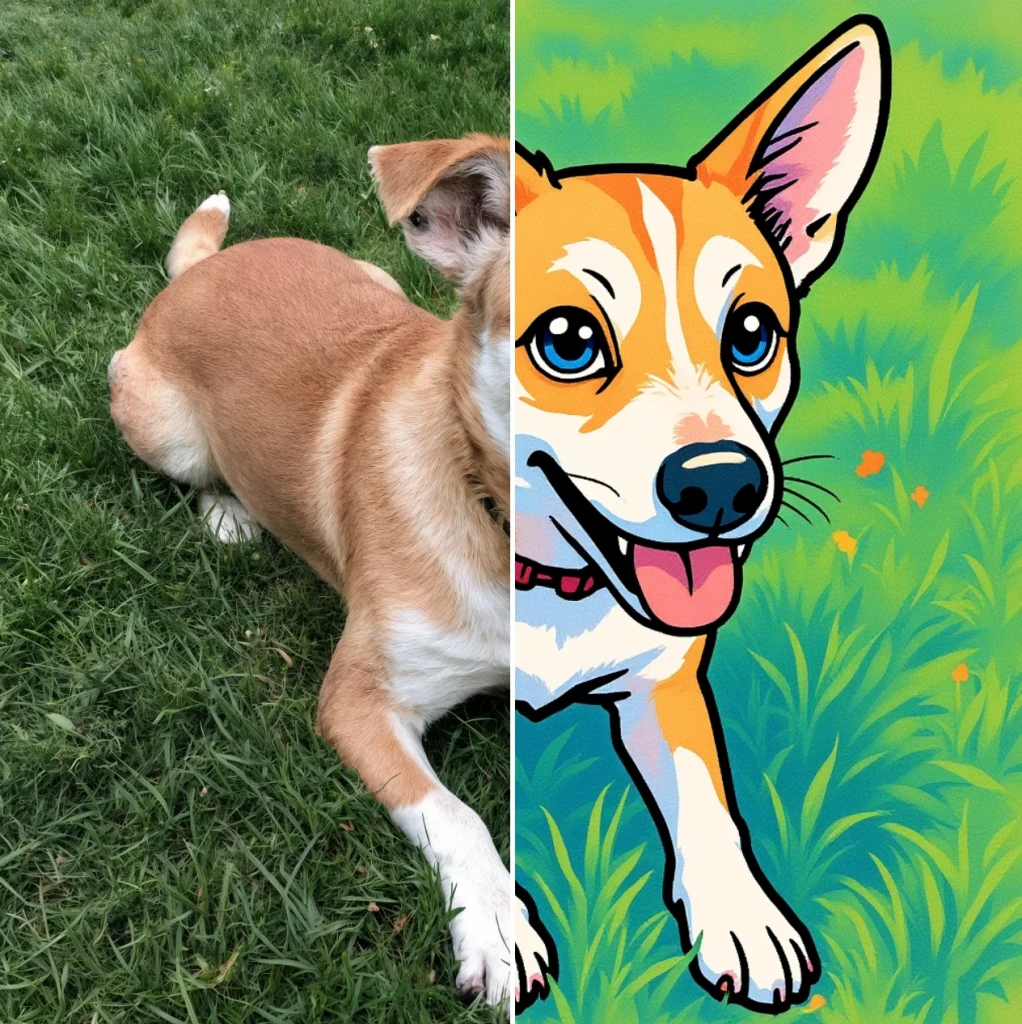 Cartoonify
AI Cartoon Generator - Turn a Photo Into a Cartoon for Free
- Edit
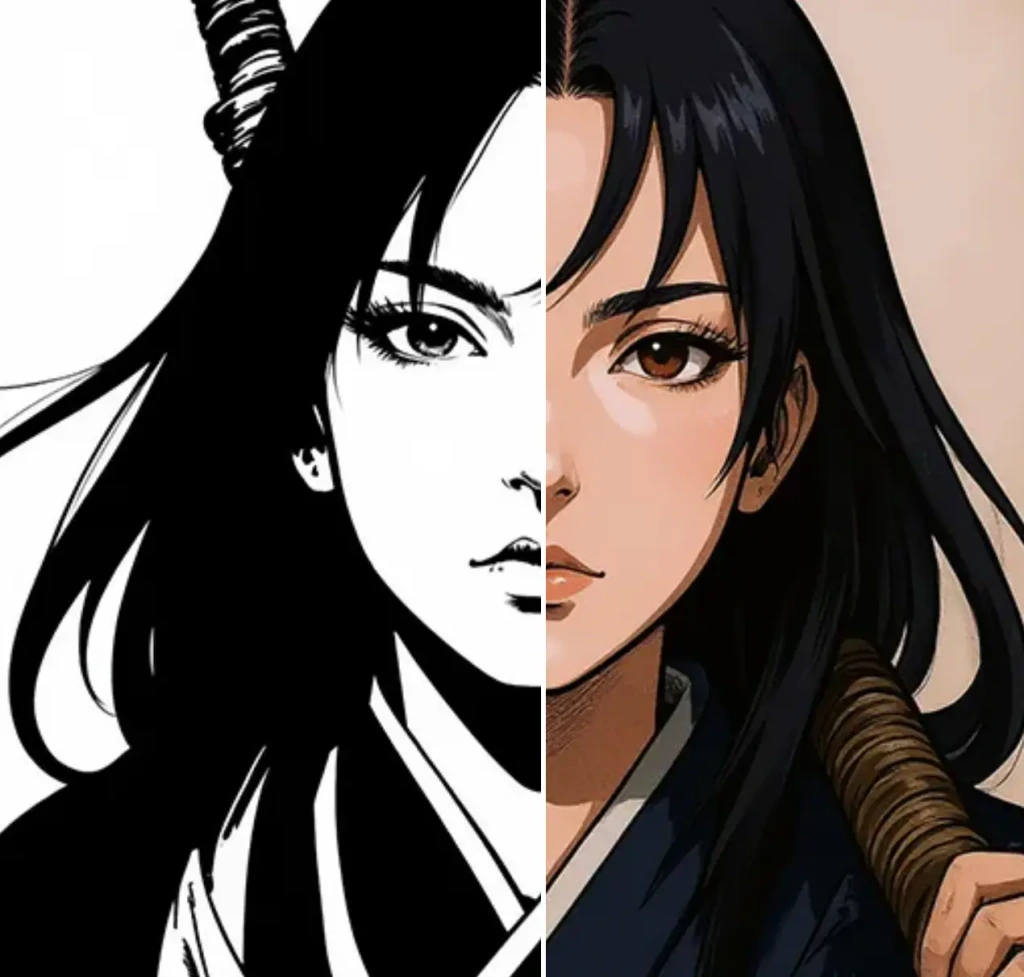 Colorize
Add vibrant colors to your photos for free.
- Edit
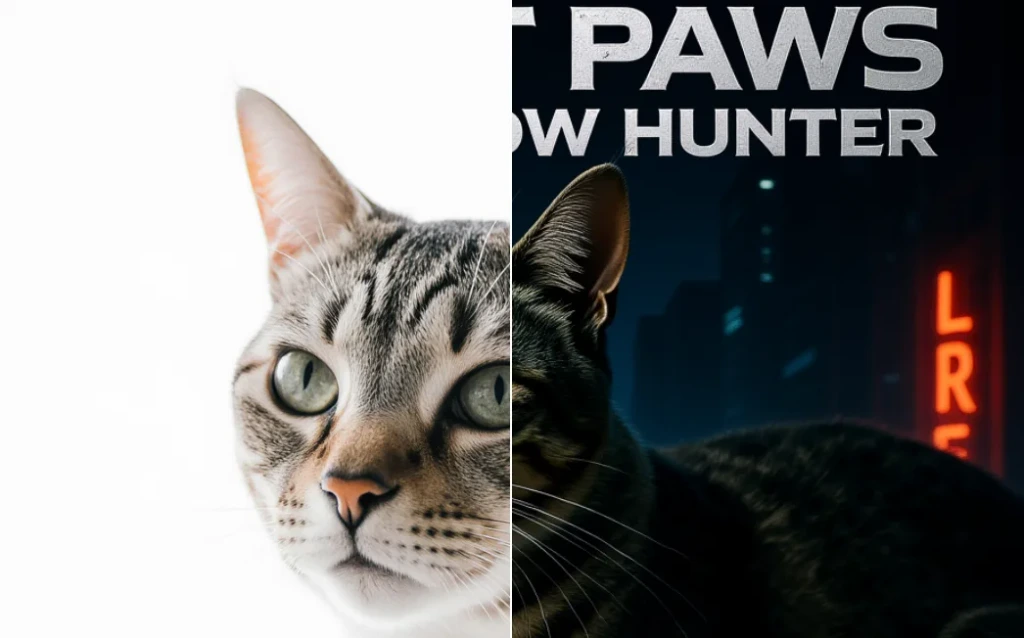 Movie Poster
AI Movie Poster Generator
- Edit
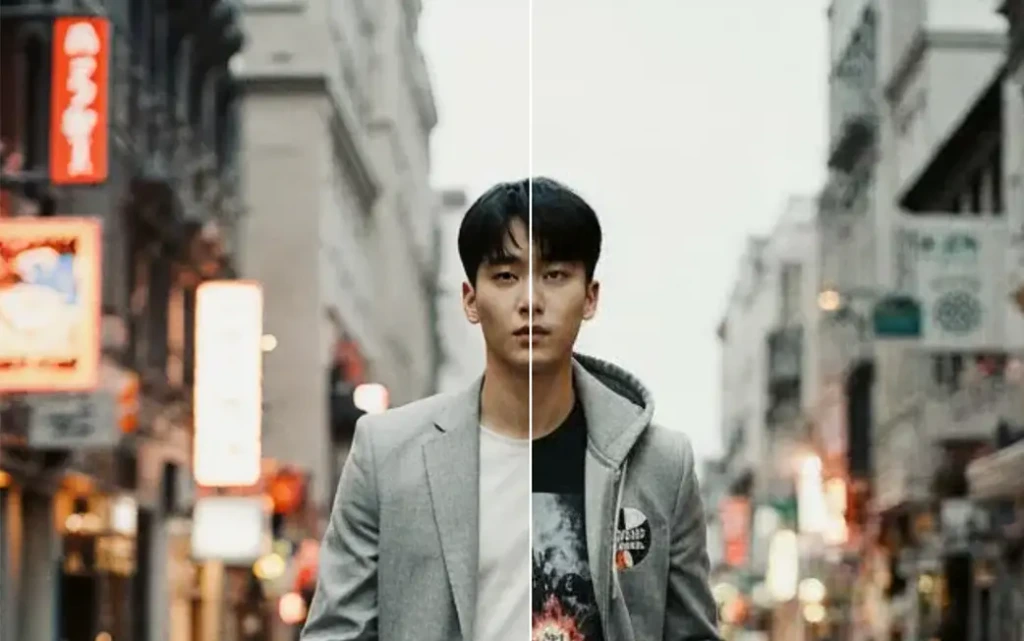 Clothes Changer
AI Clothes Changer - Free Virtual Try On
- Edit Nano Banana Image Editor
Edit Images with Nano Banana
- Edit
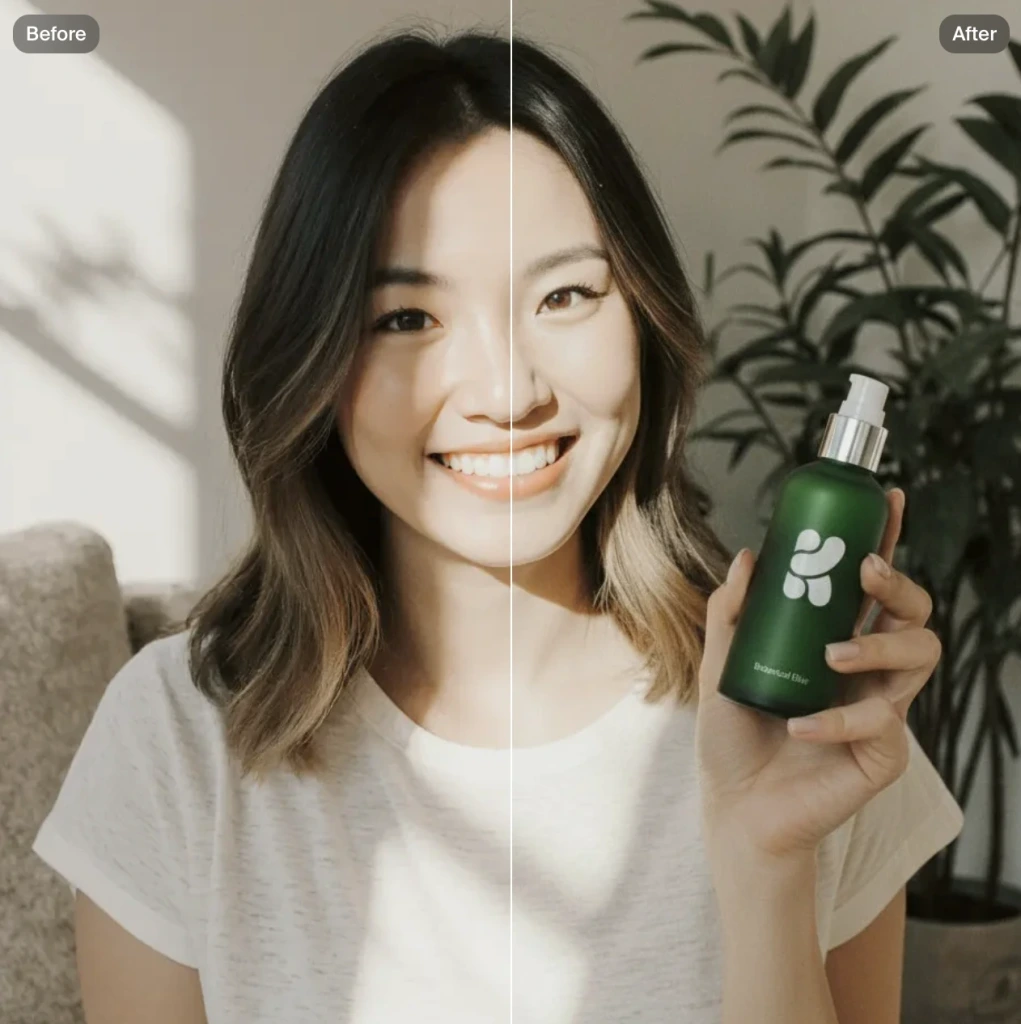 Product Photo
AI product photography with people holding products
- Edit
 Image to Image
Transform any image with AI for free