









Generate videos with Sora 2
AI video generator with Sora 2, the leading AI model for producing high-quality and realistic videos. Sign up to start generating videos.
How to generate videos with Sora 2
Generate AI videos in 2 easy steps
1 Describe
First, click on the text prompt input field. Then, describe the video you'd like to generate. You can also use a preset.
2 Generate & Download
Click Generate to start creating your video. You'll be prompted to sign up, then redirected to our main video tool where you can watch as Sora 2 brings your vision to life.
Why use Sora 2?
Sora 2 is OpenAI's advanced AI video generation model that creates high-quality, realistic videos from text descriptions. Use input videos and images as references to guide generation, or remix existing Sora videos to create new content. With improved temporal consistency and visual fidelity, Sora 2 delivers stunning video content that brings your ideas to life. Sign up to try Sora 2 on Krea. To use Sora 2 with advanced settings, longer durations, and more control, use Sora 2 in our main video tool.
Try Sora 2 in the main toolProfessional AI video generator with Sora 2.
Generate high-quality videos with Sora 2 on Krea. Sign up to access advanced AI video generation capabilities and create stunning videos online.
Try Sora 2Use input images as start frames
Upload your own images to guide Sora 2's generation process. Create videos that match your specific style, composition, or visual elements by using existing media as creative references.
Try Sora 2Trusted by over 30 million users and companies worldwide. Krea is one of the world's leading generative AI platforms.
Intuitive, powerful, and free. See what others say about Krea.
Read our testimonials
So many AI tools out there but I always come back to Krea. It's really the one AI platform that 'just works'.

FYN
Krea's interfaces are still the best in the industry. Everything looks and feels so clean and easy to use! Imo the easiest to use gen AI website.

Lynn
Ultra fast generations. Extremely simple to use. All the latest AI models.

Daniel
KREA is the only AI subscription I have right now besides ChatGPT.

Sophia M.


Frequently Asked Questions
Sora 2 is OpenAI's advanced AI video generation model that creates high-quality, realistic videos from text descriptions. It's the successor to the original Sora model with improved capabilities.
Sora 2 can generate videos of various lengths. In this tool, you can create short video clips. For longer videos and more control, use our main video tool.
Sora 2 requires a Krea account to use. Sign up to access Sora 2 and all of Krea's features.
Yes. You need to create a Krea account to generate videos with Sora 2. Sign up to start generating high-quality AI videos with Sora 2.
Sora 2 generates videos in MP4 format, which is compatible with most devices and platforms. The videos are optimized for web sharing and download.
Most videos generate in 30-60 seconds depending on length and complexity. Generation time may vary slightly depending on server load. Users with a subscription get priority processing.
Yes. You can use Sora 2 generated videos for commercial purposes, subject to OpenAI's usage policies.
Sora 2 excels at creating realistic videos with consistent characters, smooth motion, and understanding of physics. It can generate complex scenes with multiple elements and maintains temporal consistency throughout the video.
Yes, you can upload your own videos and images to guide Sora 2's generation process. This allows you to create videos that match your specific style, composition, or visual elements by using existing media as creative references.
Absolutely! You can take existing Sora-generated videos and remix them into new creations. Modify scenes, change elements, or extend storylines to create unique video content from previous generations.
Sora 2 accepts various image formats (JPEG, PNG, WebP) and video formats (MP4, MOV) as reference inputs. You can use photos, artwork, existing videos, or any visual content to guide the AI generation process.
Video remixing allows you to use an existing Sora video as a starting point and modify it with new prompts or parameters. You can change characters, environments, actions, or extend the narrative while maintaining visual consistency.
Try out related tools
Use Krea's wide range of powerful AI tools to generate, edit, and enhance your images and videos.
Generate high-quality images with state of the art models
- Image
 AI Image Generator – FLUX.1 Krea
Generate images with FLUX.1 Krea for free
- Image
 AI Image Generator – Wan 2.2
Generate images with Wan 2.2 for free
- Image
 AI Image Generator – GPT Images 2.0
Generate images with GPT Images 2.0
- Image
 AI Image Generator – Qwen
Generate images with Qwen for free
- Image
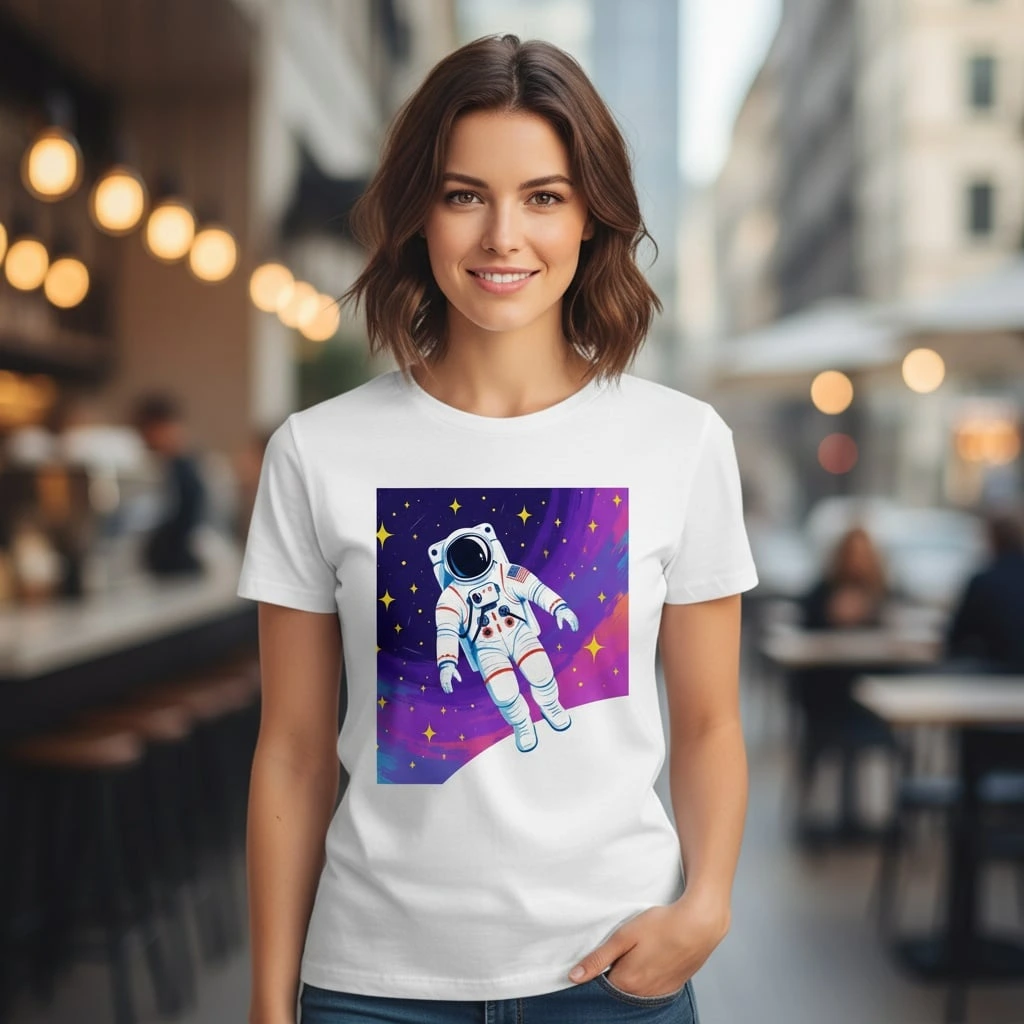 AI T-Shirt Design Generator
AI T-Shirt Design Generator - Create Custom Shirt Designs Free
- ImageUpscale Image
Upload a photo and let Krea boost its quality up to 8K resolution.
- ImageImage Vectorizer
Convert JPG, PNG, AVIF, or WebP images into scalable SVG artwork.
- ImageAI Polaroid Photo Generator
Create Polaroid photos with AI.
Generate videos with AI
- Video
 AI Video Generator – Sora 2
Generate videos with Sora 2
- Video
 AI Video Generator – Veo 3.1
Generate videos with Veo 3.1
- VideoUpscale Video
Upload an MP4 video and enhance it with Krea video upscaling.
Edit images with AI: turn photos into cartoons, remove text, change styles and more
- Edit
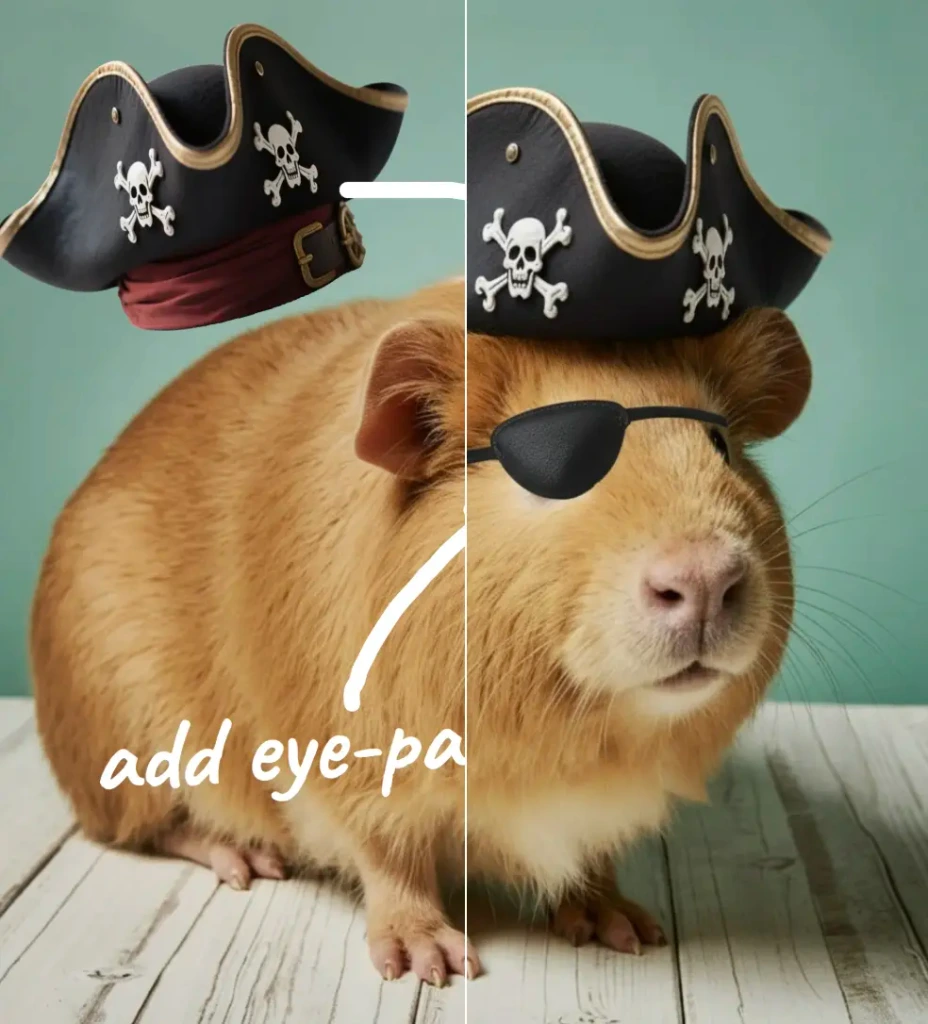 Nano Banana Pro Editor
Edit Images with Nano Banana Pro
- Edit
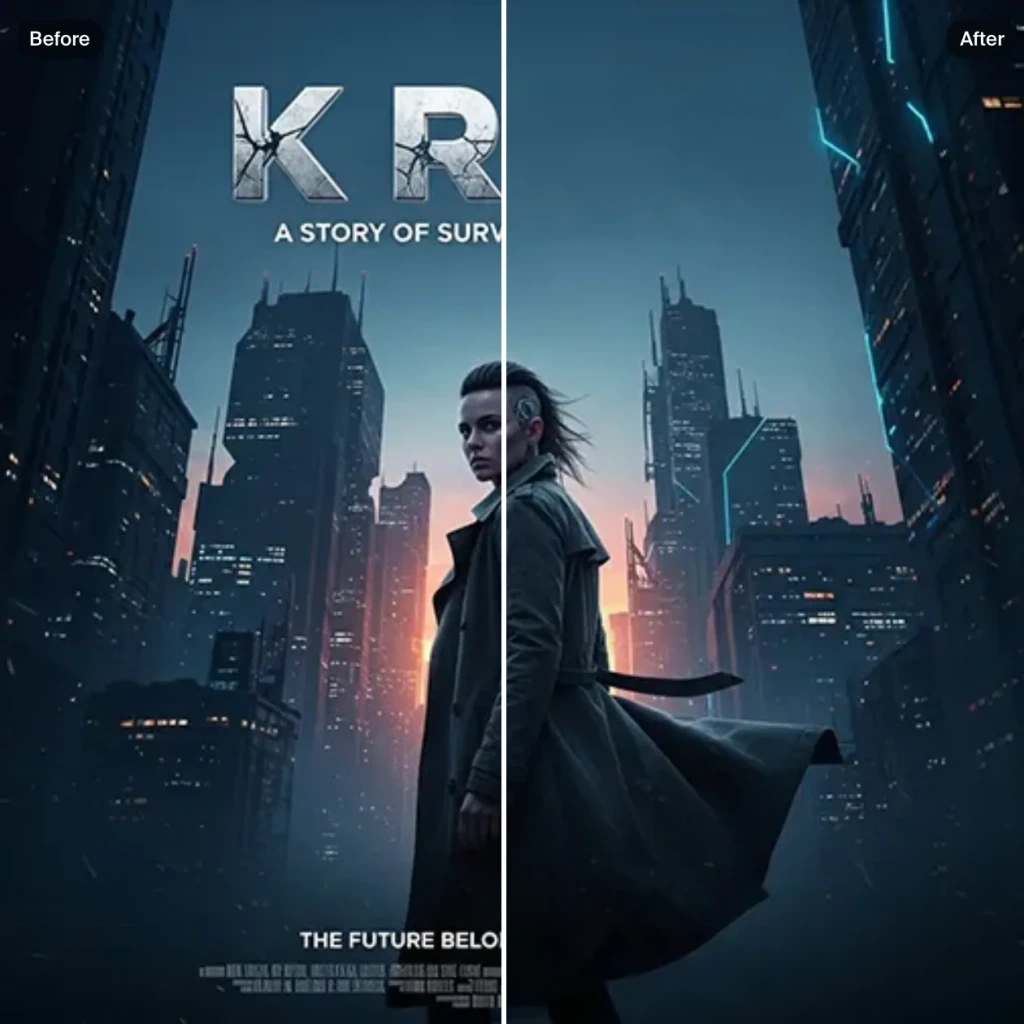 Text Remover
Remove Text From Images for Free - AI Text Removal Tool
- Edit
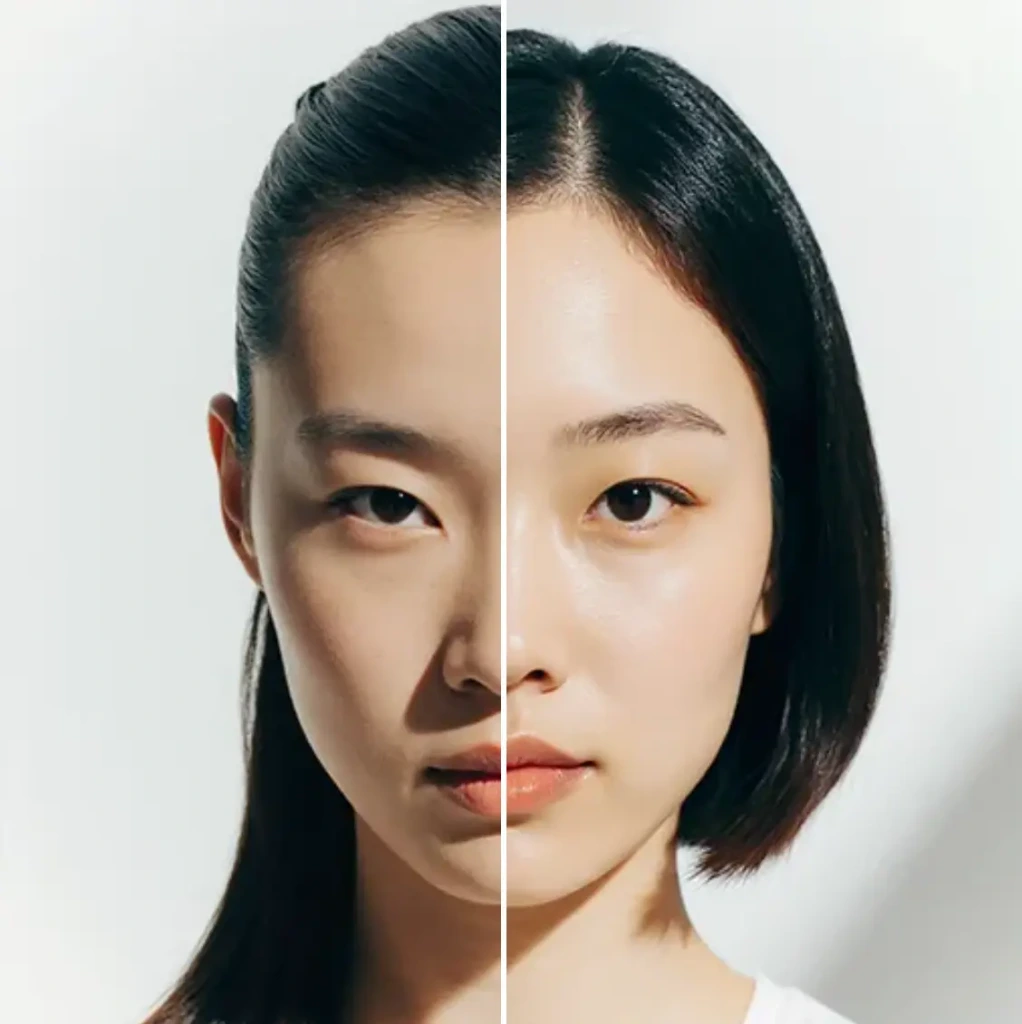 AI Hairstyle
AI Hairstyle Changer - Try Haircuts & Hair Styles Online Free
- Edit AI Face Swap
AI Face Swap - Swap Faces Online for Free
- Edit
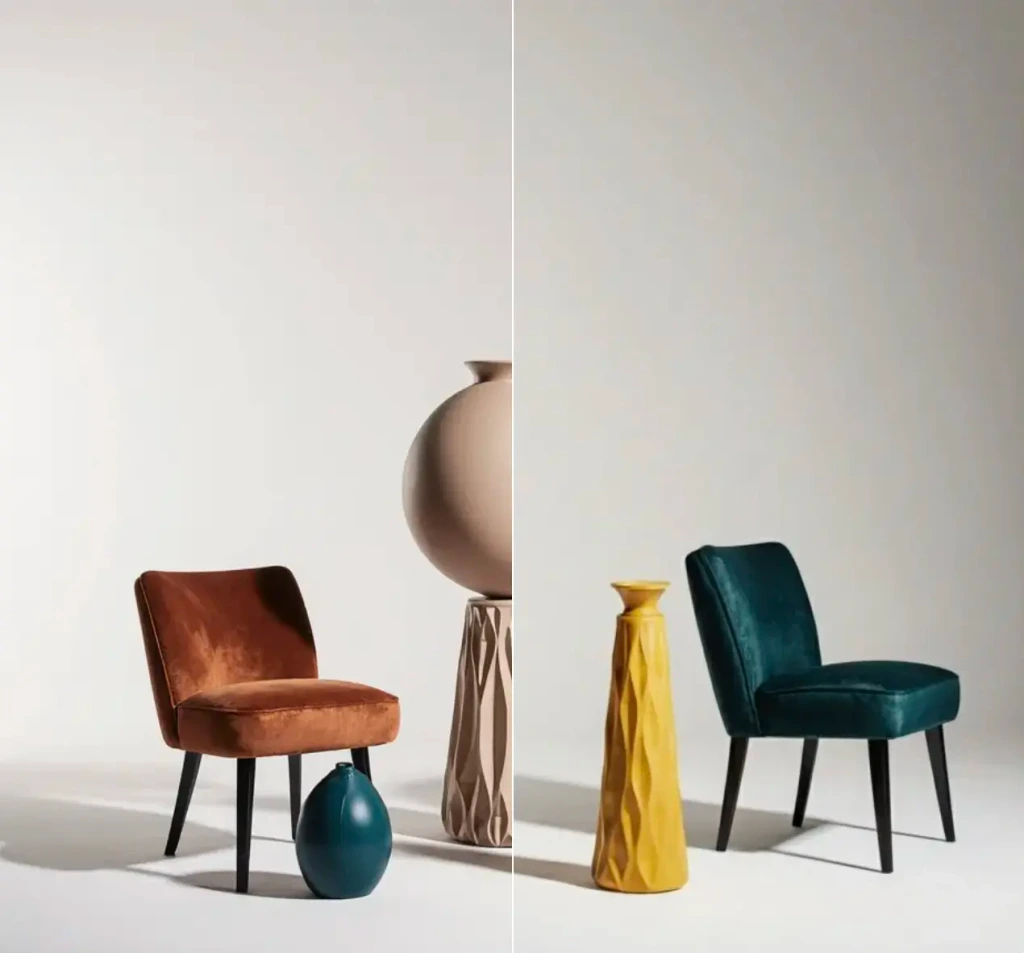 Object Remover
Remove objects from images for free.
- Edit
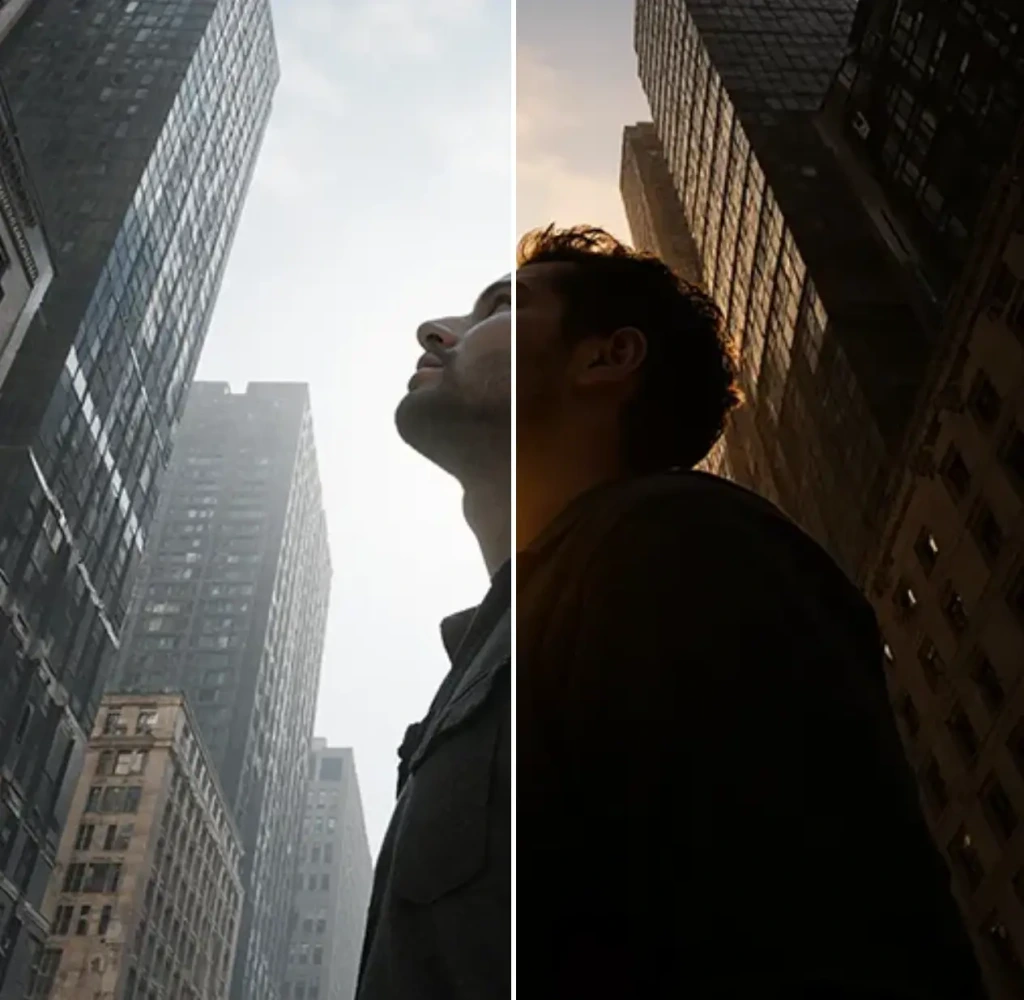 Change Lighting
Change lighting in your photos instantly for free.
- Edit
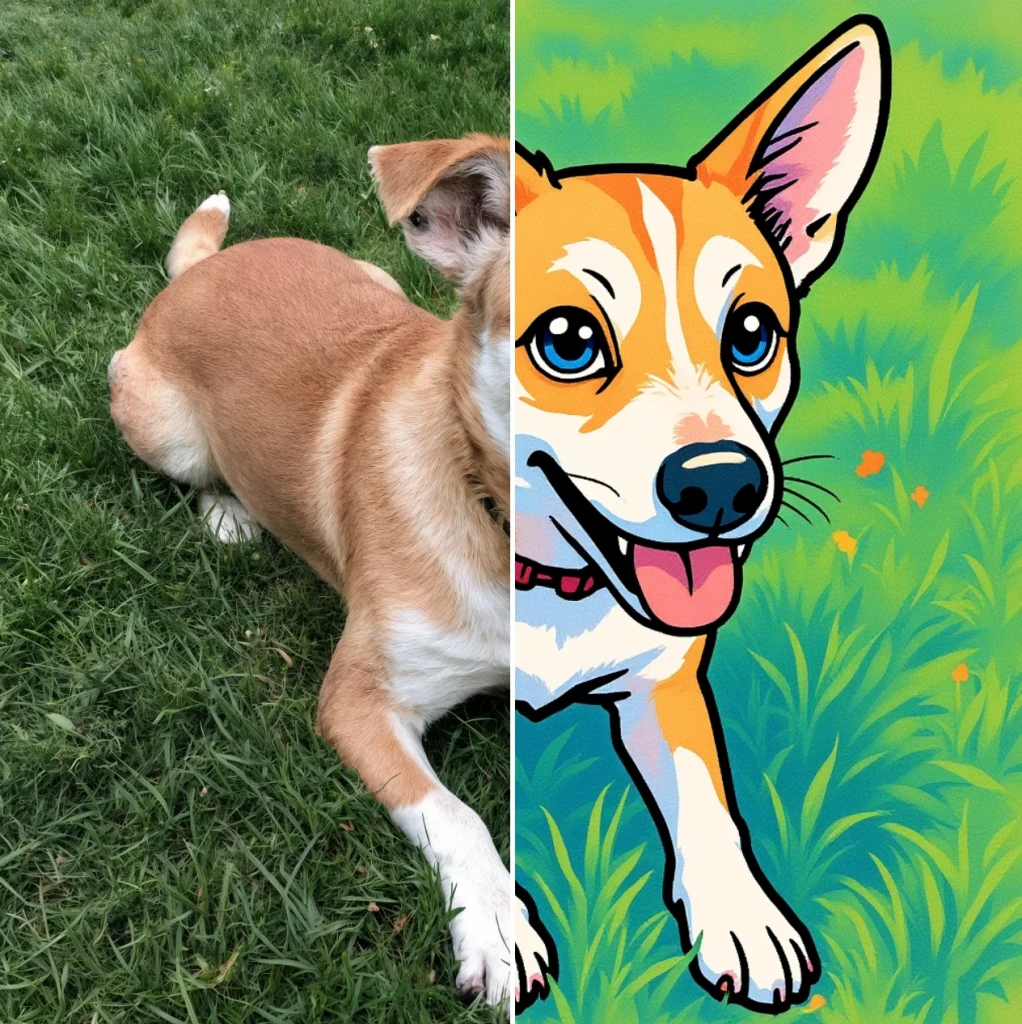 Cartoonify
AI Cartoon Generator - Turn a Photo Into a Cartoon for Free
- Edit
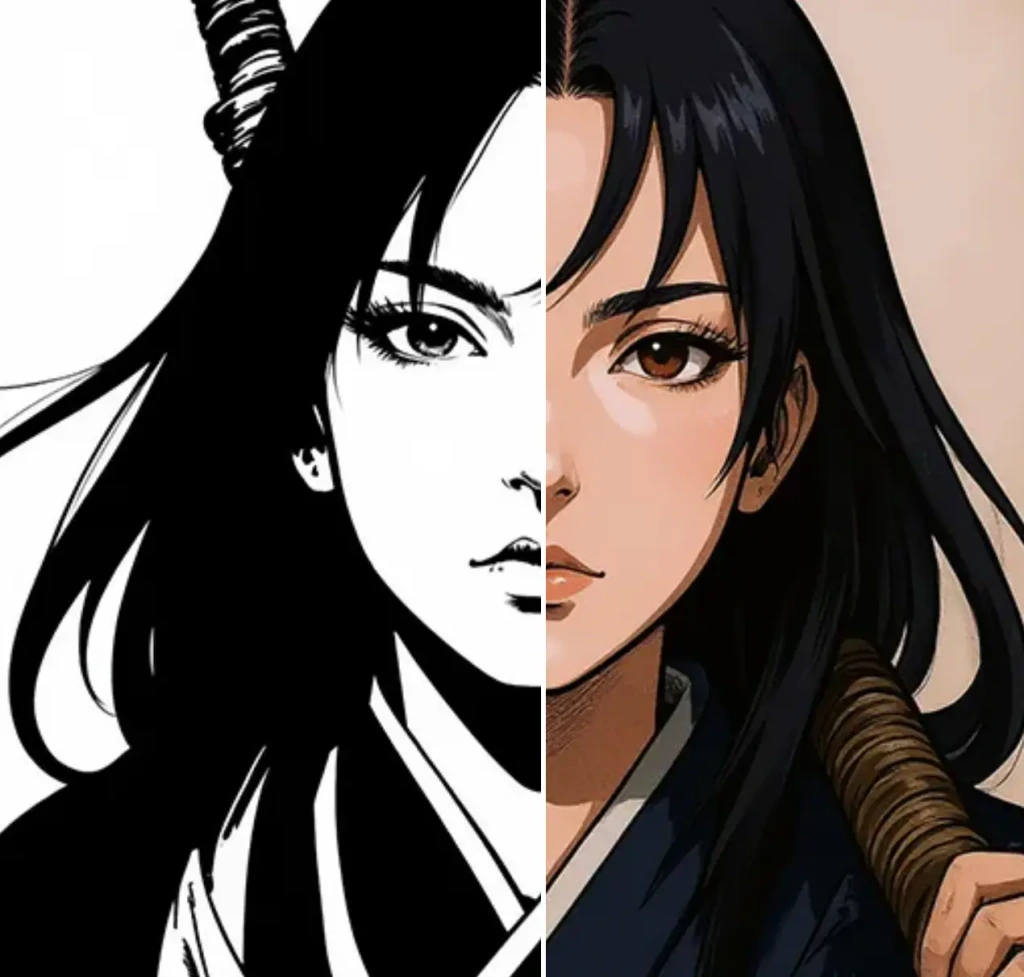 Colorize
Add vibrant colors to your photos for free.
- Edit
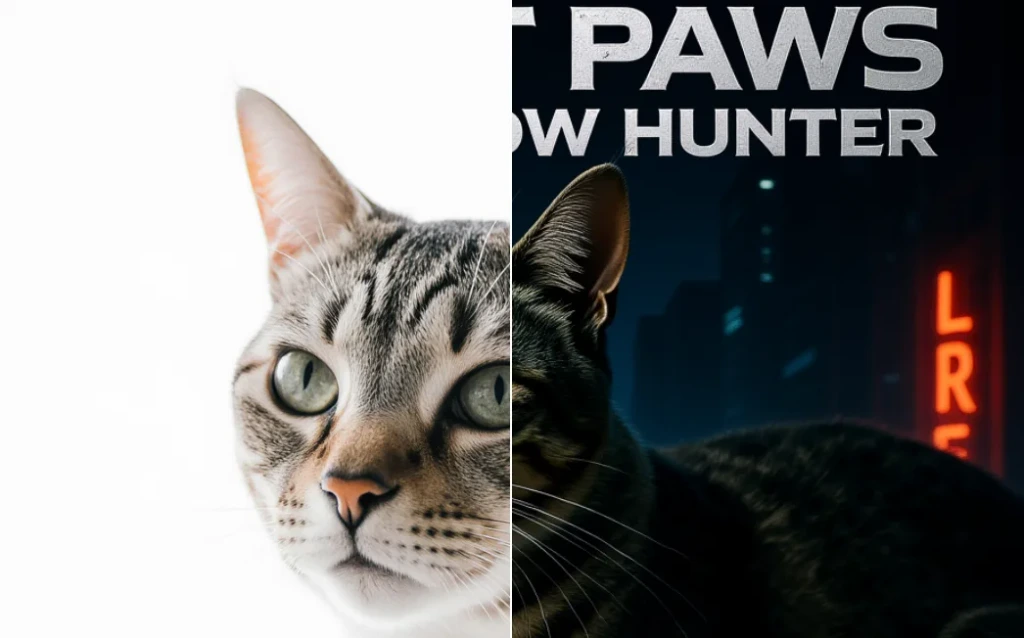 Movie Poster
AI Movie Poster Generator
- Edit
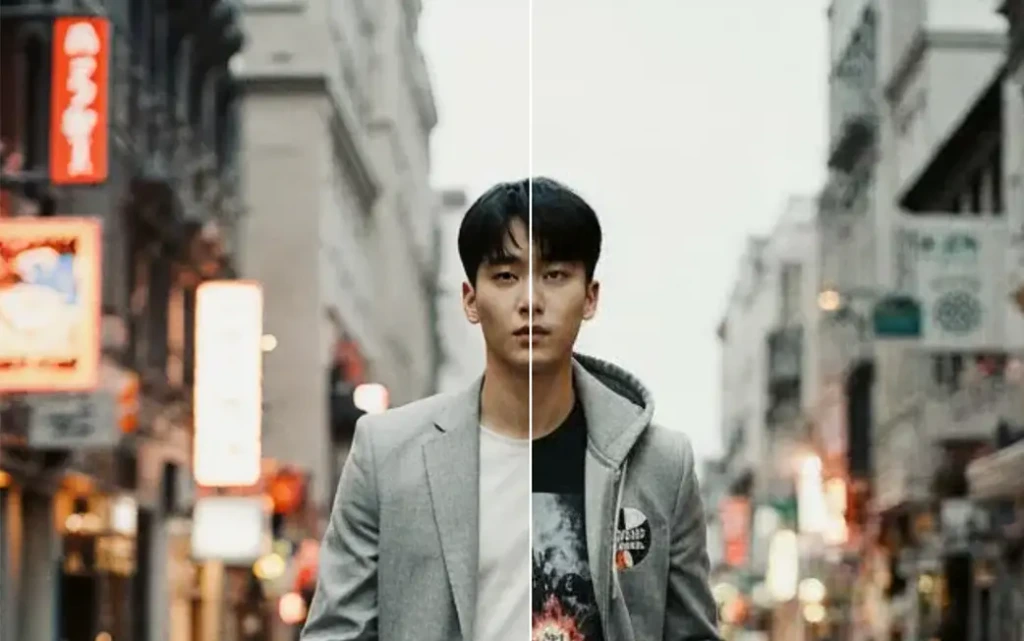 Clothes Changer
AI Clothes Changer - Free Virtual Try On
- Edit Nano Banana Image Editor
Edit Images with Nano Banana
- Edit
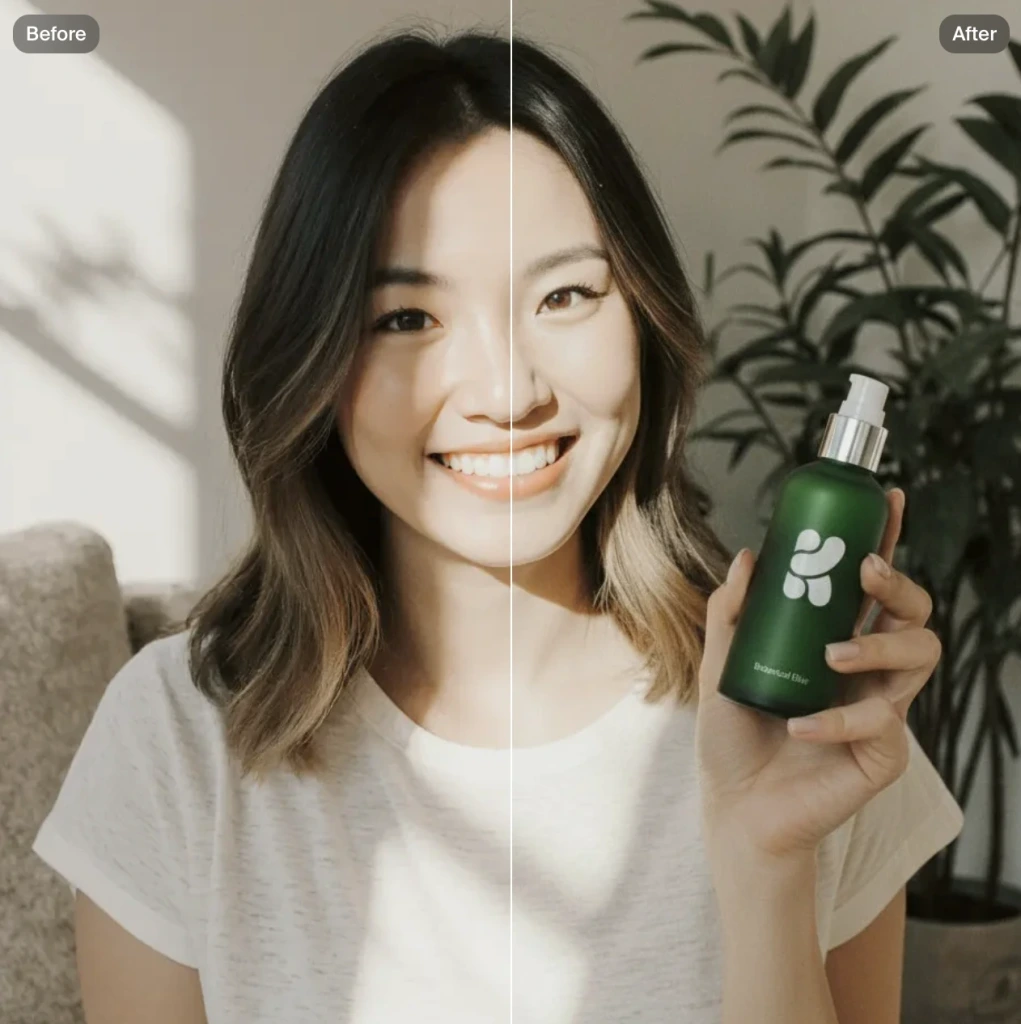 Product Photo
AI product photography with people holding products
- Edit
 Image to Image
Transform any image with AI for free