








Remove objects from images for free.
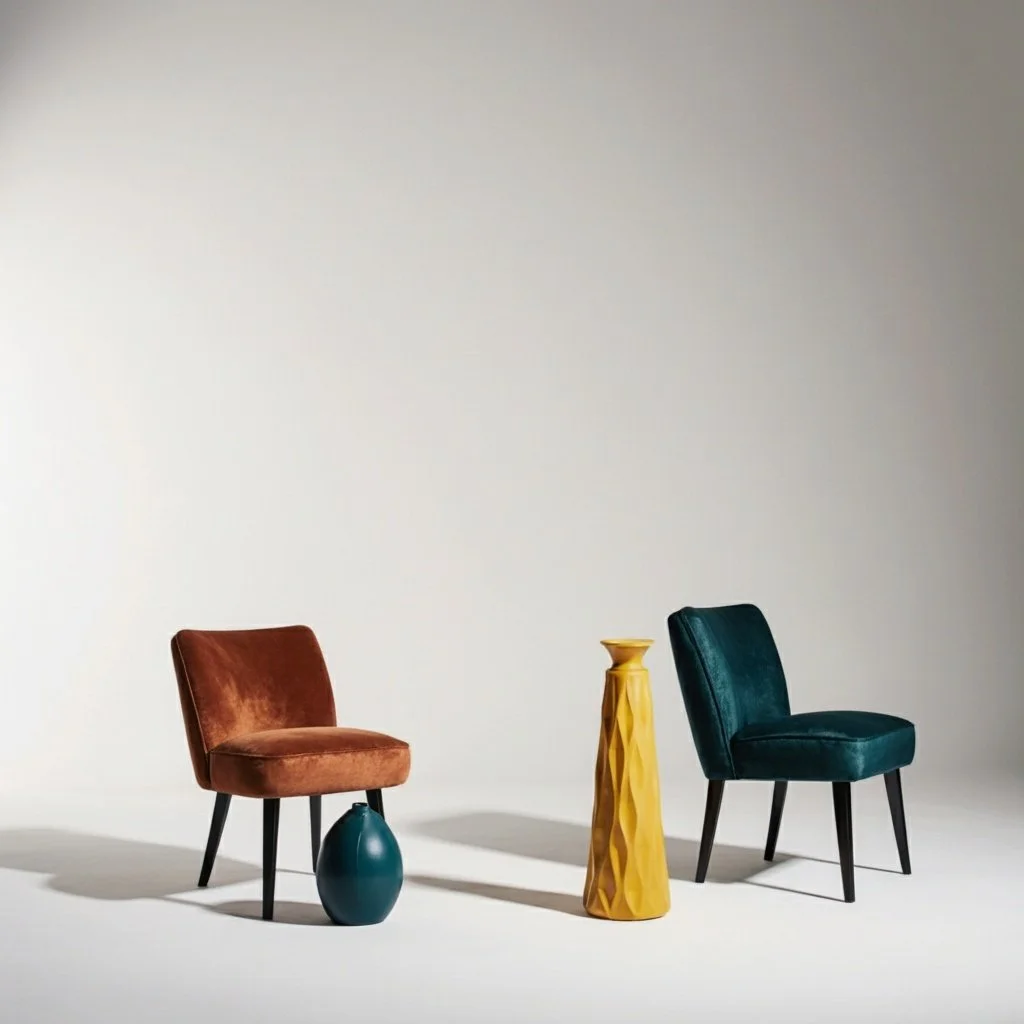
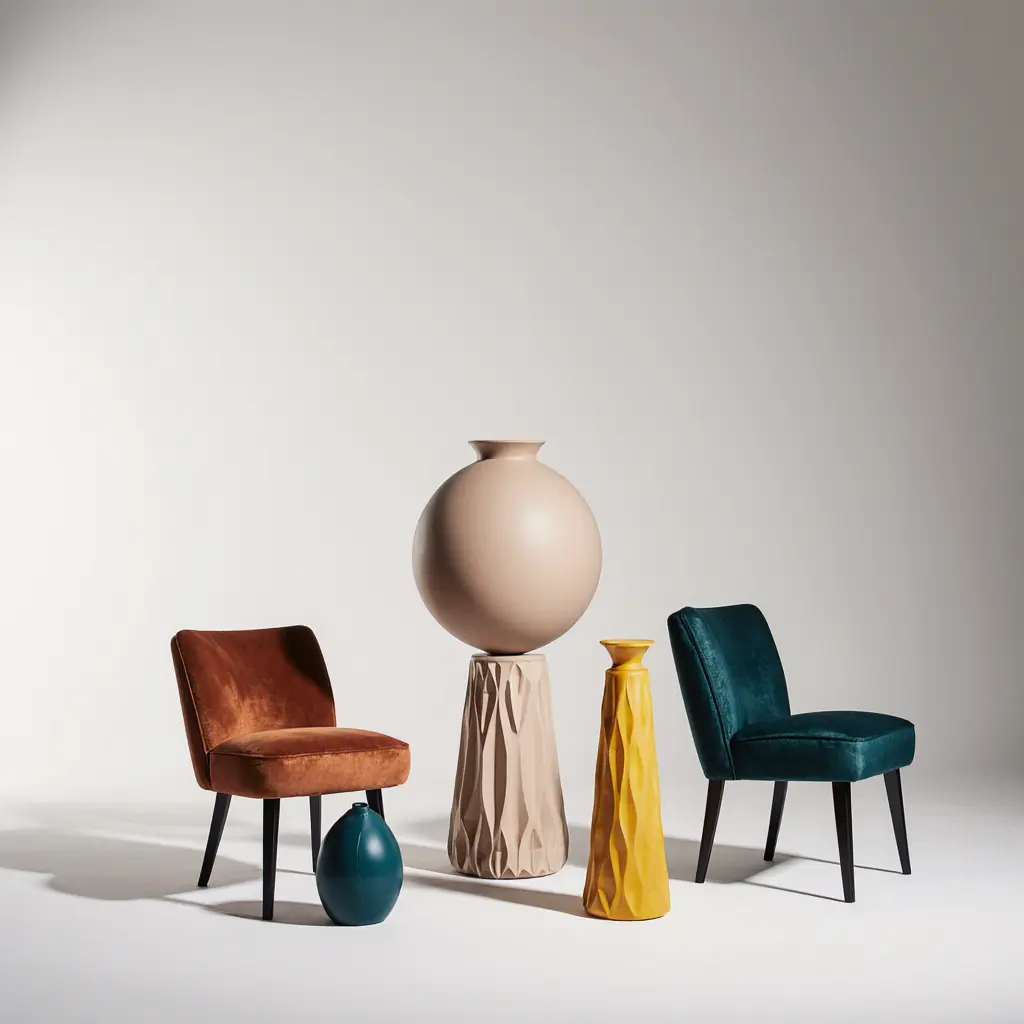
Remove unwanted objects from your photos with our free AI object remover. Simply highlight the object you want to remove, and our AI will seamlessly erase it while preserving the background. Perfect for cleaning up photos, removing photobombers, or eliminating distracting elements. No design skills required – just point, click, and watch objects disappear.
How to remove objects from images
Remove objects from images in 3 easy steps.
1 Upload your photo
Upload a PNG, JPG, WEBP, HEIC, HEIF, or AVIF image containing objects you want to remove.
2 Highlight the object
Use the brush tool to highlight the object you want to remove. Our AI will automatically detect and remove it while preserving the background.
3 Generate & Download
Hit Generate then download your cleaned image with the unwanted object seamlessly removed. Sign up to unlock more free generations and advanced editing tools.
Why use Krea for object removal?
AI object removers help you quickly clean up photos by automatically detecting and erasing unwanted objects, people, or distracting elements—no manual editing required. With Krea's free object remover, you can instantly remove photobombers, unwanted items, or any distracting elements while preserving the background perfectly. It's fast, free, and works on any image type, making it ideal for photographers, content creators, and anyone who needs clean, professional photos.
Try our full editor toolFree object removal. No sign up, no credit card.
Remove unwanted objects from photos for free. No sign up or subscription required.
Explore other Krea toolsSeamless background preservation
Our AI intelligently fills in the background where objects were removed, creating natural-looking results.
Explore other Krea toolsEasy, intuitive, and lightning-fast
Get results back in seconds. Simply highlight what to remove and let our AI do the rest.
Explore other Krea toolsTrusted by over 30 million users and companies worldwide. Krea is one of the world's leading generative AI platforms.
Intuitive, powerful, and free. See what others say about Krea.
Read our testimonials
So many AI tools out there but I always come back to Krea. It's really the one AI platform that 'just works'.

FYN
Krea's interfaces are still the best in the industry. Everything looks and feels so clean and easy to use! Imo the easiest to use gen AI website.

Lynn
Ultra fast generations. Extremely simple to use. All the latest AI models.

Daniel
KREA is the only AI subscription I have right now besides ChatGPT.

Sophia M.


Frequently Asked Questions
Yes. You can remove objects from a few pictures a day for free without an account. After that, you can sign up for a free account to keep using the tool.
Simply highlight the object you want to remove using our brush tool. Our AI automatically detects the object and seamlessly erases it while filling in the background naturally.
1) Upload a photo. 2) Use the brush tool to highlight the object you want to remove. 3) Click Generate and download the cleaned result.
You can remove people, vehicles, signs, unwanted items, photobombers, text, and any other objects that are clearly defined in your image.
Our AI creates highly realistic results by intelligently analyzing the surrounding background and filling in the removed area naturally. Results work best with clear, well-defined objects.
No. You can remove objects from your pictures on Krea.ai for free without creating an account. Generating images is as easy as highlighting the object and clicking "Generate". If you hit your daily limit, you can make a free account to keep using the tool.
Most images process in just a few seconds. Processing time may vary slightly depending on image size and complexity.
Try out related tools
Use Krea's wide range of powerful AI tools to generate, edit, and enhance your images and videos.
Generate high-quality images with state of the art models
- Image
 AI Image Generator – FLUX.1 Krea
Generate images with FLUX.1 Krea for free
- Image
 AI Image Generator – Wan 2.2
Generate images with Wan 2.2 for free
- Image
 AI Image Generator – GPT Images 2.0
Generate images with GPT Images 2.0
- Image
 AI Image Generator – Qwen
Generate images with Qwen for free
- Image
 AI T-Shirt Design Generator
AI T-Shirt Design Generator - Create Custom Shirt Designs Free
- ImageUpscale Image
Upload a photo and let Krea boost its quality up to 8K resolution.
- ImageImage Vectorizer
Convert JPG, PNG, AVIF, or WebP images into scalable SVG artwork.
- ImageAI Polaroid Photo Generator
Create Polaroid photos with AI.
Generate videos with AI
- Video
 AI Video Generator – Sora 2
Generate videos with Sora 2
- Video
 AI Video Generator – Veo 3.1
Generate videos with Veo 3.1
- VideoUpscale Video
Upload an MP4 video and enhance it with Krea video upscaling.
Edit images with AI: turn photos into cartoons, remove text, change styles and more
- Edit
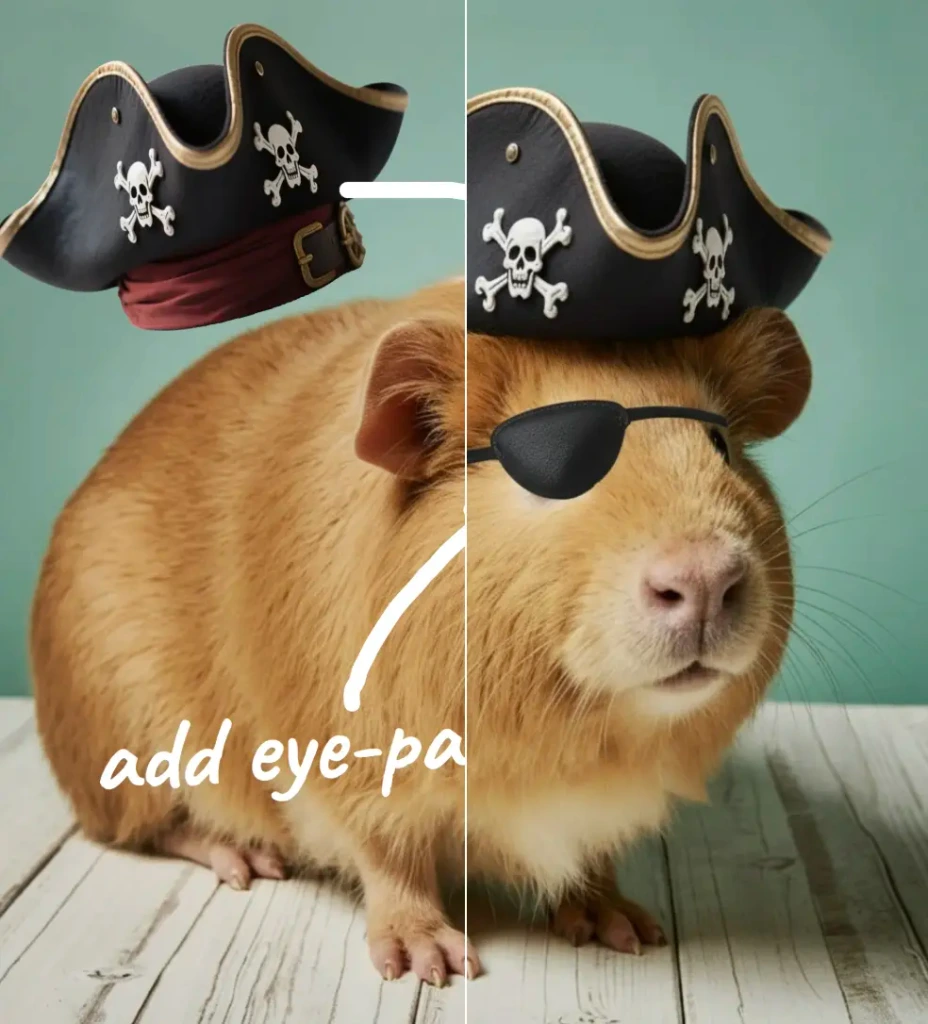 Nano Banana Pro Editor
Edit Images with Nano Banana Pro
- Edit
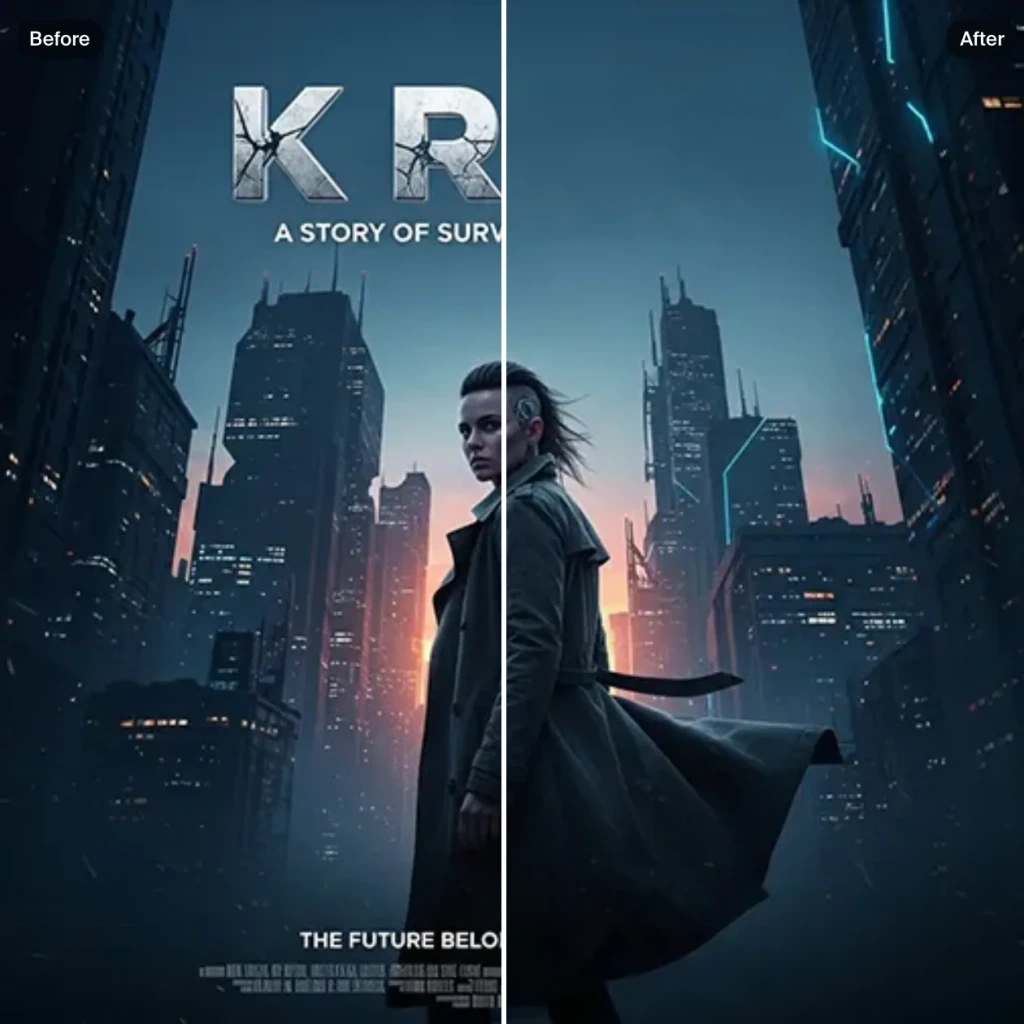 Text Remover
Remove Text From Images for Free - AI Text Removal Tool
- Edit
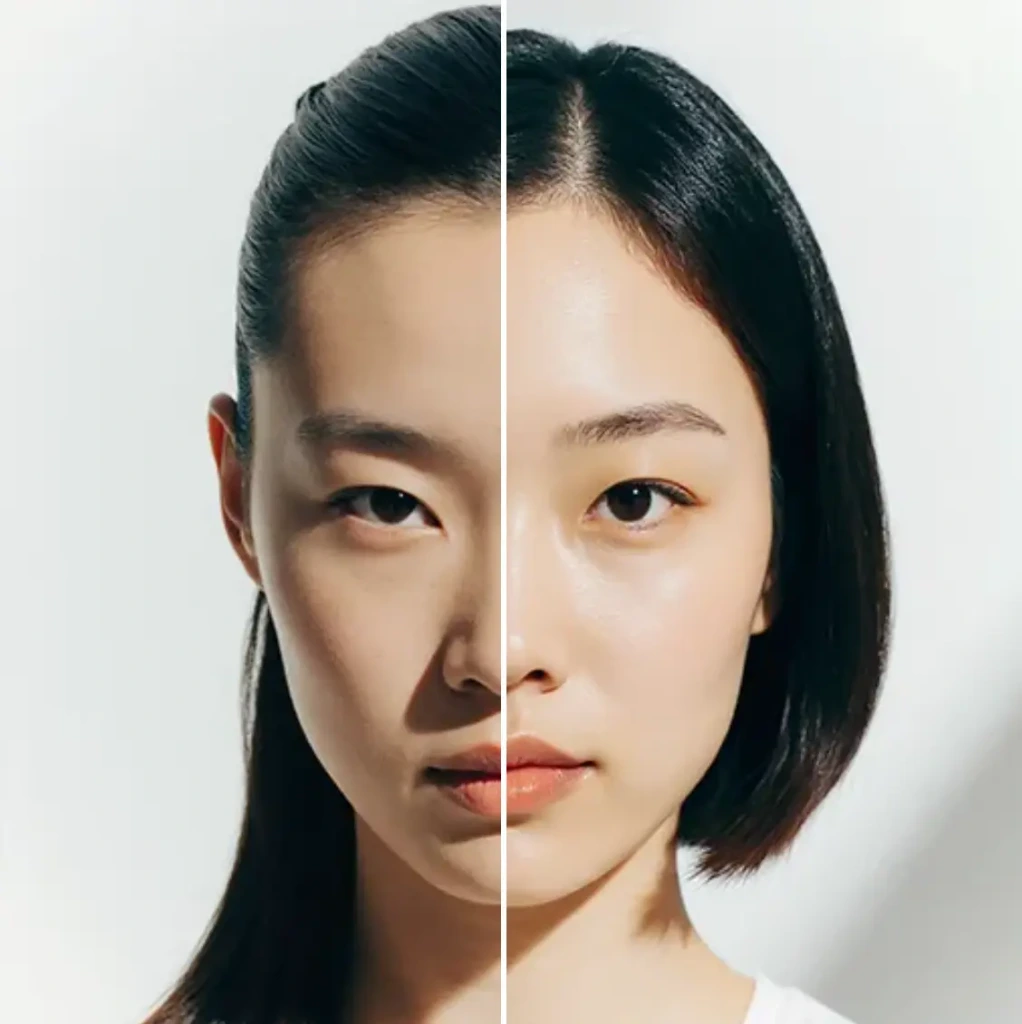 AI Hairstyle
AI Hairstyle Changer - Try Haircuts & Hair Styles Online Free
- Edit AI Face Swap
AI Face Swap - Swap Faces Online for Free
- Edit
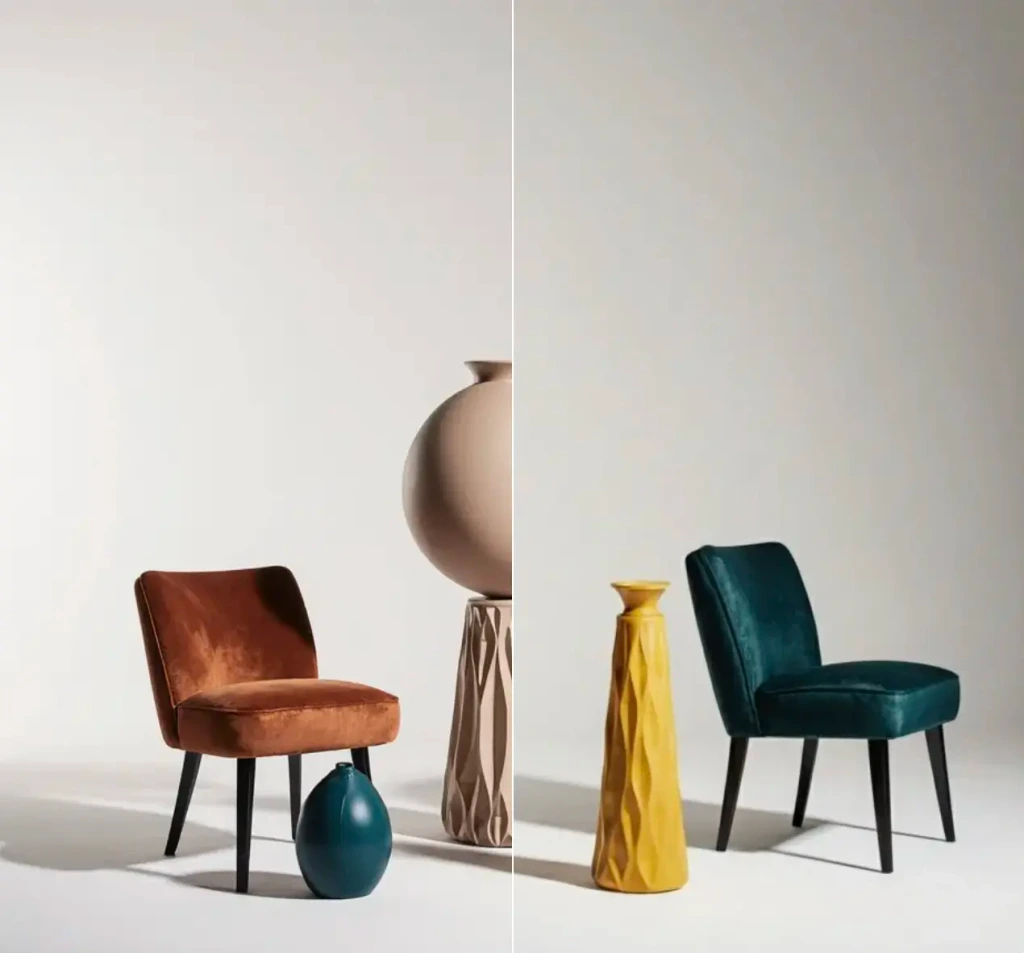 Object Remover
Remove objects from images for free.
- Edit
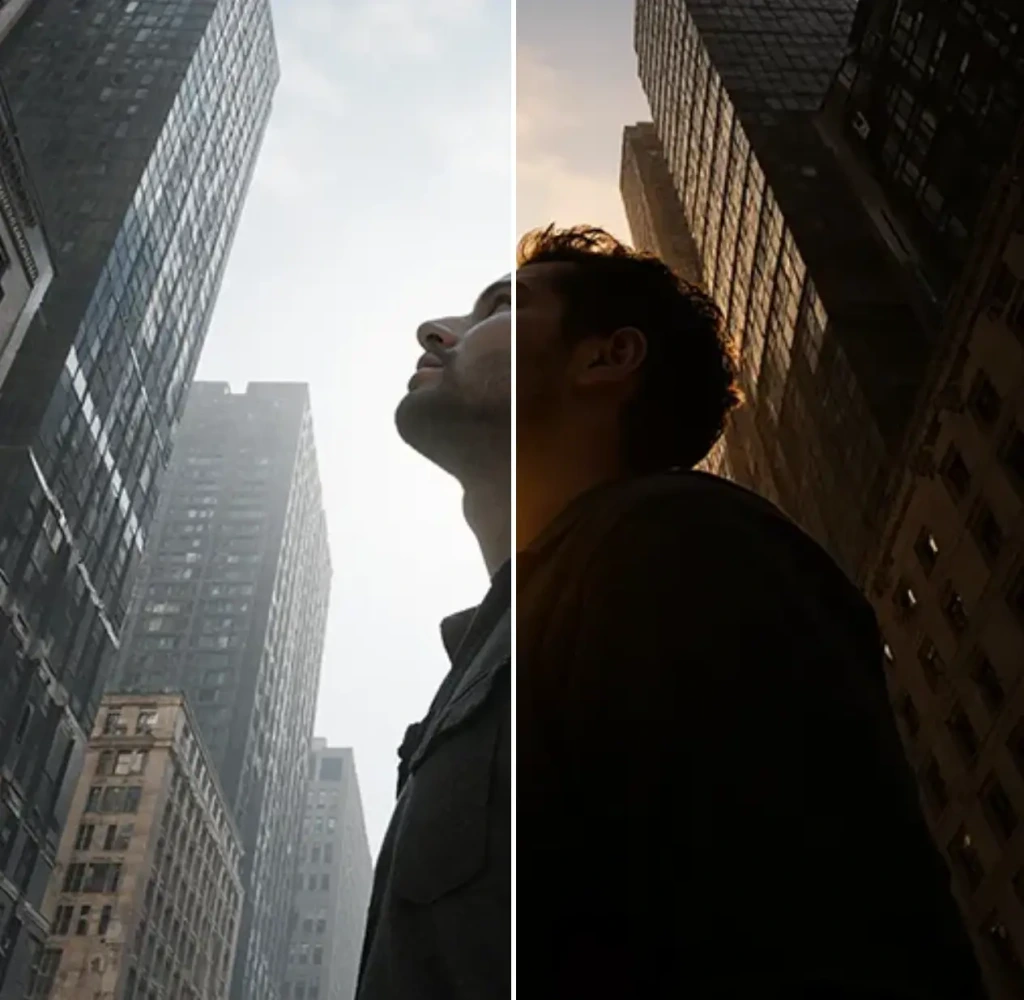 Change Lighting
Change lighting in your photos instantly for free.
- Edit
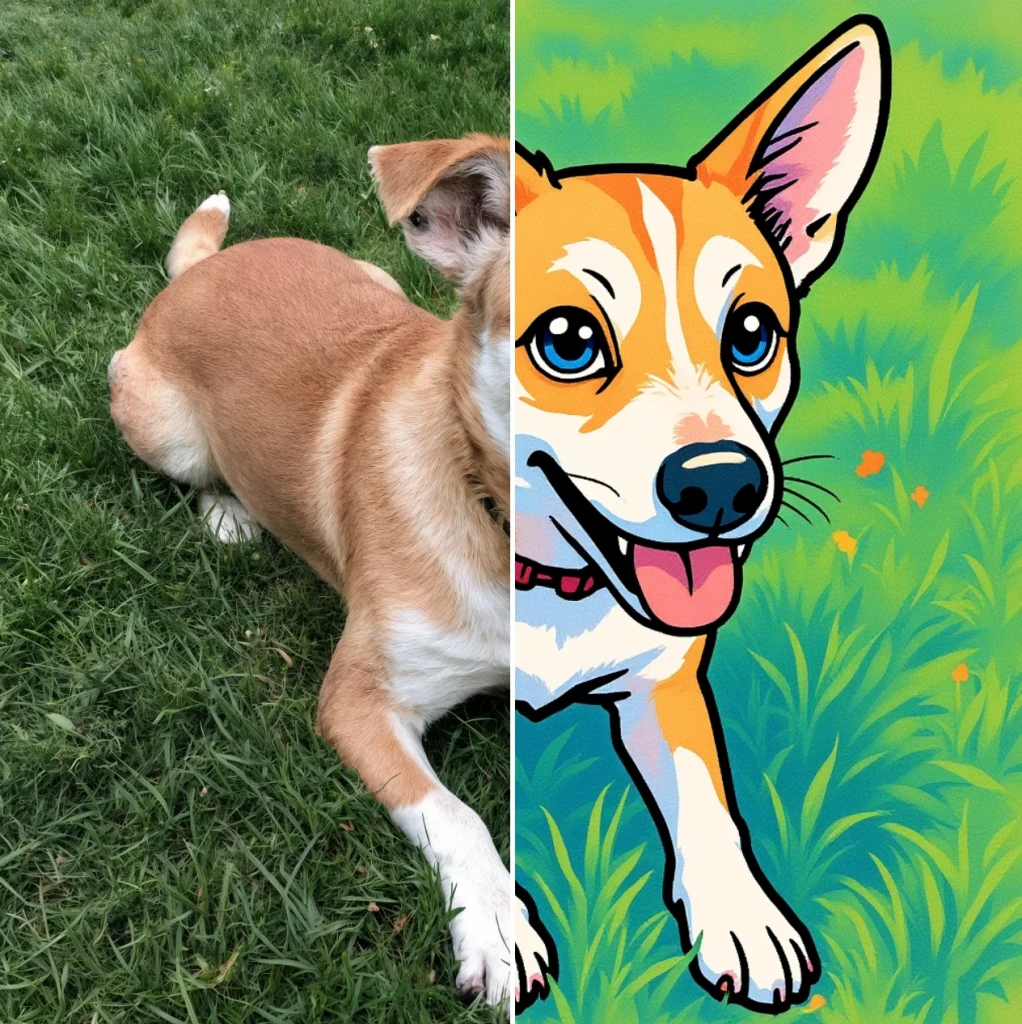 Cartoonify
AI Cartoon Generator - Turn a Photo Into a Cartoon for Free
- Edit
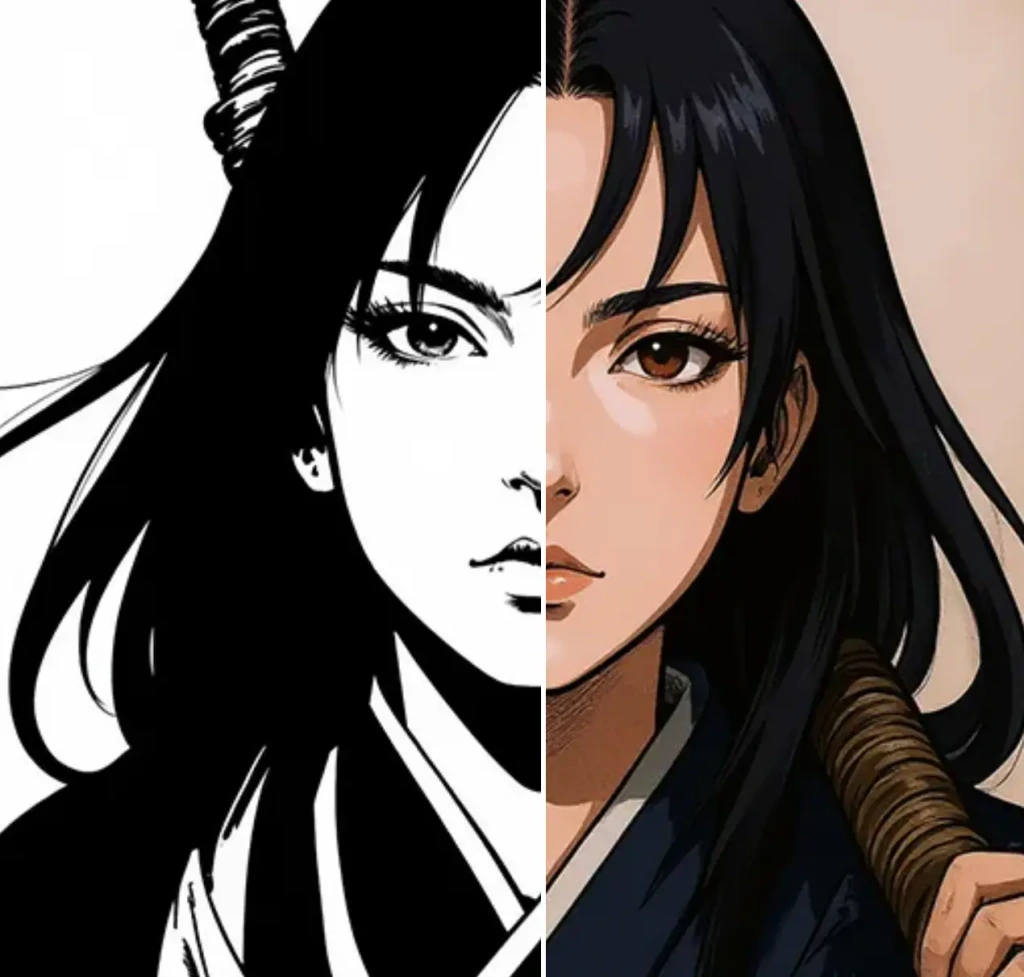 Colorize
Add vibrant colors to your photos for free.
- Edit
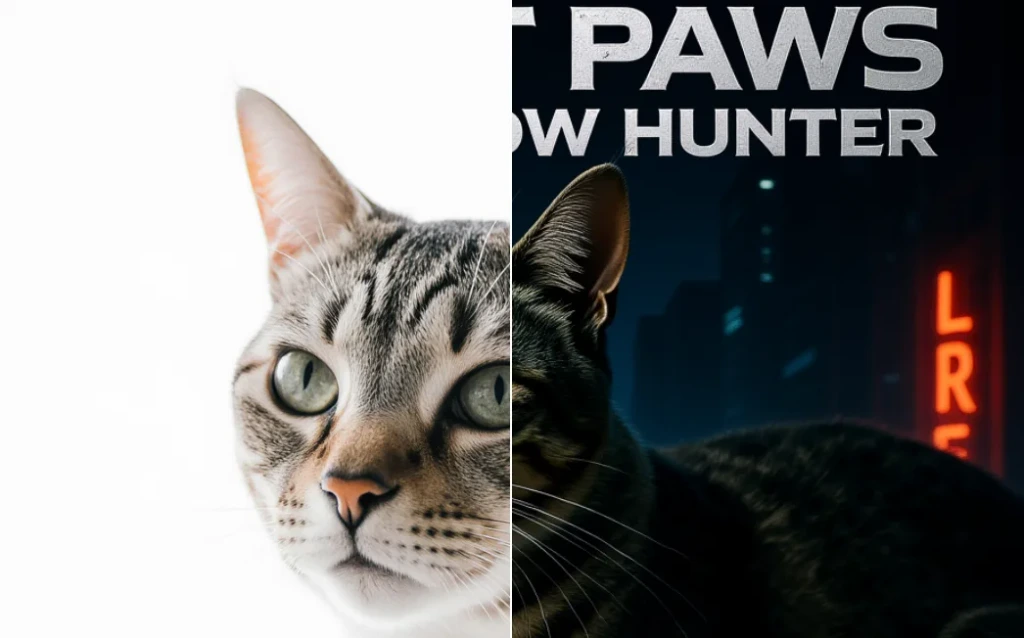 Movie Poster
AI Movie Poster Generator
- Edit
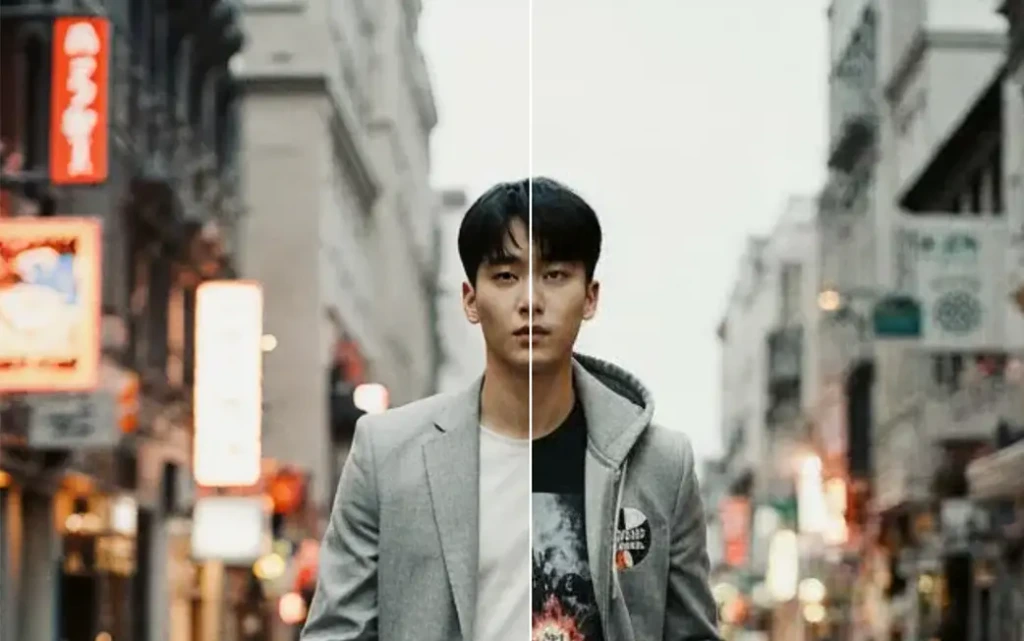 Clothes Changer
AI Clothes Changer - Free Virtual Try On
- Edit Nano Banana Image Editor
Edit Images with Nano Banana
- Edit
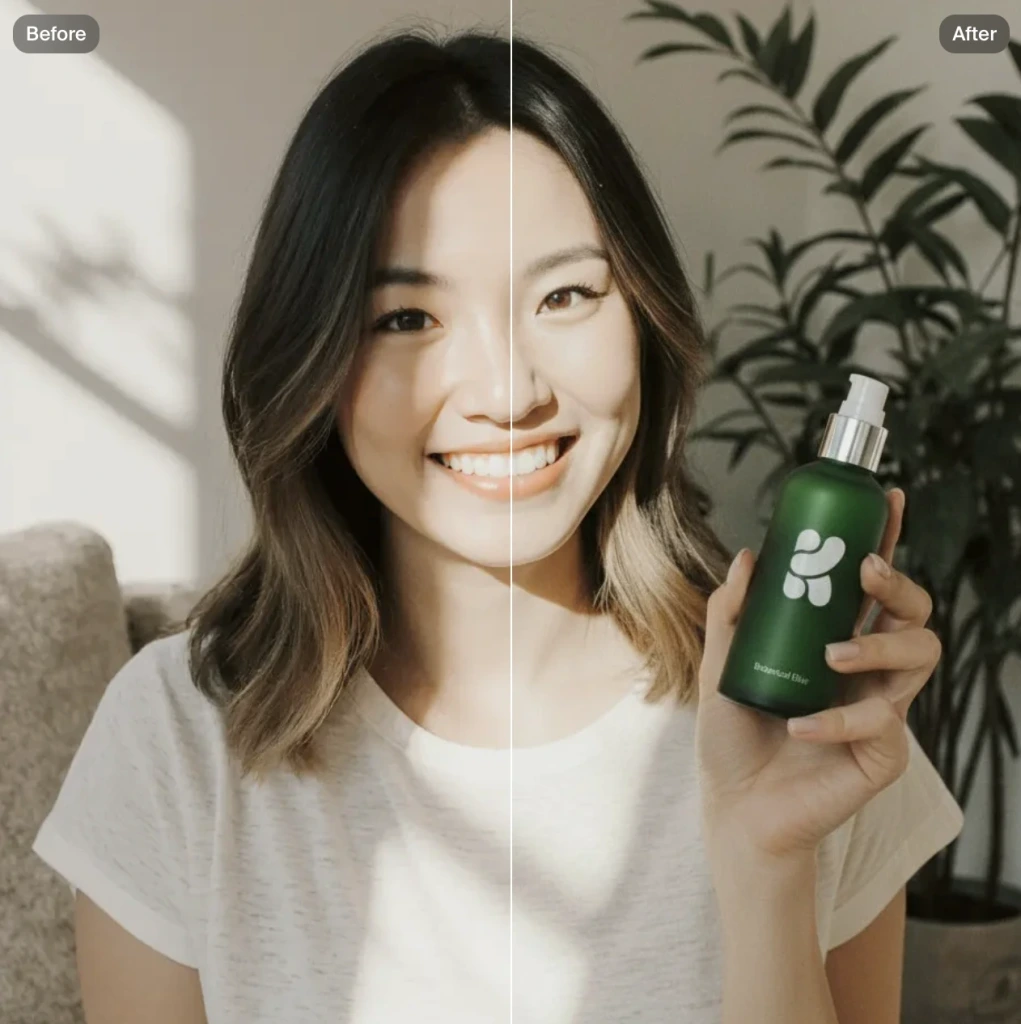 Product Photo
AI product photography with people holding products
- Edit
 Image to Image
Transform any image with AI for free