








AI Reframe Generator: Resize to 9x16 Online
Reframe 1x1 - 4x5 - 9x16 is an AI reframing tool that instantly converts visuals into platform-ready aspect ratios. Upload an image or video, choose 1x1, 4x5, or 9x16, and let artificial intelligence keep the main subject in frame. Create consistent crops for feeds, stories, and ads with cleaner composition and fewer manual edits.
Generate your first output
This quick tutorial shows how to upload media, select your target aspect ratio, and generate a clean AI reframe. In a few steps, you’ll export multiple formats without manual cropping or guesswork.
How to use Reframe 1x1 - 4x5 - 9x16
Reframe to any ratio in minutes
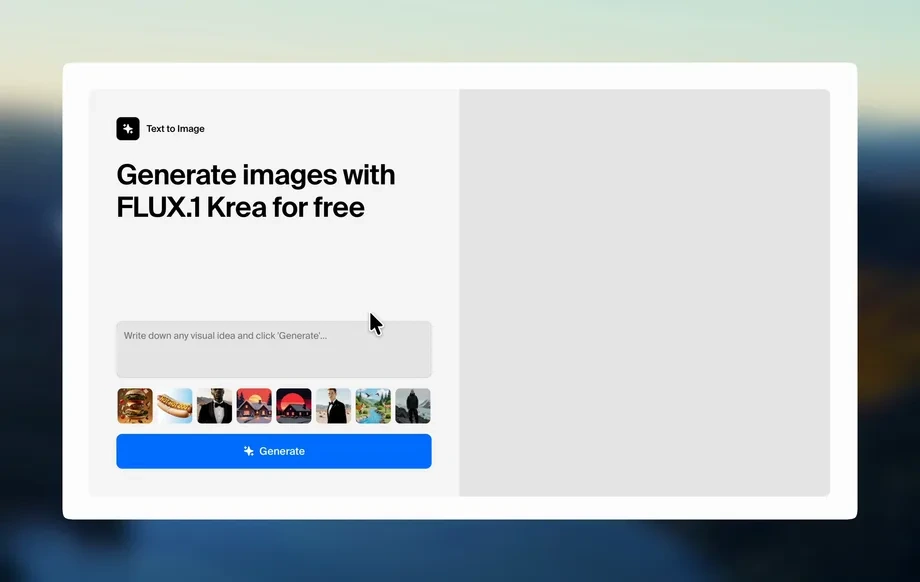
1 Upload
Add your image or video to the editor. The AI analyzes key subjects and composition to prepare a reframing path for different aspect ratios.
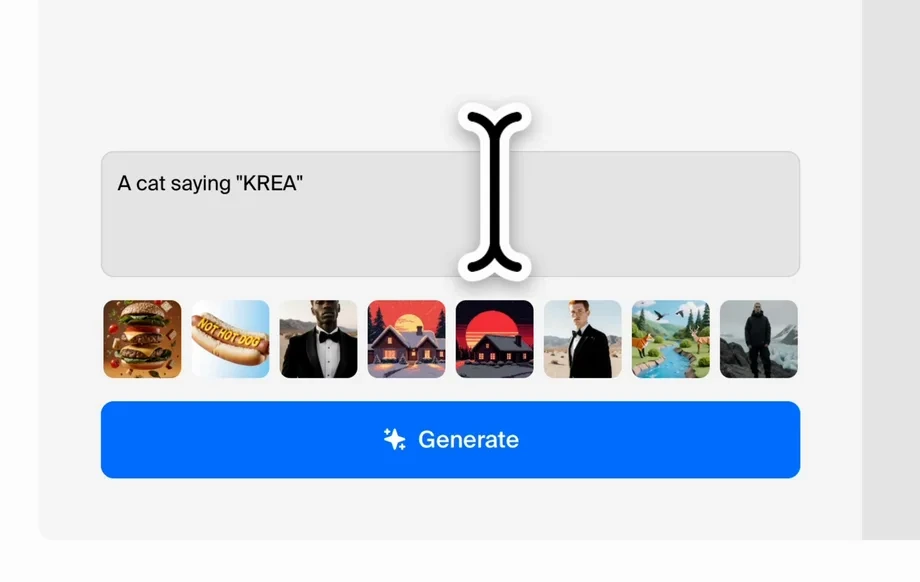
2 Choose ratios
Select 1x1, 4x5, or 9x16 depending on where you’ll post. Preview each format and adjust framing if you want a different focus.
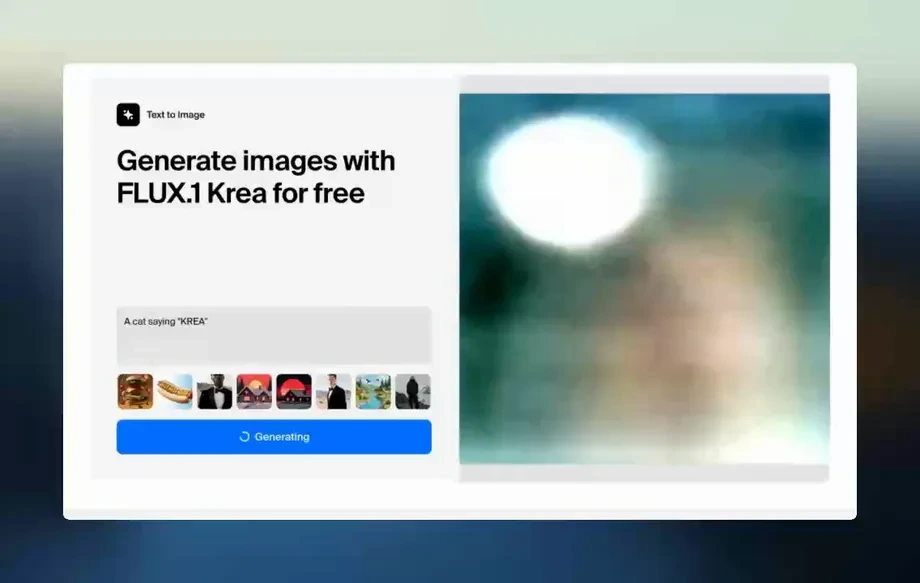
3 Generate & export
Run the AI reframe and review the result. Download your resized files in the formats you need, ready for social, ads, and mobile viewing.
AI reframing that keeps subjects in frame
Reframe 1x1 - 4x5 - 9x16 uses AI to resize content for multiple aspect ratios while preserving what matters most. Convert wide to vertical, square to portrait, and more with fewer composition mistakes. Batch-friendly previews help you standardize outputs for different platforms and placements, faster than manual cropping.
Smart subject-aware reframing
Artificial intelligence detects the primary subject and re-centers the frame for 1x1, 4x5, and 9x16. Reduce cut-off faces and awkward crops while maintaining clean composition.
Multi-ratio previews instantly
Preview square, portrait, and vertical outputs side by side before exporting. Quickly spot framing issues and fine-tune the focus so each format looks intentional on every platform.
Platform-ready exports
Export resized assets optimized for social posts, stories, reels, and ads. Keep consistent framing across placements and reduce edit time when repurposing the same content everywhere.
Who is Reframe 1x1 - 4x5 - 9x16 for?
Discover how different users leverage this AI tool to enhance their creative workflow.
Social repurposing
Convert one asset into 1x1, 4x5, and 9x16 versions for feeds and stories. Maintain subject focus while matching each platform’s ideal aspect ratio.
Ad creative resizing
Resize campaign visuals for multiple placements without manual cropping. AI reframing keeps products and key text in frame for cleaner, higher-impact variations.
Mobile-first video framing
Turn wide videos into vertical 9x16 with better subject tracking. Produce consistent mobile compositions that look natural on reels, shorts, and story formats.
Why Choose Reframe 1x1 - 4x5 - 9x16?
Get reliable AI reframing that prioritizes subjects, reduces bad crops, and speeds up resizing for every platform. With fast previews and clean exports, you can repurpose content into 1x1, 4x5, and 9x16 formats without repetitive manual editing.
Getting Started
Open Reframe 1x1 - 4x5 - 9x16, upload your image or video, and choose your target ratios. Preview the AI framing, adjust if needed, then export ready-to-post files.
Trusted by over 30 million users and companies worldwide. Krea is one of the world's leading generative AI platforms.
Intuitive, powerful, and free. See what others say about Krea.
Read our testimonials
So many AI tools out there but I always come back to Krea. It's really the one AI platform that 'just works'.

FYN
Krea's interfaces are still the best in the industry. Everything looks and feels so clean and easy to use! Imo the easiest to use gen AI website.

Lynn
Ultra fast generations. Extremely simple to use. All the latest AI models.

Daniel
KREA is the only AI subscription I have right now besides ChatGPT.

Sophia M.


Frequently asked questions
Answers to common questions about AI reframing, aspect ratios, and exporting resized media.
Upload once, generate multiple aspect ratios, and export platform-ready files in minutes.
Reframe to 1x1, 4x5, and 9x16 fast
Explore More AI Tools
Discover other powerful AI tools on Krea to enhance your creative workflow.
Generate high-quality images with state of the art models
- Image
 AI Image Generator – FLUX.1 Krea
Generate images with FLUX.1 Krea for free
- Image
 AI Image Generator – Wan 2.2
Generate images with Wan 2.2 for free
- Image
 AI Image Generator – GPT Images 2.0
Generate images with GPT Images 2.0
- Image
 AI Image Generator – Qwen
Generate images with Qwen for free
- Image
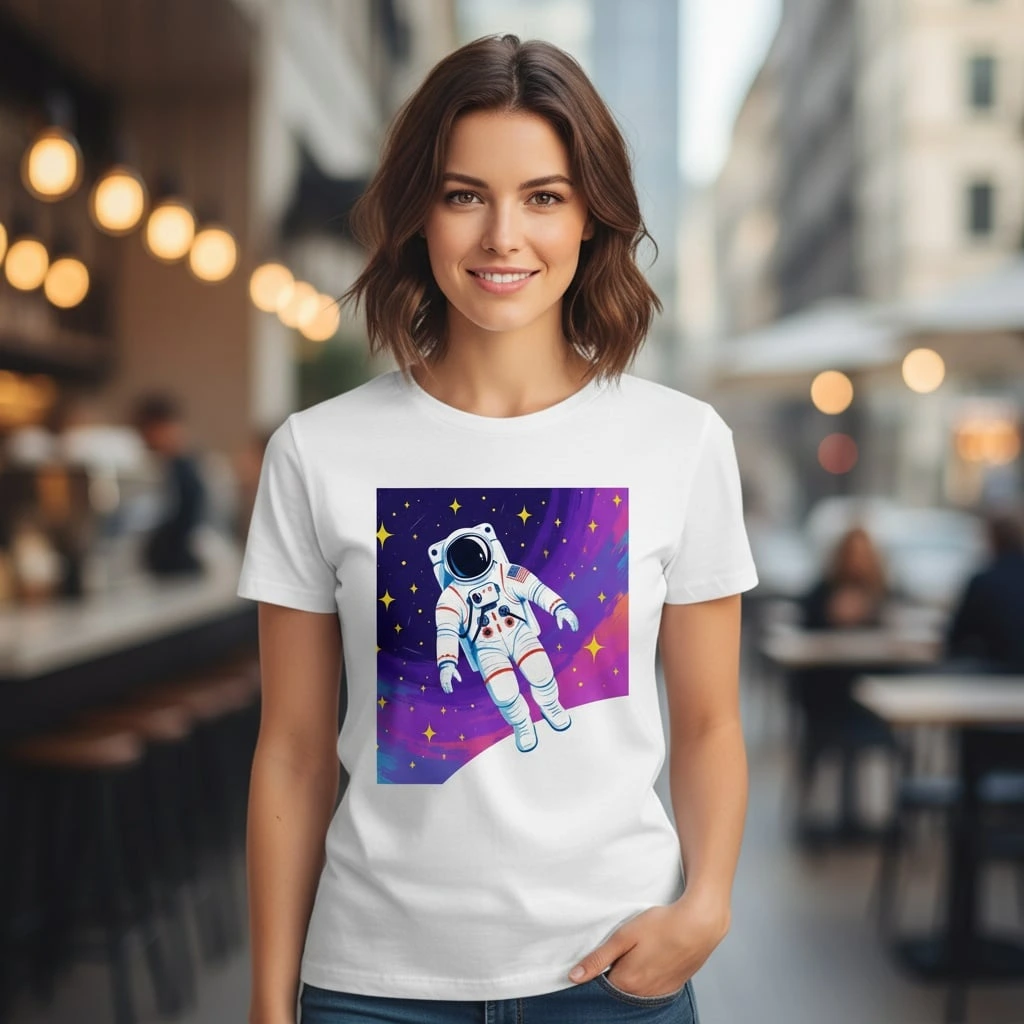 AI T-Shirt Design Generator
AI T-Shirt Design Generator - Create Custom Shirt Designs Free
- ImageUpscale Image
Upload a photo and let Krea boost its quality up to 8K resolution.
- ImageImage Vectorizer
Convert JPG, PNG, AVIF, or WebP images into scalable SVG artwork.
- ImageAI Polaroid Photo Generator
Create Polaroid photos with AI.
Generate videos with AI
- Video
 AI Video Generator – Sora 2
Generate videos with Sora 2
- Video
 AI Video Generator – Veo 3.1
Generate videos with Veo 3.1
- VideoUpscale Video
Upload an MP4 video and enhance it with Krea video upscaling.
Edit images with AI: turn photos into cartoons, remove text, change styles and more
- Edit
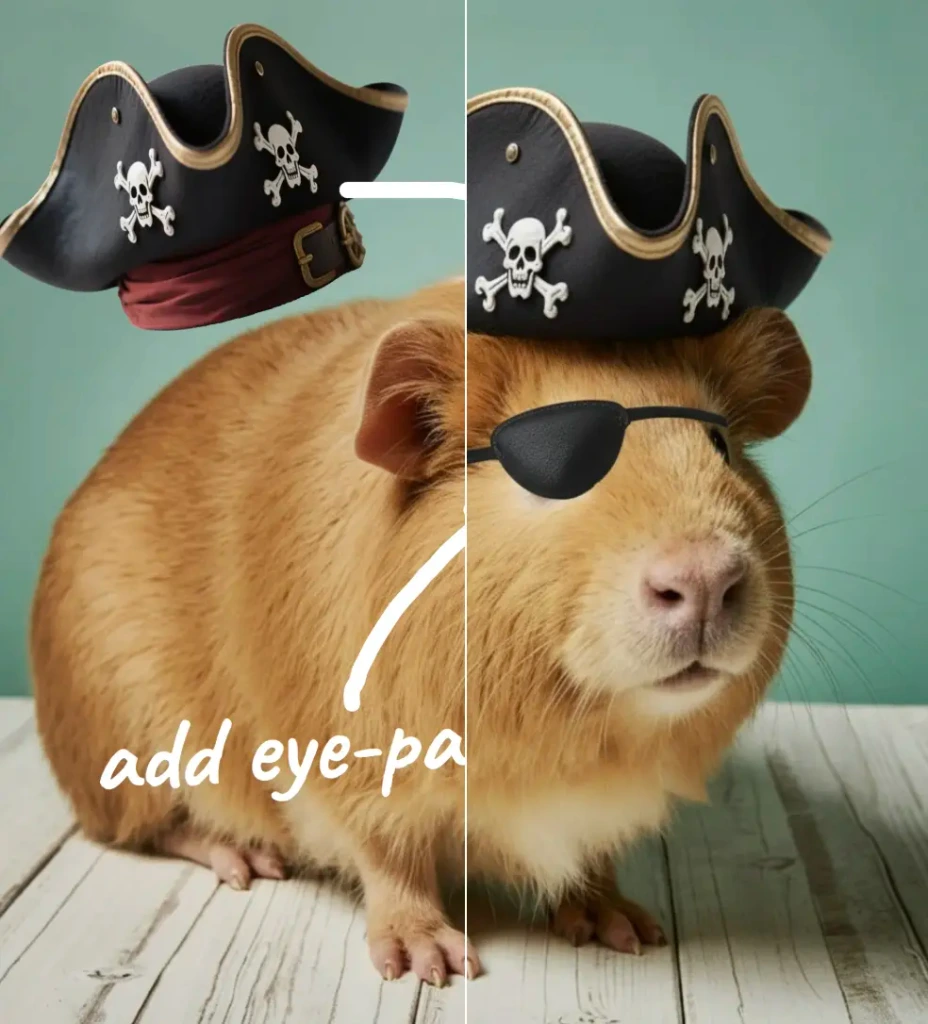 Nano Banana Pro Editor
Edit Images with Nano Banana Pro
- Edit
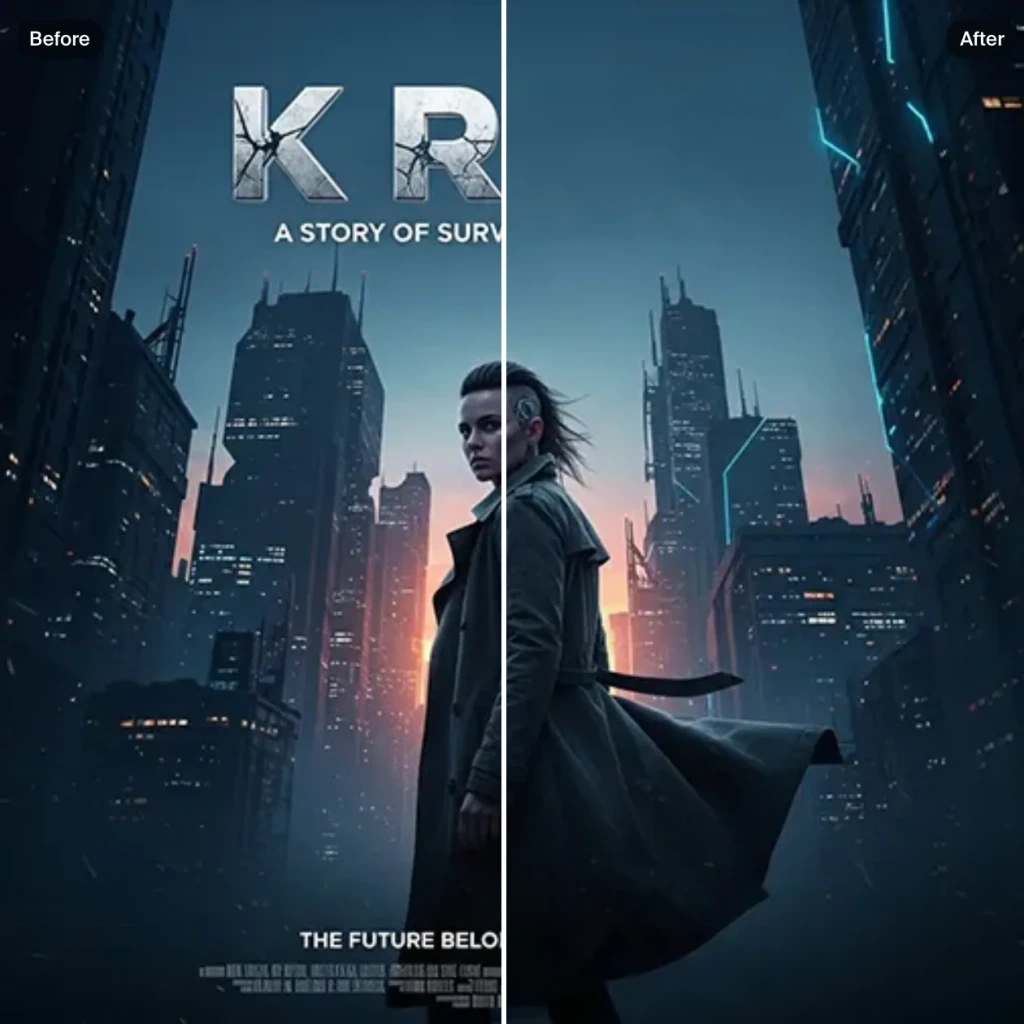 Text Remover
Remove Text From Images for Free - AI Text Removal Tool
- Edit
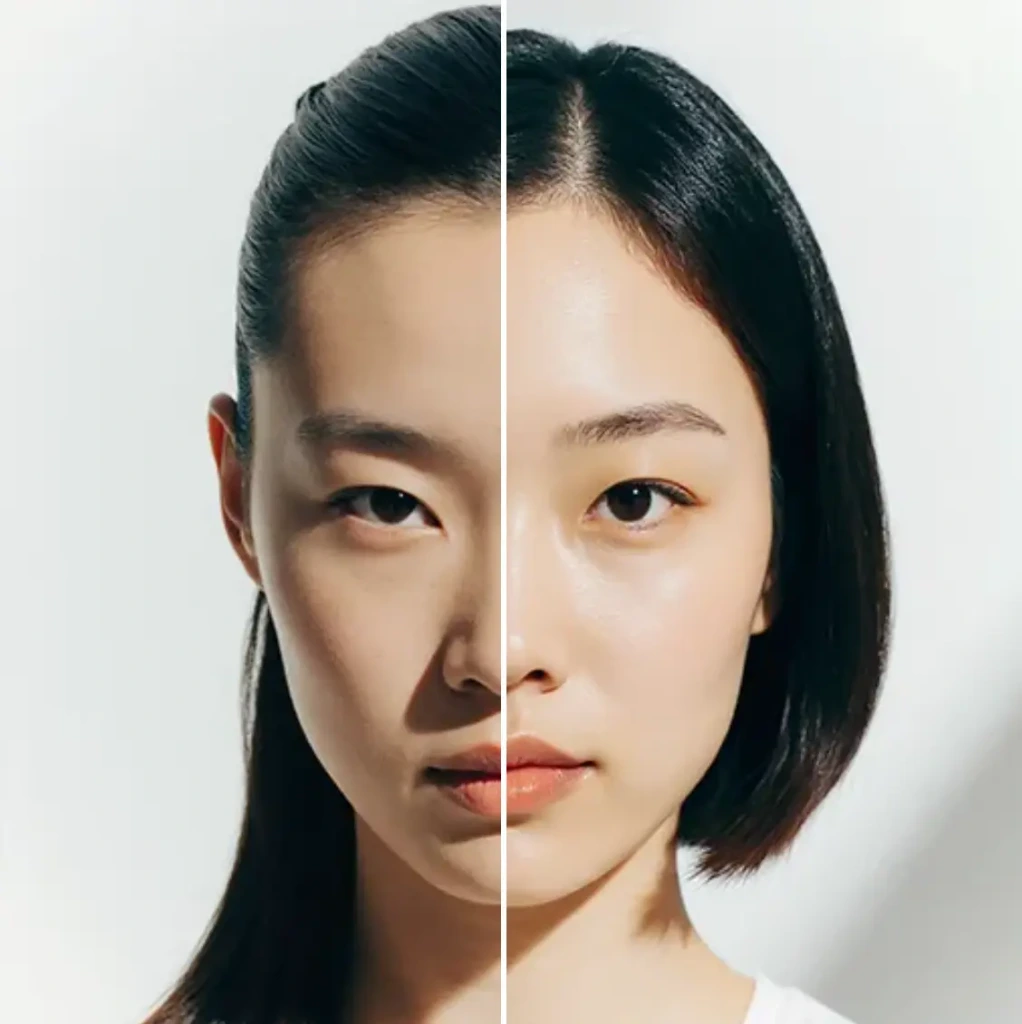 AI Hairstyle
AI Hairstyle Changer - Try Haircuts & Hair Styles Online Free
- Edit AI Face Swap
AI Face Swap - Swap Faces Online for Free
- Edit
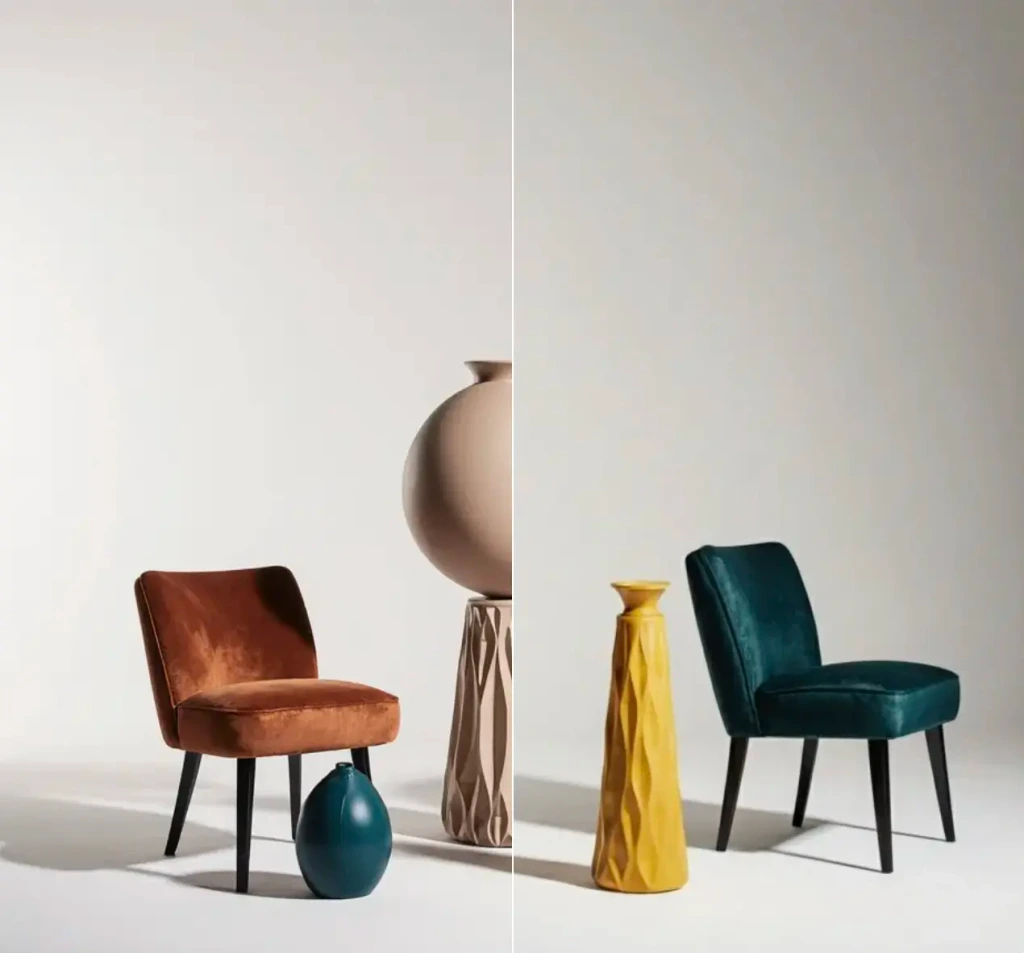 Object Remover
Remove objects from images for free.
- Edit
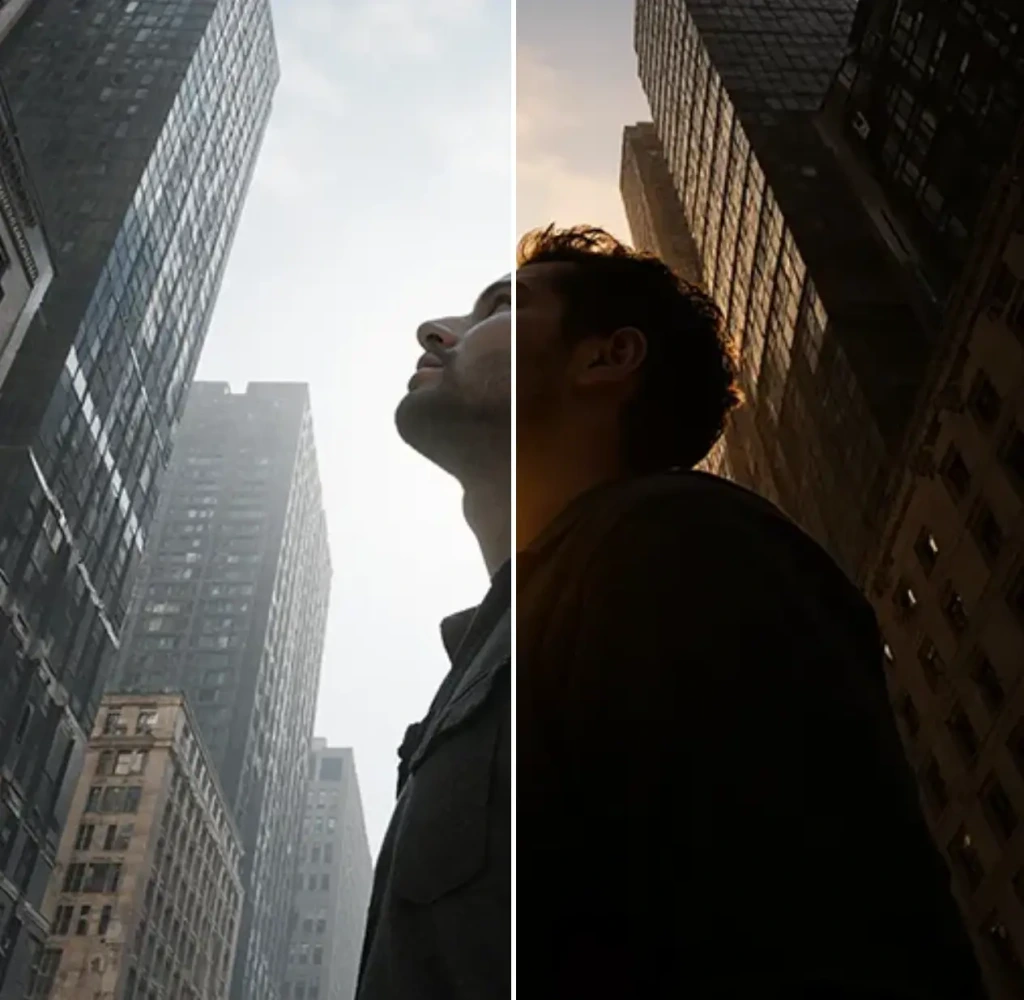 Change Lighting
Change lighting in your photos instantly for free.
- Edit
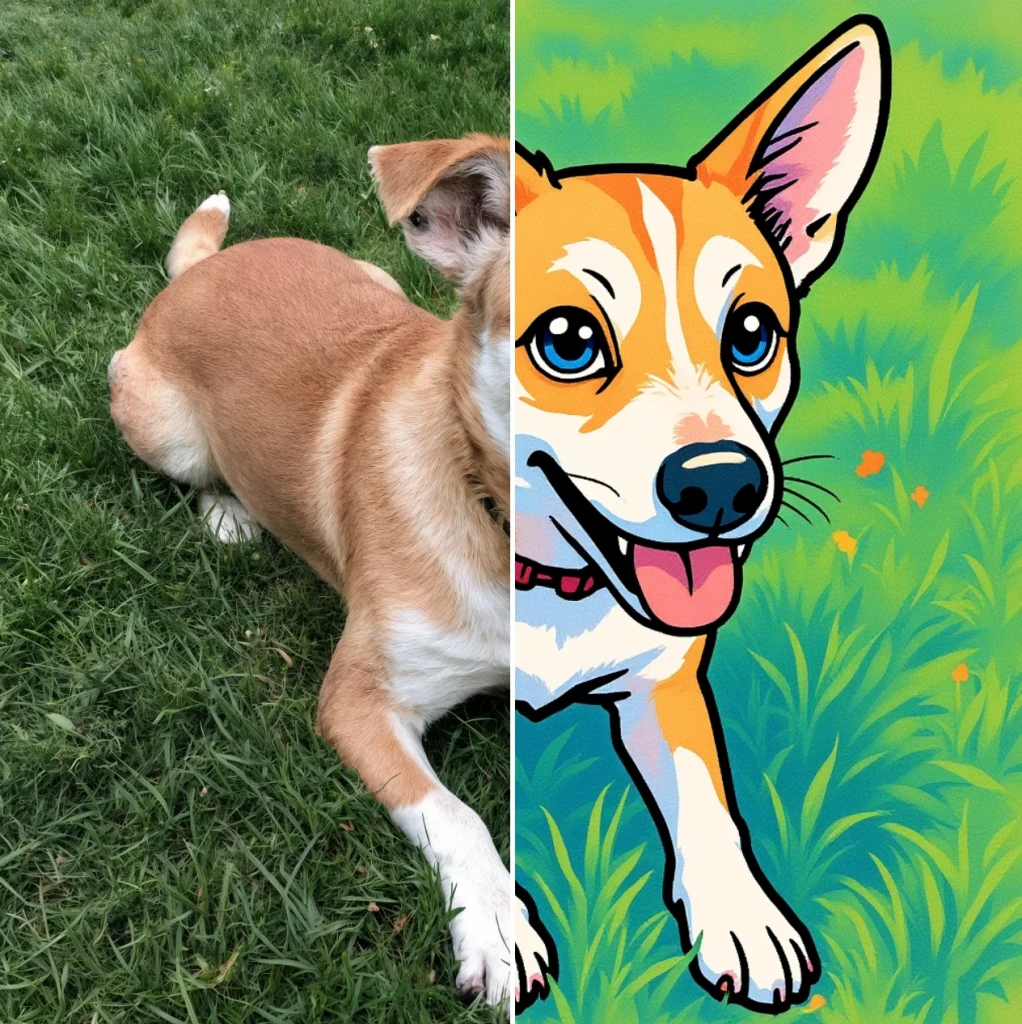 Cartoonify
AI Cartoon Generator - Turn a Photo Into a Cartoon for Free
- Edit
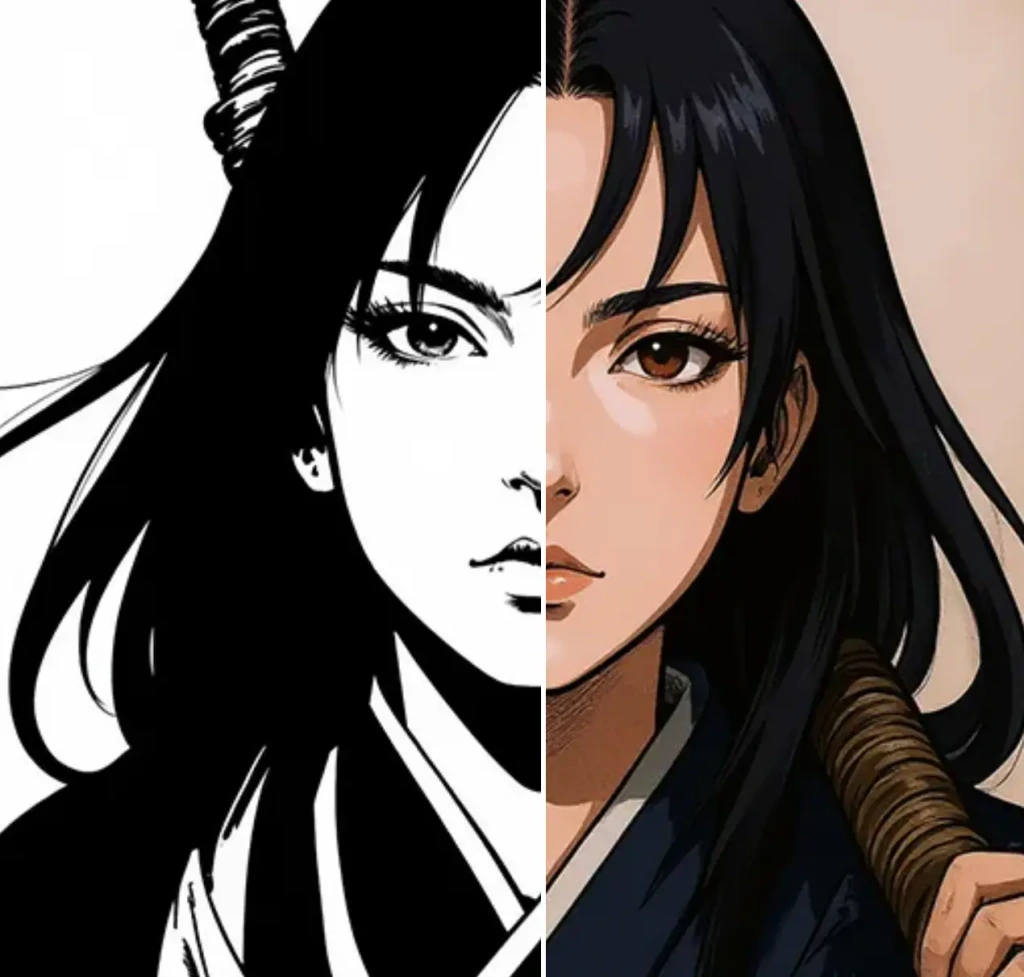 Colorize
Add vibrant colors to your photos for free.
- Edit
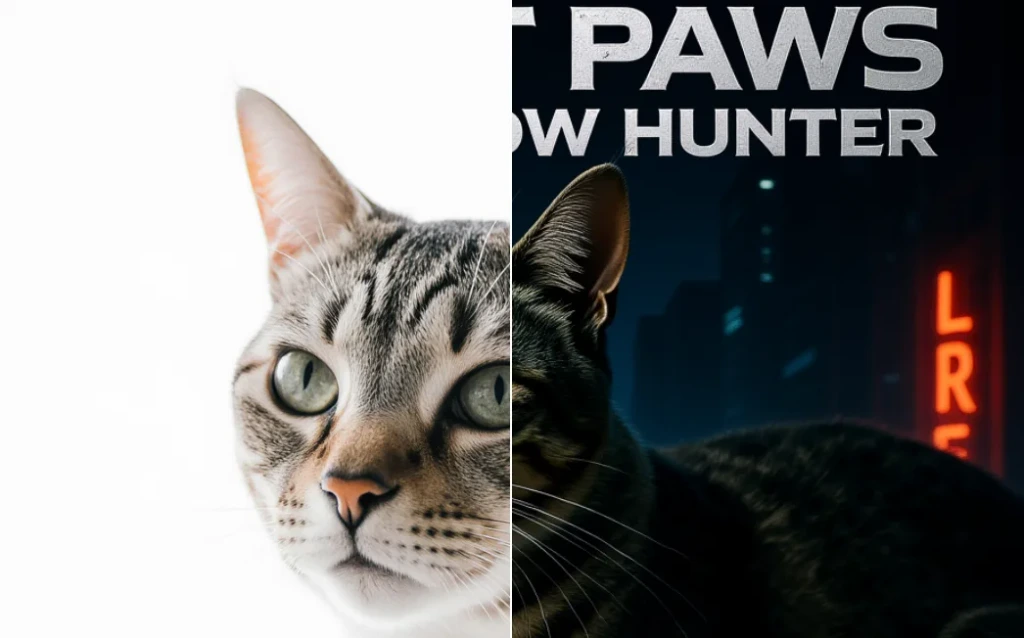 Movie Poster
AI Movie Poster Generator
- Edit
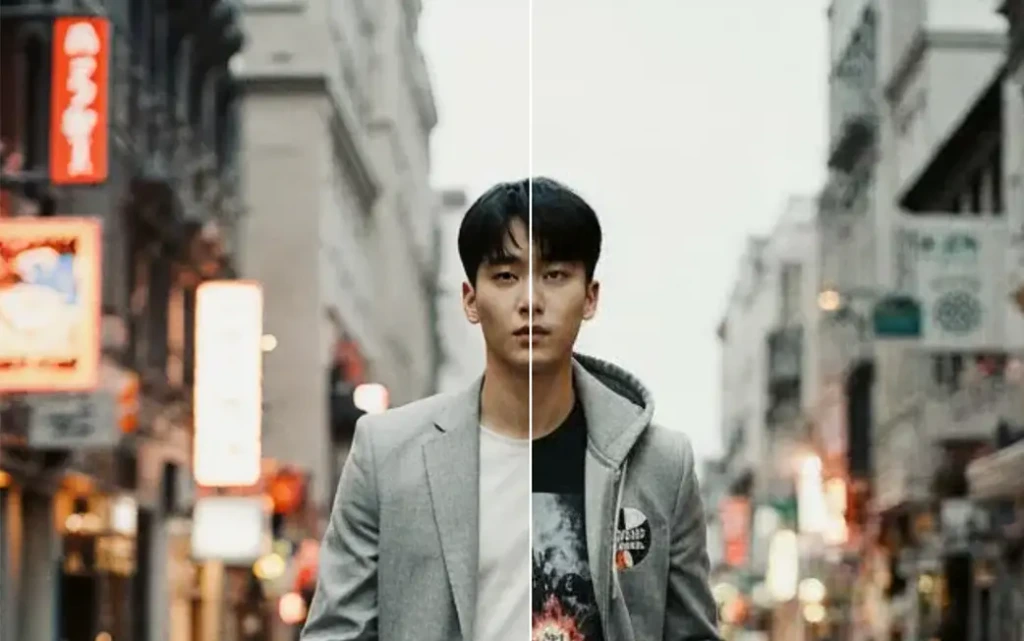 Clothes Changer
AI Clothes Changer - Free Virtual Try On
- Edit Nano Banana Image Editor
Edit Images with Nano Banana
- Edit
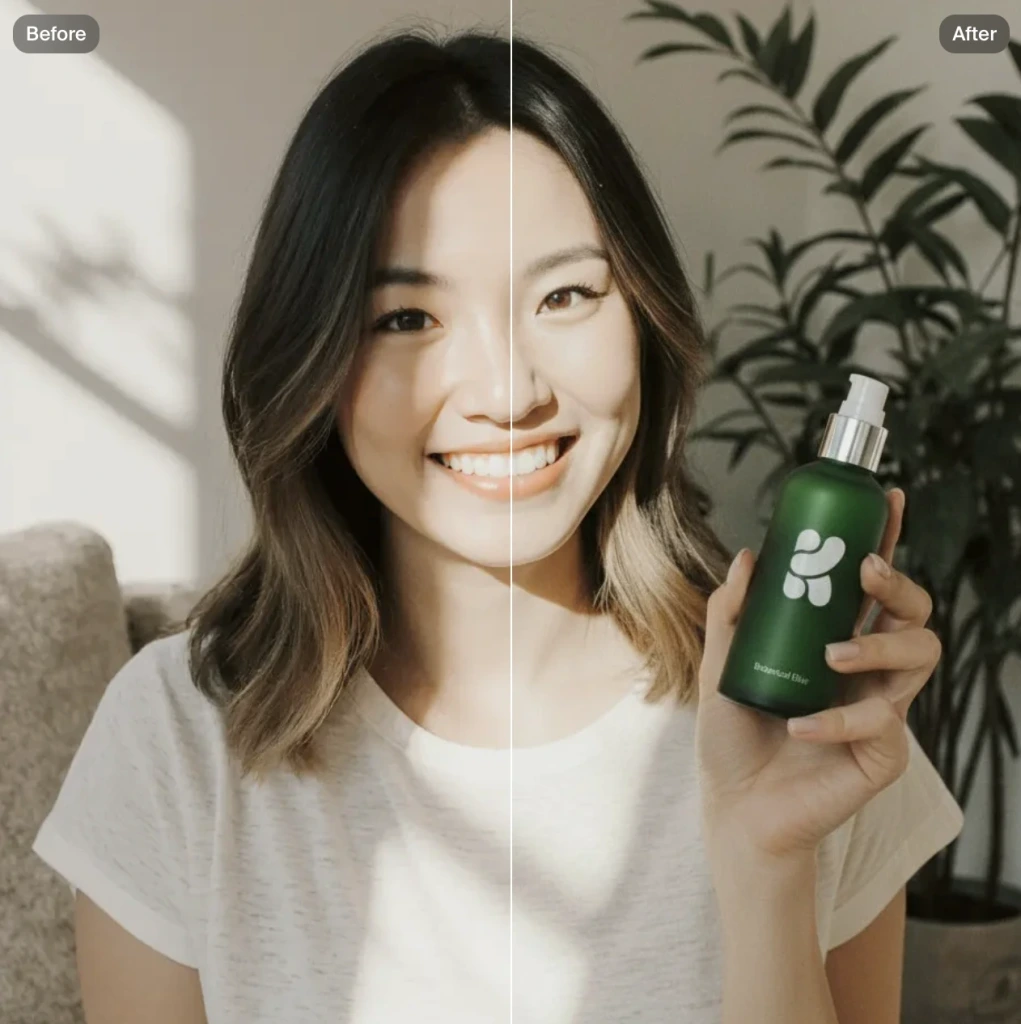 Product Photo
AI product photography with people holding products
- Edit
 Image to Image
Transform any image with AI for free
Community AI Apps
Discover AI apps created by the Krea community
- CommunityHydraulic Press
Watch your favourite item get crushed!
- CommunityGTA Me!
Upload a photo of yourself and complete the mission.
- CommunityCinematic 9-Angle Grid
This app turns a single 16:9 reference frame into a 3x3 collage of nine cinematic angles of the same action, keeping the characters, poses, and lighting while changing only the camera. Powered by Nano Banana Pro for maximum realism and quality.
- CommunityAnimorph Yourself
Upload your photo and an animal image, and get your own Animorph-style transformation sequence.
- CommunityCCTV Footage
Generate realistic multi-camera CCTV-style footage from a single image. Upload a photo and the app creates four different security-camera angles inside a convenience store.
- CommunityHairstyle Changer
Transform your hair into any hairstyle in any color.
- CommunityCaricature Me
Caricature Me turns everyday photos into bold, expressive caricatures that highlight what makes each face unique. By amplifying defining features while keeping the subject instantly recognizable, the app creates playful portraits that feel personal, funny and a little offensive.
- CommunityPhotoshoot App
Create a photoshoot from any input image.
- CommunityBehind The Scenes
Transform any image into a cinematic behind-the-scenes video. Upload a photo and watch the app reveal how the moment could have been filmed using dynamic camera setups, props, lighting, and crew movement.
- CommunityDigicam
Upload an image and the app places your face onto the screen of an early-2000s point-and-shoot camera.
- CommunityOn Set Selfie Generator
Generates POV selfies with actors from your chosen TV show or movie. Input your portrait + specify the show/film → outputs a realistic on-set selfie moment as if you're there with the cast. Perfect for fan content or immersive behind-the-scenes vibes.
- CommunityYou Plus Your Waifu
Create an image where you combine yourself and your favorite anime character
- Community# ASCII #
Turn any logo or object photo into a sleek black poster made of glowing white ASCII.
- CommunityGameboy Me
Create a Gameboy style character of yourself or any character you choose, let the app decide your map setting and action as you move through the level
- Communityworkitstudio Photoshoot upscale 3
Created by @terrificstrikingmongoose
- CommunityStyrofoam Tray
Place any object or your head in the Styrofoam Tray
- CommunityHair Tattos
Upload your logo or any shape the app will realistically shave it onto the horse. No horses were harmed <3
- CommunityNEO METAL PLATE
Upload your logo or image the app will instantly emboss it onto a metal plate with realistic depth and volume. You can also try close-ups of characters for experimentation. Just upload the metal does the rest.
- CommunityMoving Ad
Upload an image or a poster, and the app places your design on the back of the vehicle and generates a video of the van driving.
- CommunityLogoSkin
Add your logo and choose any texture
- CommunityBobblehead Maker
Create a bobblehead figurine of any character
- CommunityLabubu Creator
Turn yourself into a Labubu with box art!
- CommunityYouTube Clickbait Thumbnail Generator
Generate MrBeast-style youtube thumbnail showing your face and with a title of your choosing!
- CommunityExtract garment tool
Tool for extracting clothing from a photo
- Community360 Sunglasses Product Video
Upload an image of your model and an image of the glasses, and get a 360° rotation video showing the model wearing the glasses.
- CommunityOutfit 💥 Exploder
Create an explosive scheme for your outfit using just one photo
- CommunityRare Artifact
Upload a product image (a high quality image with a white background will work best)
- CommunityDollz Maker
Upload your image and instantly get a cute pixel-art version of yourself inspired by early 2000s doll makers.
- CommunityImage Reverse Prompt Generator
Upload a picture, and the system will first conduct a complete and detailed structural analysis of the picture (subject, composition, style, elements), and then automatically convert the analysis results into a standardized JSON Prompt, and directly send it to the image generation node for reproduction or re-creation of new pictures with the same style.
- CommunityConvert to Anime
Convert a headshot of yourself into a cute moe anime profile picture.